Best Enterprise Collaboration Tools in 2026: 8 Tools Compared
Our best enterprise collaboration tools guide compares 8 platforms for chat, meetings, docs, and projects, with enterprise security and pricing notes.
- Editor's choice
 Microsoft Teams
Large companies already on Microsoft 365
Starts at$4 per user per monthVisit microsoft.comFull review - Great alternative
 Slack
Chat-first enterprises and product teams
Starts at$7.25 per user per monthVisit slack.comFull review - Also consider
 Google Workspace
Companies built around Gmail and Drive
Starts at$6 per user per monthVisit workspace.google.comFull review
TL;DR:
- Microsoft Teams is the default for many large companies because it arrives inside Microsoft 365, where documents, email, and meetings already live.
- Slack remains the strongest chat-first choice, with deep integrations and a mature channel model, at $7.25 per user per month for Pro on annual billing.
- Google Workspace suits companies built around Gmail and Drive, since Chat, Meet, and Docs share one account and permission model.
- Notion and Asana fill different gaps, with Notion for shared knowledge and Asana for tracked work, so many enterprises run one beside a chat tool.
Quick comparison
| Tool | Best for | Starts at | Free plan? | |
|---|---|---|---|---|
| Microsoft Teams | Large companies already on Microsoft 365 | $4 per user per month | Yes | Visit |
| Slack | Chat-first enterprises and product teams | $7.25 per user per month | Yes | Visit |
| Google Workspace | Companies built around Gmail and Drive | $6 per user per month | Free trial | Visit |
 Zoom Workplace | Enterprises that lead with video meetings | See website | Yes | Visit |
 Notion | Shared knowledge, docs, and wikis | $10 per user per month | Yes | Visit |
 Asana | Enterprises tracking cross-team work | $10.99 per user per month | Yes | Visit |
 Cisco Webex | Large and regulated organizations | See website | Yes | Visit |
 Miro | Visual planning and workshops | $8 per user per month | Yes | Visit |
The best enterprise collaboration tools
Enterprise collaboration is not one app but a stack, so we compared chat, meetings, documents, and work tracking together, with attention to security, admin controls, and how each tool fits a large organization.
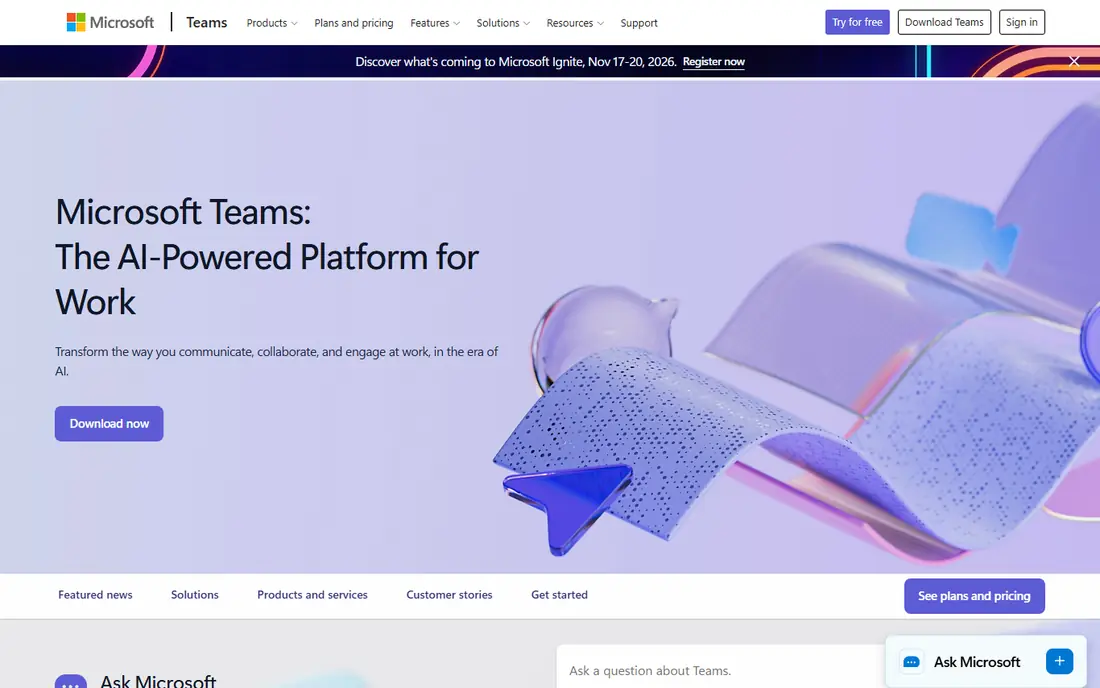
Microsoft Teams is the practical default for enterprises that already license Microsoft 365, since chat, meetings, and file collaboration arrive in the same account system. Channels organize team conversation, meetings support large groups with recording and transcription, and Word, Excel, and PowerPoint files can be edited together without leaving the app. Admin controls, retention, and compliance tools suit regulated industries, and guest access lets outside partners join without a separate account system.
The catch is sprawl, since Teams can grow into a crowded mix of chats, channels, apps, and files if no one owns naming and channel rules. Teams that do not already use Microsoft 365 should also compare standalone pricing, since the bundle value disappears without the rest of the suite.
- Meetings, chat, and channels
- Office co-authoring
- Enterprise security and compliance
- Can feel crowded
- Best value requires Microsoft 365
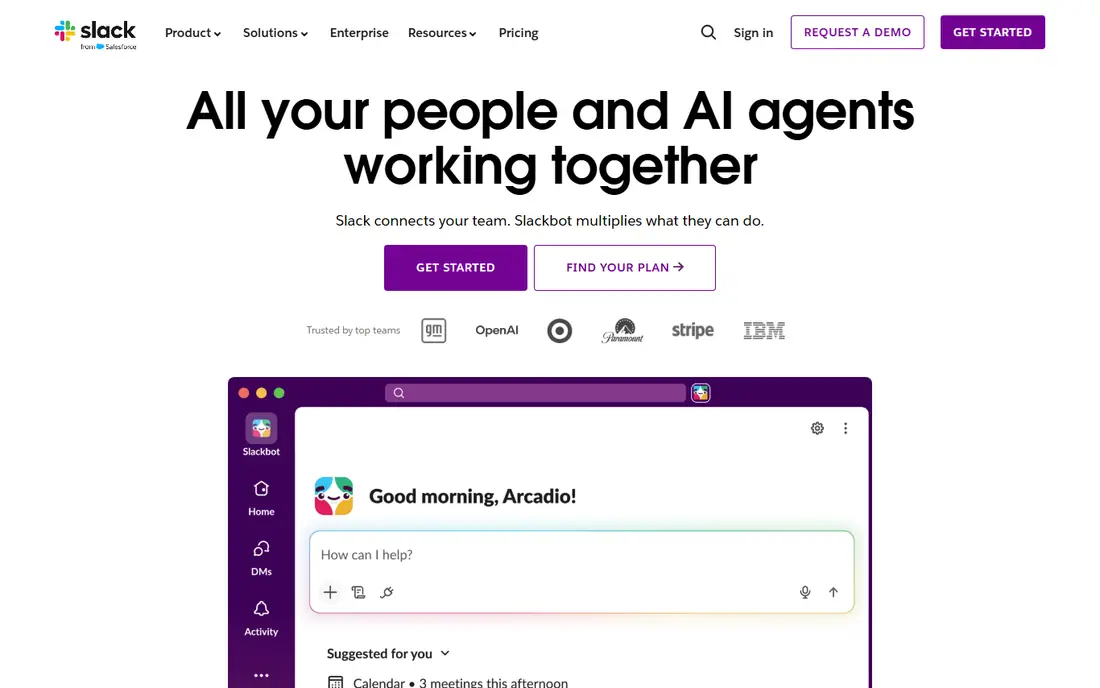
Slack remains the chat-first standard for product, engineering, and support teams that live in channels all day. Threads keep side conversations attached to the main topic, search finds old decisions quickly, and thousands of integrations bring alerts from code, tickets, and monitoring into the right channel. Workflow Builder and Slack AI help automate routine requests and summaries on paid plans, without forcing teams into a full project tool.
The catch is cost at scale, since Enterprise Grid pricing is quoted and the free plan limits message history to 90 days. Companies that also pay for Microsoft 365 should check for overlap first, since paying for both chat systems is one of the most common enterprise wastes.
- Channels and threads
- Thousands of integrations
- Workflow automation
- Message history limits on free plan
- Enterprise Grid is quote based
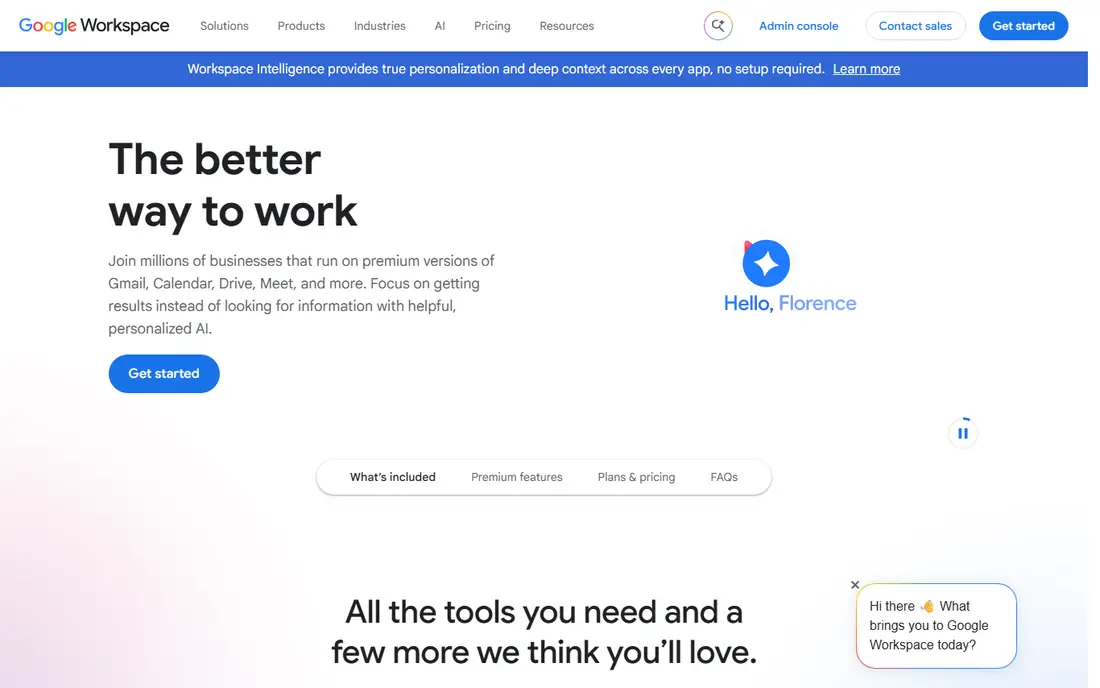
Google Workspace gives an enterprise one account for email, documents, chat, and meetings, which keeps sharing and permissions consistent across tools. Docs, Sheets, and Slides support live co-editing with comments, Chat spaces organize topic discussion, and Meet handles video calls without a separate license. Admin controls for device management, data regions, and retention help larger companies meet policy needs while staff use familiar consumer-style apps.
The catch is that Google Chat is simpler than Slack for channel workflows and integrations, so chat-heavy teams may still add Slack beside it. Higher Workspace tiers are also needed for the strongest security and archiving features, so the entry price is not the enterprise price.
- Gmail, Drive, Docs, Chat, and Meet in one suite
- Strong sharing controls
- Chat is less rich than Slack
- Enterprise features need higher tiers
Zoom Workplace is still the meeting-first choice for many large companies, with reliable video for small calls, large town halls, and webinars. Meetings, team chat, whiteboards, and phone can sit in one client, and room systems extend the same experience to conference rooms. Recording, transcription, and AI summaries help distributed teams catch up without attending every call live.
The catch is that document collaboration and project tracking are not Zoom strengths, so most enterprises pair it with Drive, SharePoint, or Notion. Bundle pricing also varies, so compare the meeting, phone, and chat pieces you actually need against a suite that already includes them.
- Reliable large meetings and webinars
- Phone and chat options
- Room systems
- Collaboration beyond meetings needs add-ons
- Pricing varies by bundle
Notion works best as a shared brain for an enterprise, holding wikis, meeting notes, specs, and team hubs in one searchable place. Pages combine text, tables, and databases, so a team can run a content calendar, a decision log, and a handbook from the same workspace. Templates speed setup, and permissions control who can view or edit each space, which matters once hundreds of people share one workspace.
The catch is governance, since Notion grows messy fast if no one owns structure, naming, and archiving. It also lacks the portfolio and workload depth of a dedicated project tool, so complex delivery programs usually still need Asana, Jira, or a similar tracker.
- Flexible docs, wikis, and databases
- Templates
- AI features on paid plans
- Can become messy without owners
- Not a full project tracker for complex work
Asana turns collaboration into owned work, with tasks, owners, due dates, timelines, and portfolios that show progress across many teams. Managers can see workload before assigning more work, and automation rules can move tasks, notify owners, and update status without manual chasing. Forms and templates standardize intake for requests, so work arrives with the details needed to start instead of a vague chat message.
The catch is per-user pricing at scale, since every collaborator who needs full access adds to the bill. Asana also works best when teams commit to updating tasks, so a company that only wants chat and docs may find it heavier than it needs.
- Projects, timelines, and portfolios
- Workload views
- Automation rules
- Per-user cost adds up
- Free plan is limited to small teams
Cisco Webex suits large organizations that need meetings, messaging, and calling under strict security and compliance rules. Its meeting platform handles large events, breakout sessions, and transcription, while messaging and calling keep day-to-day work in the same app. Hardware options for rooms and desk phones help companies that still run many physical offices alongside remote teams.
The catch is buying complexity, since enterprise pricing is often quoted and bundles vary by meetings, calling, and devices. Smaller or cloud-native teams may find Webex heavier than Teams, Slack, or Zoom for the same day-to-day collaboration.
- Meetings, messaging, and calling
- Strong security
- Hardware room options
- Pricing is often quoted
- Interface can feel enterprise-heavy
Miro gives distributed teams a shared visual space for planning, workshops, and design reviews that chat and documents handle poorly. Boards hold sticky notes, diagrams, timelines, and embedded files, and templates help run retros, roadmaps, and brainstorms without starting blank. Real-time cursors and comments let large groups work together live, and boards can link back to Jira, Asana, or Slack tasks.
The catch is board sprawl, since old workshops pile up unless owners archive them and set clear naming rules. Pricing is also per editor, so count who actually edits versus who only views before you estimate cost for a large company.
- Infinite canvas boards
- Templates for workshops
- Integrations with major suites
- Per-editor pricing can surprise
- Boards need owners to stay useful
How we picked these
We compared vendor pricing pages, admin and security documentation, and public feature pages in October 2026, judging each tool on chat, meetings, documents, work tracking, integrations, admin controls, and enterprise pricing clarity. We favored tools with a free plan or trial, published entry pricing, and clear security options, and we weighed suite value against best-of-breed depth. No vendor paid for placement, and where enterprise pricing is quoted we say so instead of inventing a figure.
Choosing collaboration tools without paying twice
Start by mapping the four layers your company actually needs, which are chat, meetings, documents, and tracked work, then check which layers your existing suite already covers. Many enterprises waste money by paying for Slack and Teams, or for three project tools, when one layer would do. Then pilot with two or three real teams, set channel and workspace owners from day one, and review usage after 90 days to cancel overlap before it becomes a permanent cost.
FAQ
Should an enterprise pick one suite or best-of-breed tools?
A suite usually wins on cost, accounts, and security, while best-of-breed tools win on depth for one job like chat or visual planning. Most large companies land in the middle, with one suite as the base and one or two specialist tools for work the suite handles poorly.
How do we avoid paying for both Slack and Teams?
Pick one as the primary chat system, limit the other to external partners or a named exception, and measure active use after a trial period. If both stay active with the same people, the overlap is a policy problem, not a tool problem.
What security features matter most at enterprise scale?
Single sign-on, granular permissions, retention and legal hold, audit logs, data residency options, and guest controls matter more than feature count. Confirm which of these sit on the enterprise tier, since entry plans often lack several of them.
Do free plans work for enterprises?
Free plans work for a small pilot or a single team, but they usually limit history, storage, permissions, or support. Budget for a paid tier once the tool holds real company knowledge or customer work.
How should we roll out a new collaboration tool?
Start with a few teams, name workspace owners, publish simple naming and archiving rules, and train on the workflows people already do. A tool launch without owners and rules usually creates a second inbox instead of replacing the first one.