Best Enterprise Automation Software in 2026: 8 Tools Compared
Compare the best enterprise automation software, including UiPath, Power Automate, Pega and Appian, with pricing, governance, controls and scaling trade-offs.
- Editor's choice
 UiPath
Enterprise RPA and AI agents
Starts at$25 per monthVisit uipath.comFull review - Great alternative
 Automation Anywhere
Cloud-first agentic automation
Starts atSee websiteVisit automationanywhere.comFull review - Also consider
 Microsoft Power Automate
Microsoft 365 enterprises
Starts at$15 per user per monthVisit microsoft.comFull review
TL;DR:
- UiPath is the clearest entry point among RPA leaders, with a published Basic tier from $25 a month.
- Power Automate is usually the lowest-friction choice for companies already standardized on Microsoft 365.
- Pega and Appian suit enterprises that need process design, case handling and automation in one system.
- Most enterprise pricing is quoted, so compare three-year cost per successful run, not just the first-year quote.
- Governance, audit logs and access controls matter more at scale than the demo workflow speed.
Quick comparison
| Tool | Best for | Starts at | Free plan? | |
|---|---|---|---|---|
| UiPath | Enterprise RPA and AI agents | $25 per month | Free trial | Visit |
| Automation Anywhere | Cloud-first agentic automation | See website | Free trial | Visit |
| Microsoft Power Automate | Microsoft 365 enterprises | $15 per user per month | Yes | Visit |
 SS&C Blue Prism | Governed RPA at scale | See website | Free trial | Visit |
 Pega | Process design plus automation | See website | Free trial | Visit |
 Appian | Low-code process apps | See website | Free trial | Visit |
 Nintex | Workflow, forms and RPA combined | See website | Free trial | Visit |
 Workato | Enterprise app integration | See website | Free trial | Visit |
The best enterprise automation software
Enterprise automation software has to do more than run a single bot well. It must handle permissions, audit trails, change control and hundreds of processes without becoming a maintenance burden. We compared official pricing pages, product documentation and public reviews, with a focus on governance and total cost.
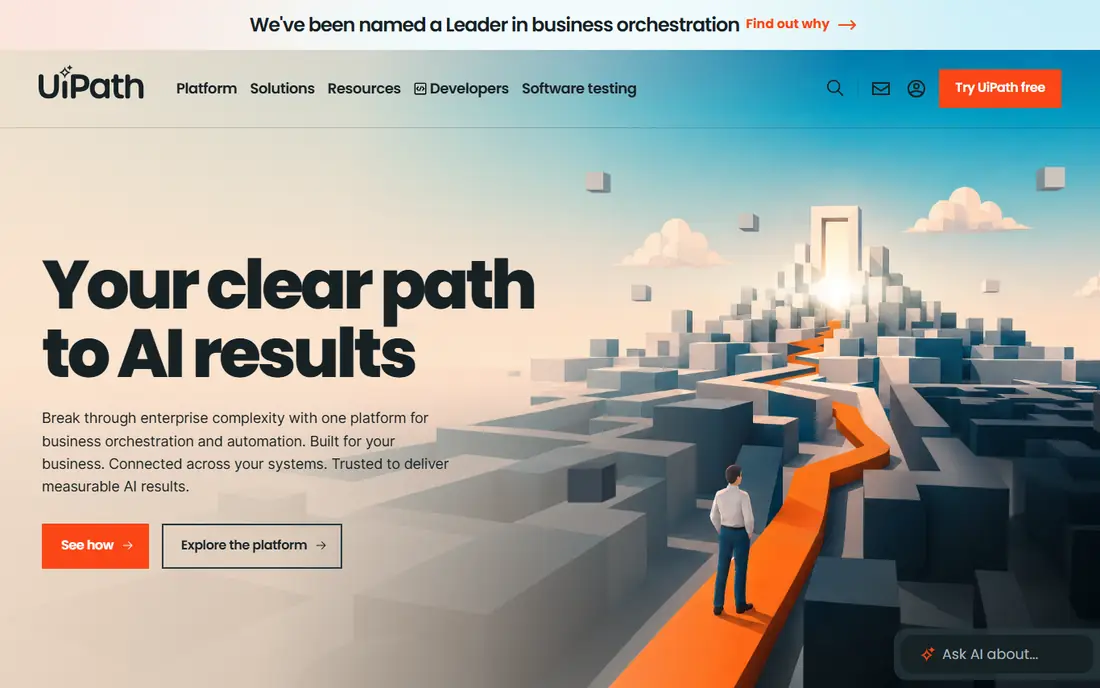
UiPath is our pick for enterprises that want a standard RPA platform with a clear upgrade path. Basic starts at $25 a month for personal automations, while Standard adds enterprise automation, agents, document extraction and orchestration. The platform also covers testing, process monitoring and governance, which helps a central team keep many bots in good shape.
The honest cost warning is that the entry tier is not the enterprise bill. Robot licenses, orchestration, support and hosting can stack up, and screen-based bots break when an application interface changes. Budget for maintenance and for a center of excellence, not just for licenses, and pilot two or three real processes before a wide rollout.
- Published Basic tier
- Strong Studio builder
- Cloud and on-premise options
- Full enterprise licensing is complex
- Screen automation needs maintenance when apps change
Automation Anywhere suits enterprises that want to run automation mainly in the cloud and add AI agents to existing workflows. Its platform includes orchestration, document automation, AI governance and a copilot-style assistant for builders. For teams that prefer browser-based development over desktop tooling, the day-to-day experience can feel lighter than older RPA tools.
The main drawback is pricing transparency. Without a full published list, budgeting depends on a sales quote, so ask for a three-year total that includes bots, orchestration, support and any AI usage. Also confirm hosting and data residency options early if your company has strict location rules.
- Browser-based building
- AI agent studio
- Strong document automation
- No full public price list
- Cloud focus may not suit every on-premise requirement

Power Automate is often the pragmatic enterprise choice because the apps it connects are already in use. Premium is $15 per user a month billed annually, Process is $150 per bot a month, and Hosted Process is $215 per bot a month. Cloud flows, desktop flows and AI Builder can cover a wide range of back-office work, from approvals to data syncs.
At enterprise scale, the risk is sprawl. Citizen-built flows can multiply quickly, and a flow owned by someone who leaves can stop working or lose its license. Set up environments, data loss prevention policies and ownership rules before you invite the whole company to build.
- Included in many Microsoft estates
- Attended and unattended flows
- Process mining
- Premium connectors and per-bot pricing add up
- Governance needs active admin work
Blue Prism has long appealed to regulated enterprises that need tight control over who can build, run and change a bot. Its WorkHQ and orchestration tools give managers a central view of work, while AI Gateway and related products extend automation toward agents and document handling. For banks, insurers and large service firms, that control model is often the deciding factor.
The trade-off is that Blue Prism is rarely a quick self-serve purchase. Pricing is quoted, and a serious rollout usually needs experienced implementers. That is acceptable when governance is the priority, but smaller teams will find UiPath or Power Automate easier to start with.
- Strong governance model
- WorkHQ orchestration
- AI agent and gateway options
- Quote-based pricing
- Implementation often needs specialist skills
Pega is different from pure RPA tools because it starts with the process itself. Teams model the end-to-end journey, define rules and cases, then automate steps inside that model. That approach suits complex work such as claims, onboarding and service requests, where the process changes often and audit history matters.
The cost is complexity. Pega projects tend to need trained builders and careful design, and pricing is quoted after scoping. It is a good fit when a broken process is the real problem, but it is more platform than a team needs for a handful of repetitive desktop tasks.
- Process modeling and case management in one platform
- Strong workflow rules
- Enterprise scale
- Quote-based pricing
- Learning curve for new builders
Appian lets enterprises build process applications rather than just bots. A team can create forms, cases, dashboards and automated steps in one application, which is useful when work moves between people, systems and approvals. Automation sits inside the app, so the process owner can see status without chasing separate bot logs.
Appian is not a casual purchase, and pricing is quoted. It also needs builders who understand data models and process design, even though coding is reduced. Choose it when the outcome is a working business application, not only a faster manual task.
- Low-code apps with automation inside
- Strong case and data handling
- Process mining options
- Quote-based pricing
- App-building skills still required
Nintex appeals to teams that want one vendor for several automation jobs. Workflow automation handles approvals and routing, forms collect structured data, document tools generate contracts and letters, and RPA covers systems without APIs. That breadth can reduce the number of vendors an IT team has to manage.
The catch is that breadth can also add licensing and admin work if a team only needs one piece. Map the exact modules you will use in year one, and ask what happens to pricing if you drop a module later. For mid-market teams, Nintex often sits in a useful middle ground between point tools and large process platforms.
- Workflow, forms, document generation and RPA in one suite
- Useful for mid-market to enterprise teams
- Quote-based pricing
- Breadth can mean extra modules to manage
Workato is best viewed as enterprise integration with automation built in. Recipes connect CRM, ERP, HR and finance systems, and admins get controls for access, deployment and auditing. That makes it a strong choice when the main problem is systems that do not talk to each other, rather than desktop tasks.
For pure RPA work, Workato is not the closest fit, and pricing is quoted for enterprise use. It earns its place here because many enterprise automation programs fail at integration, not at bot building, and Workato addresses that gap directly.
- More than 1,200 connectors
- Strong governance
- On-premise connectivity on suitable plans
- Enterprise pricing is quoted
- Heavier than small teams need
How we picked these
We compared official product pages, pricing pages where available, documentation and public reviews, and we favored platforms with clear governance, orchestration and support for large deployments. A product qualified if it could support many processes, many users and formal change control, not just a single department pilot. Where pricing was not published, we said so rather than inventing a figure.
How to choose an enterprise automation platform
Start by naming the problem in business terms, such as reducing claims handling time or removing manual order entry. Then check whether the fix needs RPA, API integration, process redesign or a mix of all three. Many buyers choose an RPA tool when they actually need a process application, and that mismatch shows up later as rework.
Next, run a pilot with real data, real users and real failure cases. Measure time saved, error rate, maintenance effort and cost per successful run over at least a month. Ask vendors for a written three-year estimate that includes licenses, bots, orchestration, support, hosting and AI usage, and ask how renewal pricing is capped.
Finally, plan governance from day one. Decide who can build, who approves a production change, how credentials are stored and how bots are monitored. A platform that looks fast in a demo can become risky at scale if no one owns those controls.
FAQ
What is the best enterprise automation software?
UiPath is a strong default for RPA-led programs, Power Automate is best for Microsoft estates, and Pega or Appian fit process-led programs. The best enterprise automation platform depends on whether the core problem is desktop tasks, system integration or end-to-end process design.
How much does enterprise automation software cost?
Entry prices range from $15 to $25 a month for limited tiers, but enterprise programs are usually quoted and can run into tens of thousands a year. Compare three-year cost per successful run, including bots, orchestration, support and maintenance, rather than the first-year license alone.
What is the difference between RPA and enterprise automation?
RPA automates tasks inside existing applications, often through the user interface. Enterprise automation is broader and can include API integration, workflow, AI agents and process applications. Many large programs use several of these together.
Do enterprise automation tools need developers?
They need a mix of skills. Business analysts can build simple flows on several platforms, but complex processes, integrations and governance usually need developers or trained automation specialists. Plan for that staffing cost in the business case.
Which enterprise automation tool is best for Microsoft shops?
Microsoft Power Automate is usually the best fit because it connects Outlook, Teams, SharePoint, Dynamics and Azure services with familiar licensing. It still needs governance, and unattended bots and premium connectors add cost beyond the per-user price.
How long does an enterprise automation rollout take?
A small pilot can run in four to eight weeks, while a governed enterprise program takes several months. The slower parts are usually process design, security review, data access and change control, not building the first workflow.