5 Best Interactive Whiteboard Software for Remote Teaching for 2026, Vetted and Compared
Need the best interactive Whiteboard software for remote teaching? We compare 5 tools on cost, free access and who each suits. Each entry gets a plain verdict.
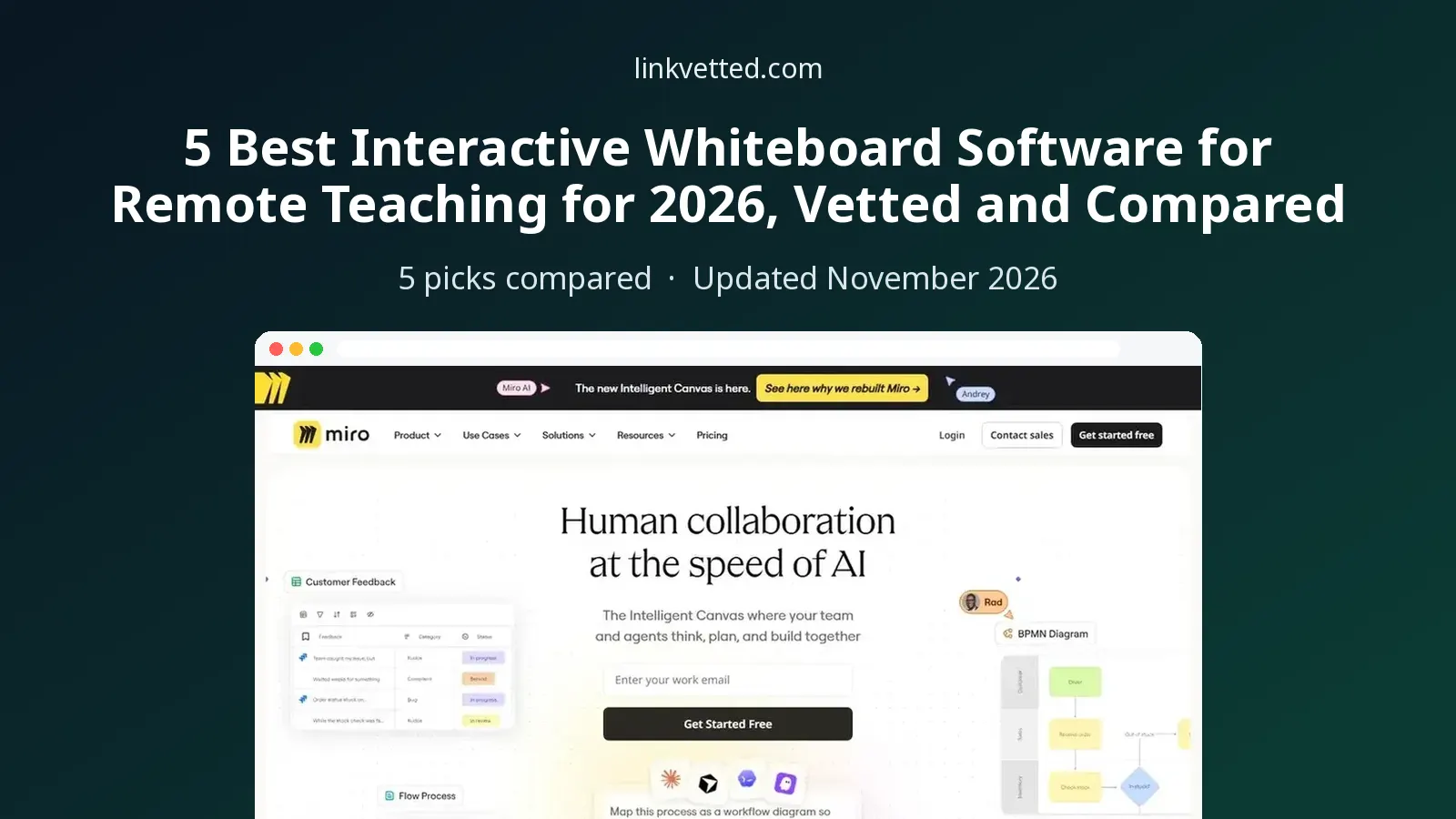
- Editor's choice
 Lucidspark
Virtual whiteboarding for ideation and planning
Starts atSee websiteVisit lucid.coFull review - Great alternative
 Nearpod
Interactive lessons and student engagement
Starts at$159 per yearVisit nearpod.comFull review - Also considerClassIn
All-in-one hybrid and virtual classroom
Starts at$99 a month per teacherVisit classin.comFull review
Direct answer
Lucidspark leads the list, best for virtual whiteboarding for ideation and planning. Listed starting prices: Nearpod from $159 per year, ClassIn from $99 a month per teacher and Miro from $8 per member per month. Alternatives: Nearpod for interactive lessons and student engagement, and ClassIn for all-in-one hybrid and virtual classroom. The other 2 tools in the list cover narrower or pricier cases.
TL;DR:
- Lucidspark takes the first slot, best suited to virtual whiteboarding for ideation and planning.
- Free plans exist at 4 of 5 tools (Nearpod, ClassIn, Miro, Pear Deck).
- For K-12 formative assessment and engagement, Pear Deck is worth a look.
- Starting prices begin at $8 per member per month with Miro.
- The main caution on Nearpod: less adaptable for open-ended whiteboarding.
Last checked November 2026. Prices and plan details were read from the vendors' own pages in November 2026; vendors change plans often, so confirm the current price on the vendor site before you buy.
Quick comparison
| Tool | Best for | Starts at | Free plan? | |
|---|---|---|---|---|
| Lucidspark | Virtual whiteboarding for ideation and planning | See website | Not stated | Visit |
| Nearpod | Interactive lessons and student engagement | $159 per year | Yes | Visit |
| ClassIn | All-in-one hybrid and virtual classroom | $99 a month per teacher | Yes | Visit |
 Miro | Versatile visual collaboration and ideation | $8 per member per month | Yes | Visit |
| Pear Deck | K-12 formative assessment and engagement | $125 a year | Yes | Visit |
Interactive Whiteboard Software for Remote Teaching, one by one
If you are comparing interactive Whiteboard software for remote teaching, this page covers 5 tools in one place: what each is best for, what it costs to start, whether it has a free plan, and the main limit to know about.
Lucidspark is built with virtual whiteboarding for ideation and planning in mind. Lucidspark is a virtual whiteboard where ideas ignite, meant to maximize team connection, collaboration, and creativity. It lets teams to move smoothly from ideation to planning and building.
From a buyer's view, Lucidspark is part of the Lucid suite. So it may need a separate account and may not integrate straight with learning management systems. If you need a tool with built-in student assessment and lesson delivery, consider Nearpod or Pear Deck instead. Lucidspark shows no starting price here, so confirm the cost on the vendor site. Free options: Not stated.
Downsides: Less focus on education-specific tools.
- Smooth transition from ideation to planning
- Collaborative virtual whiteboard
- May need separate Lucid account
For interactive lessons and student engagement, Nearpod is a natural candidate. Nearpod fosters a love of learning by enabling educators to build active learning experiences students can't wait to be a part of. More specifically, Nearpod shines when you want to deliver interactive, teacher-led content.
For remote teaching, Nearpod excels at keeping students engaged through interactive slides, polls, quizzes, and collaborative activities, making it a strong match for structured virtual lessons. On top of that, Nearpod is more centred on guided lessons and assessments than on open-ended whiteboarding, so it may not suit freeform collaboration. Starting cost for Nearpod: $159 per year. Free access exists with Nearpod.
Limits to weigh: Needs teacher preparation for lessons.
- Builds active learning experiences
- Live feedback and assessment
- Less adaptable for open-ended whiteboarding
ClassIn
Best for: All-in-one hybrid and virtual classroom
ClassIn is a good fit for all-in-one hybrid and virtual classroom. ClassIn is a one-stop learning option for hybrid and virtual learning, supplying interactive classrooms, an in-school social app, lesson scheduling, homework management, and school management.
Honest limits: Less focus on open-ended whiteboarding.
More specifically, for remote teaching, ClassIn gives you a full system that supports live classes, collaboration, and administrative tasks, making it right for schools and institutions seeking an integrated virtual classroom environment. ClassIn pricing: $99 per month per teacher. You can start on ClassIn without paying.
- One-stop option for digital learning
- Homework management and school management
- May need institutional setup
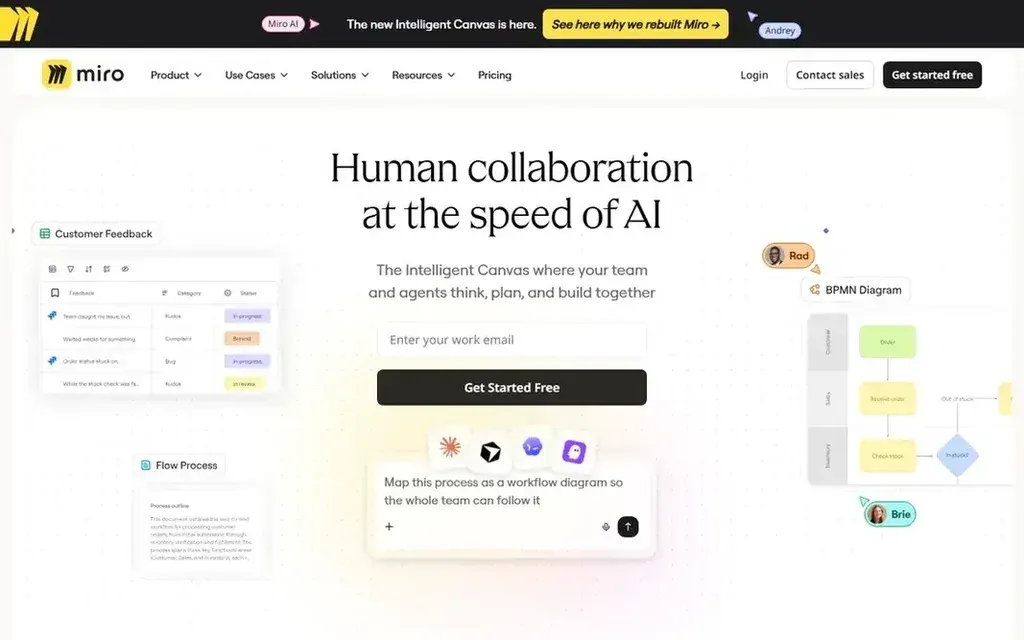
Miro targets versatile visual collaboration and ideation. Miro is an AI innovation workspace that accelerates product development from ideation to launch. It aligns teams and breaks tool silos in one visual system.
What to check first: May need onboarding for new users.
In daily use, for remote teaching, Miro gives you an expansive canvas where educators and students can collaborate in live, making it ideal for brainstorming, planning, and interactive lessons that need a flexible, open-ended workspace. On top of that, if you need a more education-focused tool with built-in assessment features, consider Nearpod or Pear Deck instead. What you pay to start with Miro: $8 per member per month. You can start on Miro without paying.
- Supports real-time team alignment
- AI-powered visual product
- Can be overwhelming with plenty of features
Pear Deck
Best for: K-12 formative assessment and engagement
Pear Deck is a good fit for K-12 formative assessment and engagement. For remote teaching, Pear Deck plugs into popular presentation tools to add interactive questions and formative assessments, helping teachers keep students engaged and track understanding.
In daily use, Pear Deck is best when you want to add interactivity to existing lessons and gather real-time student data. Pear Deck starts at: $125 per year. Pear Deck includes a free tier.
Trade-offs to know: May need add-on for full features.
- Thorough K-12 options
- Live feedback and differentiated instruction
- Primarily for K-12 settings
Selection criteria
Selection started from tools commonly considered for interactive Whiteboard software for remote teaching, then narrowed to 5 that have clear pricing information or a clear quote process. Treat prices as a snapshot: vendors change plans often, so check the vendor site for the figure that applies today. Order on the page follows fit for the typical buyer first, then price transparency and free access. Your own requirements should decide the final pick.
Before you commit
- Get a written quote from Lucidspark; the list shows no starting price for them.
- Look at free plan limits closely: Nearpod, ClassIn, Miro and Pear Deck have one, and the caps decide whether it is usable for real work.
- Read the limits listed for Lucidspark first: may need separate Lucid account.
- List the apps you already depend on and check that Nearpod supports each one on the plan you would buy.
- Look at the renewal terms for ClassIn: auto-renewal, notice periods and price changes can matter more than the first-year price.
FAQ
Is Lucidspark the right pick for everyone comparing interactive Whiteboard software for remote teaching?
No single tool suits every team. Lucidspark comes first because it fits virtual whiteboarding for ideation and planning, while Nearpod suits interactive lessons and student engagement and ClassIn suits all-in-one hybrid and virtual classroom. Match the tool to your own size, budget and workflow before deciding.
Which options for interactive Whiteboard software for remote teaching have a free plan?
On this list, Nearpod, ClassIn, Miro and Pear Deck include a free plan. Caps on seats, usage or features are common, so test the free plan against your real workload.
What is the best interactive whiteboard software for remote teaching?
Start with Lucidspark if you need virtual whiteboarding for ideation and planning. Nearpod is the better match for interactive lessons and student engagement, and ClassIn for all-in-one hybrid and virtual classroom. The best choice depends on budget, team size and workflow.
Can I try these tools before paying?
Often, yes. Nearpod, ClassIn, Miro and Pear Deck have a free plan. Use your own data and a real task during the test, and check what the free tier or trial limits before you rely on it.
What is the cheapest option for interactive Whiteboard software for remote teaching in this list?
On published monthly entry prices, Miro is the lowest here at $8 per member per month. Entry price is only part of the cost, because seats, add-ons and billing terms can change the total.
Sources
- https://lucid.co/lucidspark
- https://nearpod.com
- https://www.classin.com
- https://miro.com
- https://www.peardeck.com