Academic Scheduling Software for Small Business in 2026: The 6 Best Options Side by Side
Best academic scheduling software for small business: 6 tools compared on price, free plans and fit. Verdicts stay brief and factual. Read the profiles.
- Editor's choice
 SimplyBook.me
Booking widget for your own site
Starts at$11.9 a monthVisit simplybook.meFull review - Great alternativeBookly
WordPress sites needing booking
Starts at$39 per yearVisit booking-wp-plugin.comFull review - Also consider
 Setmore
Straightforward around-the-clock online booking
Starts at$5 per user a monthVisit setmore.comFull review
Direct answer
SimplyBook.me is the first pick on this list for booking widget for your own site. Listed starting prices: SimplyBook.me from $11.9 a month, Bookly from $39 per year and Setmore from $5 per user a month. Look at Bookly for WordPress sites needing booking, and at Setmore for straightforward around-the-clock online booking. Details, prices and limits for the rest of the 6 tools are below.
TL;DR:
- SimplyBook.me sits first on this list: booking widget for your own site.
- Free plans exist at 4 of 6 tools (SimplyBook.me, Bookly, Setmore, Calendly).
- Amelia fits WordPress appointments and events.
- Starting prices begin at $5 per user per month with Setmore.
Last checked November 2026. Prices and plan details were read from the vendors' own pages in November 2026; vendors change plans often, so confirm the current price on the vendor site before you buy.
Quick comparison
| Tool | Best for | Starts at | Free plan? | |
|---|---|---|---|---|
| SimplyBook.me | Booking widget for your own site | $11.9 a month | Yes | Visit |
| Bookly | WordPress sites needing booking | $39 per year | Yes | Visit |
| Setmore | Straightforward around-the-clock online booking | $5 per user a month | Yes | Visit |
 Acuity Scheduling | Configurable academic appointment booking | $16 a month | Free trial | Visit |
 Calendly | Meeting-centric scheduling and follow-up | $10 per seat a month | Yes | Visit |
| Amelia | WordPress appointments and events | $149 | Not stated | Visit |
Academic Scheduling Software for Small Business, one by one
LinkVetted put together this guide to academic scheduling software for small business for readers who want a clear shortlist without reading every vendor page. It compares 6 tools on starting price, free plans, who each one suits and where each one falls short.
SimplyBook.me makes the most sense for booking widget for your own site. For a small academic business, it supplies a way to let students and parents schedule sessions straight from your own website. The range of features means a ramp-up time during setup, and small operations may not use everything available.
For everyday use, configuration effort is real if you want the booking flow to match your brand closely. Choose SimplyBook.me when website-embedded booking and client self-service matter more than minimal setup. The starting price for SimplyBook.me: $11.9 per month. Free access exists with SimplyBook.me.
Downsides: Customization takes setup effort.
- Booking website or embeddable widget
- Client reminders and online payments
- Feature set can feel wide to learn
Bookly
Best for: WordPress sites needing booking
Where Bookly fits: WordPress sites needing booking. Bookly is a WordPress appointment booking plugin that automates appointments, payments and reminders from within an existing WordPress site. Pick Bookly when your website is already WordPress-based and you want booking built in.
Bookly relies on WordPress, so it is not a choice for companies without a WordPress site, and plugin maintenance is a continuing task. On top of that, for small academic companies already running a WordPress website, it keeps booking on the same system as course pages and content. Entry price for Bookly: $39 per year. Bookly includes a free tier.
Where it falls short: Needs a WordPress site.
- Payments and reminders
- Automates appointments
- Plugin setup and upkeep needed
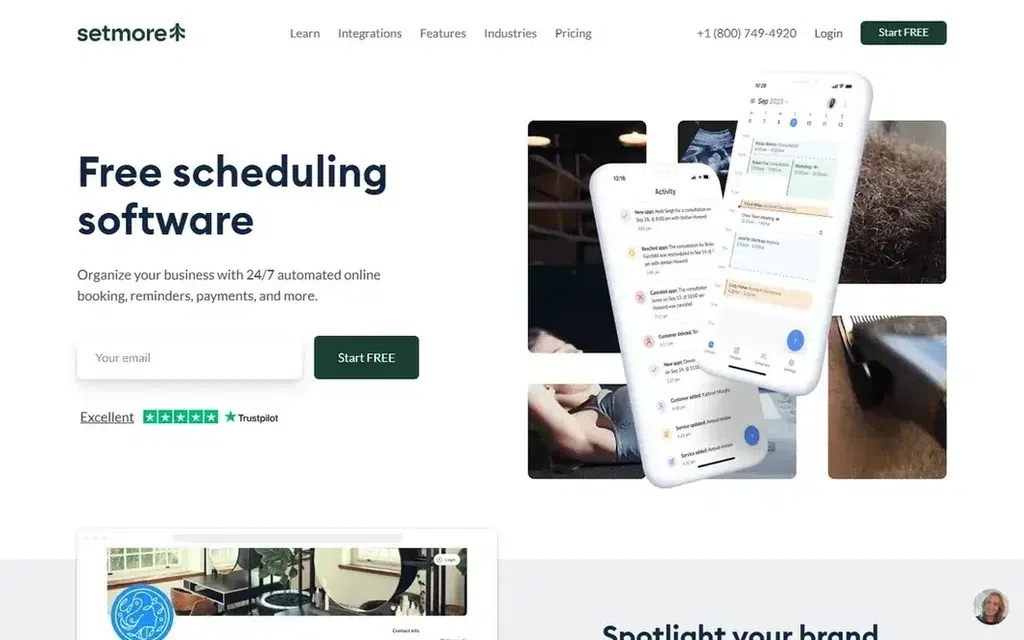
For simple around-the-clock online booking, Setmore is a natural candidate. Setmore is online appointment scheduling software that lets clients book around the clock and automates reminders to cut down on message exchanges.
For everyday use, reporting and workflow choices are restricted compared to more customizable systems. Worth adding: tutors and small studios that chiefly need steady self-service booking and reminder automation will find it approachable. Setmore cost at the entry level: $5 per user per month. Setmore includes a free tier.
What to check first: Customization is entry-level.
- Automatic reminders cut back-and-forth
- Straightforward appointment scheduling
- Fewer advanced workflow choices
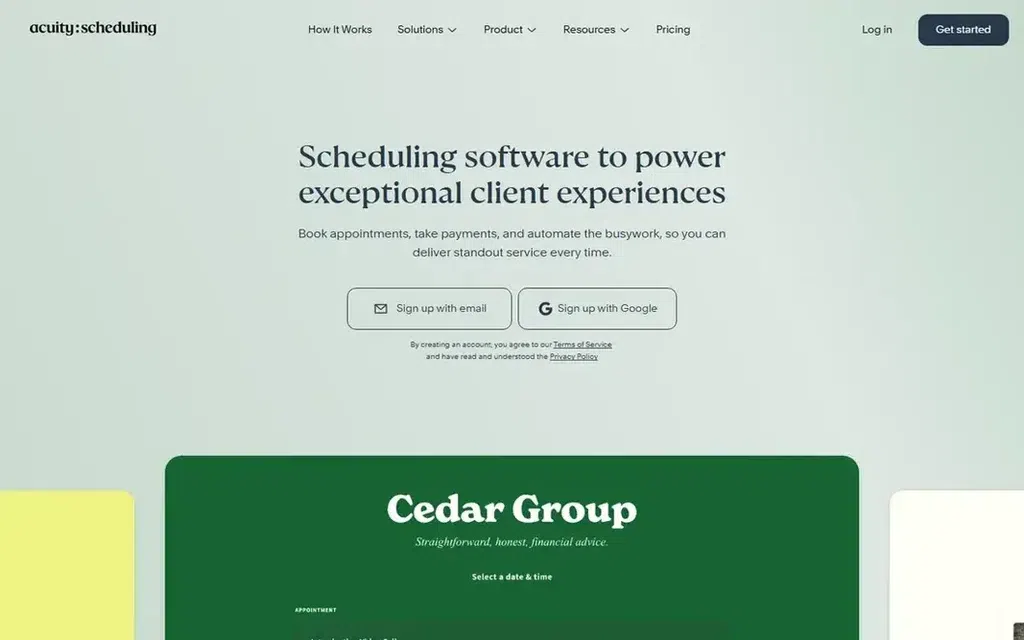
Acuity Scheduling is built with configurable academic appointment booking in mind. Acuity Scheduling is an online booking and appointment scheduling application built around automation and customization.
In daily use, for a small academic business, that means you can shape intake forms, availability and booking rules around lessons, consultations or coaching sessions. Also, the breadth of customization means initial configuration takes some time, and very straightforward operations may find it more than they need. Starting cost for Acuity Scheduling: $16 per month. Trial and free access: Free trial.
The main drawbacks: Advanced needs may push you elsewhere.
- Online booking and appointment management
- Works for solo tutors and small teams
- Setup choices can feel deep
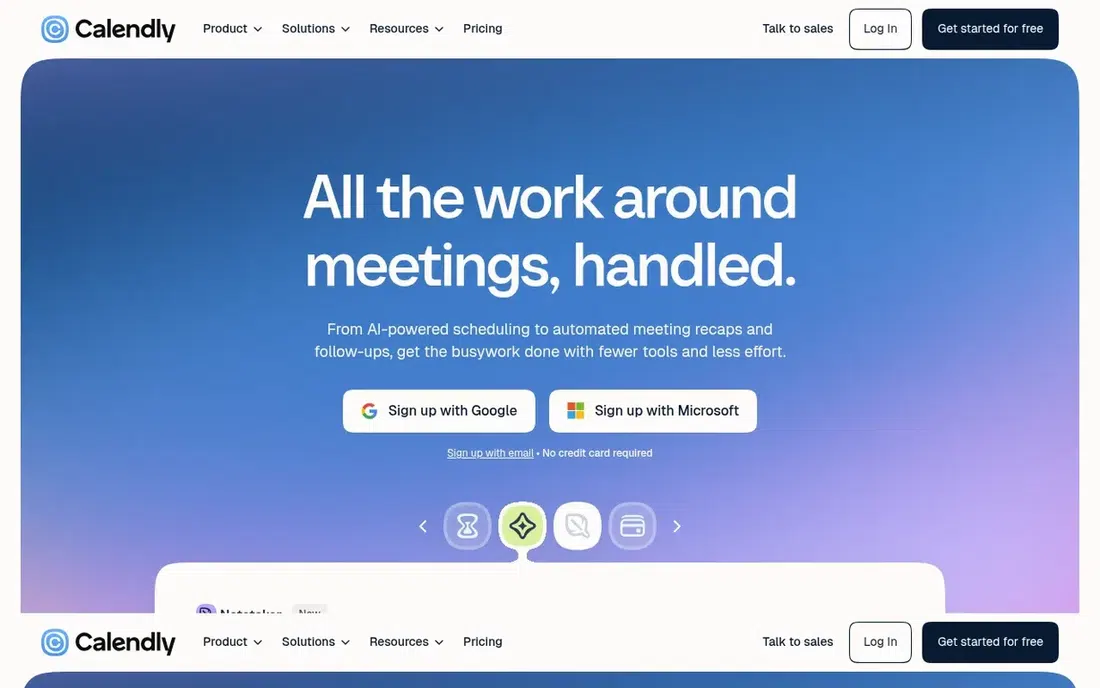
Calendly makes the most sense for meeting-centric scheduling and follow-up. Calendly is meeting scheduling software with tools that extend beyond the booking link into meeting preparation, payments, notetaking and follow-up. Calendly is oriented toward meetings instead of in-depth service menus, so firms selling tiered lesson packages may hit limits.
What Calendly does well: Eases work around meetings.
Limits to weigh: Less tailored to service catalogs. On top of that, customization of the booking experience is narrower than dedicated appointment platforms. If you need class-style bookings or rich service choices, compare a booking-first tool before committing. From a buyer's view, for academic companies that run consultations, parent meetings or one-to-one sessions, it keeps the surrounding work in one place. Calendly starts at: $10 per seat per month. Calendly has a free plan.
- Payments and prep
- Contact management and follow-up features
- Booking customization is narrower
Amelia
Best for: WordPress appointments and events
Amelia is designed for WordPress appointments and events. Like any WordPress plugin, Amelia needs a WordPress site and continuing maintenance. Also, choose Amelia when you need events alongside appointments, and consider a hosted booking service if you prefer no site maintenance.
More specifically, Amelia is a WordPress booking plugin for appointments and events, built to simplify scheduling inside a WordPress site. Beyond that, configuring both appointment and event flows takes some care, and very straightforward booking needs may not justify it. Price to start with Amelia: $149. Free access: Not stated.
Highlights: simplifies booking within WordPress. What to check first: Event and appointment setup takes care.
- Takes care of appointments and events
- Active installation base
- WordPress dependency
How we compared the tools
For each of the 6 tools we noted price, free plan or trial, fit for academic scheduling software for small business and the main limit, using vendor pages and documentation. Prices and plan limits come from vendor pages and can change, so confirm them on the vendor site before you buy. The ranking is editorial: typical fit first, then clear pricing, then free access. If your needs are unusual, read the profiles rather than relying on position.
Before you commit
- Check the vendor page for the current price: Setmore starts at $5 per user per month here, and seats or billing terms can move it.
- Read the fine print on the free plans from SimplyBook.me, Bookly, Setmore and Calendly; seat, project and feature caps differ.
- Take the trial from Acuity Scheduling and push a live task through it before you pay.
- Read the limits listed for SimplyBook.me first: feature set can feel wide to learn.
- Look at the renewal terms for Calendly: auto-renewal, notice periods and price changes can matter more than the first-year price.
- Make sure SimplyBook.me lets you export your data in a format another tool can read.
FAQ
Do these tools send reminders to students?
Multiple of the compared tools advertise automatic reminders, including Setmore, SimplyBook.me and Bookly. Reminders cut back-and-forth messages and missed sessions. Confirm the specific reminder channels and timing choices on each vendor site, since these details vary.
Which scheduling tool is a good match for a small tutoring business?
For most readers this guide would start with SimplyBook.me, built for booking widget for your own site. Bookly is the alternative for WordPress sites needing booking, and Setmore for straightforward around-the-clock online booking. The right answer depends on budget and workflow.
Do these tools publish their prices?
Yes. Every tool from SimplyBook.me to Amelia shows a starting price, though seats, add-ons and billing terms still change the final cost.
What should I check before choosing scheduling software?
Focus on the booking types you need, reminder choices, website integration, payment handling and how simple the client booking flow feels. Run a test booking as a client would.
Can I try these tools before paying?
Often, yes. SimplyBook.me, Bookly, Setmore and Calendly have a free plan and Acuity Scheduling offers a free trial. Use your own data and a real task during the test, and check what the free tier or trial limits before you rely on it.
Which options for academic scheduling software for small business have a free plan?
SimplyBook.me, Bookly, Setmore and Calendly offer a free plan in this list. Free plans usually cap users, projects or features, so check the limits on the vendor page. One other tool offers a trial instead.
Sources
- https://simplybook.me
- https://www.booking-wp-plugin.com
- https://www.setmore.com
- https://acuityscheduling.com
- https://calendly.com
- https://wpamelia.com