Best Acuity Scheduling Alternatives in 2026: 8 Tools Compared
Compare the best acuity scheduling alternatives for service businesses, teams and solo operators, with current pricing, free plans and honest trade-offs.
- Editor's choice
 Calendly
Simple booking links for individuals and teams
Starts at$10 per user per monthVisit calendly.comFull review - Great alternative
 Cal.com
Flexible scheduling with open source options
Starts atFreeVisit cal.comFull review - Also consider
 Setmore
Small teams that want a real free plan
Starts atFreeVisit setmore.comFull review
TL;DR:
- Calendly and Cal.com suit people who mainly need a simple booking link, while SimplyBook.me and Setmore suit service businesses that sell appointments, classes and packages.
- Free plans vary a lot, so check booking limits, calendar connections and reminder options before you move your clients over.
- Per-account pricing can beat per-seat pricing for a multi-staff business, and the reverse is true for a solo operator.
- Intake forms, payments and packages matter more than a pretty booking page if you run a salon, clinic, studio or coaching practice.
Quick comparison
| Tool | Best for | Starts at | Free plan? | |
|---|---|---|---|---|
| Calendly | Simple booking links for individuals and teams | $10 per user per month | Yes | Visit |
| Cal.com | Flexible scheduling with open source options | Free | Yes | Visit |
| Setmore | Small teams that want a real free plan | Free | Yes | Visit |
 SimplyBook.me | High volume service bookings with add-ons | See website | Yes | Visit |
 YouCanBook.me | Straightforward booking tied to your calendar | See website | Yes | Visit |
 Zoho Bookings | Businesses already using Zoho apps | See website | Yes | Visit |
 Doodle | Finding a time that suits a group | See website | Yes | Visit |
 SavvyCal | A polished booking experience for professionals | See website | Free trial | Visit |
The best acuity scheduling alternatives
Acuity Scheduling, now part of Squarespace, is strong for service businesses that need intake forms, packages and payments. These acuity alternatives cover the same ground in different ways, from free booking links to full booking platforms. We compared official feature pages, pricing pages and app listings, and we focused on tools that are live and usable in October 2026.
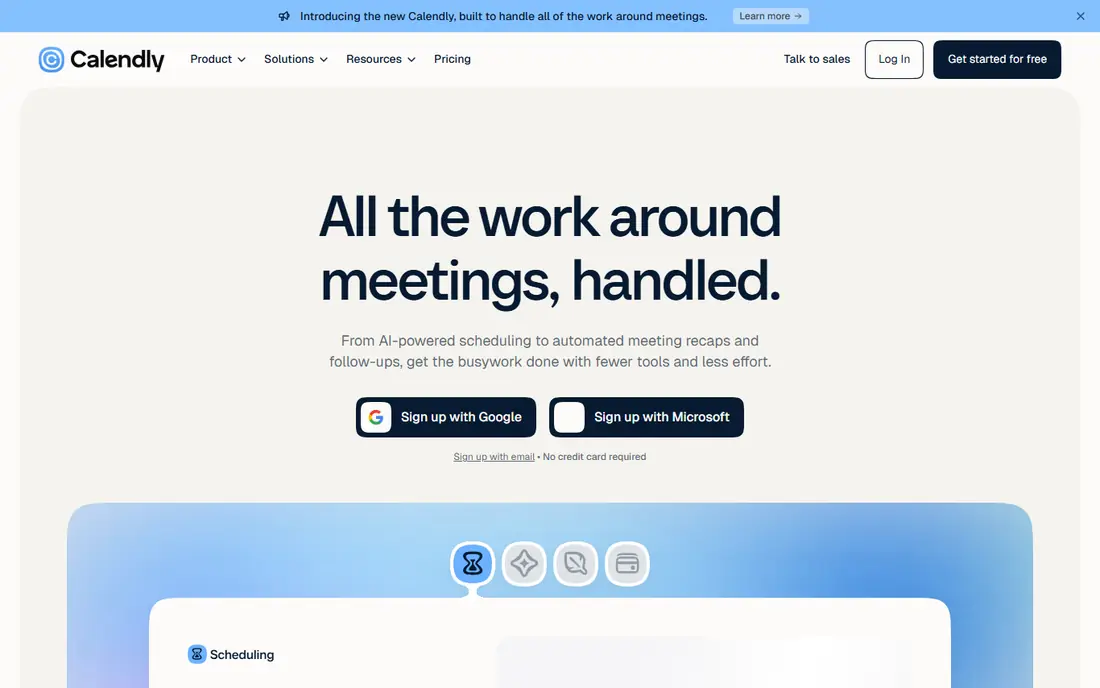
Calendly is the easiest switch if you mainly send people a link and let them pick a time. The setup takes minutes, the booking page looks tidy on a phone, and connections to Google Calendar and Outlook Calendar keep double bookings rare. It works well for sales calls, interviews, consultations and one to one meetings where you do not need a full service menu.
The trade-off is depth for service businesses. Calendly can collect payments and ask questions, but it is not built around classes, packages, memberships or detailed intake forms in the way Acuity is. If your business sells a bundle of sessions or needs clients to complete a long form before they book, you may need extra tools around it. For pure meeting scheduling, though, few tools are this smooth.
- Clean booking pages
- Strong calendar connections
- Wide integration library
- Advanced routing and team features sit on higher plans
- Service business features are thinner than Acuity
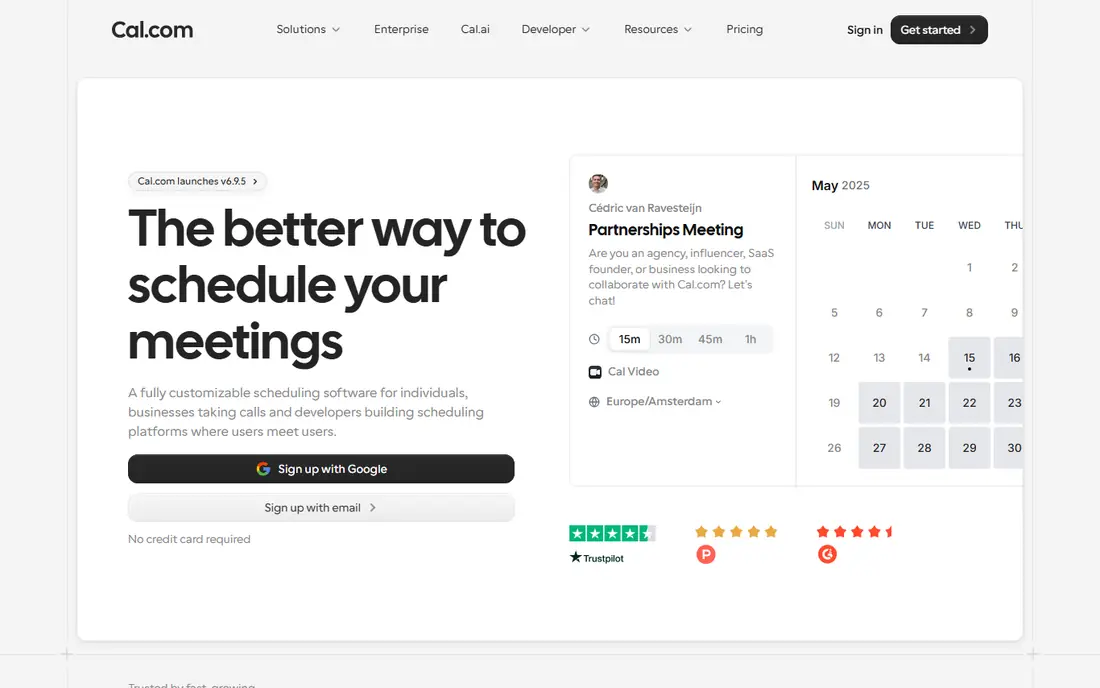
Cal.com stands out because its free plan covers unlimited event types and calendars for one user, which is more than most rivals offer at no cost. You can create different booking types for a first call, a follow-up and a paid session, and you can connect several calendars so your real availability shows. Teams can add round robin routing, collective events and shared workflows on paid plans.
The open source side matters if privacy or control matters to you. You can host Cal.com yourself, and developers can extend it with apps and integrations. The catch is that a service business may still need to piece together payments, intake forms and package handling. Cal.com is a strong pick for consultants, coaches and teams who want control without a high monthly bill.
- Generous free plan
- Open source and self hostable
- Many integrations and event types
- Setup can feel technical
- Some service business features need add-ons or custom work
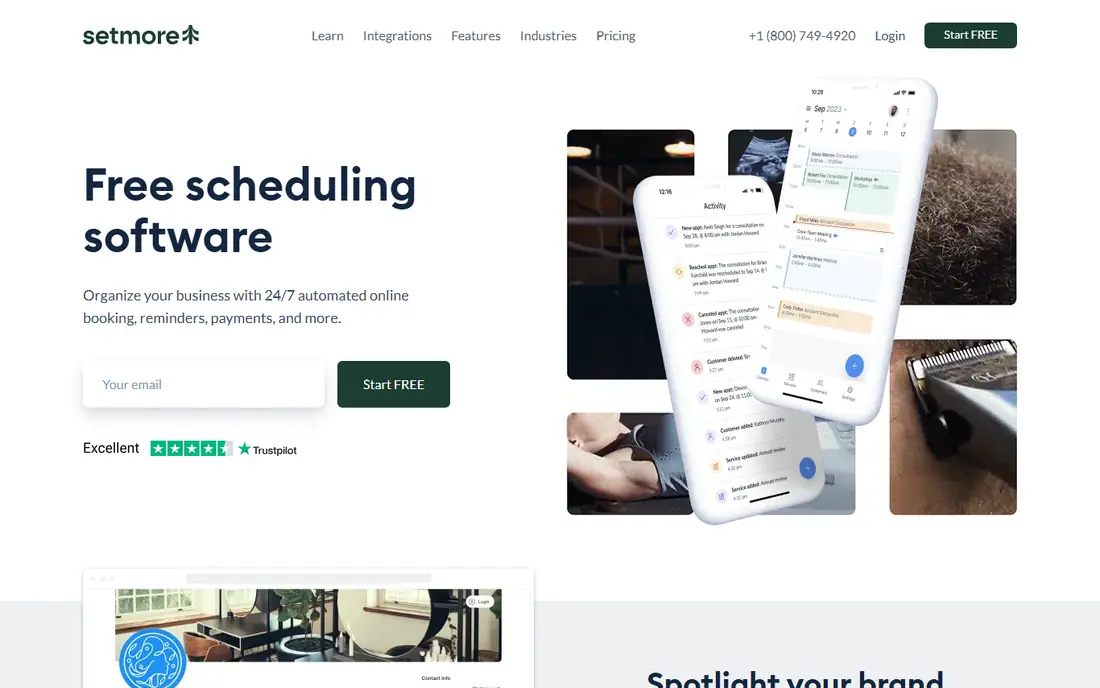
Setmore is a practical choice for a small salon, clinic or studio that needs several staff members on one booking page. The free plan has long supported a small team, which makes it easy to test with real clients before paying. Clients can book online, staff can manage their own calendars, and reminders help cut no-shows.
Where Setmore shows its age is polish and depth. The booking page works fine, but it does not feel as modern as Calendly or SavvyCal, and some of the nicer touches, such as SMS reminders and deeper integrations, sit behind paid plans. If your main need is a dependable, low cost booking page for a small team, that trade is easy to accept.
- Free plan covers multiple staff
- Booking page and app included
- Payment options on paid plans
- Design feels plain next to newer tools
- Deeper automation sits on paid plans
SimplyBook.me is closer to a full booking platform than a simple link tool. It offers features for salons, clinics, fitness studios and classes, including service menus, staff calendars, coupons and client records. You can build a small booking website inside the tool, which helps if you do not already have a site.
The breadth is also the drawback. Features are often sold as add-ons, so the final monthly cost depends on which pieces you switch on, and the admin area can feel busy at first. Take time to map the features you need before you pick a plan. For a busy service business that books dozens of appointments a week, the depth is worth the learning curve.
- Industry specific features
- Many add-on features
- Booking website included
- Add-on pricing can get confusing
- Interface takes time to learn
YouCanBook.me keeps the focus on one job, which is turning your calendar availability into a bookable page. You set your working hours, buffer times and booking rules, and clients pick a slot that fits. It connects to Google Calendar and Outlook Calendar, and paid plans add reminders, custom branding and team features.
It will not replace a full service platform on its own. There is no deep package system or class scheduling here, and the booking page is functional rather than flashy. If you want a dependable, low fuss replacement for basic appointment booking, and you already handle payments elsewhere, YouCanBook.me is a sensible, low cost option.
- Simple setup
- Clear availability controls
- Email and SMS reminders on paid plans
- Fewer service business features than Acuity
- Design options are limited
Zoho Bookings makes the most sense if you already use Zoho CRM, Zoho Mail or other Zoho tools. Bookings can flow into your customer records, and staff calendars stay in step with the rest of your setup. The free plan covers one service and one calendar, which is enough for a solo operator testing the waters.
Outside the Zoho system, the appeal fades a little. Other tools on this list offer a wider range of standalone integrations, and the free plan limits will push a growing service business to a paid plan fairly quickly. If Zoho is already your home base, though, this is the booking tool that fits with the least extra work.
- Free plan for one service
- Strong Zoho integrations
- Email, SMS and WhatsApp reminders on paid plans
- Best value only inside the Zoho system
- Free plan is limited to one service
Doodle solves a different problem from Acuity, and that is the point. When you need five people to agree on a meeting time, a poll beats a long email thread. You propose times, people vote, and the winning slot becomes the meeting. Paid plans add booking pages, branding and reminders for one to one scheduling too.
Do not pick Doodle as a direct Acuity replacement for a service business. It has no service menu, package system or detailed intake workflow that matches Acuity. Pick it when group scheduling is your main pain, and pair it with a booking platform if you also sell appointments to clients.
- Group polls are quick to set up
- No account needed for voters
- Booking pages on paid plans
- Not a full service booking platform
- Payment and intake features are limited
SavvyCal focuses on the moment a client books. Guests can overlay their own calendar on your availability, which cuts the back and forth that still happens with some booking tools. The booking page feels considered, with clear time options and sensible defaults, and personalised links let you share different availability for different kinds of meetings.
The price of that polish is a paid plan for ongoing use, since there is no lasting free tier. SavvyCal also has fewer third party integrations than the biggest names here. For a consultant, coach or freelancer who books a lot of calls and wants the booking step to feel easy for clients, it is a strong premium option.
- Thoughtful booking page design
- Calendar overlay for guests
- Personalised links
- No free plan beyond a trial
- Smaller integration library than Calendly
How we picked these
We compared official pricing pages, feature lists and app store listings for tools that are live in October 2026, and we looked for real coverage of the jobs Acuity does well, which are appointment booking, service menus, payments, reminders and team calendars. We kept tools that serve at least one clear Acuity use case, and we left out tools that only handle internal meeting polls or only work as part of a much larger system. Where a price was not clearly published on the vendor site at the time of writing, we wrote See website rather than guess.
What to check before you switch
Moving booking tools touches your clients, so a short test run saves a lot of trouble later. Start with your busiest booking type, not your whole service menu, and invite a few regular clients to try the new page.
Payments, packages and forms
List the features you use in Acuity today, including deposits, package sales, intake forms and class bookings. Then check each alternative against that list, not against its marketing page. A tool that looks cheaper can cost more once you add payments or SMS reminders.
Calendars, reminders and no-shows
Confirm two way calendar sync, buffer times between appointments and reminder options. Email reminders help, and SMS reminders help more for clients who miss email. Check whether reminders are included in the plan you would actually buy.
Team size and pricing model
Per-seat pricing grows with every staff member, while per-account pricing can be kinder to a multi-staff business. Count your active staff, not your total headcount, and check whether inactive staff still cost money. A free plan is useful for testing, but read its limits on bookings, staff and history.
FAQ
What are the best acuity alternatives for a salon or clinic?
Setmore and SimplyBook.me are the closest fits for a salon or clinic, because both handle staff calendars, service menus and repeat bookings. Calendly works well if you mainly book one to one consultations. Test your most common booking flow on each before you move clients over.
Is there a free alternative to Acuity Scheduling?
Yes, Cal.com, Setmore and Zoho Bookings all offer free plans, though each limits something, such as staff numbers, services or features. Cal.com has the most generous free plan for a solo operator. Read the free plan limits carefully, since a plan that looks free can still push you to pay for reminders or payments.
Can I take payments with acuity scheduling alternatives?
Many of these tools can, usually through Stripe or PayPal, but the details differ by plan. Calendly, Cal.com, Setmore and SimplyBook.me all offer payment collection on some plans. Check whether deposits, full payment and package sales are included in the plan you would buy.
Do these tools work with Google Calendar and Outlook?
Yes, the main tools here connect to Google Calendar and Outlook Calendar, and most offer two way sync so bookings appear on your calendar and blocked times stay unavailable. Cal.com and Calendly also support additional calendar connections. Confirm the exact calendar support for your setup before you switch.
How hard is it to move from Acuity to another tool?
The booking page itself is quick to rebuild, but client records, packages and intake forms take longer. Export your client list and service list first, rebuild your most popular services, and run both tools in parallel for a week or two. That overlap catches missed settings before clients notice.