Best Active Collab Alternatives in 2026: 8 Project Tools Compared
Best Active Collab alternatives in 2026: 8 project tools for agencies and teams, with pricing, time tracking, client work, and views compared in detail

- Editor's choice
 Asana
Cross-team coordination
Starts at$10.99 per user per monthVisit asana.comFull review - Great alternative
 monday.com
Visual boards
Starts at$9 per seat per monthVisit monday.comFull review - Also consider
 ClickUp
Most features per dollar
Starts at$7 per user per monthVisit clickup.comFull review
TL;DR:
- ClickUp is our pick for most teams because it offers the most features per dollar, with a usable free plan and many views.
- Asana suits teams that need clear ownership, timelines, and cross-team coordination without heavy setup.
- Teamwork.com is the best agency pick here, with client projects, budgets, and time tracking in one place.
- Monday.com suits visual teams that think in boards, while Basecamp suits teams that want flat pricing and simple client work.
- Check seat minimums and free plan caps before you choose, because the headline price rarely equals the bill for your whole team.
Quick comparison
| Tool | Best for | Starts at | Free plan? | |
|---|---|---|---|---|
| Asana | Cross-team coordination | $10.99 per user per month | Yes | Visit |
| monday.com | Visual boards | $9 per seat per month | Yes | Visit |
| ClickUp | Most features per dollar | $7 per user per month | Yes | Visit |
 Teamwork.com | Agencies and client work | $9.99 per user per month | Yes | Visit |
 Basecamp | Flat pricing and simplicity | See website | Yes | Visit |
 Wrike | Structured marketing work | $10 per user per month | Yes | Visit |
 Trello | Simple kanban boards | $5 per user per month | Yes | Visit |
 Zoho Projects | Budget tracking for Zoho users | $4 per user per month | Yes | Visit |
The best Active Collab alternatives
Active Collab is known for project management with time tracking, invoicing, and client collaboration for agencies and small teams. The tools below cover that same job, from simple kanban boards to full agency platforms. We compared official pricing pages, project views, time tracking, client access, and integrations.

Asana is the easiest team tool to adopt in this list. It offers lists, boards, timelines, and calendars, with portfolios for tracking work across teams. The Starter plan starts at $10.99 per user per month billed annually, and a free plan covers small teams with basic features.
Time tracking and budgets are not as deep as in Teamwork.com, and some features sit on higher tiers. For a team that needs clear ownership and a shared view of deadlines, Asana is a strong, low-friction replacement for Active Collab. It also integrates well with Slack, Google Workspace, and many other tools.
- Clear task ownership
- Timelines and portfolios
- Strong integrations
- Free plan covers only small teams
- Time tracking needs add-ons on lower tiers
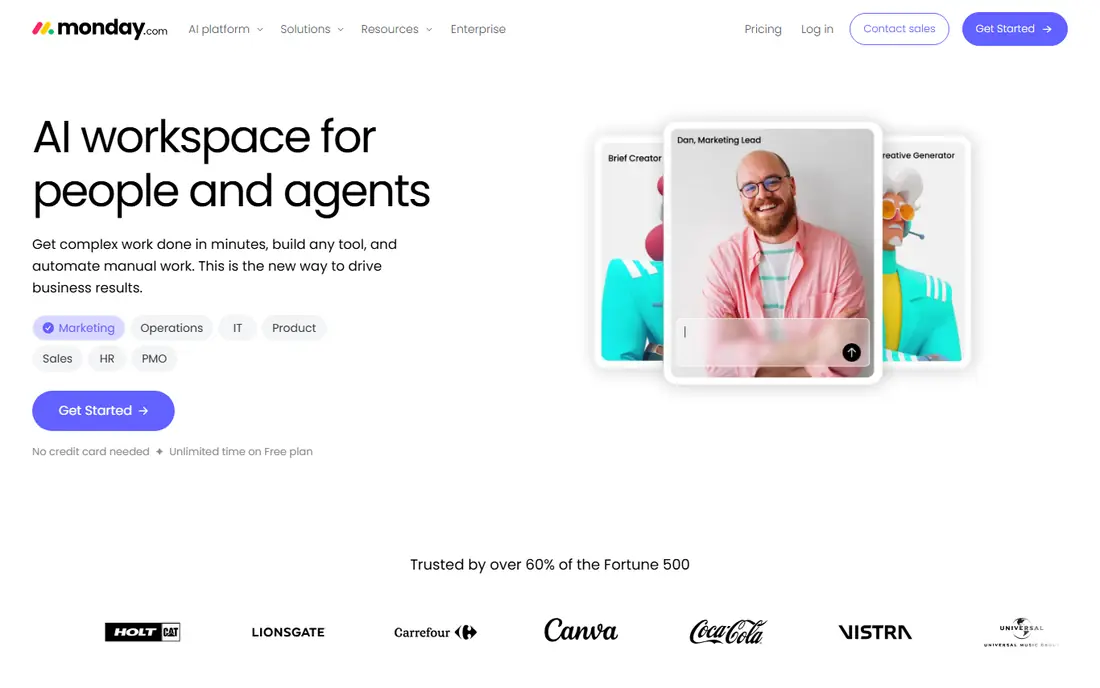
Monday.com suits teams that think in color-coded boards rather than task lists. It offers boards, timelines, calendars, dashboards, and automations, with templates for marketing, operations, and client work. The Basic plan starts at $9 per seat per month billed annually, with a three-seat minimum.
The free plan covers up to two seats, so larger teams must pay from the start. Advanced reporting and time tracking sit on higher tiers. For non-technical teams that want a visual, friendly workspace, monday.com is one of the fastest tools to roll out.
- Visual boards and dashboards
- Easy onboarding
- Many templates
- Three-seat minimum on paid plans
- Advanced features need higher tiers
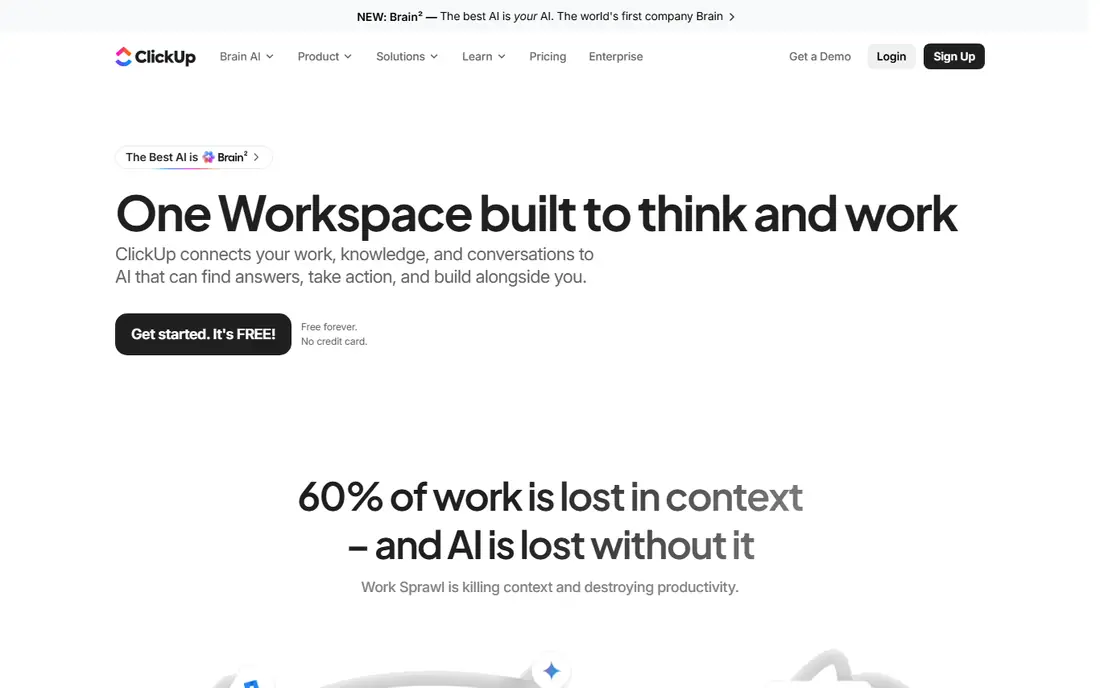
ClickUp packs the most into its price. The Unlimited plan starts at $7 per user per month billed annually, and the free plan covers unlimited members with core features. It offers lists, boards, calendars, Gantt charts, docs, goals, and time tracking, which lets a team replace several tools at once.
That depth is also the drawback. New users can feel overwhelmed by settings, views, and customization options, so plan a short setup phase and a simple template to start. For teams that want one workspace for tasks, docs, and time, ClickUp offers the best value in this list.
- Many views and features
- Usable free plan
- Built-in docs and goals
- Depth takes time to learn
- Setup can feel overwhelming
Teamwork.com is the closest agency-focused replacement for Active Collab here. It combines project management with time tracking, budgets, invoicing links, and client access, so an agency can track delivery and profitability in one place. The Basics plan starts at $9.99 per user per month billed annually, with a three-seat minimum and a free plan for small teams.
Advanced features such as workload planning and deeper reporting sit on higher tiers, which can raise the cost for larger agencies. For client-service teams that bill by time and need to show clients progress, Teamwork.com is the most direct fit.
- Client projects and budgets
- Time tracking
- Profitability reporting
- Higher tiers needed for advanced features
- Three-seat minimum on paid plans
Basecamp takes a different approach by charging a flat monthly rate for unlimited users on its Pro plan, rather than per seat. That makes it a strong value for teams over 20 people, and it keeps client work simple with message boards, to-do lists, schedules, and file sharing. A free plan covers personal projects.
It lacks the Gantt charts, automations, and deep reporting found in ClickUp or Wrike, so complex operations teams may outgrow it. For teams that want a calm, simple place for projects and client communication, Basecamp is a refreshing change from per-seat pricing.
- Flat pricing for large teams
- Simple client access
- Message boards and schedules
- Fewer views and automations
- Less suited to complex workflows
Wrike suits marketing and creative teams that need intake forms, approvals, proofing, and structured workflows. The Team plan starts at $10 per user per month billed annually, and a free plan covers small teams. It offers Gantt charts, calendars, dashboards, and integrations with Adobe tools and other creative software.
Setup takes longer than with Trello or Asana, because Wrike rewards careful workflow design. For a team that handles many requests, reviews, and approvals, that structure pays off. For a small team with simple tasks, ClickUp or Asana will feel lighter.
- Structured workflows
- Proofing and approvals
- Strong reporting
- Setup takes longer
- Some features need higher tiers
Trello is the simplest tool in this list, and that simplicity is its strength. It uses boards, lists, and cards for kanban work, with a free plan and a Standard plan starting at $5 per user per month billed annually. New users can start in minutes, and Power-Ups add calendars, fields, and integrations when needed.
It lacks the reporting, budgets, and time tracking that agencies need, and large projects can feel scattered across many boards. For a small team that just needs to move tasks from to-do to done, Trello is the fastest and cheapest serious option here.
- Very simple kanban
- Low price
- Easy for new users
- Weak reporting and time tracking
- Large projects need Power-Ups
Zoho Projects is the budget pick for teams already using Zoho tools. The Premium plan starts at $4 per user per month billed annually, with Gantt charts, time tracking, milestones, and task management. It integrates well with Zoho CRM, Zoho Books, and other Zoho apps, which helps small businesses keep data in one ecosystem.
The interface feels less modern than Asana or monday.com, and third-party integrations are fewer. For a Zoho-based business that wants project tracking without a large monthly bill, Zoho Projects is hard to beat on price. For teams outside Zoho, ClickUp or Asana offer a smoother experience.
- Lowest paid starting price here
- Gantt charts and time tracking
- Zoho integrations
- Interface feels dated
- Fewer third-party integrations than rivals
How we picked these
We compared official pricing pages, project views, time tracking, client access, and integrations for tools that manage projects, tasks, and client work. We favored tools with a free plan or trial, clear per-user pricing, and a working time tracking option, and we noted seat minimums where vendors publish them. Prices reflect annual billing where vendors offer it, checked in October 2026.
How to choose the right project tool
Start with how your team actually works, not with the feature list. A tool that matches your workflow will be used, while a tool with every feature may sit empty.
Match the tool to your work type
Choose Teamwork.com for client projects and billing, Wrike for marketing approvals, Asana for cross-team coordination, and Trello for simple kanban. ClickUp fits teams that want one workspace for tasks, docs, and goals, while Basecamp fits teams that want simplicity and flat pricing.
Test time tracking and client access
If you bill by time, test time tracking, timesheet approval, and invoicing links in the trial. If clients need access, test guest permissions and what clients can see. A tool that handles internal tasks well but exposes too much to clients will cause problems later.
Count seats and guests honestly
Per-seat pricing can rise fast when freelancers, clients, and part-time staff need access. Check whether guests and collaborators need paid seats, and compare Basecamp flat pricing if your team is large. A free plan that covers only two users is not a free plan for a team of ten.
FAQ
Is Teamwork.com a good Active Collab alternative?
Yes, especially for agencies. Teamwork.com offers client projects, budgets, time tracking, and profitability reporting, much like Active Collab. Its Basics plan starts at $9.99 per user per month billed annually, with a three-seat minimum.
What is the cheapest Active Collab alternative?
Zoho Projects starts at $4 per user per month billed annually, which makes it the cheapest paid option here. Trello starts at $5 per user per month, and ClickUp offers a usable free plan with unlimited members, so the cheapest choice depends on your team size.
Do these tools include time tracking?
ClickUp, Teamwork.com, Wrike, and Zoho Projects include time tracking, while Asana and monday.com offer it through integrations or higher tiers. Test time tracking in the trial if billing by time matters to your business, because the depth varies by plan.
Can clients see project progress?
Yes, most tools here offer guest or client access, but permissions differ. Teamwork.com and Basecamp are built for client visibility, while Asana, monday.com, and ClickUp offer guest seats with limits. Check what guests can view, comment on, and edit before you invite clients.
Should I switch from Active Collab?
Switch if you need stronger reporting, a lower price, or a specific feature such as visual boards or flat pricing. Active Collab remains a solid agency tool, so export your projects, time logs, and client data before you move, and run the new tool alongside it for one project cycle if you can.