Video Call Platforms in 2026: The 6 Best Options Side by Side
Searching for the best video call platforms? Here are 6 options with prices and free plans. Cost notes and weak points included. Current for November 2026.
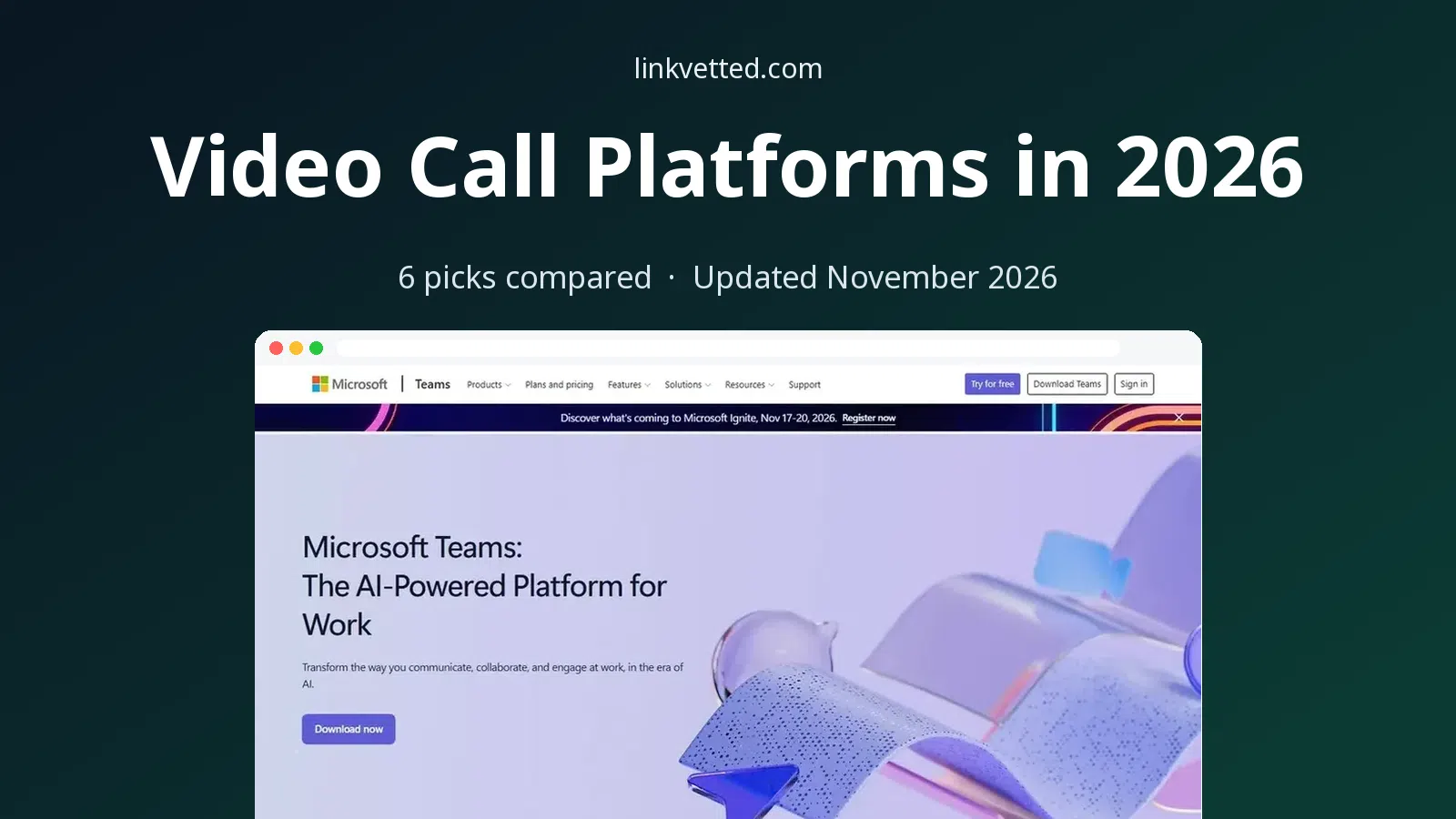
- Editor's choice
 GoTo Meeting
Straightforward web conferencing
Starts atPricing on requestVisit goto.comFull review - Great alternative
 Microsoft Teams
Microsoft 365 organizations
Starts atPricing on requestVisit microsoft.comFull review - Also considerCisco Webex Meetings
AI-powered collaboration and devices
Starts atPricing on requestVisit webex.comFull review
Direct answer
Start with GoTo Meeting if you need straightforward web conferencing. Alternatives: Microsoft Teams for Microsoft 365 organizations, and Cisco Webex Meetings for AI-powered collaboration and devices. Details and limits for the rest of the 6 tools are below. None of these vendors publish plan prices, so pricing is on request for every option.
TL;DR:
- Number one here is GoTo Meeting, a fit for straightforward web conferencing.
- Cisco Webex Meetings is the only tool of the 6 with a free plan.
- No starting price is shown for any of the 6 tools, GoTo Meeting and Adobe Connect included, so plan time for sales calls.
- Before buying Zoho Meeting, weigh this: best value within Zoho ecosystem.
Last checked November 2026. Pricing on request: vendors did not publish plan prices when this guide was last checked (November 2026), so ask each vendor for a written quote.
Quick comparison
| Tool | Best for | Starts at | Free plan? | |
|---|---|---|---|---|
| GoTo Meeting | Straightforward web conferencing | Pricing on request | Not stated | Visit |
| Microsoft Teams | Microsoft 365 organizations | Pricing on request | Not stated | Visit |
| Cisco Webex Meetings | AI-powered collaboration and devices | Pricing on request | Yes | Visit |
 Zoho Meeting | Zoho ecosystem users | Pricing on request | Not stated | Visit |
 Zoom Workplace | All-in-one collaboration and meetings | Pricing on request | Not stated | Visit |
| Adobe Connect | Training and webinar engagement | Pricing on request | Not stated | Visit |
Every option for video call platforms explained
This LinkVetted guide covers 6 video call platforms. Each profile lists a starting price, free plan details, strengths and drawbacks, so you can drop poor fits quickly.
GoTo Meeting targets straightforward web conferencing. GoTo Meeting is a web conferencing and online meeting software that aims to ensure a quality experience with the virtual meeting features companies need.
The main drawbacks: May lack advanced webinar tools.
Beyond that, GoTo Meeting concentrates on meetings instead of acting as a full collaboration hub, so teams wanting chat, phone, and file storage in one place might need additional tools. Pricing for GoTo Meeting is not stated here, so ask the vendor for current figures. As for free access: Not stated.
- Focus on quality web conferencing
- Established meeting system
- Less emphasis on broader collaboration
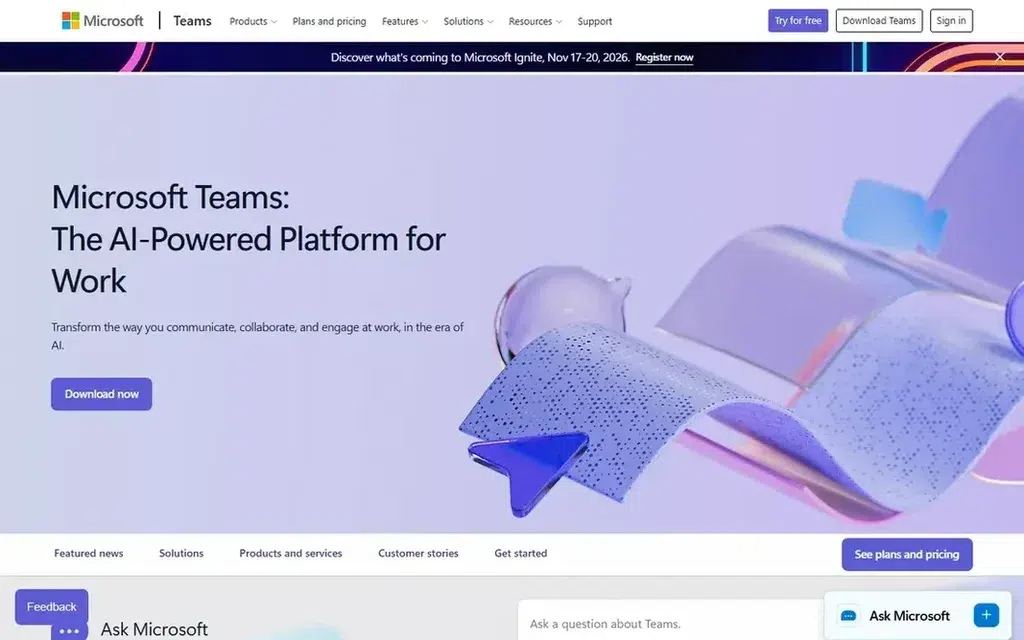
For Microsoft 365 organizations, Microsoft Teams is a natural candidate. If your team does not use Microsoft tools, a standalone meeting system could be more straightforward.
Downsides: Interface can be dense for new users.
As for the details, users outside that ecosystem may find the interface dense. For everyday use, Microsoft Teams is a collaboration hub that merges video conferencing, meetings, calling, and chat. Check the vendor site for Microsoft Teams pricing; none is listed in this comparison. Free options: Not stated.
- Supports meetings, calling, chat
- Deep integration with Microsoft 365
- Best experience needs Microsoft 365
Cisco Webex Meetings
Best for: AI-powered collaboration and devices
Think of Cisco Webex Meetings for AI-powered collaboration and devices. Cisco Webex Meetings is part of Webex by Cisco, which the homepage describes as AI-powered collaboration, customer experience, devices, and system options.
As for the details, the product is frequently chosen by enterprises with existing Cisco infrastructure. Cisco Webex Meetings shows no starting price here, so confirm the cost on the vendor site. A free plan is available with Cisco Webex Meetings.
Points against: Can be complicated to administer.
- Suited to enterprise environments
- Integration with Cisco devices
- Feature depth may overwhelm small teams
Zoho Meeting is built with Zoho ecosystem users in mind. If you need deep integration with non-Zoho software, evaluate alternatives. In daily use, Zoho Meeting is online meeting software that helps host virtual meetings and web and video conferences for remote collaboration.
Trade-offs to know: Best value within Zoho ecosystem.
It is part of the Zoho suite, making it a natural fit for organizations already using Zoho products. More specifically, the system supports both meetings and webinars for smooth remote work. Zoho Meeting integrates most smoothly with other Zoho applications, and teams outside that ecosystem may find fewer native connections to their existing tools. It may also lack some advanced features found in dedicated enterprise products. Zoho Meeting shows no starting price here, so confirm the cost on the vendor site. On free options: Not stated.
- Part of Zoho's software suite
- Online meeting and webinar hosting
- Fewer integrations outside Zoho
Pick Zoom Workplace if this describes you: all-in-one collaboration and meetings. Beyond that, Teams that only need entry-level video calls might find the additional modules unnecessary.
Where it falls short: Can feel complicated for entry-level meeting needs.
Also, the breadth of features means setup and administration can be more involved than more straightforward meeting tools. As for the details, consider a lighter choice if you want minimal configuration and a narrow focus on meetings. Check the vendor site for Zoom Workplace pricing; none is listed in this comparison. Free access: Not stated.
- Wide feature set for hybrid work
- Merges meetings, chat, phone, webinars
- Numerous features may need configuration
Adobe Connect
Best for: Training and webinar engagement
Think of Adobe Connect for training and webinar engagement. The system aims to help achieve measurable business outcomes through interactive sessions. As for the details, hosts might face a ramp-up time to use its engagement features effectively.
Where it is weaker: Narrower focus than general meeting tools.
From a buyer's view, Adobe Connect concentrates on training and webinar use cases instead of everyday team meetings. So it may not be the best fit for general video calls. On top of that, Adobe Connect is presented on its homepage as a tool for delivering engaging training and webinars, with features to boost audience engagement and presenter productivity. On top of that, for routine meetings, a more straightforward system could be more practical. Pricing for Adobe Connect is not stated here, so ask the vendor for current figures. On free options: Not stated.
- Focus on audience engagement
- Made for training and webinars
- May need learning curve for hosts
How we chose
Questions to settle before buying
- Confirm the entry price with every vendor: no tool from GoTo Meeting to Adobe Connect shows a fixed starting price.
- Test the free plan from Cisco Webex Meetings against your real workload before relying on it.
- Before choosing GoTo Meeting, weigh its main limit: less emphasis on broader collaboration.
- Look at the help docs and support options for Zoom Workplace before you commit.
- Verify that exporting from Adobe Connect is possible on your plan and covers all your records.
FAQ
Do these tools publish their prices?
No. None of the tools, from GoTo Meeting to Adobe Connect, shows a fixed starting price here, so budget time for quotes. Prices, free plan details and limits for all 6 tools in this video call platforms roundup sit on the individual cards above.
Are there free choices for video calls?
Multiple systems offer entry-level choices, but details vary and change. Check each vendor's site for current offerings. This comparison concentrates on documented features instead of pricing.
Can I try these options before paying?
Often, yes. Cisco Webex Meetings has a free plan. Use your own data and a real task during the test, and check what the free tier or trial limits before you rely on it. Each of the 6 options in this video call platforms guide has its own card above with the price, free plan and limits.
Which video call system is a good match for large webinars?
Start with GoTo Meeting if you need straightforward web conferencing. Microsoft Teams is the better match for Microsoft 365 organizations, and Cisco Webex Meetings for AI-powered collaboration and devices. The best choice depends on budget, team size and workflow.
Is GoTo Meeting the right pick for everyone comparing video call platforms?
No single tool suits every team. GoTo Meeting comes first because it fits straightforward web conferencing, while Microsoft Teams suits Microsoft 365 organizations and Cisco Webex Meetings suits AI-powered collaboration and devices. Match the tool to your own size, budget and workflow before deciding.
How are the tools for video call platforms ordered?
GoTo Meeting sits first and Adobe Connect last because the order follows typical fit for video call platforms, then price clarity and free access. It is a judgement call, so read each profile for fit and limits.
Sources
- https://www.goto.com/meeting
- https://www.microsoft.com/en-us/microsoft-teams/group-chat-software
- https://www.webex.com
- https://www.zoho.com/meeting
- https://www.zoom.com
- https://www.adobe.com/products/adobeconnect.html