Quality Video Call Software in 2026: The 6 Best Options Side by Side
6 tools for the best quality video call software, compared on pricing, free plans and best-fit use. Each pick comes with its main catch. Reviewed this month.

- Editor's choice
 Google Meet
Browser-based calls for Workspace users
Starts atPricing on requestVisit meet.google.comFull review - Great alternative
 Microsoft Teams
Teams already inside Microsoft 365
Starts atPricing on requestVisit microsoft.comFull review - Also consider
 Cisco Webex
AI-assisted collaboration and devices
Starts atPricing on requestVisit webex.comFull review
Direct answer
Start with Google Meet if you need browser-based calls for Workspace users. Microsoft Teams is the stronger choice for Teams already inside Microsoft 365, while Cisco Webex suits AI-assisted collaboration and devices. The other 3 tools in the list cover narrower or pricier cases. None of these vendors publish plan prices, so pricing is on request for every option.
TL;DR:
- This list starts with Google Meet, which is built for browser-based calls for Workspace users.
- A fair warning about Google Meet: deeper features tied to Workspace.
- Whereby fits instant and embedded browser calls.
- Cisco Webex stands alone as the one tool in this list with a free plan.
- Every tool from Google Meet to Whereby works by quote, with no list price shown.
Last checked November 2026. Pricing on request: vendors did not publish plan prices when this guide was last checked (November 2026), so ask each vendor for a written quote.
Quick comparison
| Tool | Best for | Starts at | Free plan? | |
|---|---|---|---|---|
| Google Meet | Browser-based calls for Workspace users | Pricing on request | Not stated | Visit |
| Microsoft Teams | Teams already inside Microsoft 365 | Pricing on request | Not stated | Visit |
| Cisco Webex | AI-assisted collaboration and devices | Pricing on request | Yes | Visit |
 Zoom Workplace | All-in-one meetings, chat and webinars | Pricing on request | Not stated | Visit |
 GoTo Meeting | Straightforward business web conferencing | Pricing on request | Not stated | Visit |
 Whereby | Instant and embedded browser calls | Pricing on request | Not stated | Visit |
The best quality video call software
Choosing quality video call software usually comes down to price, fit and limits. This LinkVetted guide sets 6 tools side by side on those three points, with the facts kept short and checkable.

Where Google Meet fits: browser-based calls for Workspace users. The homepage frames it around secure calls and web conferencing.
Teams needing advanced webinar, phone or contact center features may prefer a broader collaboration system. No starting price is listed for Google Meet here; confirm pricing on the vendor site. On free options: Not stated.
Where it falls short: Less appealing outside the Google ecosystem.
- Straightforward joining for Google users
- Secure web conferencing as part of Workspace
- Deeper features tied to Workspace
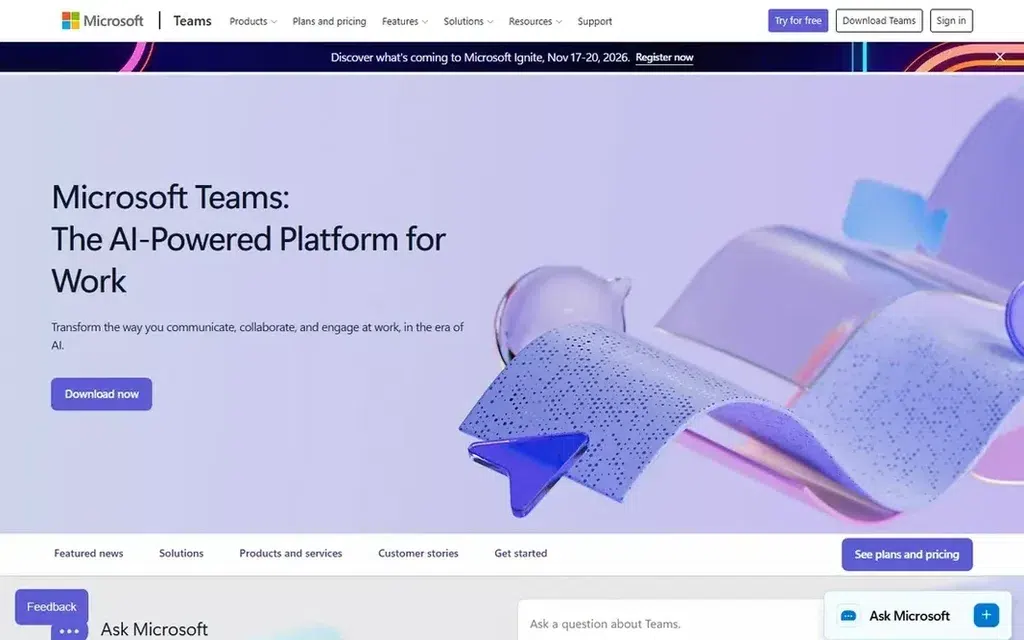
Microsoft Teams makes the most sense for Teams already inside Microsoft 365. In practice, new users frequently need time to learn where meeting controls and files live.
The experience is smoothest when the rest of your work already happens in Microsoft tools. Microsoft Teams does not show a starting price in this comparison, so check the vendor site for current pricing. As for free access: Not stated.
Reasons to shortlist it: natural collaboration.
Drawbacks to consider: Feature density can slow new users.
- Tight fit with Microsoft workflows
- Made for organized
- Best experience assumes Microsoft ecosystem
Cisco Webex is aimed squarely at AI-assisted collaboration and devices. Cisco Webex is described as AI-powered collaboration, customer experience and devices, with system options targeted at global brands.
For everyday use, the range of products and devices means buyers should map out which pieces they actually need before committing. Also, the homepage flags collaboration tools alongside hardware and customer experience offerings. Pricing for Cisco Webex is not stated here, so ask the vendor for current figures. Free access exists with Cisco Webex.
Trade-offs to know: More than small teams may need.
- Customer experience and device choices
- AI-powered collaboration features
- Wide product range can complicate choices

Zoom Workplace makes the most sense for all-in-one meetings, chat and webinars. Zoom Workplace is a collaboration system built around video meetings and extended with chat, VoIP phone, webinars, whiteboard, contact center and events.
What to check first: Full value depends on adopting the wider system.
Check the vendor site for Zoom Workplace pricing; none is listed in this comparison. As for free access: Not stated.
- Phone and webinars in one system
- Wide set of collaboration features
- Plenty of features can feel overwhelming
Where GoTo Meeting fits: straightforward business web conferencing. GoTo Meeting is web conferencing and online meeting software that the vendor says ensures a quality conferencing experience with the virtual meeting features companies need.
The main drawbacks: Fewer adjacent tools than all-in-one systems.
Since it centers on meetings, teams that also want chat, phone or webinar modules in the same product may need extra tools. Check the vendor site for GoTo Meeting pricing; none is listed in this comparison. Free access: Not stated.
- Business-oriented meeting product
- Centred on virtual meeting features
- Narrower than full collaboration suites
Choose Whereby for instant and embedded browser calls. Whereby is described as secure, configurable and dependable WebRTC video calling.
Trade-offs to know: Not a full workplace suite.
Whereby is not positioned as a complete workplace suite, so organizations wanting chat, files and phone in one place may need another system for those needs. In daily use, embedding calls also involves developer effort, which is worth weighing against more straightforward hosted meeting tools. Pricing for Whereby is not stated here, so ask the vendor for current figures. As for free access: Not stated.
- Secure
- Customizable positioning
- Embedding needs developer work
How we compared the tools
LinkVetted used vendor pricing pages and product documentation as the base, then compared plans, free access and documented limits for 6 tools. Seat minimums, billing terms and add-ons can move the real cost, so the starting prices here are a guide and not a quote. The order reflects how well each tool fits the most common buying scenario for quality video call software, then price clarity, then free plan access. It is a starting point, not a verdict.
What to confirm before you sign up
- Ask each vendor, from Google Meet to Whereby, for a written quote; none of them publishes a starting price.
- Look at the free plan from Cisco Webex closely: its caps decide whether it is usable for real work.
- Before choosing Google Meet, weigh its main limit: deeper features tied to Workspace.
- Involve the people who will use GoTo Meeting daily; a short pilot beats a long feature checklist.
- Ask Cisco Webex how an export works before you move any records in; an easy exit lowers the risk.
FAQ
Do browser-based meetings need participants to install software?
Google Meet is built for online web conferencing through Google Workspace, which makes joining from a browser straightforward for Workspace users. Other systems may offer browser joining as well, but the experience varies, so confirm join choices for external guests before committing.
Can I try these options before paying?
Often, yes. Cisco Webex has a free plan. Use your own data and a real task during the test, and check what the free tier or trial limits before you rely on it. Prices, free plan details and limits for all 6 tools in this quality video call software roundup sit on the individual cards above.
Do these tools publish their prices?
No. None of the tools, from Google Meet to Whereby, shows a fixed starting price here, so budget time for quotes.
Is Google Meet the right pick for everyone comparing quality video call software?
No single tool suits every team. Google Meet comes first because it fits browser-based calls for Workspace users, while Microsoft Teams suits Teams already inside Microsoft 365 and Cisco Webex suits AI-assisted collaboration and devices. Match the tool to your own size, budget and workflow before deciding.
Which options for quality video call software have a free plan?
Cisco Webex is the only tool in this list with a free plan. Free plans usually cap users, projects or features, so check the limits on the vendor page. Each of the 6 options in this quality video call software guide has its own card above with the price, free plan and limits.
Sources
- https://meet.google.com
- https://www.microsoft.com/microsoft-teams
- https://www.webex.com
- https://www.zoom.com
- https://www.goto.com/meeting
- https://whereby.com