Video Conferencing Software for Creative Teams in 2026: The 5 Best Options Side by Side
Weighing the best video conferencing software for creative teams? We lined up 5 products by cost, free access and fit. Real limits included. Compare quickly.
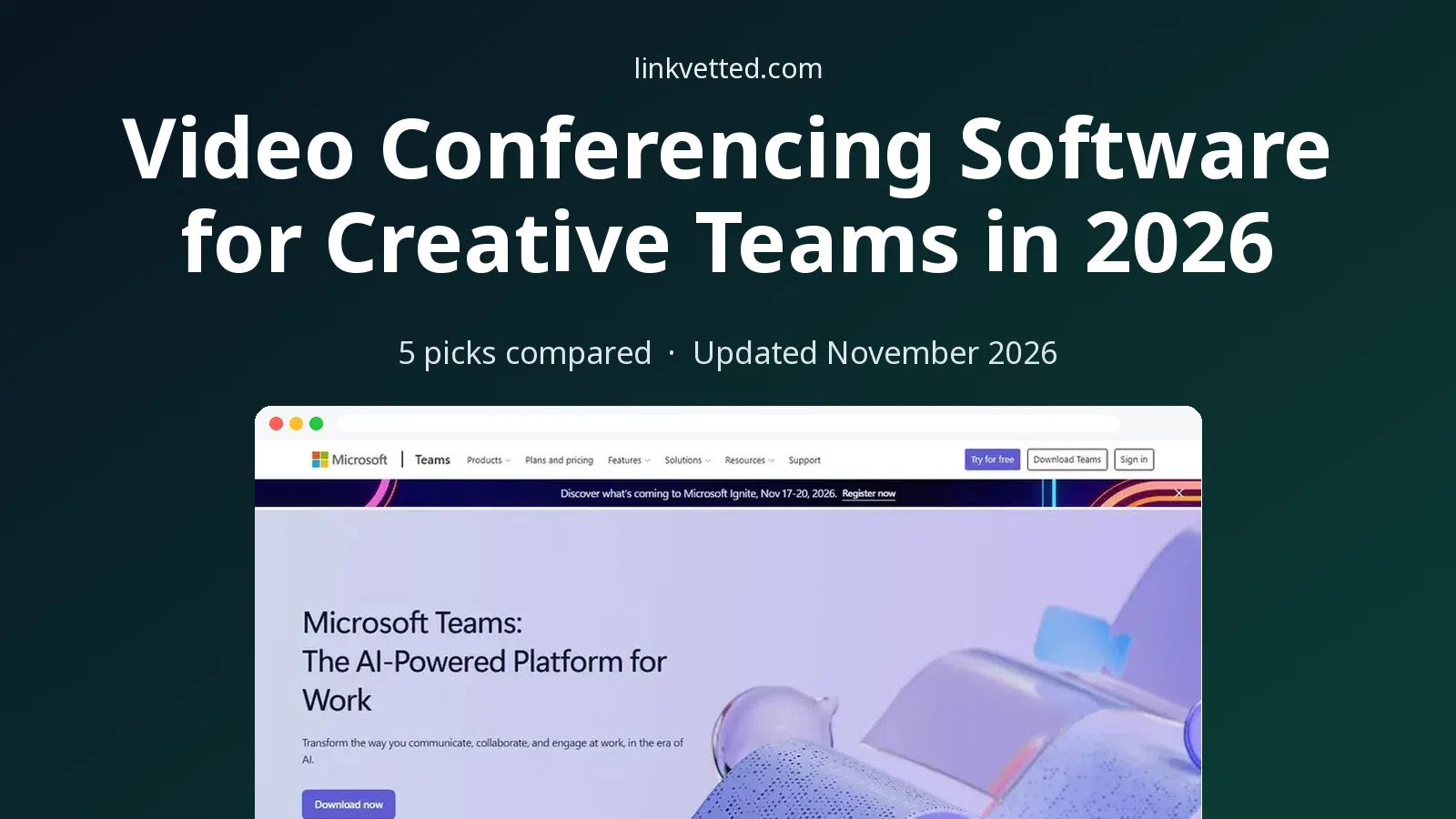
- Editor's choice
 Microsoft Teams
Teams working inside Microsoft tools
Starts atSee websiteVisit microsoft.comFull review - Great alternative
 Riverside
Recording and editing video content
Starts at$24 a monthVisit riverside.fmFull review - Also consider
 Zoom Workplace
All-in-one meetings, chat and whiteboard
Starts atSee websiteVisit zoom.comFull review
Direct answer
Start with Microsoft Teams if you need Teams working inside Microsoft tools. Listed starting prices: Riverside from $24 a month. If your case is different, Riverside suits recording and editing video content and Zoom Workplace suits all-in-one meetings, chat and whiteboard. The full list of 5 tools follows, with prices and free plan facts.
TL;DR:
- The list opens with Microsoft Teams, aimed at Teams working inside Microsoft tools.
- For AI-assisted collaboration and devices, Cisco Webex is worth a look.
- The cheapest monthly starting price in the list is $24 per month, offered by Riverside.
- 2 of 5 tools offer a free plan: Riverside, Cisco Webex.
Last checked November 2026. Prices and plan details were read from the vendors' own pages in November 2026; vendors change plans often, so confirm the current price on the vendor site before you buy.
Quick comparison
| Tool | Best for | Starts at | Free plan? | |
|---|---|---|---|---|
| Microsoft Teams | Teams working inside Microsoft tools | See website | Not stated | Visit |
| Riverside | Recording and editing video content | $24 a month | Yes | Visit |
| Zoom Workplace | All-in-one meetings, chat and whiteboard | See website | Not stated | Visit |
 Whereby | Fast calls and embedded video | See website | Not stated | Visit |
 Cisco Webex | AI-assisted collaboration and devices | See website | Yes | Visit |
5 video conferencing software for creative teams in detail
This LinkVetted guide covers 5 video conferencing software for creative teams. Each profile lists a starting price, free plan details, strengths and drawbacks, so you can drop poor fits quickly.

Where Microsoft Teams fits: Teams working inside Microsoft tools. Teams is built around persistent workspaces, which can feel heavy when you just want a quick call.
Honest limits: Best value only if you already use Microsoft tools.
On top of that, Teams outside the Microsoft ecosystem may not gain the full benefit of its file and chat integration. This comparison lists no price for Microsoft Teams; ask the vendor. Free access: Not stated.
- Capable fit for Microsoft-centered workflows
- Meetings and files in one place
- Can feel heavy for fast creative calls
Pick Riverside if this describes you: recording and editing video content. Choose Riverside when content quality is the central goal.
Trade-offs to know: Not a general meeting suite.
Riverside is designed around recording and editing instead of routine team meetings, so it may not replace a standard conferencing tool. Worth adding: Riverside is an online studio for high-quality podcast and video recording and editing, powered by AI and aimed at human conversations. Entry price for Riverside: $24 per month. Free access exists with Riverside.
- High-quality podcast and video recording
- AI-assisted content workflows
- Concentrated on content production, not everyday calls

Zoom Workplace is designed for all-in-one meetings, chat and whiteboard. For creative teams, that breadth means a design review, a client presentation and a fast brainstorm can all happen in one place. For everyday use, the system's modular structure means some capabilities live in separate products, so teams should map what they actually need before committing.
More specifically, smaller teams that only host occasional calls may find the wider suite more than necessary. In practice, consider a more straightforward tool if meetings are your only requirement. This comparison lists no price for Zoom Workplace; ask the vendor. Free plan details: Not stated.
Points against: Interface can feel busy for occasional users.
- Whiteboard and events support creative sessions
- Meetings, chat
- Plenty of features sit behind separate modules
For fast calls and embedded video, Whereby is a natural candidate. Whereby is narrower than full collaboration suites, so teams wanting chat, file storage and whiteboards in one place may need other tools.
Upsides: configurable WebRTC calls.
Trade-offs to know: Niche appeal outside embedded use cases.
On top of that, pick Whereby when fast, embeddable video is the primary need. From a buyer's view, creative agencies that run client sessions on their own sites or products can benefit from embeddable calls. Pricing for Whereby is not stated here, so ask the vendor for current figures. Free options: Not stated.
- Secure
- Instant meetings without downloads
- Fewer collaboration extras

Cisco Webex was built for AI-assisted collaboration and devices. Cisco Webex presents AI-powered collaboration alongside customer experience, devices and system options.
Where it falls short: Feature set can be complex to configure.
Choose Webex when device integration and formal collaboration matter more than simplicity. The breadth of Webex choices can make setup and administration more involved than a small creative studio expects. Cisco Webex does not show a starting price in this comparison, so check the vendor site for current pricing. Cisco Webex includes a free tier.
- AI-powered collaboration features
- Suited to formal
- May be more than small studios need
How the list was put together
What to confirm before you sign up
- Ask Microsoft Teams, Zoom Workplace, Whereby and Cisco Webex for a written quote, since no starting price is shown.
- Read the fine print on the free plans from Riverside and Cisco Webex; seat, project and feature caps differ.
- Before choosing Microsoft Teams, weigh its main limit: can feel heavy for fast creative calls.
- Confirm the exact Cisco Webex plan that includes your must-have features.
- A short pilot of Microsoft Teams with your real workflow tells you more than a feature table.
FAQ
Can I use these tools to record podcasts or video content?
Riverside is made for high-quality podcast and video recording and editing, so it suits content production better than general meeting tools. Consider pairing a meeting tool with Riverside if you need both.
Which options for video conferencing software for creative teams have a free plan?
Riverside and Cisco Webex offer a free plan in this list. Free plans usually cap users, projects or features, so check the limits on the vendor page.
What is the cheapest option for video conferencing software for creative teams in this list?
On published monthly entry prices, Riverside is the lowest here at $24 per month. Entry price is only part of the cost, because seats, add-ons and billing terms can change the total. Prices, free plan details and limits for all 5 tools in this video Conferencing software for creative teams roundup sit on the individual cards above.
Is Microsoft Teams the right pick for everyone comparing video conferencing software for creative teams?
No single tool suits every team. Microsoft Teams comes first because it fits Teams working inside Microsoft tools, while Riverside suits recording and editing video content and Zoom Workplace suits all-in-one meetings, chat and whiteboard. Match the tool to your own size, budget and workflow before deciding.
How are the tools for video conferencing software for creative teams ordered?
The order follows typical fit for video conferencing software for creative teams, with Microsoft Teams first and Cisco Webex last, then price clarity and free access. It is editorial judgement, not a score, so another team could rank the tools differently.
Which video conferencing tool is a good match for creative reviews?
Microsoft Teams is the pick this page puts first, mainly for Teams working inside Microsoft tools. If your situation differs, Riverside suits recording and editing video content, and Zoom Workplace suits all-in-one meetings, chat and whiteboard. Compare price and limits before you decide.
Sources
- https://www.microsoft.com/en-us/microsoft-teams/group-chat-software
- https://riverside.fm
- https://www.zoom.com
- https://whereby.com
- https://www.webex.com