Best Software for Designing Labels in 2026: Prices, Free Plans and 5 Picks
5 best software for designing labels, compared on pricing, free plans and best-fit use. Where a tool struggles is spelled out. Built for quick decisions.
- Editor's choice
 Adobe Illustrator
Advanced vector label design
Starts atSee websiteVisit adobe.comFull review - Great alternative
 Canva
Fast template-based label design
Starts atSee websiteVisit canva.comFull review - Also consider
 BarTender
Barcode and RFID label printing
Starts at$199 per yearVisit seagullscientific.comFull review
Direct answer
Start with Adobe Illustrator if you need advanced vector label design. Listed starting prices: BarTender from $199 per year and Label LIVE from $19.99 a month. Canva is the stronger choice for fast template-based label design, while BarTender suits barcode and RFID label printing. Details, prices and limits for the rest of the 5 tools are below.
TL;DR:
- Adobe Illustrator takes the first slot, best suited to advanced vector label design.
- None of the 5 tools, from Adobe Illustrator to Label LIVE, has a free plan, so budget for a subscription or use a trial.
- The main caution on Adobe Illustrator: no built-in barcode printing.
- The lowest published monthly entry price here is $19.99 per month, from Label LIVE.
- Label LIVE fits straightforward label printing on Mac and Windows.
Last checked November 2026. Prices and plan details were read from the vendors' own pages in November 2026; vendors change plans often, so confirm the current price on the vendor site before you buy.
Quick comparison
| Tool | Best for | Starts at | Free plan? | |
|---|---|---|---|---|
| Adobe Illustrator | Advanced vector label design | See website | Not stated | Visit |
| Canva | Fast template-based label design | See website | Not stated | Visit |
| BarTender | Barcode and RFID label printing | $199 per year | No | Visit |
| Avery Design & Print | Designing and printing Avery labels | See website | Not stated | Visit |
| Label LIVE | Straightforward label printing on Mac and Windows | $19.99 a month | No | Visit |
Tool-by-tool breakdown
LinkVetted compared 5 software for designing labels. The goal is a practical shortlist: published prices, free plan facts, best-fit use cases and honest limits for every entry.
Adobe Illustrator was built for advanced vector label design. Adobe Illustrator is vector graphics software powered by generative AI, allowing transformation of text prompts into completely editable vector graphics. It is widely used for professional label design that needs custom illustrations, logos, and precise typography.
The main drawbacks: Steeper ramp-up time.
Choose Illustrator when visual design is the priority, not barcode printing. In practice, Illustrator lacks native barcode generation and label printing workflows, so it is frequently paired with dedicated label software. It also has a ramp-up time for beginners. This comparison lists no price for Adobe Illustrator; ask the vendor. On free options: Not stated.
- Precise control over design elements
- Generative AI for editable vectors
- No built-in barcode printing
Canva was built for fast template-based label design. Canva is a free-to-use online graphic design tool for creating social media posts, presentations, posters, videos, logos, and more.
The main drawbacks: May not suit industrial printing.
It can be used for straightforward label designs using templates and drag-and-drop elements. Also, choose Canva for quick, template-based label design. Check the vendor site for Canva pricing; none is listed in this comparison. Free access: Not stated.
- No installation required
- Simple online design tool
- Restricted barcode support
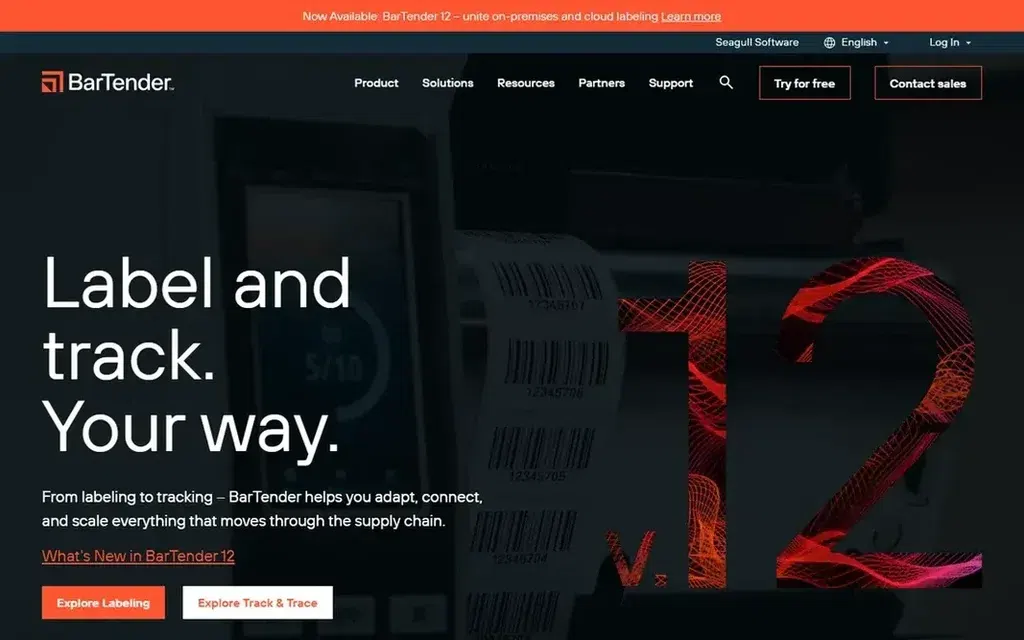
BarTender works best for barcode and RFID label printing. BarTender is barcode label design and printing software for managing barcodes, labels, and RFID tags.
Drawbacks to consider: Concentrated on industrial use cases.
Choose BarTender when barcode accuracy and RFID support are priorities. Starting cost for BarTender: $199 per year. No free plan comes with BarTender.
- Full barcode and RFID support
- Built for label printing workflows
- May be complicated for straightforward designs
Avery Design & Print
Best for: Designing and printing Avery labels
Avery Design & Print was built for designing and printing Avery labels. The tool is restricted to Avery label formats and may not offer advanced design features. As for the details, for barcode labels or custom sizes outside Avery's range, other software is needed.
Avery Design & Print is an online tool for designing and printing Avery labels, stickers, tags, and cards. It lets users to choose from blank or custom printed Avery labels and order specific sizes, shapes, and quantities. Check the vendor site for Avery Design & Print pricing; none is listed in this comparison. Free access: Not stated.
Where it falls short: Entry-level design capabilities.
- Templates for several label sizes
- Simple to order custom printed labels
- Restricted to Avery label formats
Label LIVE
Best for: Straightforward label printing on Mac and Windows
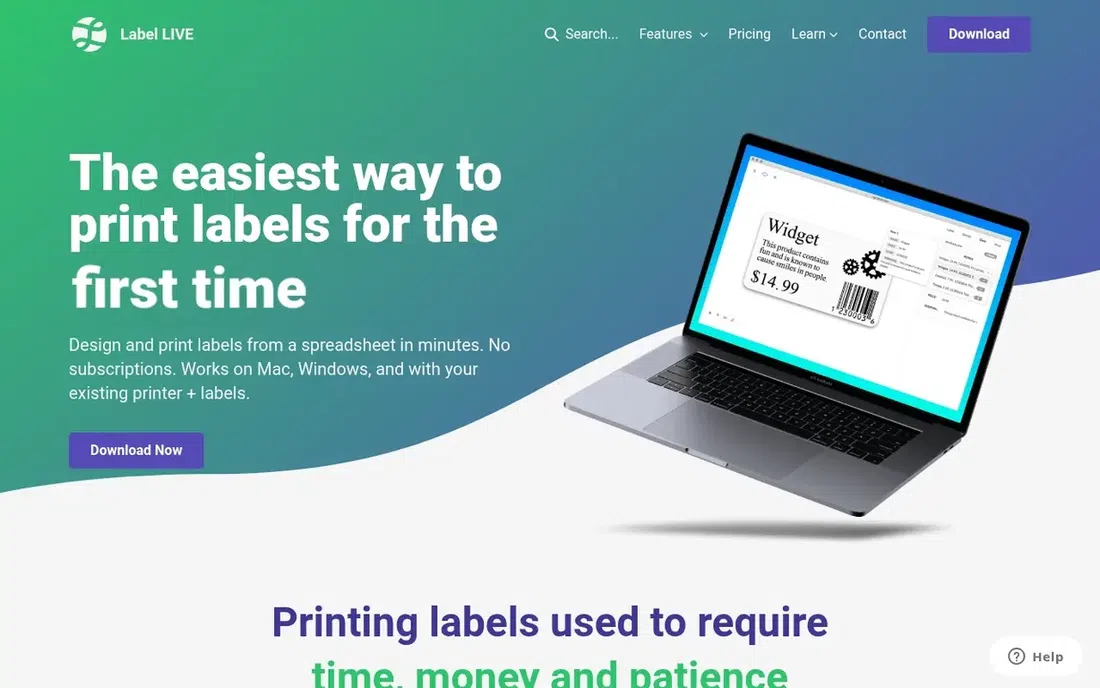
Label LIVE works best for simple label printing on Mac and Windows. It fits small firms and individuals who require straightforward label printing.
Where it is weaker: May lack enterprise management tools.
From a buyer's view, the software may not offer the deep automation or centralized management found in enterprise tools. Label LIVE cost at the entry level: $19.99 per month. There is no free plan with Label LIVE.
- Works on Mac and Windows
- Generates barcodes and QR codes
- Restricted advanced design features
Our selection method
Each tool was reviewed on what its vendor publishes: price, plan limits, core features and stated drawbacks. We did not run hands-on tests. Plan names, prices and limits change often. Treat the figures here as a starting point and verify them with the vendor. Tools are placed by general fit for software for designing labels, with price clarity and free access as tie-breakers. A different team can reasonably rank them differently.
A buyer's checklist
- Get a written quote from Adobe Illustrator, Canva and Avery Design & Print; the list shows no starting price for them.
- Read the limits listed for Adobe Illustrator first: no built-in barcode printing.
- Look at the renewal terms for Canva: auto-renewal, notice periods and price changes can matter more than the first-year price.
- Compare total cost, not headline price: for Label LIVE, add extra seats, add-ons and any usage-based charges.
- Test the integrations you rely on with BarTender before committing; some connectors sit on upper tiers.
FAQ
Is Adobe Illustrator the right pick for everyone comparing software for designing labels?
No single tool suits every team. Adobe Illustrator comes first because it fits advanced vector label design, while Canva suits quick template-based label design and BarTender suits barcode and RFID label printing. Match the tool to your own size, budget and workflow before deciding.
Can I try these tools before paying?
Not by default. None of the tools, from Adobe Illustrator to Label LIVE, lists a free plan or a free trial here, so ask each vendor for a demo before committing.
Does any tool for software for designing labels here have a free plan?
No tool in this list, Adobe Illustrator and Label LIVE included, has a permanent free plan. Trials and quotes are the usual route, so plan a short evaluation period.
How are the tools for software for designing labels ordered?
Adobe Illustrator sits first and Label LIVE last because the order follows typical fit for software for designing labels, then price clarity and free access. It is a judgement call, so read each profile for fit and limits.
Sources
- https://www.adobe.com/products/illustrator.html
- https://www.canva.com
- https://www.seagullscientific.com
- https://www.avery.com
- https://label.live