Best Software for Designing Clothes in 2026: Prices, Free Plans and 6 Picks
Shortlisting the best software for designing clothes? 6 products compared on cost, free access and ideal buyer. Prices and drawbacks included. Details below.
- Editor's choiceLectra Modaris
Industrial pattern making and grading
Starts atSee websiteVisit lectra.comFull review - Great alternative
 Browzwear VStitcher
Speed and fit in apparel development
Starts at$750 a yearVisit browzwear.comFull review - Also consider
 Adobe Illustrator
Vector sketching and technical flats
Starts atSee websiteVisit adobe.comFull review
Direct answer
Our first pick is Lectra Modaris, best for industrial pattern making and grading. Listed starting prices: Browzwear VStitcher from $750 a year and CLO 3D from $25 per month. Browzwear VStitcher is better for speed and fit in apparel development, and Adobe Illustrator is better for vector sketching and technical flats. The remaining 3 options are covered below with prices and limits.
TL;DR:
- Lectra Modaris takes the first slot, best suited to industrial pattern making and grading.
- A permanent free plan is missing from all 6 tools, Lectra Modaris and Optitex included; plan for a trial or a premium start.
- For the cheapest start, look at CLO 3D: $25 per month.
- Before buying Adobe Illustrator, weigh this: not specialized for pattern making.
Last checked November 2026. Prices and plan details were read from the vendors' own pages in November 2026; vendors change plans often, so confirm the current price on the vendor site before you buy.
Quick comparison
| Tool | Best for | Starts at | Free plan? | |
|---|---|---|---|---|
| Lectra Modaris | Industrial pattern making and grading | See website | Not stated | Visit |
| Browzwear VStitcher | Speed and fit in apparel development | $750 a year | Not stated | Visit |
| Adobe Illustrator | Vector sketching and technical flats | See website | Not stated | Visit |
 CLO 3D | 3D garment visualization and prototyping | $25 per month | Free trial | Visit |
| Gerber AccuMark | Pattern design and production workflows | See website | Not stated | Visit |
 Optitex | End-to-end 2D/3D apparel CAD | See website | Not stated | Visit |
Every option for software for designing clothes explained
Choosing software for designing clothes usually comes down to price, fit and limits. This LinkVetted guide sets 6 tools side by side on those three points, with the facts kept short and checkable.
Lectra Modaris
Best for: Industrial pattern making and grading
Lectra Modaris is designed for industrial pattern making and grading. It supports industrial pattern development and grading.
On top of that, Modaris is made for production pattern making, not for fashion illustration or 3D visualization. It is usually part of bigger enterprise setups, which may be more than small studios need. Pricing for Lectra Modaris is not stated here, so ask the vendor for current figures. Free options: Not stated.
Drawbacks to consider: Restricted sketching capabilities.
- Links up with cutting equipment
- Pattern and marker making focus
- Enterprise-oriented
For speed and fit in apparel development, Browzwear VStitcher is a natural candidate. Browzwear VStitcher is apparel development software built to accelerate time to market, improve fit, and support customer satisfaction. It makes it possible for digital prototyping and 3D visualization for fashion businesses.
Points against: Needs 3D design knowledge.
It also assumes some familiarity with 3D garment construction. For everyday use, for pattern-focused CAD, Optitex or Lectra Modaris may be more suitable. Browzwear VStitcher pricing: $750 per year. Free options: Not stated.
- Focus on quicker time to market
- Digital apparel development
- Not a sketching tool
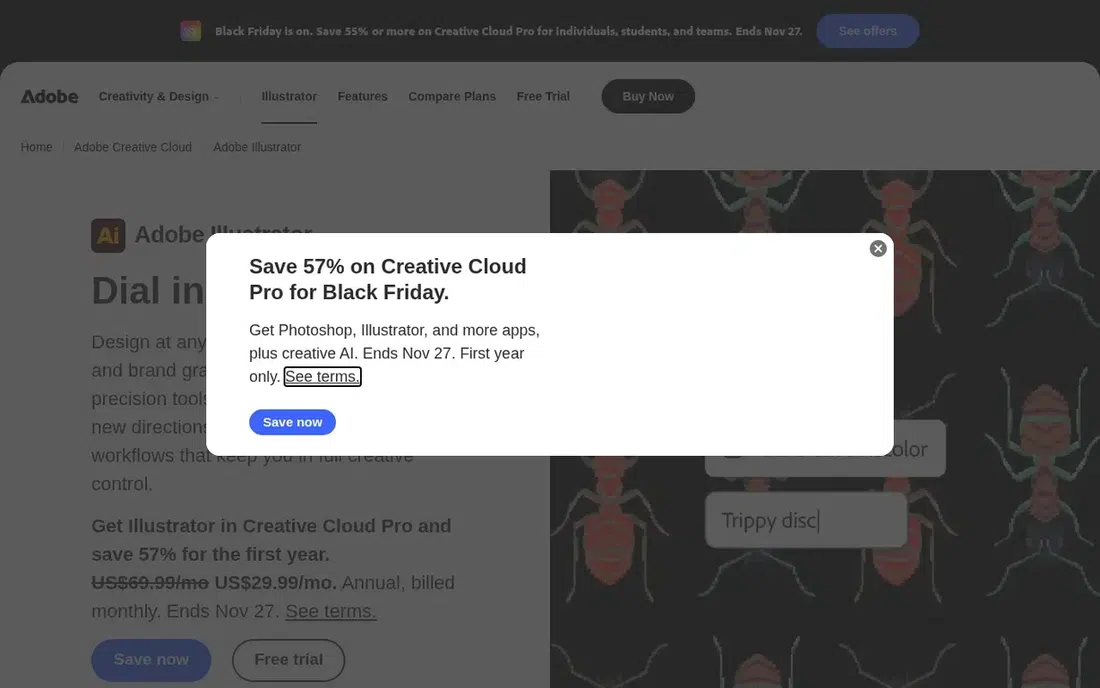
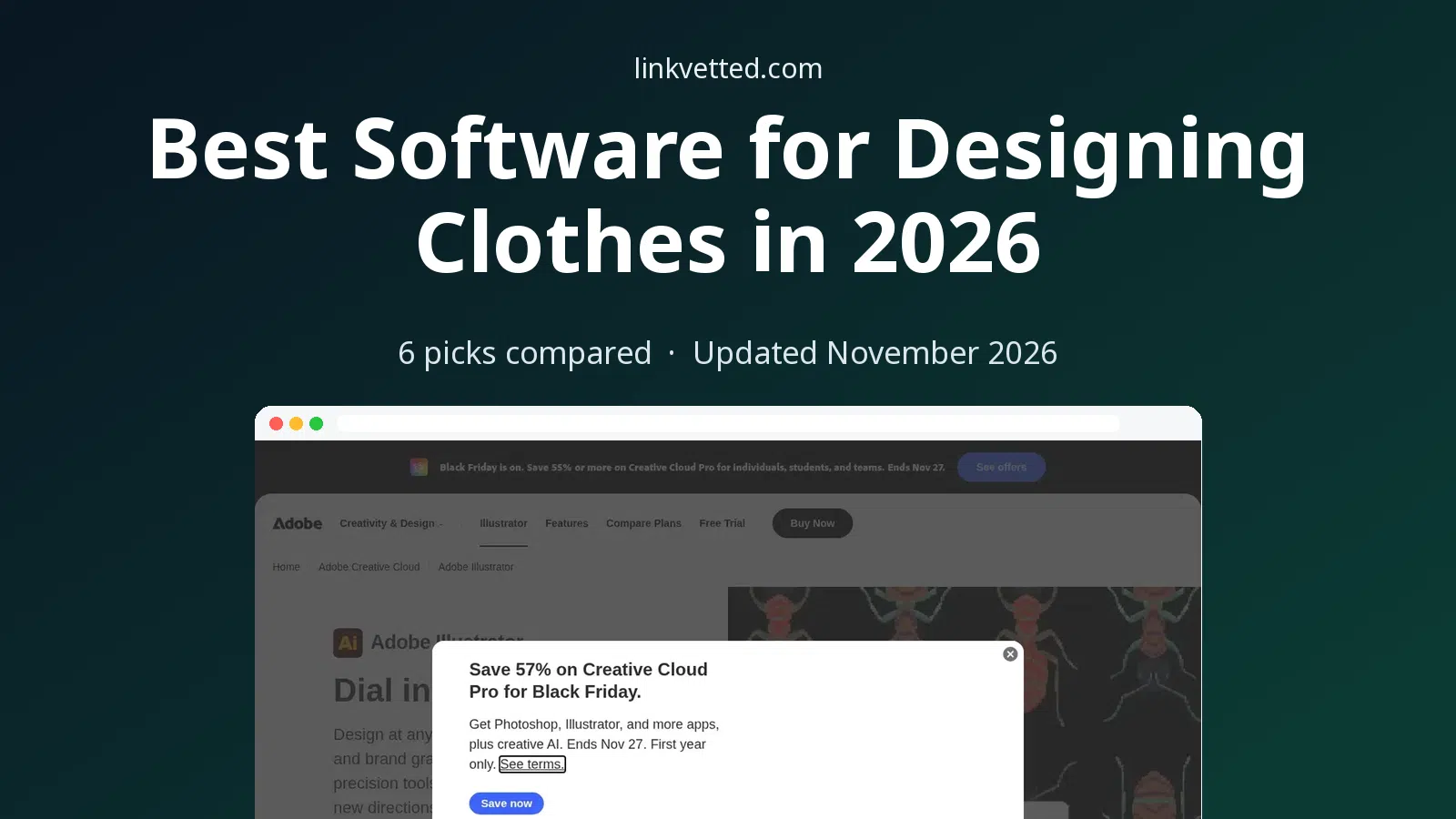
Choose Adobe Illustrator for vector sketching and technical flats. Adobe Illustrator is a vector graphics application widely used for fashion illustration, technical flats, and print design.
If your workflow centers on pattern engineering or digital prototyping, a specialized tool like CLO 3D or Optitex is a better fit. Illustrator is not a dedicated apparel CAD tool, so it lacks pattern-drafting and 3D simulation capabilities. Pricing for Adobe Illustrator is not stated here, so ask the vendor for current figures. On free options: Not stated.
Drawbacks to consider: Not specialized for pattern making.
- Precise pen and shape controls
- Industry-standard vector tools
- Needs separate 3D tools
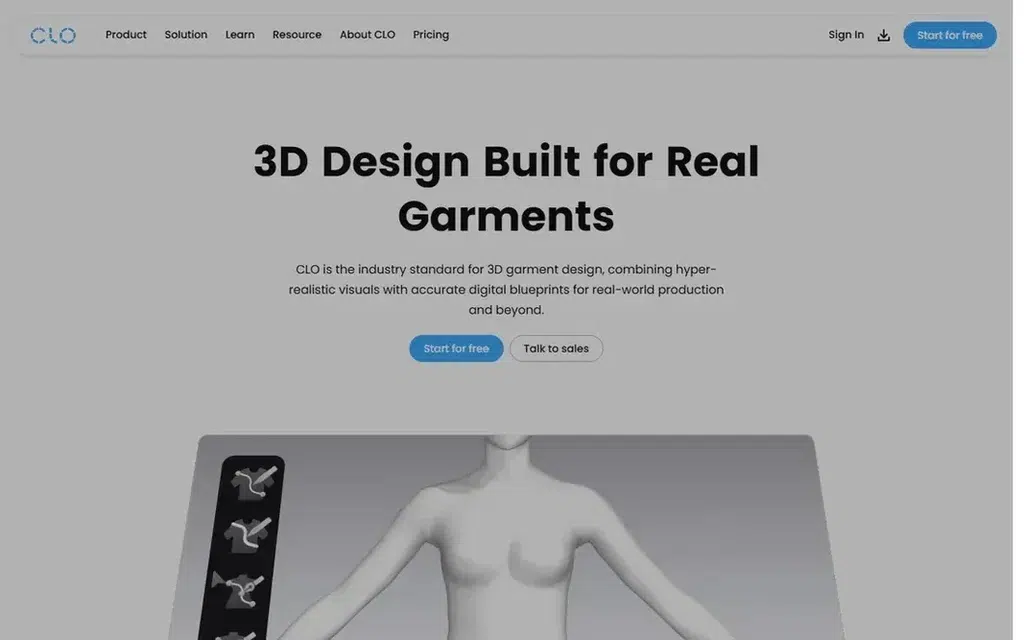
CLO 3D works best for 3D garment visualization and prototyping. CLO 3D is a 3D fashion design product that merges realistic visualization with digital blueprints for production. It permits designers to build virtual garments, test fit, and iterate before physical sampling.
If your primary need is flat sketching, Adobe Illustrator is more appropriate. More specifically, teams needing end-to-end 2D and 3D integration frequently pair it with pattern software. Price to start with CLO 3D: $25 per month. Free plan details: Free trial.
Honest limits: Centred on 3D instead of 2D sketching.
- Hyper-realistic garment simulation
- Industry-standard 3D fashion design
- Steeper ramp-up time
Gerber AccuMark
Best for: Pattern design and production workflows
Gerber AccuMark is built with pattern design and production workflows in mind. It supports pattern making, grading, and marker making, and connects with Gerber cutting equipment. For creative design phases, tools like Adobe Illustrator or CLO 3D are better suited.
Honest limits: Technical interface.
More specifically, AccuMark is centred on technical pattern work and production, so it is not intended for fashion sketching or 3D visualization. Its interface is geared toward experienced pattern makers. Pricing for Gerber AccuMark is not stated here, so ask the vendor for current figures. Free options: Not stated.
- Integration with Gerber cutting systems
- Pattern making and grading
- Not for illustration
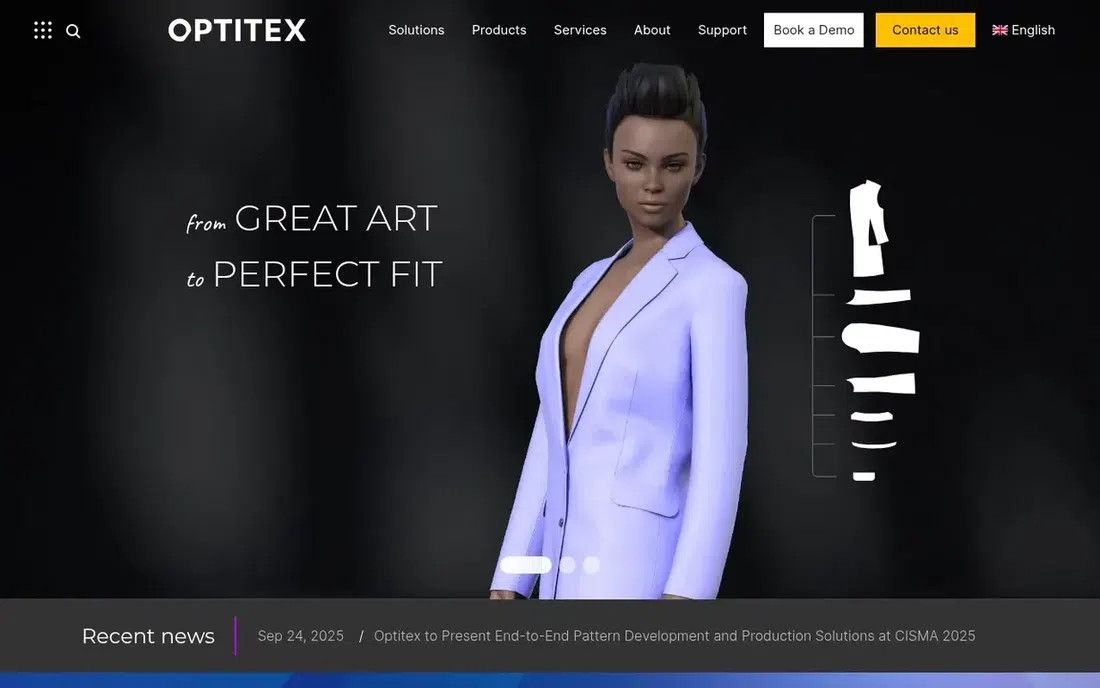
Where Optitex fits: end-to-end 2D/3D apparel CAD. Optitex provides end-to-end fashion design software that bundles 2D CAD/CAM pattern design and 3D prototyping.
Drawbacks to consider: Primarily for production environments.
It serves apparel, automotive, and upholstery sectors, making it a versatile choice for teams that require both pattern engineering and virtual sampling. It is less suited to pure fashion illustration. Optitex does not show a starting price in this comparison, so check the vendor site for current pricing. Free options: Not stated.
- 3D prototyping integration
- Spans fashion and upholstery
- Wide feature set can overwhelm beginners
Selection criteria
Questions to settle before buying
- Get a written quote from Lectra Modaris, Adobe Illustrator, Gerber AccuMark and Optitex; the list shows no starting price for them.
- Take the trial from CLO 3D and push a live task through it before you pay.
- Read the limits listed for Lectra Modaris first: enterprise-oriented.
- Confirm minimum seats and billing terms with Adobe Illustrator before you commit to an annual plan.
- The entry price of Lectra Modaris is only the starting point; model the full cost with seats and extras.
FAQ
How are the tools for software for designing clothes ordered?
The order follows typical fit for software for designing clothes, with Lectra Modaris first and Optitex last, then price clarity and free access. It is editorial judgement, not a score, so another team could rank the tools differently.
Can I use Photoshop for fashion design?
Photoshop is handy for textile prints, mood boards, and image editing. But it is raster-based and not a strong match for technical flats or pattern making. Combine it with vector or CAD tools for a complete workflow.
What is the difference between 2D and 3D clothing design software?
2D software concentrates on pattern drafting, grading, and technical drawings, whereas 3D software simulates garments on virtual avatars. Numerous production workflows use both, with tools like Optitex bridging the two.
Do I need 3D software for clothing design?
3D software like CLO 3D or Browzwear VStitcher helps visualize garments and test fit before physical samples. It is handy for reducing sample rounds, but not mandatory for every designer.
Does any tool for software for designing clothes here have a free plan?
A permanent free plan is not offered by Lectra Modaris, Optitex or the other tools here. CLO 3D offer a trial. Plan a short evaluation period instead.
Do these tools publish their prices?
Not all of them. Lectra Modaris, Adobe Illustrator, Gerber AccuMark and Optitex publish no starting price, so expect a quote request for those. The rest, Browzwear VStitcher included, show a starting price, though seats and billing terms still change the final cost.
Sources
- https://www.lectra.com
- https://browzwear.com
- https://www.adobe.com/products/illustrator.html
- https://www.clo3d.com
- https://www.gerbertechnology.com
- https://optitex.com