Best Software for Creating Presentations for 2026: Our 6 Vetted Picks
6 best software for creating presentations, compared on pricing, free plans and best-fit use. Plain-spoken summaries throughout. Built for quick decisions.
- Editor's choice
 Beautiful.ai
AI-powered on-brand presentations
Starts at$14.50 a monthVisit beautiful.aiFull review - Great alternative
 Pitch
Collaborative team presentations
Starts at€10 a monthVisit pitch.comFull review - Also consider
 Apple Keynote
Apple ecosystem users
Starts atSee websiteVisit apple.comFull review
Direct answer
Beautiful.ai is the first pick on this list for AI-powered on-brand presentations. Listed starting prices: Beautiful.ai from $14.50 a month and Pitch from €10 a month. Alternatives: Pitch for collaborative team presentations, and Apple Keynote for Apple ecosystem users. The other 3 tools in the list cover narrower or pricier cases.
TL;DR:
- Beautiful.ai is the opening pick, best for AI-powered on-brand presentations.
- Canva suits design-focused presentations.
- Pitch is the only tool of the 6 with a free plan.
- Check the limits for Apple Keynote before you commit: limited to Apple systems (with web access).
Last checked November 2026. Prices and plan details were read from the vendors' own pages in November 2026; vendors change plans often, so confirm the current price on the vendor site before you buy.
Quick comparison
| Tool | Best for | Starts at | Free plan? | |
|---|---|---|---|---|
| Beautiful.ai | AI-powered on-brand presentations | $14.50 a month | Free trial | Visit |
| Pitch | Collaborative team presentations | €10 a month | Yes | Visit |
| Apple Keynote | Apple ecosystem users | See website | Not stated | Visit |
 Google Slides | Live collaboration | See website | Not stated | Visit |
 Microsoft PowerPoint | Thorough presentation creation | See website | Not stated | Visit |
 Canva | Design-focused presentations | See website | Not stated | Visit |
Our 6 software for creating presentations
If you are comparing software for creating presentations, this page covers 6 tools in one place: what each is best for, what it costs to start, whether it has a free plan, and the main limit to know about.
Think of Beautiful.ai for AI-powered on-brand presentations. Beautiful.ai is an AI presentation product designed for enterprise teams.
Where it falls short: Restricted creative control for custom designs.
On top of that, for more design adaptability, consider Canva or Microsoft PowerPoint. What you pay to start with Beautiful.ai: $14.50 per month. Free plan details: Free trial.
- AI-driven design ensures brand consistency
- Enterprise-focused features
- May not suit individuals
Where Pitch fits: collaborative team presentations. As a newer system, Pitch may not have the depth of features offered by Microsoft PowerPoint or the design adaptability of Canva. As for the details, if you need a proven, feature-rich option, consider those alternatives.
Beyond that, Pitch is the AI presentation workspace for teams that want to produce, share, and deliver better work. It merges collaborative tools with AI assistance to simplify presentation creation. The starting price for Pitch: €10 per month. Pitch has a free plan.
Points against: May lack some advanced features of established tools.
- AI-powered workspace for presentations
- Aimed at team collaboration
- Newer system with evolving features
For Apple ecosystem users, Apple Keynote is a natural candidate. Apple Keynote is Apple's presentation software for Mac, iPad, iPhone, iPod touch, and the web.
It gives you elegant templates and feature-rich tools for creating visually stunning presentations. This comparison lists no price for Apple Keynote; ask the vendor. On free options: Not stated.
Highlights: Feature-rich animation and transition effects. Watch-outs: Less collaborative than cloud-based tools.
- Smooth integration with Apple devices
- High-quality templates
- Restricted to Apple products (with web access)
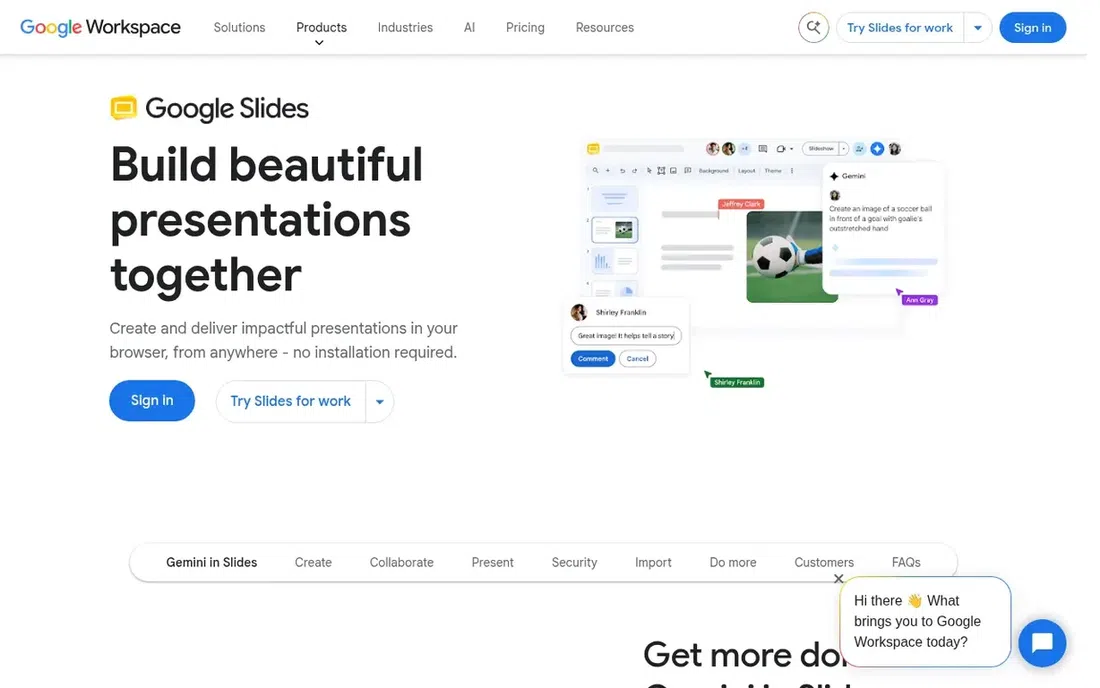
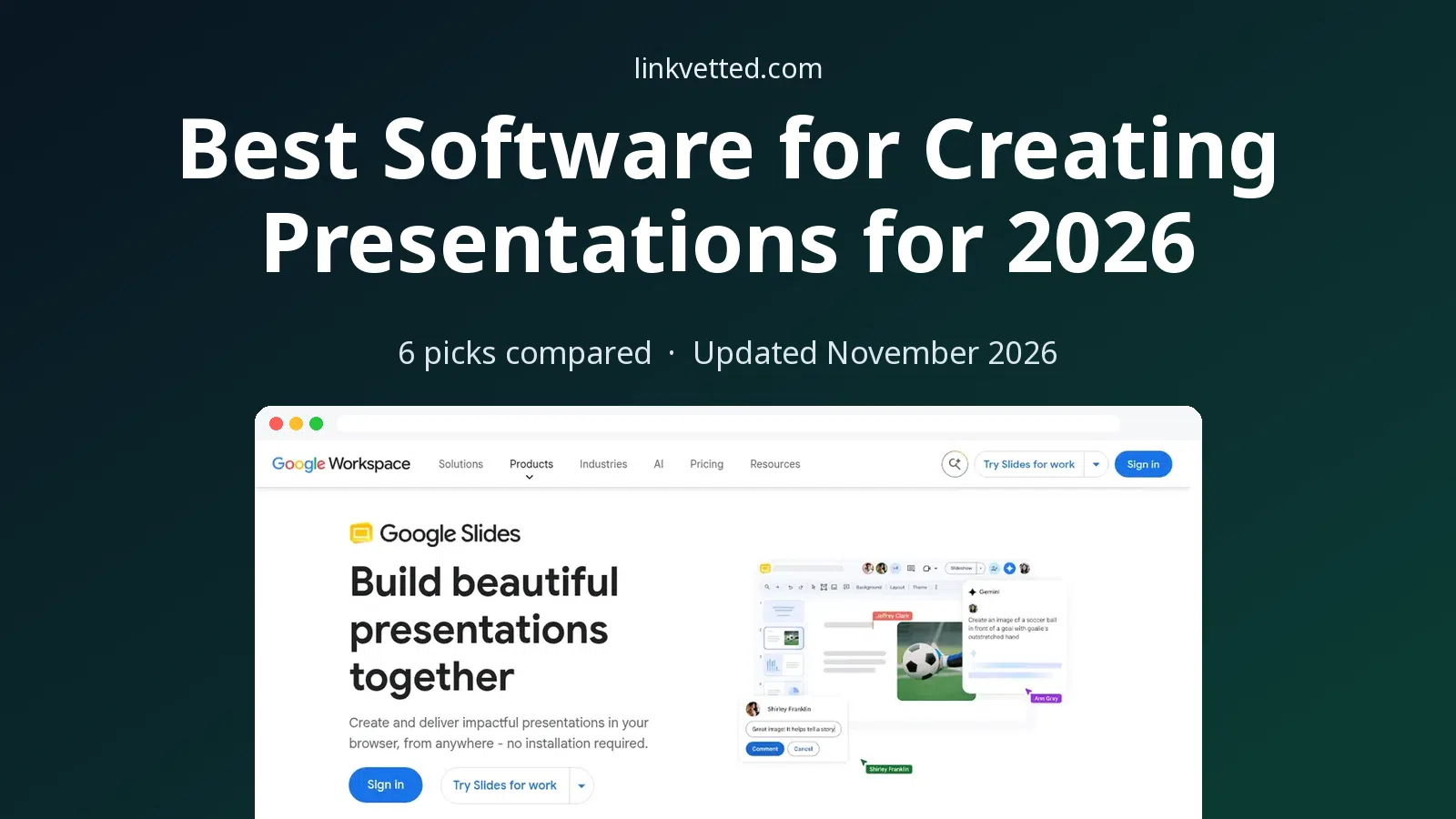
Pick Google Slides if this describes you: live collaboration. Google Slides is a presentation slideshow maker that lets you build stunning presentations with slide templates for every use case.
It comes with AI to produce unique visualizations and integrates tightly with other Google Workspace apps. Google Slides shows no starting price here, so confirm the cost on the vendor site. Trial and free access: Not stated.
Trade-offs to know: Fewer design choices than dedicated design tools.
- Smooth collaboration and sharing
- Accessible from any device
- Needs internet connection for full functionality
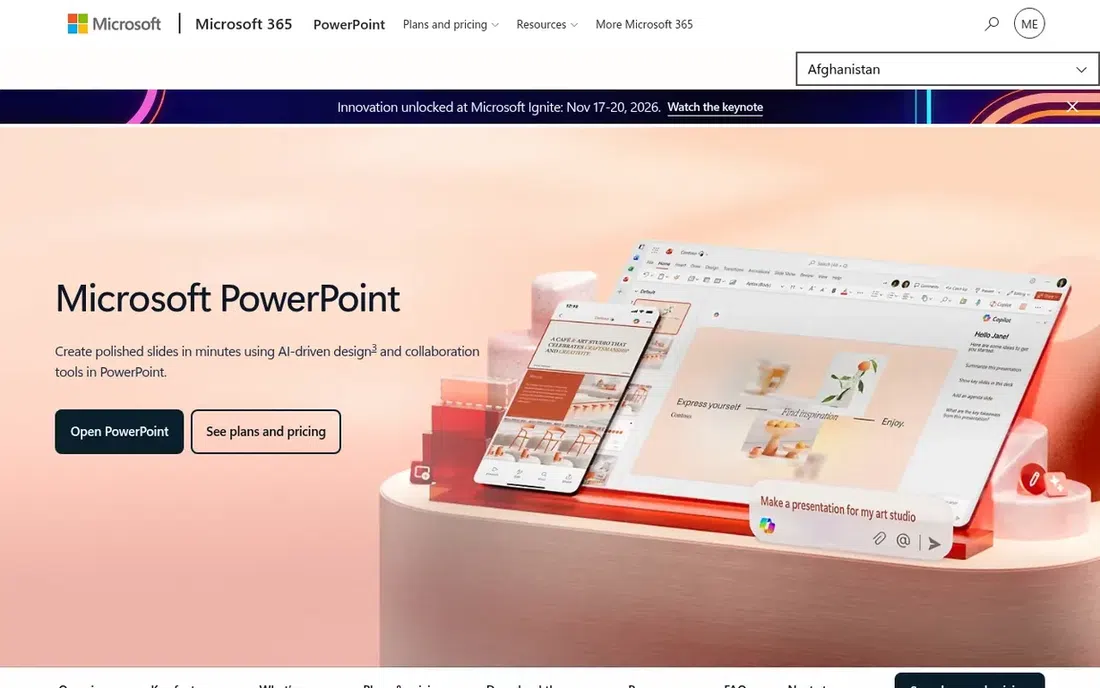
Think of Microsoft PowerPoint for thorough presentation creation. Microsoft PowerPoint is a widely used presentation program that enables users to produce clean slideshows and intricate pitch decks. It supplies a feature-rich presentation maker to tell your story, with tools for animations, transitions, and multimedia integration.
Where it is weaker: Can be complicated for beginners.
That said, PowerPoint can be overwhelming for those seeking a straightforward tool, and advanced features may need a subscription. If you prefer a more design-oriented or collaborative approach, consider Canva or Google Slides instead. Check the vendor site for Microsoft PowerPoint pricing; none is listed in this comparison. As for free access: Not stated.
- Capable presentation maker tools
- Broad compatibility and familiar interface
- Needs Microsoft 365 subscription for full features
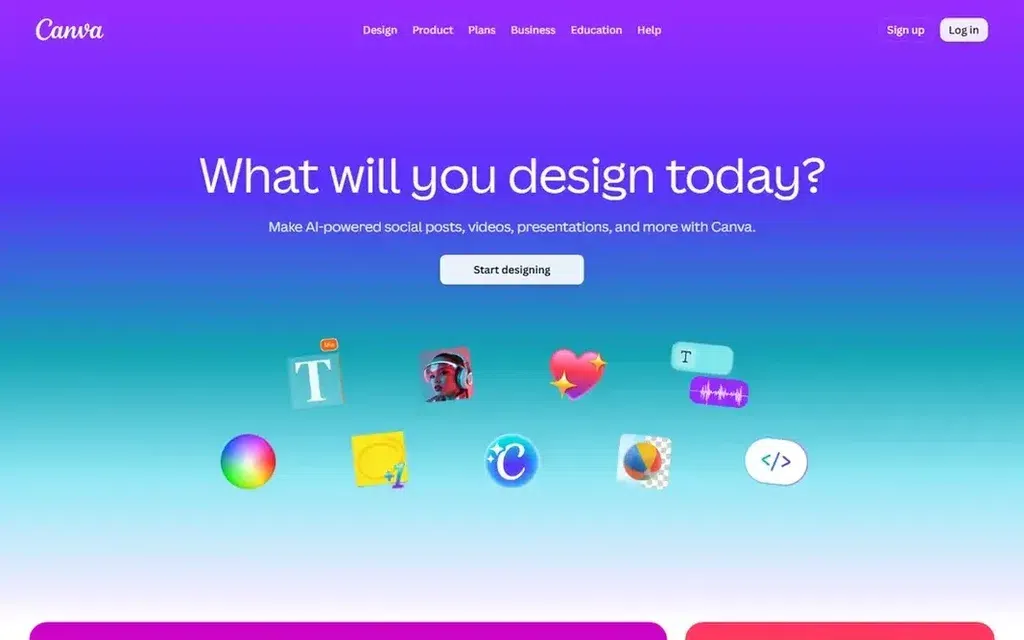
Canva is a good fit for design-focused presentations. Canva is a free-to-use online graphic design tool that lets you to build social media posts, presentations, posters, and more.
Drawbacks to consider: Restricted advanced presentation features.
Its easy-to-learn interface and vast template collection make it well suited to users who want visually appealing presentations without design expertise. As for the details, for more traditional, feature-heavy presentations, Microsoft PowerPoint or Google Slides might be better choices. No starting price is listed for Canva here; confirm pricing on the vendor site. Free options: Not stated.
- Versatile for several design needs
- Approachable drag-and-drop interface
- May need premium elements for full access
Selection criteria
LinkVetted looked at what each vendor publishes: pricing, plan limits, feature coverage for software for creating presentations and stated drawbacks. No hands-on testing is claimed. Plan names, prices and limits change often. Treat the figures here as a starting point and verify them with the vendor. The order reflects how well each tool fits the most common buying scenario for software for creating presentations, then price clarity, then free plan access. It is a starting point, not a verdict.
Things to verify first
- Get a written quote from Apple Keynote, Google Slides, Microsoft PowerPoint and Canva; the list shows no starting price for them.
- Test the free plan from Pitch against your real workload before relying on it.
- Take the trial from Beautiful.ai and push a live task through it before you pay.
- Before choosing Beautiful.ai, weigh its main limit: restricted creative control for custom designs.
- Check the integration list for Beautiful.ai against the tools you run today, and note which ones need a higher plan.
- Add up seats, add-ons and usage charges for Canva before comparing it with cheaper entries.
FAQ
Do these tools publish their prices?
Not all of them. Apple Keynote, Google Slides, Microsoft PowerPoint and Canva publish no starting price, so expect a quote request for those. The rest, Beautiful.ai included, show a starting price, though seats and billing terms still change the final cost.
Which options for software for creating presentations have a free plan?
Pitch is the only tool in this list with a free plan. Free plans usually cap users, projects or features, so check the limits on the vendor page. One other tool offers a trial instead. For the full picture, the cards above cover all 6 entries of this software for creating Presentations list, including price, free plan and limits.
Can I use these tools at no cost?
Many tools offer free versions with restricted features, but details vary. Check each vendor's site for current offerings.
What is the cheapest option for software for creating presentations in this list?
On published monthly entry prices, Beautiful.ai is the lowest here at $14.50 per month. Entry price is only part of the cost, because seats, add-ons and billing terms can change the total. Prices, free plan details and limits for all 6 tools in this software for creating Presentations roundup sit on the individual cards above.
Is Beautiful.ai the right pick for everyone comparing software for creating presentations?
No single tool suits every team. Beautiful.ai comes first because it fits AI-powered on-brand presentations, while Pitch suits collaborative team presentations and Apple Keynote suits Apple ecosystem users. Match the tool to your own size, budget and workflow before deciding.
Sources
- https://www.beautiful.ai
- https://pitch.com
- https://www.apple.com/keynote
- https://workspace.google.com/products/slides
- https://www.microsoft.com/microsoft-365/powerpoint
- https://www.canva.com