Best Relational Databases for Startups in 2026: 6 Tools Compared
Best relational databases for startups in 2026: 6 tools with starting prices, free plans and limits. Each listing flags where it falls short. Numbers first.
- Editor's choice
 Microsoft SQL Server
Startups invested in the Microsoft ecosystem
Starts atPricing on requestVisit microsoft.comFull review - Great alternativeAzure SQL Database
Startups building on Microsoft Azure
Starts atPricing on requestVisit azure.microsoft.comFull review - Also consider
 CockroachDB
Startups needing global distribution and resilience
Starts atPricing on requestVisit cockroachlabs.comFull review
Direct answer
This list puts Microsoft SQL Server first for startups invested in the Microsoft ecosystem. For a different need, Azure SQL Database covers startups building on Microsoft Azure and CockroachDB covers startups needing global distribution and resilience. Free plan facts and limits for all 6 tools follow. None of these vendors publish plan prices, so pricing is on request for every option.
TL;DR:
- Microsoft SQL Server sits first on this list: startups invested in the Microsoft ecosystem.
- Oracle Database suits startups with enterprise-grade requirements.
- Every tool from Microsoft SQL Server to Oracle Database works by quote, with no list price shown.
- One limit worth knowing about Azure SQL Database: costs can escalate with usage.
Last checked November 2026. Pricing on request: vendors did not publish plan prices when this guide was last checked (November 2026), so ask each vendor for a written quote.
Quick comparison
| Tool | Best for | Starts at | Free plan? | |
|---|---|---|---|---|
| Microsoft SQL Server | Startups invested in the Microsoft ecosystem | Pricing on request | Not stated | Visit |
| Azure SQL Database | Startups building on Microsoft Azure | Pricing on request | Not stated | Visit |
| CockroachDB | Startups needing global distribution and resilience | Pricing on request | Free trial | Visit |
 PostgreSQL | Startups needing advanced open-source features | Pricing on request | Not stated | Visit |
 Google Cloud SQL | Teams wanting completely managed databases on Google Cloud | Pricing on request | Not stated | Visit |
 Oracle Database | Startups with enterprise-grade requirements | Pricing on request | Not stated | Visit |
Every option for relational databases for startups explained
Choosing relational databases for startups usually comes down to price, fit and limits. This LinkVetted guide sets 6 tools side by side on those three points, with the facts kept short and checkable.
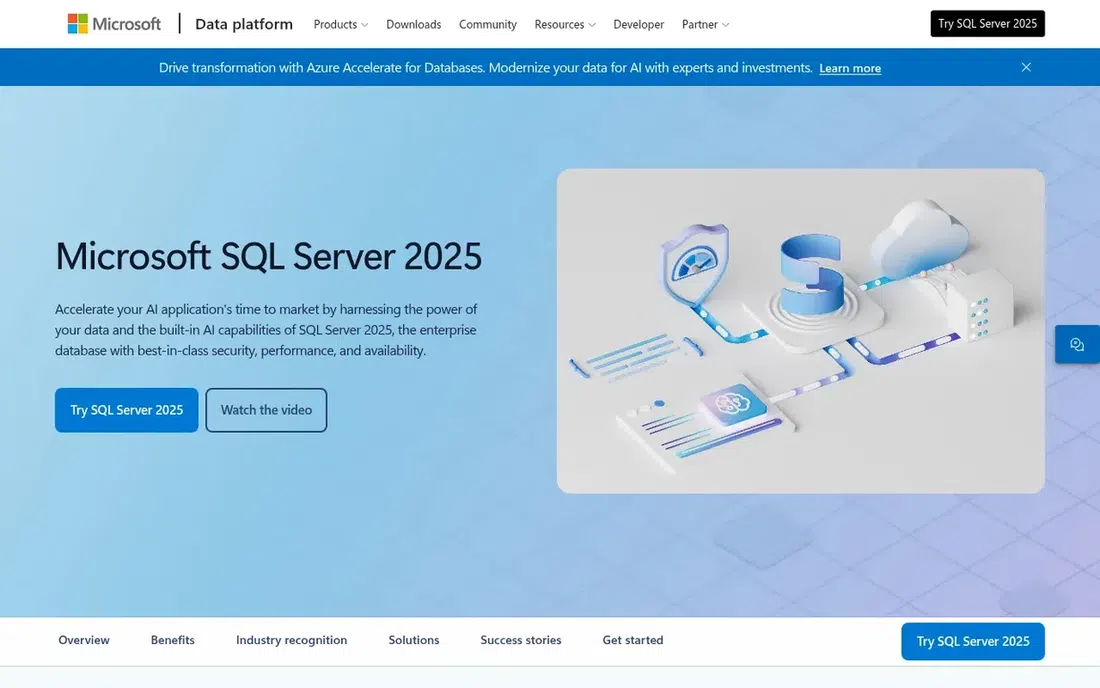
Microsoft SQL Server is a good fit for startups invested in the Microsoft ecosystem. Microsoft SQL Server is a relational database management system developed by Microsoft. More specifically, consider open-source choices if cost is a primary concern.
Trade-offs to know: Licensing costs can be significant.
SQL Server can be costly for startups with tight budgets, and its feature set may be overkill for straightforward applications. It is also traditionally associated with Windows environments, though Linux support is available. Microsoft SQL Server does not show a starting price in this comparison, so check the vendor site for current pricing. Free access: Not stated.
- Integrated with Microsoft tools and services
- Built-in analytics and AI features
- Primarily Windows-oriented, though Linux support exists
Azure SQL Database
Best for: Startups building on Microsoft Azure
Azure SQL Database was built for startups building on Microsoft Azure. It uses automation to ease management, making it suitable for startups that want to minimize operational overhead. As for the details, integration with Azure services can accelerate development.
For everyday use, Whereas Azure SQL Database cuts management tasks, it may not be the most budget-friendly choice for startups with predictable workloads. It also locks you into the Azure ecosystem. This comparison lists no price for Azure SQL Database; ask the vendor. Free options: Not stated.
Trade-offs to know: Costs can escalate with usage.
- Completely managed with automation
- High performance and reliability
- Some features require extra configuration
CockroachDB is aimed squarely at startups needing global distribution and resilience. CockroachDB is a cloud-native, distributed SQL database made for extreme resilience, smooth horizontal scaling, and global deployment, based on its official site. It is well-suited for startups that anticipate rapid growth and need a database that can span several regions without sacrificing consistency.
Also, for numerous startups, a traditional relational database may suffice until global scale is required. Beyond that, CockroachDB's distributed nature introduces operational complexity, and it may be overkill for startups with straightforward, single-region needs. This comparison lists no price for CockroachDB; ask the vendor. As for free access: Free trial.
Where it is weaker: More complicated to operate than single-node databases.
- Survives failures with minimal disruption
- Distributed architecture for horizontal scaling
- Smaller community compared with PostgreSQL
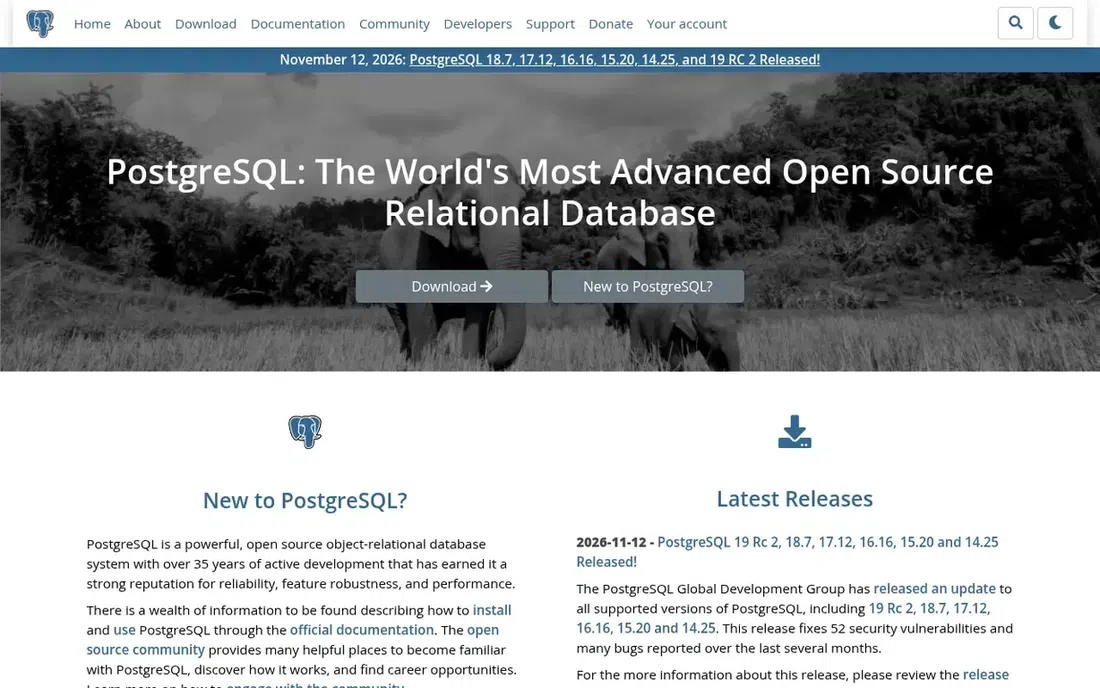
PostgreSQL serves startups needing advanced open-source features. PostgreSQL is an open-source object-relational database known for its strength and extensibility. It supports many different data types and advanced indexing, making it a good match for startups that anticipate complicated queries or evolving data models.
Drawbacks to consider: Can need tuning for high write throughput.
Its active community and deep documentation help small teams begin rapidly. Worth adding: Whereas PostgreSQL takes care of numerous workloads well, it may need configuration adjustments for very high write volumes. Also, startups with restricted operational experience might prefer a managed service. This comparison lists no price for PostgreSQL; ask the vendor. Trial and free access: Not stated.
- Solid support for JSON and spatial data
- Open source with a permissive license
- Major version upgrades need planning
Google Cloud SQL
Best for: Teams wanting completely managed databases on Google Cloud
Google Cloud SQL makes the most sense for teams wanting completely managed databases on Google Cloud. It manages routine tasks like patching and backups, allowing startups to focus on application development.
Trade-offs to know: Vendor lock-in to Google Cloud.
On top of that, Cloud SQL may not offer the same level of control as self-managed databases, and customization choices are restricted. No starting price is listed for Google Cloud SQL here; confirm pricing on the vendor site. As for free access: Not stated.
- SQL Server
- Integration with Google Cloud services
- Restricted to supported database engines
Oracle Database is aimed squarely at startups with enterprise-grade requirements. Startups with demanding performance and reliability requirements may consider Oracle, notably if they plan to scale into enterprise markets.
The official site emphasizes AI integration with Oracle Database 26ai to power app development and critical workloads. Oracle's licensing and operational complexity can be challenging for startups with restricted resources. Check the vendor site for Oracle Database pricing; none is listed in this comparison. Free plan details: Not stated.
The main drawbacks: Complicated and pricey licensing.
- High reliability and performance
- AI integration capabilities
- Steep ramp-up time for small teams
How we built this list
The comparison looks at four things: starting price, free access, how well the feature set matches relational databases for startups, and the main limit of each tool. Seat minimums, billing terms and add-ons can move the real cost, so the starting prices here are a guide and not a quote. Tools are placed by general fit for relational databases for startups, with price clarity and free access as tie-breakers. A different team can reasonably rank them differently.
A buyer's checklist
- Ask each vendor, from Microsoft SQL Server to Oracle Database, for a written quote; none of them publishes a starting price.
- Use real work to test the free trial from CockroachDB, rather than a demo project.
- Read the limits listed for Microsoft SQL Server first: licensing costs can be significant.
- Confirm that Google Cloud SQL connects to the apps your team already uses, on the plan you would actually buy.
- Run a one or two week pilot of Azure SQL Database with the people who will use it every day.
FAQ
Which relational database is a good match for a startup with limited resources?
For most readers this guide would start with Microsoft SQL Server, built for startups invested in the Microsoft ecosystem. Azure SQL Database is the alternative for startups building on Microsoft Azure, and CockroachDB for startups needing global distribution and resilience. The right answer depends on budget and workflow.
What factors should I consider when choosing between SQL Server and Oracle?
Both are enterprise-grade databases with solid features, but they differ in licensing costs and ecosystem integration. SQL Server may be more familiar to teams using Microsoft tools, whereas Oracle provides advanced AI capabilities and is commonly chosen for critical workloads.
Do these tools publish their prices?
No. None of the tools, from Microsoft SQL Server to Oracle Database, shows a fixed starting price here, so budget time for quotes.
Is Microsoft SQL Server the right pick for everyone comparing relational databases for startups?
No single tool suits every team. Microsoft SQL Server comes first because it fits startups invested in the Microsoft ecosystem, while Azure SQL Database suits startups building on Microsoft Azure and CockroachDB suits startups needing global distribution and resilience. Match the tool to your own size, budget and workflow before deciding.
How are the tools for relational databases for startups ordered?
The order follows typical fit for relational databases for startups, with Microsoft SQL Server first and Oracle Database last, then price clarity and free access. It is editorial judgement, not a score, so another team could rank the tools differently.
Should I choose a managed database service or self-host?
Managed services like Google Cloud SQL or Azure SQL Database cut operational burden, which can be beneficial for small teams. Even so, self-hosting provides you more control and can be more economical if you have the expertise.
Sources
- https://www.microsoft.com/en-us/sql-server
- https://azure.microsoft.com/en-us/products/azure-sql/database
- https://www.cockroachlabs.com
- https://www.postgresql.org
- https://cloud.google.com/sql
- https://www.oracle.com/database