Top 6 Relational Databases for Remote Teams for 2026 (Prices and Free Plans)
Best relational databases for remote teams: 6 tools compared on price, free plans and fit. Short, factual notes on every option. Narrow your shortlist.
- Editor's choice
 MySQL
Web applications and read-heavy workloads
Starts atPricing on requestVisit mysql.comFull review - Great alternative
 Oracle Database
AI-powered critical workloads
Starts atPricing on requestVisit oracle.comFull review - Also considerAzure SQL Database
Completely managed cloud with automation
Starts atPricing on requestVisit azure.microsoft.comFull review
Direct answer
Our first pick is MySQL, best for web applications and read-heavy workloads. Oracle Database is the stronger choice for AI-powered critical workloads, while Azure SQL Database suits completely managed cloud with automation. Details and limits for the rest of the 6 tools are below. None of these vendors publish plan prices, so pricing is on request for every option.
TL;DR:
- MySQL takes the first slot, best suited to web applications and read-heavy workloads.
- MySQL, PostgreSQL and the 4 others all need a premium plan or a trial, since no free plan is listed.
- PostgreSQL is the one to check for advanced open source features.
- No starting price is shown for any of the 6 tools, MySQL and PostgreSQL included, so plan time for sales calls.
Last checked November 2026. Pricing on request: vendors did not publish plan prices when this guide was last checked (November 2026), so ask each vendor for a written quote.
Quick comparison
| Tool | Best for | Starts at | Free plan? | |
|---|---|---|---|---|
| MySQL | Web applications and read-heavy workloads | Pricing on request | Not stated | Visit |
| Oracle Database | AI-powered critical workloads | Pricing on request | Not stated | Visit |
| Azure SQL Database | Completely managed cloud with automation | Pricing on request | Not stated | Visit |
 Microsoft SQL Server | Enterprise analytics and AI integration | Pricing on request | Not stated | Visit |
 MariaDB | Open source scalability | Pricing on request | Not stated | Visit |
 PostgreSQL | Advanced open source features | Pricing on request | Not stated | Visit |
The best relational databases for remote teams
If you are comparing relational databases for remote teams, this page covers 6 tools in one place: what each is best for, what it costs to start, whether it has a free plan, and the main limit to know about.
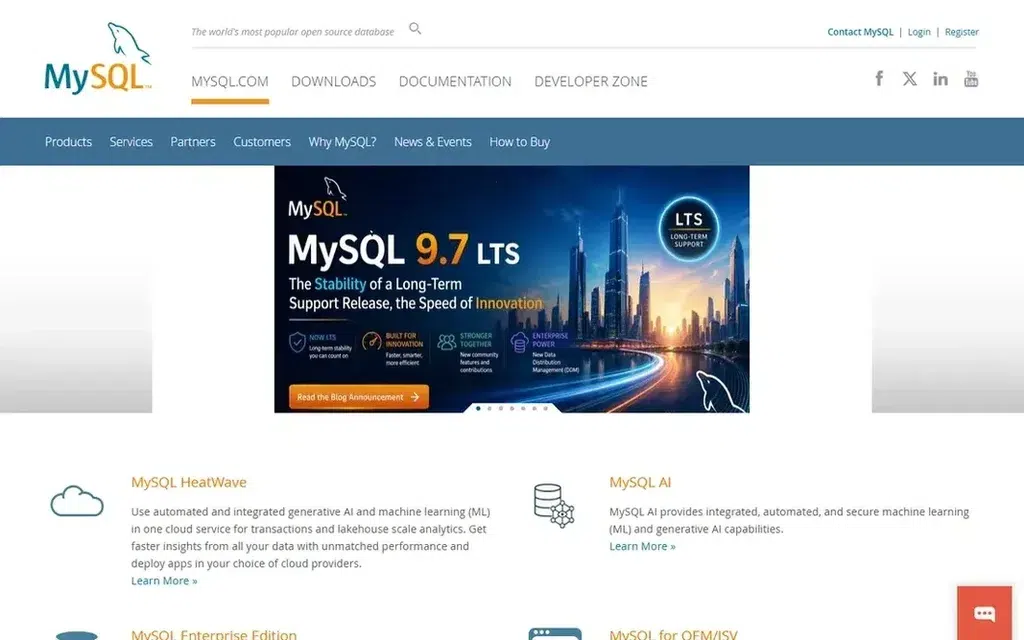
Pick MySQL if this describes you: web applications and read-heavy workloads. Choose MySQL for straightforward web applications with high read demand. Worth adding: MySQL is a widely used open source relational database frequently used for web applications.
It supplies wide compatibility and a large ecosystem, making it a typical choice for remote teams building read-heavy applications. Documentation and community resources are abundant. More specifically, MySQL may lack some advanced features found in other databases, and behavior can vary by storage engine. More specifically, teams needing complicated analytics or extensibility might consider alternatives. MySQL does not show a starting price in this comparison, so check the vendor site for current pricing. As for free access: Not stated.
Honest limits: Some features vary by storage engine.
- Decent performance for read-heavy apps
- Widely used and well-documented
- Fewer advanced features than some peers
Oracle Database is aimed squarely at AI-powered critical workloads. Oracle Database is an enterprise relational database that harnesses AI to power app development and critical workloads.
The product is aimed at high reliability and performance. Choose Oracle when you need its advanced capabilities for critical systems. Pricing for Oracle Database is not stated here, so ask the vendor for current figures. As for free access: Not stated.
Trade-offs to know: Complicated administration.
- Solid for critical workloads
- AI integration for app development
- Resource-intensive
Azure SQL Database
Best for: Completely managed cloud with automation
Think of Azure SQL Database for completely managed cloud with automation. It also may not offer the same adaptability as self-managed databases.
Where it is weaker: Azure ecosystem dependency.
Azure SQL Database does not show a starting price in this comparison, so check the vendor site for current pricing. Free plan details: Not stated.
- Integration with Azure services
- Completely managed with automation
- Restricted to SQL Server engine
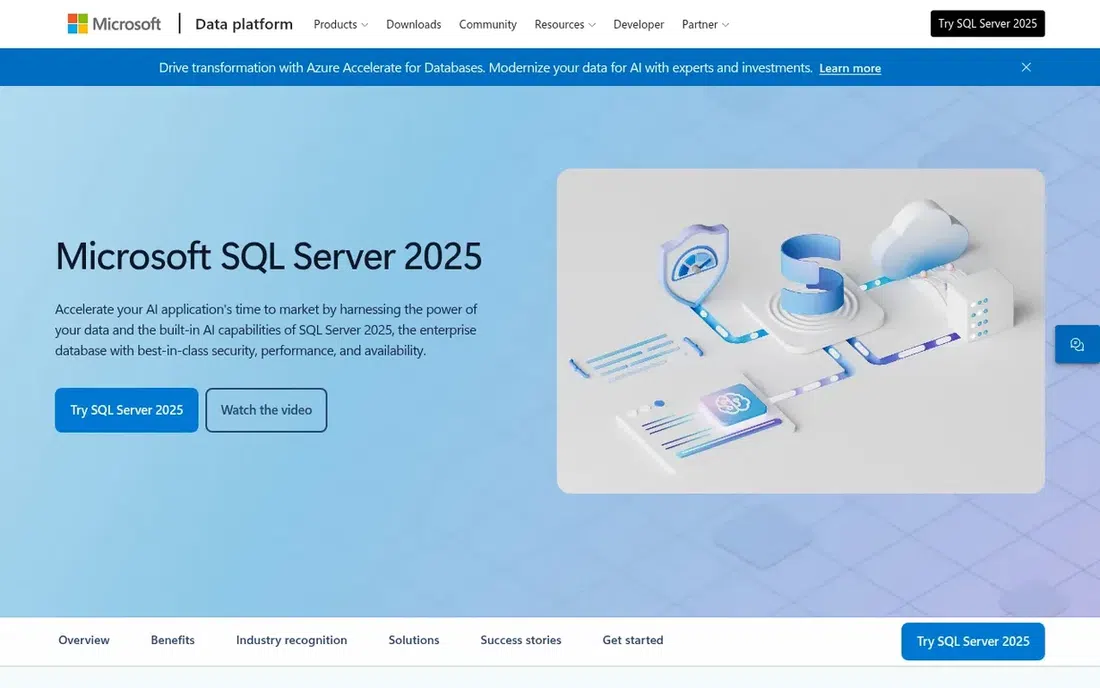
Microsoft SQL Server was built for enterprise analytics and AI integration. Microsoft SQL Server is a relational database management system with developer-first features and integration with analytics and AI models.
More specifically, consider alternatives if you need a light open source database without enterprise overhead. Licensing and setup can be complicated for smaller teams. Microsoft SQL Server shows no starting price here, so confirm the cost on the vendor site. Free access: Not stated.
Where it falls short: Primarily Windows-oriented.
- Integrated analytics and AI features
- Capable enterprise support
- Licensing can be complicated
MariaDB makes the most sense for open source scalability. It is frequently chosen by remote teams as a MySQL-compatible alternative with a focus on open source principles.
Teams needing deep external tooling might prefer MySQL. MariaDB does not show a starting price in this comparison, so check the vendor site for current pricing. Free plan details: Not stated.
Downsides: Smaller ecosystem than MySQL.
- Open source and community-driven
- Built for scalability
- Some features may lag behind
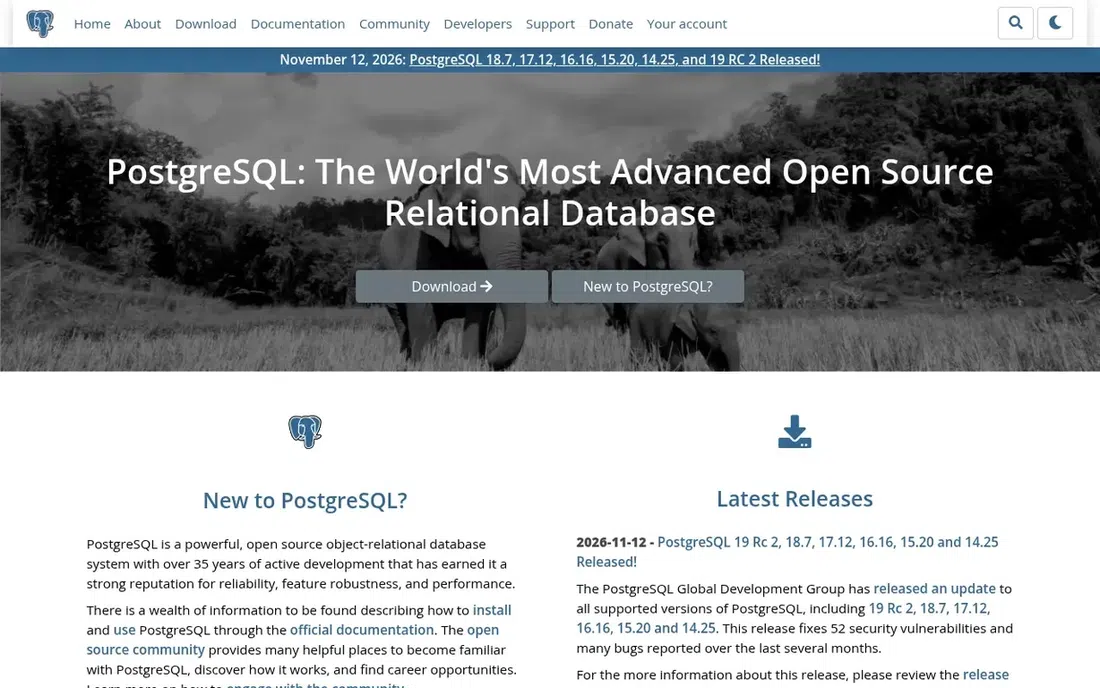
PostgreSQL is designed for advanced open source features. Its active community contributes to continuing development and support.
The main drawbacks: Less managed hosting than some cloud choices.
As for the details, teams without dedicated database expertise might prefer a managed choice. From a buyer's view, PostgreSQL may need more practical tuning and administration than fully managed cloud services. Check the vendor site for PostgreSQL pricing; none is listed in this comparison. On free options: Not stated.
- Active open source community
- Extensible and feature-rich
- Can need tuning for performance
How we built this list
We compared the tools on published pricing, free plan or trial availability, feature coverage for relational databases for remote teams, and the limits each vendor documents. Plan names, prices and limits change often. Treat the figures here as a starting point and verify them with the vendor. The ranking is editorial: typical fit first, then clear pricing, then free access. If your needs are unusual, read the profiles rather than relying on position.
What to check before you buy
- Ask each vendor, from MySQL to PostgreSQL, for a written quote; none of them publishes a starting price.
- Before choosing MySQL, weigh its main limit: fewer advanced features than some peers.
- List the apps you already depend on and check that Microsoft SQL Server supports each one on the plan you would buy.
- Let daily users try MySQL on real work; their feedback beats any feature checklist.
- Look at the renewal terms for MariaDB: auto-renewal, notice periods and price changes can matter more than the first-year price.
FAQ
Does any tool for relational databases for remote teams here have a free plan?
No tool in this list, MySQL and PostgreSQL included, has a permanent free plan. Trials and quotes are the usual route, so plan a short evaluation period.
What is the best relational database for remote teams?
The first pick on this list is MySQL, because it suits web applications and read-heavy workloads. Oracle Database is better for AI-powered critical workloads, and Azure SQL Database for completely managed cloud with automation. Check price and limits against your own needs before choosing.
Is MySQL the right pick for everyone comparing relational databases for remote teams?
No single tool suits every team. MySQL comes first because it fits web applications and read-heavy workloads, while Oracle Database suits AI-powered critical workloads and Azure SQL Database suits fully managed cloud with automation. Match the tool to your own size, budget and workflow before deciding.
How are the tools for relational databases for remote teams ordered?
MySQL sits first and PostgreSQL last because the order follows typical fit for relational databases for remote teams, then price clarity and free access. It is a judgement call, so read each profile for fit and limits.
Can I try these tools before paying?
Not by default. None of the tools, from MySQL to PostgreSQL, lists a free plan or a free trial here, so ask each vendor for a demo before committing.
Which database is most compatible with MySQL?
MySQL itself is widely used, but MariaDB provides an open source alternative with similar functionality. In daily use, compatibility should be verified for specific features and versions.
Sources
- https://www.mysql.com
- https://www.oracle.com/database
- https://azure.microsoft.com/en-us/products/azure-sql/database
- https://www.microsoft.com/en-us/sql-server
- https://mariadb.com
- https://www.postgresql.org