Best Scalable Database Software Options in 2026: 8 Products Compared
We compare the best scalable database software options for growing apps, with pricing, scaling limits and honest trade-offs for small and larger teams.
- Editor's choice
 PostgreSQL
General-purpose apps that need consistency
Starts atFreeVisit postgresql.orgFull review - Great alternative
 MongoDB
Flexible document data that changes often
Starts atFreeVisit mongodb.comFull review - Also consider
 MySQL
Web apps and e-commerce on a proven base
Starts atFreeVisit mysql.comFull review
TL;DR:
- PostgreSQL is the safest default for most growing apps, with strong consistency and a wide managed hosting market.
- MongoDB, DynamoDB and Cassandra fit workloads where flexible documents, huge write volume or multi-region scale matter more than joins.
- Redis is a speed layer for caching and real-time work, not a replacement for a main system of record.
- Managed pricing grows with compute, storage and traffic, so model your read and write volume before you commit.
- Start with the data model your app needs, then check backups, replication and exit options.
Quick comparison
| Tool | Best for | Starts at | Free plan? | |
|---|---|---|---|---|
| PostgreSQL | General-purpose apps that need consistency | Free | Yes | Visit |
| MongoDB | Flexible document data that changes often | Free | Yes | Visit |
| MySQL | Web apps and e-commerce on a proven base | Free | Yes | Visit |
 Amazon DynamoDB | Serverless apps with spiky traffic | See website | Yes | Visit |
 Google Cloud Spanner | Global apps that need strong consistency | See website | No | Visit |
 CockroachDB | Distributed SQL across regions | See website | Free trial | Visit |
 Redis | Caching and real-time features | Free | Yes | Visit |
 Apache Cassandra | Very high write volume at scale | Free | Yes | Visit |
The best scalable database software options
Scaling is less about raw speed on day one and more about how a database behaves when data, users and queries grow. We compared official feature pages, pricing pages, documentation and public reviews for the options below, with a focus on data model, consistency, managed hosting and cost shape.
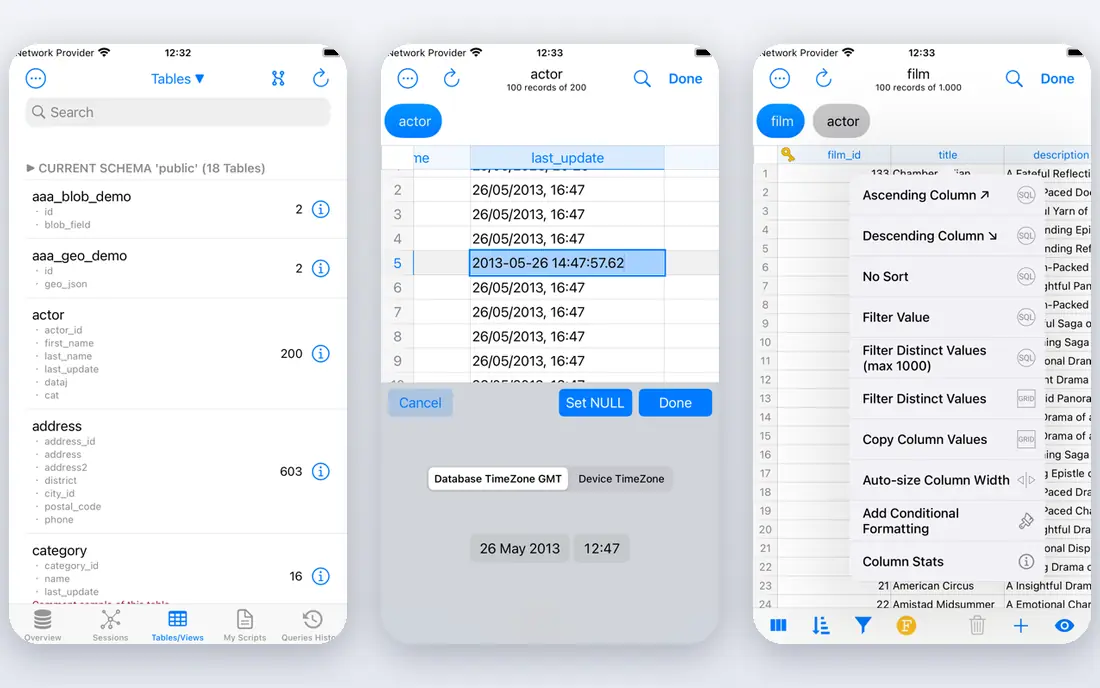
PostgreSQL fits teams that want one dependable database for accounts, orders, content and reporting. It handles joins, constraints and complex queries well, which keeps application code simpler than spreading related data across several stores. Extensions add geospatial queries, full-text search and vector search without forcing a second database early on. The honest catch is horizontal write scaling. Read replicas help a lot, and partitioning helps more, but sharding PostgreSQL is a real project, not a switch you flip. For most small and mid-size apps, a well-sized managed instance plus replicas covers years of growth. If you expect truly global writes from the start, compare Spanner or CockroachDB before you build on PostgreSQL alone.
- Strong SQL and transaction support
- Wide extension ecosystem including PostGIS and pgvector
- Many managed hosts to choose from
- Scaling writes across many nodes takes more planning
- Tuning matters as data grows
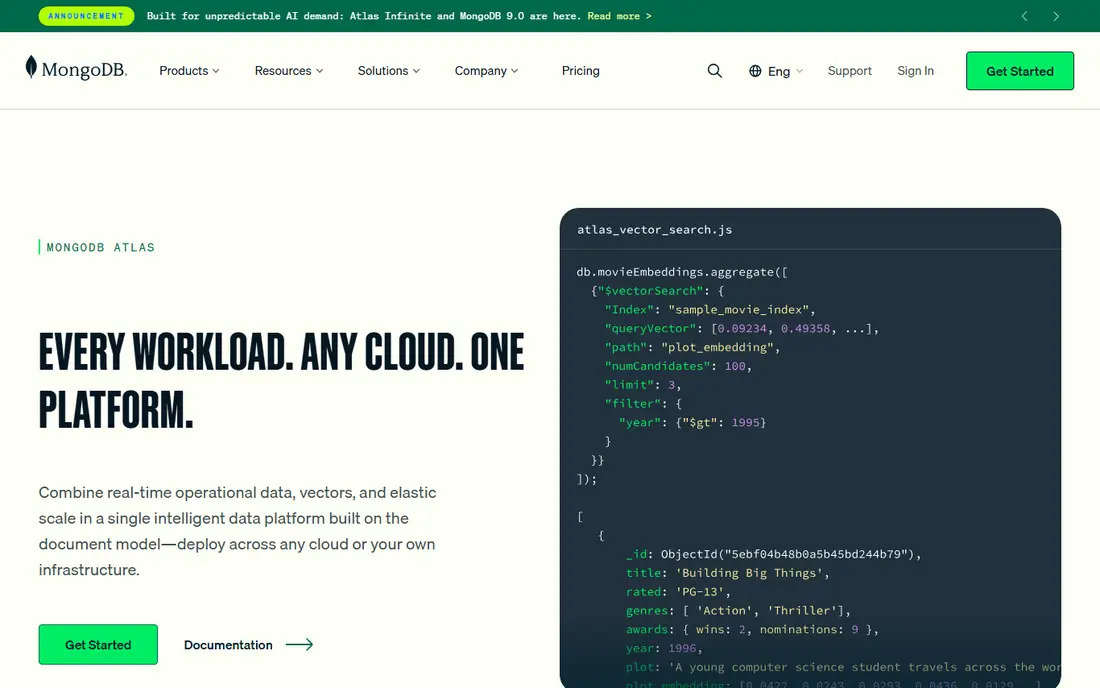
MongoDB fits product catalogs, content systems, user profiles and telemetry where each record looks a little different. Storing related data in one document can make reads fast and code easy to follow. MongoDB Atlas removes much of the setup work, with clusters, backups and monitoring in one place. The trade-off is discipline. Without a clear schema approach in application code, documents drift and queries get harder to reason about. Atlas pricing also rises with cluster size, storage and data transfer, so a small free or shared tier is fine for learning, while production needs a cost model. Teams that need strict reporting across many related tables may still prefer PostgreSQL.
- Document model suits varied and changing fields
- Atlas offers a managed free tier
- Built-in replication and sharding
- Storage use can run higher than relational options
- Complex joins and multi-document reporting need care
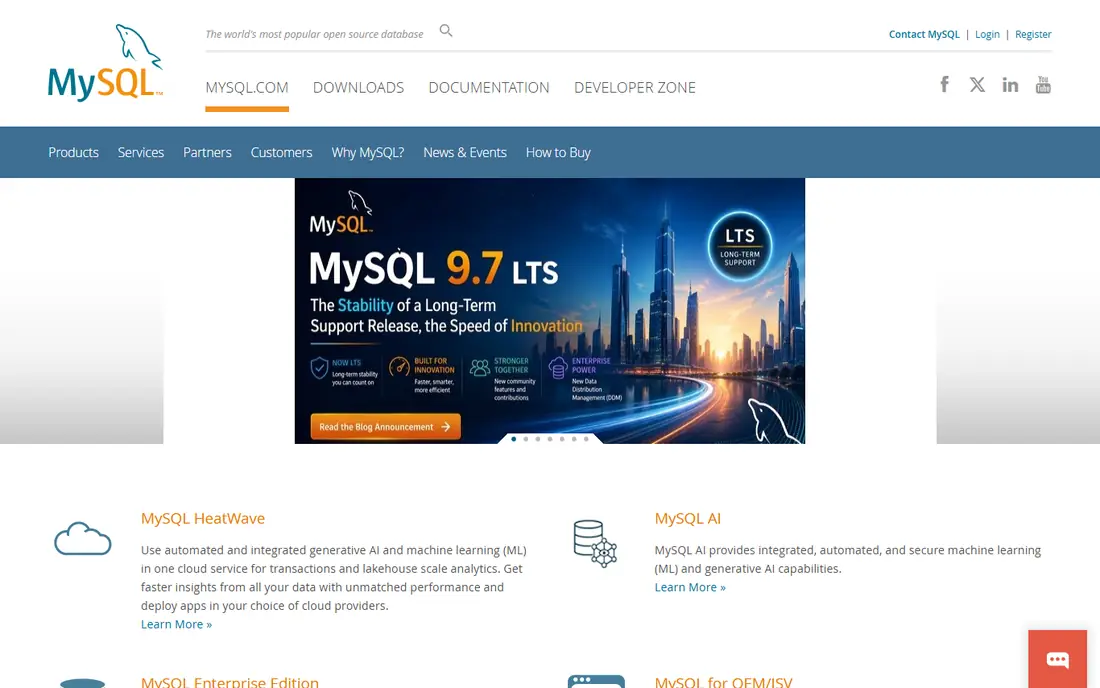
MySQL remains a sensible pick for content sites, stores and SaaS apps with clear relational data. Almost every host, framework and reporting tool works with it, and hiring developers who know it is easy. Managed MySQL on major clouds adds backups, failover and monitoring without running servers by hand. It is not the best choice for every new feature. If you need advanced geospatial work, richer JSON handling or specific extensions, PostgreSQL often has the edge. MySQL also shares the usual relational scaling story: replicas help reads, while heavy writes need partitioning, caching or a different store for hot paths. For a typical web app, that is a fair and workable trade.
- Very wide hosting and tool support
- Familiar SQL for most developers
- Strong read scaling with replicas
- Some advanced features trail PostgreSQL
- Write scaling still needs architecture work
DynamoDB fits apps already on AWS that need fast lookups by key, session data, gaming state or event logs. On-demand capacity handles traffic spikes without pre-provisioning servers, and global tables support multi-region access. For a side project or low-traffic app, the free tier can keep costs very low. The catch is access pattern design. DynamoDB rewards knowing how you will query data before you store it, and adding secondary indexes increases write cost. Ad hoc reporting across many fields is not its strength. Teams that need flexible SQL reporting should pair it with another store or pick a relational option instead.
- Scales throughput with demand and needs little server care
- Fast key-value and document access
- Free tier for low use
- Query patterns must be planned up front
- Costs can surprise with indexes and heavy reads
Spanner fits global SaaS, finance-adjacent systems and inventory apps where the same record must be correct in more than one region. It gives relational structure with global consistency, which is a combination most databases cannot offer at that scale. Storage scales without manual sharding in the usual sense. The main drawback is price and commitment. Spanner is built for serious production scale, and small projects will pay more than they need to. It also works most naturally inside Google Cloud, so teams on another cloud should weigh the operational cost of running across clouds. If global consistency is not a hard need, PostgreSQL is usually cheaper and simpler.
- Strong consistency across regions
- SQL interface for relational data
- Automatic scaling of storage
- Higher entry cost than simpler databases
- Best value inside Google Cloud
CockroachDB fits teams that want familiar SQL but need data spread across regions for resilience or low latency. It distributes data automatically and keeps transactions consistent, which removes a lot of manual sharding work. For multi-region SaaS and critical services, that resilience is the main selling point. The catch is that it is not a drop-in copy of PostgreSQL. Some features, indexes and query plans behave differently, so testing with real workloads matters. Smaller teams may also find the managed pricing and operational concepts heavier than a single managed PostgreSQL instance. Choose it when distributed survival matters more than keeping things simple.
- PostgreSQL-compatible SQL in a distributed design
- Survives node and region failures
- Scales by adding nodes
- Performance tuning differs from single-node Postgres
- Smaller ecosystem than PostgreSQL
Redis fits the hot path of an app: cached pages, session data, job queues, live counters and chat presence. It takes pressure off the main database and makes user-facing features feel quick. Redis Cloud offers a small free starting point, and self-hosting is free for teams with the skills to run it. Redis is not a safe default for your only copy of important data unless you configure persistence, replication and backups with care. Large data sets get expensive in memory, and eviction policies can drop cached data by design. Use Redis beside a durable database, not as a quiet replacement for one.
- Very fast in-memory reads
- Useful for sessions, queues, leaderboards and rate limits
- Simple data structures
- Memory costs grow with data size
- Persistence and durability need careful setup
Cassandra fits telemetry, sensor data, messaging history and event logs where writes never stop and availability matters more than complex joins. It scales by adding nodes, and it keeps working when individual nodes fail. Large internet and telecom systems have used this design for years for exactly that reason. The catch is operational skill. Data modeling in Cassandra starts from the query, and changing access patterns later can be painful. Managed options reduce that burden, but they still need a team that understands replication, compaction and repair. Small apps rarely need Cassandra, and a simpler database will save time until write volume truly demands it.
- Handles huge write throughput across many nodes
- No single point of failure in the design
- Proven for time-series and event data
- Query model is narrow and must be planned early
- Operations need real expertise
How we picked these
We compared official feature pages, pricing pages and documentation, plus app store listings where relevant and public reviews, for databases that are still maintained and available in October 2026. We favored options with clear managed hosting, documented scaling paths and a real track record in production, not just a fast benchmark. Each pick covers a different data model or scaling problem, so readers can match the tool to the workload instead of picking the most popular name by default. We did not run hands-on load tests for this guide, and we say that plainly so readers can test with their own workloads before committing.
Choosing the right database for growth
Start from the queries your app will run in a year, not just the ones it runs today. A store that lists products, takes orders and reports sales has different needs from a chat app, a sensor platform or a global booking system.
Match the data model first
Relational data with joins, constraints and reporting points to PostgreSQL, MySQL, Spanner or CockroachDB. Document data with varied fields points to MongoDB or DynamoDB. Time-series and event streams point to Cassandra. Caching and real-time counters point to Redis. Picking the wrong model first creates workarounds that grow more expensive than a careful choice at the start.
Plan for backups, replicas and cost
Check automated backups, point-in-time recovery, read replicas and failover before you pick a managed host. Ask how pricing changes with storage, compute, data transfer and indexes, and run a rough model at three times your current traffic. A database that looks cheap at small scale can become costly when indexes, replicas and traffic multiply.
Keep an exit path
Prefer standard interfaces, export tools and data formats you can move. PostgreSQL-compatible options, standard SQL and open-source engines make migration easier than a proprietary query language with no export story. Test a restore and a small export early, while the data set is still easy to move.
FAQ
What is the best scalable database for a new startup?
PostgreSQL is the best starting point for most startups because it handles relational data, reporting and extensions well, and managed hosting keeps operations light. Add Redis for caching when pages or sessions get slow. Move to a distributed option only when write volume, global latency or failure tolerance clearly demands it.
Is SQL or NoSQL better for scaling?
Neither wins in general. SQL scales well for relational data with replicas, partitioning and managed services, while NoSQL scales well for document, key-value and wide-column workloads with known access patterns. The better question is which data model and query pattern your app uses most, since that decides how painful scaling will be.
How much does a scalable managed database cost?
Self-hosted open-source databases cost only server time, while managed plans vary widely by compute, storage and traffic. Small production apps often start in the tens of dollars per month, and larger or global setups run into hundreds or thousands. Always check the vendor pricing page for the tier you will actually use, including backups and data transfer.
Do I need more than one database?
Many growing apps do, but not at the start. A common pattern is one main database for durable records plus Redis for caching and queues. Adding a second durable store too early creates sync work and confusion about which copy is correct. Add a second store when one workload clearly hurts the main database.
Can I switch databases later?
Yes, but the cost depends on how tied your code is to one data model. Using standard SQL, keeping business logic out of database-specific tricks and exporting data regularly all make a move easier. A migration project still needs testing, dual running time and a rollback plan, so it is worth avoiding if a good choice is clear now.
Is a free tier enough for production?
A free tier is good for learning, prototypes and very low traffic, but it usually limits storage, compute and support. Production apps with real users, backups and uptime needs should budget for a paid tier. Treat the free tier as a trial for fit, not as a long-term production plan.