Best Photo Retouching Software for Ecommerce Teams (2026): 6 Picks Checked on Vendor Pages
6 products for the best photo retouching software for ecommerce teams, ranked by fit, with starting costs and free tiers. With pricing notes and limits.

- Editor's choice
 Pixelmator Pro
Mac and iPad product image editing
Starts atSee websiteVisit pixelmator.comFull review - Great alternative
 ON1 Photo RAW
All-in-one raw editing and organization
Starts at$49.99Visit on1.comFull review - Also consider
 Adobe Lightroom
Organizing and grading large photo libraries
Starts atSee websiteVisit adobe.comFull review
Direct answer
Pixelmator Pro comes first here, mainly for Mac and iPad product image editing. Listed starting prices: ON1 Photo RAW from $49.99. ON1 Photo RAW fits all-in-one raw editing and organization; Adobe Lightroom fits organizing and grading large photo libraries. The other 3 tools in the list cover narrower or pricier cases.
TL;DR:
- This list starts with Pixelmator Pro, which is built for Mac and iPad product image editing.
- Neither Pixelmator Pro nor Luminar Neo, nor any of the other 4 tools, has a permanent free plan; trials and quotes are the norm.
- Luminar Neo is the one to check for quick AI-assisted product image cleanup.
- For Pixelmator Pro, Adobe Lightroom, Adobe Photoshop and others, you have to request a quote because no starting price is shown.
- A fair warning about Pixelmator Pro: restricted to Apple platforms.
Last checked November 2026. Prices and plan details were read from the vendors' own pages in November 2026; vendors change plans often, so confirm the current price on the vendor site before you buy.
Quick comparison
| Tool | Best for | Starts at | Free plan? | |
|---|---|---|---|---|
| Pixelmator Pro | Mac and iPad product image editing | See website | Not stated | Visit |
| ON1 Photo RAW | All-in-one raw editing and organization | $49.99 | Free trial | Visit |
| Adobe Lightroom | Organizing and grading large photo libraries | See website | Not stated | Visit |
 Adobe Photoshop | Complicated compositing and custom scene edits | See website | Not stated | Visit |
 Affinity Photo | Precision editing without subscriptions | See website | Not stated | Visit |
 Luminar Neo | Quick AI-assisted product image cleanup | See website | No | Visit |
The best photo retouching software for ecommerce teams
This LinkVetted guide covers 6 photo retouching software for ecommerce teams. Each profile lists a starting price, free plan details, strengths and drawbacks, so you can drop poor fits quickly.
In short, Pixelmator Pro is for Mac and iPad product image editing. Ecommerce teams working in Apple environments can use it for product retouching, background cleanup, color adjustments and fast creative edits. Its approachable interface helps designers and marketers produce refined imagery without a steep ramp-up time.
It also supplies less depth for heavy compositing than dedicated desktop editors. Also, pick Pixelmator Pro when your team works on Apple devices and wants capable editing with a friendly interface. Pixelmator Pro is a capable, easy-to-use image editor that brings professional tools and AI features to Mac and iPad users. Pixelmator Pro does not show a starting price in this comparison, so check the vendor site for current pricing. Free options: Not stated.
Downsides: Less suited to Windows-based teams.
- Clean
- Approachable interface
- Restricted to Apple products
ON1 Photo RAW makes the most sense for all-in-one raw editing and organization. The interface packs numerous panels and can feel dense for newcomers, and the external ecosystem is smaller than bigger suites. Ecommerce teams benefit from managing product photo libraries and applying consistent adjustments in a single tool instead of moving between separate catalog and editor apps.
Where it is weaker: Smaller external ecosystem.
Its one-time purchase model, with no subscription required, appeals to teams that prefer predictable ownership of their software. Also, ON1 Photo RAW is an AI-powered raw photo editor that merges editing, organizing and processing in one application. In daily use, pick ON1 Photo RAW when raw processing, organization and editing should live in one place. Entry price for ON1 Photo RAW: $49.99. Free access: Free trial.
What users get: AI-powered adjustments.
- Editing
- Organizing and raw processing together
- Interface can feel dense for new users
Adobe Lightroom was built for organizing and grading large photo libraries. Adobe Lightroom is made for editing and organizing photos across desktop, web and mobile, geared toward professional photographers and enthusiasts. Ecommerce teams use it to cull, rate and grade large product libraries whereas keeping edits synchronized across devices.
Its strength is consistency: applying the same color and exposure adjustments across plenty of images so catalog sets look uniform. Access runs through a subscription. Adobe Lightroom does not show a starting price in this comparison, so check the vendor site for current pricing. As for free access: Not stated.
Upsides: Editing and organizing in one workflow.
Where it falls short: Subscription-based access.
- Web and mobile
- Works across desktop
- Restricted compositing and layer work

For complicated compositing and custom scene edits, Adobe Photoshop is a natural candidate. Adobe Photoshop is the industry-standard image editor for retouching, compositing and building custom scenes, available on desktop and online. The tradeoff is complexity: new users face a ramp-up time, and access runs through a subscription.
As for the details, for ecommerce teams it suits workflows that require precise cutouts, background replacement, color correction and layered product mockups. Its breadth of tools makes it a capable default for teams producing varied catalog and campaign assets where one editor must handle plenty of tasks. No starting price is listed for Adobe Photoshop here; confirm pricing on the vendor site. Free options: Not stated.
Drawbacks to consider: Steep ramp-up time for new users.
- Deep layer and selection toolset
- Desktop and online access
- Subscription-based access
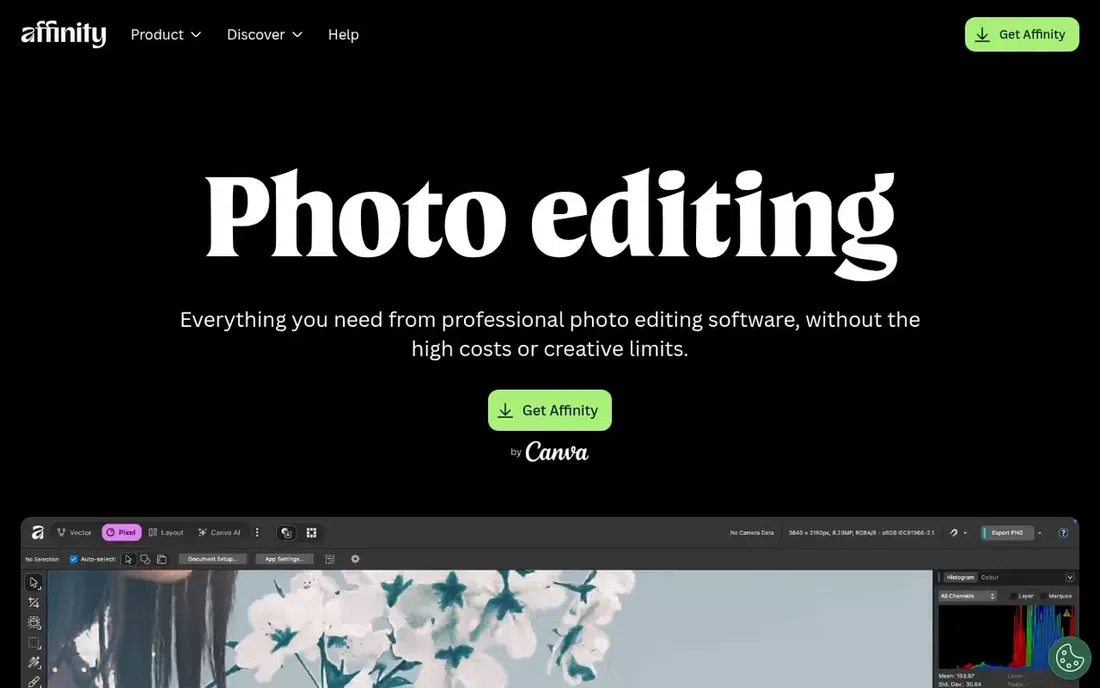
Where Affinity Photo fits: precision editing without subscriptions. Affinity Photo is a professional photo editor positioned around precision, speed and creative freedom, with the vendor emphasizing power instead of price tags. From a buyer's view, for ecommerce teams it covers retouching, masking, color work and compositing in a single application.
Where it falls short: Fewer guided workflows for beginners.
Its ecosystem of plugins and integrations is smaller than some established editors, and beginners may need time to learn the interface. On top of that, teams that rely on tight integration with a broader creative suite may prefer a different choice. Worth adding: choose Affinity Photo when editing depth and ownership of the software matter most. Pricing for Affinity Photo is not stated here, so ask the vendor for current figures. Free options: Not stated.
- Professional editing toolset
- Available on several products
- Smaller ecosystem of external plugins
Pick Luminar Neo if this describes you: quick AI-assisted product image cleanup. Choose Luminar Neo when speed and simplicity matter more than granular control over every adjustment.
Luminar Neo shows no starting price here, so confirm the cost on the vendor site. Luminar Neo has no free plan.
Drawbacks to consider: Less depth for complicated compositing.
- Straightforward editor pitched at simplicity
- Available for PC and Mac
- Relies heavily on automatic results
Our selection method
Pre-purchase checklist
- Confirm the entry price on the vendor page. For Pixelmator Pro, Adobe Lightroom, Adobe Photoshop and others that means a quote rather than a fixed price.
- Use real work to test the free trial from ON1 Photo RAW, rather than a demo project.
- Before choosing Pixelmator Pro, weigh its main limit: restricted to Apple products.
- Confirm you can export your data from Affinity Photo, so leaving later does not mean losing records.
- Map your must-have features to a specific ON1 Photo RAW plan before you compare prices.
FAQ
Does any tool for photo retouching software for ecommerce teams here have a free plan?
A permanent free plan is not offered by Pixelmator Pro, Luminar Neo or the other tools here. ON1 Photo RAW offer a trial. Plan a short evaluation period instead.
How are the tools for photo retouching software for ecommerce teams ordered?
Pixelmator Pro sits first and Luminar Neo last because the order follows typical fit for photo retouching software for ecommerce teams, then price clarity and free access. It is a judgement call, so read each profile for fit and limits.
Which retouching tool is best for high-volume product catalogs?
Pixelmator Pro is the pick this page puts first, mainly for Mac and iPad product image editing. If your situation differs, ON1 Photo RAW suits all-in-one raw editing and organization, and Adobe Lightroom suits organizing and grading large photo libraries. Compare price and limits before you decide.
Do these tools publish their prices?
Not all of them. Pixelmator Pro, Adobe Lightroom, Adobe Photoshop and others publish no starting price, so expect a quote request for those. The rest, ON1 Photo RAW included, show a starting price, though seats and billing terms still change the final cost.
Is Pixelmator Pro the right pick for everyone comparing photo retouching software for ecommerce teams?
No single tool suits every team. Pixelmator Pro comes first because it fits Mac and iPad product image editing, while ON1 Photo RAW suits all-in-one raw editing and organization and Adobe Lightroom suits organizing and grading large photo libraries. Match the tool to your own size, budget and workflow before deciding.
Sources
- https://www.pixelmator.com/pro
- https://www.on1.com/products/photo-raw
- https://www.adobe.com/products/photoshop-lightroom.html
- https://www.adobe.com/products/photoshop.html
- https://affinity.serif.com/en-us/photo
- https://skylum.com/luminar