Best Ecommerce Photo Editing Software for Retailers for 2026: Our 6 Vetted Picks
Best ecommerce photo editing software for retailers: 6 tools compared on price, free plans and fit. Trade-offs are spelled out for each entry. Numbers first.
- Editor's choice
 Luminar Neo
AI-assisted fast photo enhancements
Starts atPricing on requestVisit skylum.comFull review - Great alternative
 Affinity Photo
Precise editing without subscription pressure
Starts atPricing on requestVisit affinity.serif.comFull review - Also consider
 Adobe Photoshop
Precise product retouching and composites
Starts atPricing on requestVisit adobe.comFull review
Direct answer
Start with Luminar Neo if you need AI-assisted fast photo enhancements. Affinity Photo fits precise editing without subscription pressure; Adobe Photoshop fits precise product retouching and composites. Details and limits for the rest of the 6 tools are below. None of these vendors publish plan prices, so pricing is on request for every option.
TL;DR:
- The list opens with Luminar Neo, aimed at AI-assisted fast photo enhancements.
- None of the 6 tools, from Luminar Neo to Capture One, has a free plan, so budget for a subscription or use a trial.
- Luminar Neo, Capture One and the 4 others all sell by quote; expect sales conversations before you see a price.
- The main caution on Luminar Neo: less precise for complicated retouching.
Last checked November 2026. Pricing on request: vendors did not publish plan prices when this guide was last checked (November 2026), so ask each vendor for a written quote.
Quick comparison
| Tool | Best for | Starts at | Free plan? | |
|---|---|---|---|---|
| Luminar Neo | AI-assisted fast photo enhancements | Pricing on request | No | Visit |
| Affinity Photo | Precise editing without subscription pressure | Pricing on request | Not stated | Visit |
| Adobe Photoshop | Precise product retouching and composites | Pricing on request | Not stated | Visit |
 Pixelmator Pro | Mac and iPad product image editing | Pricing on request | Not stated | Visit |
 Canva | Quick template-based marketing graphics | Pricing on request | Not stated | Visit |
 Capture One | RAW precision and studio tethering | Pricing on request | Not stated | Visit |
The best ecommerce photo editing software for retailers
Choosing ecommerce photo editing software for retailers usually comes down to price, fit and limits. This LinkVetted guide sets 6 tools side by side on those three points, with the facts kept short and checkable.
Luminar Neo is a good fit for AI-assisted fast photo enhancements. Luminar Neo is photo editing software for PC and Mac that uses AI to help edit photos toward an imagined result. Luminar Neo is less suited to precise product cutouts, layered compositing and strict catalog consistency than a full editor.
Downsides: Less precise for complicated retouching.
It also does not replace a design suite for banners and templates. For everyday use, retailers can apply fast enhancements, sky or lighting adjustments and creative looks to lifestyle and campaign imagery, which fits teams that want quicker visual polish without deep manual editing. As for the details, choose it for quick, AI-assisted enhancement of marketing photos, and keep a precision editor for catalog-grade product work. This comparison lists no price for Luminar Neo; ask the vendor. Luminar Neo has no free plan.
- Suited to quick visual improvements
- Straightforward interface for PC and Mac
- Not a layout or template tool
For precise editing without subscription pressure, Affinity Photo is a natural candidate. Affinity Photo is less oriented toward ready-made marketing templates and social layouts than design suites, and new users may need time to learn its tools.
Where it falls short: Less familiar to casual users.
Also, choose it when you want serious editing control for product images and can manage design layout in a separate tool. This comparison lists no price for Affinity Photo; ask the vendor. On free options: Not stated.
- Professional-grade editing tools
- Capable for retouching and compositing
- Smaller template ecosystem
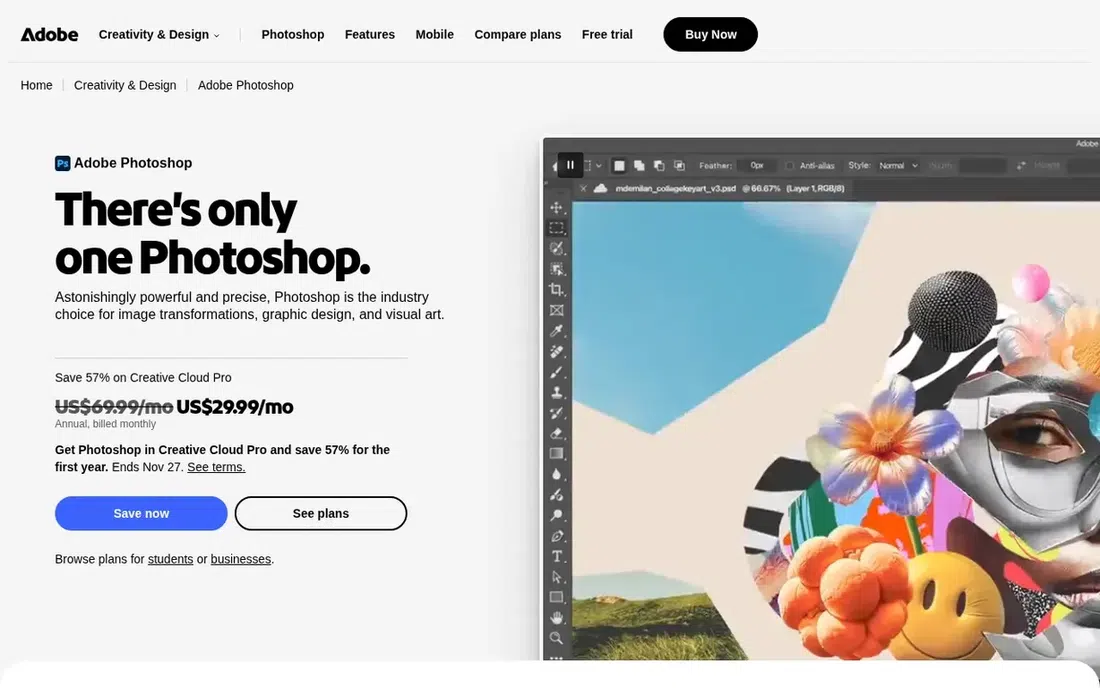
Pick Adobe Photoshop if this describes you: precise product retouching and composites. Retailers use it to clean product shots, place items in consistent lifestyle scenes and prepare marketplace-ready files.
More specifically, Photoshop rewards skill, so beginners may find more straightforward template tools quicker for routine graphics. No starting price is listed for Adobe Photoshop here; confirm pricing on the vendor site. Trial and free access: Not stated.
Downsides: Ramp-up time for new users.
- Works online and on mobile
- Deep layer and masking control
- Can be heavy for straightforward batch edits
Pixelmator Pro targets Mac and iPad product image editing. Pixelmator Pro is a capable, easy-to-use image editor that brings professional tools and AI features to everyone across Mac and iPad. From a buyer's view, pick it when your team is Mac- or iPad-based and wants capable editing with a friendly interface.
On top of that, retailers working in Apple environments can use it for product retouching, background cleanup and fast enhancements. The approachable interface helps smaller teams produce refined listing images without a steep ramp-up time. Pixelmator Pro is tied to Apple systems, so mixed-device teams may need another editor for Windows users. It is also an image editor instead of a full marketing design suite, so templates and multi-format campaign layouts are better handled elsewhere. This comparison lists no price for Pixelmator Pro; ask the vendor. On free options: Not stated.
Where it is weaker: Restricted to Apple products.
- Easy-to-use professional tools
- AI-assisted features
- Not a full design suite

Canva serves quick template-based marketing graphics. Since it runs in the browser, it suits fast turnarounds and shared marketing calendars better than deep pixel-level editing. On top of that, Canva is not a substitute for a professional photo editor when you need advanced masking, color precision or RAW handling.
Points against: Not designed for RAW photo workflows.
Worth adding: product cutouts and complicated retouching are better handled elsewhere. Beyond that, for retailers, it is handy for promotional banners, marketplace thumbnails and social graphics built from templates, frequently by team members who are not dedicated designers. Also, Canva is an online visual suite for creating social posts, presentations, posters, videos, logos and more. No starting price is listed for Canva here; confirm pricing on the vendor site. On free options: Not stated.
- Includes social
- Large template-driven design workflow
- Less precise for advanced retouching
Choose Capture One for RAW precision and studio tethering. Capture One is professional photo editing software made for photographers who demand precision and control, with advanced editing tools, RAW handling and tethering capabilities. Worth adding: retailers shooting products in studio can tether straight to review shots as they are captured and apply consistent color treatment, which fits teams that care about accurate product representation across a catalog.
On top of that, Capture One is oriented toward photographic workflow instead of graphic design, so marketing banners and social templates are better handled in a design tool. Its depth can slow down casual users. Pricing for Capture One is not stated here, so ask the vendor for current figures. Free plan details: Not stated.
Drawbacks to consider: Overkill for straightforward web graphics.
- Precise color and detail control
- Advanced RAW handling
- Steeper ramp-up time
How these tools were picked
Things to verify first
- Confirm the entry price with every vendor: no tool from Luminar Neo to Capture One shows a fixed starting price.
- Read the limits listed for Luminar Neo first: less precise for complicated retouching.
- Pick one real project and run it in Luminar Neo first; a small pilot shows fit faster than a checklist.
- Find out whether the entry plan of Canva covers your must-haves or only a trimmed-down version.
- Ask Adobe Photoshop whether prices are locked for the first term and what happens at renewal.
FAQ
Does any tool for ecommerce photo editing software for retailers here have a free plan?
A permanent free plan is not offered by Luminar Neo, Capture One or the other tools here. Plan a short evaluation period instead.
Is Luminar Neo the right pick for everyone comparing ecommerce photo editing software for retailers?
No single tool suits every team. Luminar Neo comes first because it fits AI-assisted quick photo enhancements, while Affinity Photo suits precise editing without subscription pressure and Adobe Photoshop suits precise product retouching and composites. Match the tool to your own size, budget and workflow before deciding.
Do these tools publish their prices?
No. None of the tools, from Luminar Neo to Capture One, shows a fixed starting price here, so budget time for quotes.
Can I use Canva for ecommerce product photos?
Canva is well suited to promotional graphics, thumbnails and social posts built from templates. Numerous retailers pair Canva with a dedicated photo editor for catalog images.
How are the tools for ecommerce photo editing software for retailers ordered?
The order follows typical fit for ecommerce photo editing software for retailers, with Luminar Neo first and Capture One last, then price clarity and free access. It is editorial judgement, not a score, so another team could rank the tools differently.
Do I need a Mac to use Pixelmator Pro?
Pixelmator Pro is built for Mac and iPad, so Windows users on your team would need a different editor. If your workflow is Apple-based, it gives you approachable professional tools.
Sources
- https://skylum.com/luminar
- https://affinity.serif.com/en-us/photo
- https://www.adobe.com/products/photoshop.html
- https://www.pixelmator.com/pro
- https://www.canva.com
- https://www.captureone.com