Best Ecommerce Platform for Dropshipping in 2026: 9 Platforms Compared
Find the best ecommerce platform for dropshipping in 2026. We compare 9 platforms on pricing, supplier apps, fees and ease of setup for new stores now.
- Editor's choice
 Shopify
Most new dropshippers
Starts at$29 per monthVisit shopify.comFull review - Great alternative
 WooCommerce
WordPress store owners
Starts atFreeVisit woocommerce.comFull review - Also consider
 BigCommerce
Growing mid-size stores
Starts at$29 per monthVisit bigcommerce.comFull review
TL;DR:
- Shopify is our pick for most new dropshippers because almost every supplier app supports it first, and setup takes hours rather than days.
- WooCommerce suits sellers who already run WordPress and want full control, but hosting, updates and security become your job.
- BigCommerce gives growing stores more built-in selling features, so you may need fewer paid apps as order volume rises.
- Transaction fees matter more than the monthly plan price once sales grow, so compare card rates and third-party gateway fees before you commit.
- A free plan or trial helps you test a theme and a supplier connection, but it rarely shows the true monthly cost once apps are added.
Quick comparison
| Tool | Best for | Starts at | Free plan? | |
|---|---|---|---|---|
| Shopify | Most new dropshippers | $29 per month | Free trial | Visit |
| WooCommerce | WordPress store owners | Free | Yes | Visit |
| BigCommerce | Growing mid-size stores | $29 per month | Free trial | Visit |
 Wix | Simple small stores | $29 per month | Free trial | Visit |
 Squarespace | Design-led brands | See website | Free trial | Visit |
 Square Online | Sellers with in-person sales | Free | Yes | Visit |
 Ecwid by Lightspeed | Adding a store to an existing site | Free | Yes | Visit |
 Shift4Shop | US sellers wanting built-in features | $29 per month | Free trial | Visit |
 Hostinger Website Builder | Budget beginners | See website | No | Visit |
The best ecommerce platforms for dropshipping
We compared official pricing pages, app stores, supplier integrations and checkout features to find platforms that work for dropshipping today. A good platform here needs more than a pretty storefront. It needs a clean way to import products, sync stock, send orders to a supplier and handle returns without constant manual work.

Shopify earns the top spot because supplier tools arrive here first. Apps for AliExpress-style sourcing, print on demand, US suppliers and automated order routing are easy to find, and most include one-click product import with pricing rules. The editor is clear, themes are polished, and selling on Instagram, TikTok, Facebook and Google can be switched on from the same dashboard.
The catch is the running total. The base plan is only part of the bill, and a review app, an email app and a supplier app can add a meaningful monthly sum. If you use a payment provider other than Shopify Payments, an extra transaction fee applies on top of card processing. Still, for a first store, the speed and breadth of support are hard to beat.
- Largest dropshipping app ecosystem
- Fast setup
- Strong checkout and sales channels
- Costs rise with paid apps
- Extra transaction fee if you skip Shopify Payments
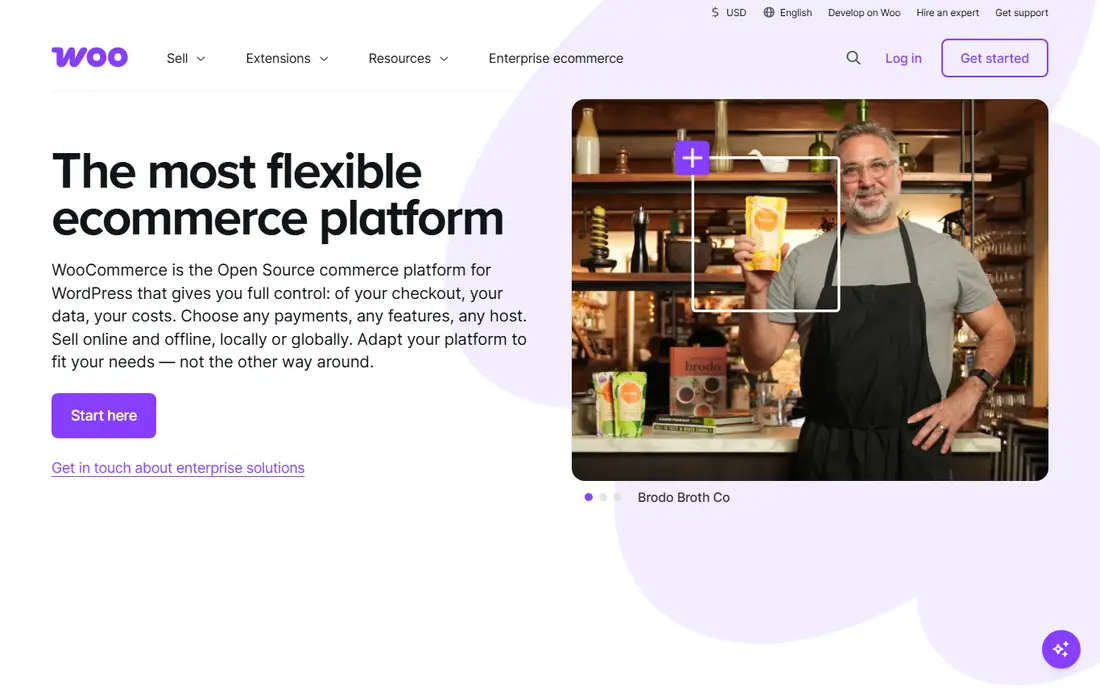
WooCommerce turns a WordPress site into a store, which makes it a natural fit if you already publish content and rank in search. The plugin itself is free, you choose your host and payment gateway, and you keep control of your data, design and checkout. Supplier plugins cover AliExpress import, print on demand and automated fulfillment, though quality varies more than on Shopify.
That freedom comes with work. You handle updates, backups, security and speed, or you pay someone to do it. A cheap host can slow checkout at the worst moment, and plugin conflicts do happen. If you like tinkering and you already know WordPress, WooCommerce can be cheaper over time. If you want a store live this weekend with little upkeep, it is not the easiest path.
- No platform transaction fee
- Full ownership and control
- Huge plugin library
- You arrange hosting and maintenance
- Setup takes longer for beginners

BigCommerce appeals to sellers who expect to scale past a first test store. Product options, discounts, multi-channel selling and search tools are built in to a greater degree, so you may avoid buying an app for every small need. Checkout is solid, and the platform handles large catalogs without feeling cramped.
The trade-off is the ecosystem. Dropshipping apps exist, but the choice is narrower and some supplier tools are less polished than their Shopify versions. BigCommerce also moves stores to a higher plan when annual online sales pass a threshold, so read that limit before you forecast costs. For a brand with steady growth and a larger catalog, those limits are a fair price for the built-in depth.
- More built-in features per plan
- No extra transaction fee on many plans
- Strong SEO tools
- Smaller app store than Shopify
- Plan limits tied to annual sales volume
Wix is one of the fastest ways to get a good-looking store online. The editor lets you place text, images and product blocks where you want them, and the commerce plans include payments, discounts and abandoned cart recovery. Print on demand and supplier apps are available, and the learning curve is gentle for a first-time seller.
Where Wix falls short is depth. Serious dropshippers who need advanced supplier automation, complex variants or heavy order volume will hit limits sooner than on Shopify or BigCommerce. Reporting and bulk product tools are also simpler. Wix fits a small, curated store with a clear niche and modest order counts. It is less convincing as a long-term home for a catalog of thousands of items.
- Very easy drag-and-drop editor
- Attractive templates
- Quick launch
- Dropshipping app choice is smaller
- Less suited to very large catalogs
Squarespace suits a seller whose brand story matters as much as the product. Templates look refined with little effort, blogging and email tools sit in the same account, and checkout feels calm and consistent. If you sell a small range of higher-priced items and you drive traffic through content, Squarespace can present them well.
Dropshipping is possible, but it is not the platform's main focus. Dedicated supplier integrations are fewer, and automated fulfillment options are thinner than on Shopify. You may need workarounds for bulk import or supplier sync. Choose Squarespace when design and storytelling lead the sale. Choose a commerce-first platform when supplier automation is the daily job.
- Beautiful templates
- Strong content and blogging tools
- Clean checkout
- Fewer dedicated dropshipping apps
- Commerce features are less deep
Square Online makes sense if you already sell in person with Square and want an online arm without a second system. Orders, inventory and payments can sit together, and the free plan lets you test online selling before paying a monthly fee. Setup is guided, and the basics of shipping, pickup and discounts are covered.
For pure dropshipping, Square Online is a compromise. Supplier apps are not its strength, and automated import and fulfillment are far thinner than on Shopify or WooCommerce. It works best for a hybrid seller who stocks some items, takes local orders and adds a few shipped products on the side. A dropshipping-only store will likely outgrow it quickly.
- Free starting plan
- Tight link to Square payments and point of sale
- Simple setup
- Dropshipping tools are limited
- Design flexibility is modest
Ecwid is different because it does not ask you to rebuild your site. You add a store to a WordPress blog, a Wix site, a social page or a plain HTML page, and Ecwid handles products, cart and checkout. That is useful for creators and small firms that already have traffic and only want to sell a limited range.
The free plan covers a small product count, which is enough to test demand. Paid plans raise limits and add features, but dropshipping automation stays lighter than on specialist platforms. If your site is the asset and selling is secondary, Ecwid is a smart, low-friction choice. If dropshipping is the whole business, a full platform will serve you better.
- Embeds into almost any website
- Free plan for a few products
- Simple management
- Dropshipping automation is basic
- Advanced design needs a paid plan
Shift4Shop, formerly 3dcart, packs a long feature list into its plans, including product options, discounts, email tools and built-in marketing features that other platforms sell as apps. For US sellers using Shift4 payments, pricing can be attractive, and the platform has served online stores for many years.
The look and feel lag behind Shopify, Wix and Squarespace, and the app store is smaller. That matters if you judge a store by first impressions or if you rely on a specific supplier tool. Still, a seller who values included features over a huge app catalog may find Shift4Shop good value, especially for a store with many variants and discount rules.
- Many features included without extra apps
- US payment focus
- Free plan in some cases
- Templates feel dated next to newer rivals
- Smaller app ecosystem
Hostinger Website Builder targets beginners who want a store and hosting in one low-cost package. Setup is guided, templates are clean, and the price is easy to justify for a test store. Basic commerce features cover products, payments and shipping settings, which is enough to learn the ropes.
It is not a dropshipping specialist. Supplier automation, bulk import and advanced order routing are limited, and a growing store will likely need to move to a larger platform. Think of Hostinger as a low-cost trial ground. If your first products sell, plan a move to Shopify, WooCommerce or BigCommerce before order volume makes migration painful.
- Low entry cost
- Simple AI-assisted setup
- Hosting included
- Ecommerce depth is limited
- Supplier integrations are thin
How we picked these
We compared official pricing pages, app and plugin directories, checkout and payment options, and supplier integration lists in October 2026. We kept only platforms that are live today, accept US sellers, and can actually import and fulfill supplier orders, even if some do it better than others. We favored platforms with clear pricing, a working checkout, and a path to grow, and we noted where a platform needs extra apps to match a rival.
What to check before you pick a platform
Start with your supplier, not the theme. Find out which platforms your chosen supplier or print provider supports well, and test product import, stock sync and order routing on a trial. A beautiful theme means little if orders need manual copying every day.
Next, add up the true monthly cost. Include the plan, card processing, any third-party gateway fee, and the apps you actually need for reviews, email and fulfillment. Compare that total at your expected order volume, not at zero sales. Also check shipping settings, tax tools, return handling and customer support hours, since those shape daily work more than a feature list suggests.
Finally, think about exit cost. Moving a store later means rebuilding pages, redirects and email flows, and search traffic can dip during the move. Pick a platform you can grow with for at least a year, even if a cheaper option looks tempting for a first month. A short trial with real products will tell you more than any comparison table.
FAQ
What is the best ecommerce platform for dropshipping for beginners?
Shopify is the easiest starting point for most beginners because supplier apps, themes and checkout work with little setup. WooCommerce can be cheaper, but it asks more of you on hosting and maintenance. Start with a trial, import a few real products, and place a test order before you pay for apps.
Are the best ecommerce platforms for dropshipping free?
No platform is fully free once you sell at volume, though WooCommerce, Square Online and Ecwid offer free starting points. You still pay for hosting or payment processing, and often for apps. Budget for the plan plus card fees and at least one supplier tool when you forecast profit.
Do I need a supplier app to dropship?
In practice, yes for most stores. A supplier app imports products, updates prices and stock, and sends orders to the supplier. Without one, you will copy orders by hand, which breaks down quickly and invites errors. Check that your supplier supports your platform before you build the store.
How much does dropshipping cost each month?
A small store often costs the plan price plus payment fees and a few apps, which can range from a low monthly total to several hundred dollars as you add tools. Card fees usually matter more than the plan at scale. Track margins per product, not just revenue, so fees and ad costs do not quietly erase profit.
Can I switch platforms later?
Yes, but migration takes work. Product data and customer lists usually transfer, while themes, apps and URL structures often need rebuilding. Set up redirects, retest checkout, and keep the old store live until search traffic settles. Choosing a platform with room to grow reduces how often you face this job.