The 5 Best Photo Retouching Software for Ecommerce Product Shots in 2026, Ranked
Best photo retouching software for ecommerce product shots in 2026: 5 contenders with entry costs and free tiers. Real limits included. Jump to the table.
- Editor's choice
 Affinity Photo
Professional retouching without subscription
Starts atSee websiteVisit affinity.serif.comFull review - Great alternative
 Topaz Photo AI
Sharpening, denoising, and upscaling
Starts at$19 a monthVisit topazlabs.comFull review - Also consider
 Luminar Neo
AI-assisted fast edits for product photos
Starts atSee websiteVisit skylum.comFull review
Direct answer
If you need professional retouching without subscription, Affinity Photo is the first tool to look at here. Listed starting prices: Topaz Photo AI from $19 a month and ON1 Photo RAW from $49.99. Look at Topaz Photo AI for Sharpening, denoising, and upscaling, and at Luminar Neo for AI-assisted quick edits for product photos. All 5 tools are compared below on price, free plan and limits.
TL;DR:
- Affinity Photo takes the first slot, best suited to professional retouching without subscription.
- For the cheapest start, look at Topaz Photo AI: $19 per month.
- Before buying Topaz Photo AI, weigh this: not a full retouching suite.
- Affinity Photo, ON1 Photo RAW and the 3 others all need a premium plan or a trial, since no free plan is listed.
- ON1 Photo RAW fits all-in-one raw editing and organization.
Last checked November 2026. Prices and plan details were read from the vendors' own pages in November 2026; vendors change plans often, so confirm the current price on the vendor site before you buy.
Quick comparison
| Tool | Best for | Starts at | Free plan? | |
|---|---|---|---|---|
| Affinity Photo | Professional retouching without subscription | See website | Not stated | Visit |
| Topaz Photo AI | Sharpening, denoising, and upscaling | $19 a month | Not stated | Visit |
| Luminar Neo | AI-assisted fast edits for product photos | See website | No | Visit |
 Adobe Photoshop | Advanced product cleanup and compositing | See website | Not stated | Visit |
 ON1 Photo RAW | All-in-one raw editing and organization | $49.99 | Free trial | Visit |
5 photo retouching software for ecommerce product shots in detail
If you are comparing photo retouching software for ecommerce product shots, this page covers 5 tools in one place: what each is best for, what it costs to start, whether it has a free plan, and the main limit to know about.
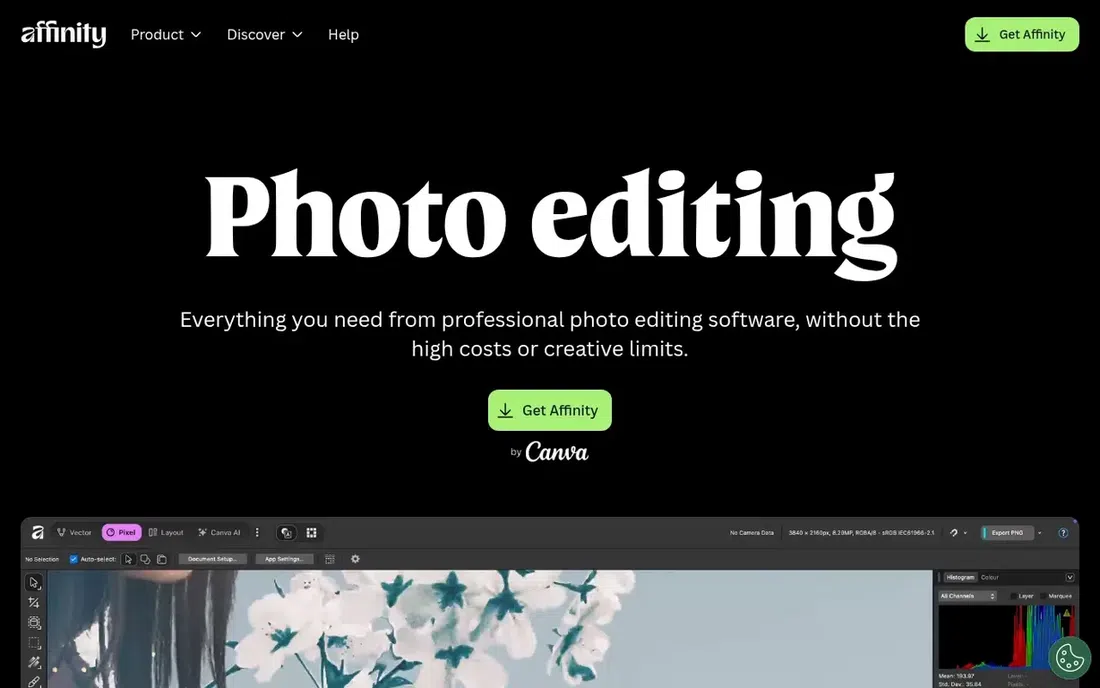
Where Affinity Photo fits: professional retouching without subscription. Affinity Photo is a professional photo editor built for power and precision, offering many different tools for retouching ecommerce product shots. It supports complicated edits with speed and creative freedom, and is available as a one-time purchase, which appeals to budget-conscious companies.
Affinity Photo lacks native tethering support, which may be a drawback for studio workflows that need direct camera capture. Its plugin ecosystem is smaller compared to Adobe's. Check the vendor site for Affinity Photo pricing; none is listed in this comparison. Trial and free access: Not stated.
Trade-offs to know: No built-in tethering.
- Precise editing tools
- Quick performance
- Smaller plugin ecosystem
Topaz Photo AI works best for Sharpening, denoising, and upscaling. It helps make decent photos excellent by improving clarity and resolution, which is valuable for ecommerce product shots that require to meet high-quality standards. As for the details, Topaz Photo AI is not a complete retouching option and lacks color adjustment, compositing, and background removal tools.
Points against: Not a full retouching suite.
It is best used alongside a full editor. In daily use, for all-in-one editing, consider Adobe Photoshop or Affinity Photo. The starting price for Topaz Photo AI: $19 per month. Free options: Not stated.
- AI-powered sharpening and denoising
- Upscaling for low-resolution images
- Restricted color and compositing tools
Luminar Neo is built with AI-assisted fast edits for product photos in mind. It fits ecommerce sellers who require quick, attractive results without deep technical knowledge, especially for lifestyle or creative product imagery.
Luminar Neo offers less manual control than traditional editors, and AI results can vary. Check the vendor site for Luminar Neo pricing; none is listed in this comparison. There is no free plan with Luminar Neo.
Limits to weigh: May produce inconsistent results.
- Straightforward interface
- AI-powered enhancements
- Restricted manual control
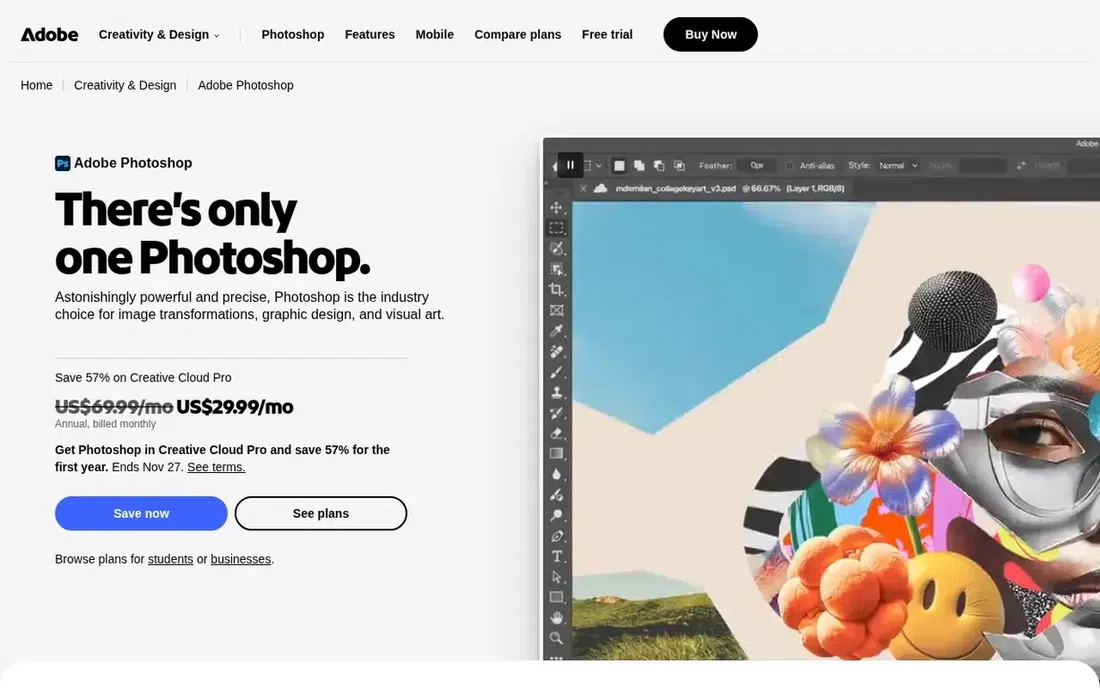
In short, Adobe Photoshop is for advanced product cleanup and compositing. Adobe Photoshop is a thorough image editor widely used for ecommerce product retouching. It supplies advanced tools for removing blemishes, creating clean backgrounds, and combining images into custom scenes.
For everyday use, the software is available on desktop and through mobile and online apps, making it right for teams that require adaptability. For more straightforward batch edits or catalog-wide color adjustments, a more simplified tool like Lightroom or ON1 Photo RAW might be a better fit. Adobe Photoshop does not show a starting price in this comparison, so check the vendor site for current pricing. Free access: Not stated.
Drawbacks to consider: Steep ramp-up time for beginners.
- Deep selection and masking tools
- Mobile and online app choices
- Subscription required
Think of ON1 Photo RAW for all-in-one raw editing and organization. ON1 Photo RAW is an AI-powered raw photo editor that merges editing, organizing, and processing in one application.
It gives you pro-level quality and is available as a one-time purchase without a subscription. More specifically, ON1 Photo RAW may struggle with performance on very large catalogs and gives you less advanced compositing tools than Photoshop. Starting cost for ON1 Photo RAW: $49.99. As for free access: Free trial.
What ON1 Photo RAW does well: Built-in organization tools.
Limits to weigh: Less advanced compositing.
- AI-powered editing
- One-time purchase
- Can be slow on large catalogs
How we chose
For each of the 5 tools we noted price, free plan or trial, fit for photo retouching software for ecommerce product shots and the main limit, using vendor pages and documentation. Where a vendor does not publish a price, the entry says quote. Where a price depends on seats or billing term, the entry says so. Order on the page follows fit for the typical buyer first, then price transparency and free access. Your own requirements should decide the final pick.
A buyer's checklist
- Confirm the entry price on the vendor page. For Affinity Photo, Luminar Neo and Adobe Photoshop that means a quote rather than a fixed price.
- Run a trial of ON1 Photo RAW with real work before paying for a year; your own workflow is the best test.
- Before choosing Affinity Photo, weigh its main limit: no built-in tethering.
- Map your must-have features to a specific Topaz Photo AI plan before you compare prices.
- Add up seats, add-ons and usage charges for Adobe Photoshop before comparing it with cheaper entries.
FAQ
Do these tools publish their prices?
Not all of them. Affinity Photo, Luminar Neo and Adobe Photoshop publish no starting price, so expect a quote request for those. The rest, Topaz Photo AI included, show a starting price, though seats and billing terms still change the final cost.
Can I try these tools before paying?
Often, yes. ON1 Photo RAW offers a free trial. Use your own data and a real task during the test, and check what the free tier or trial limits before you rely on it. Prices, free plan details and limits for all 5 tools in this photo retouching software for ecommerce product Shots roundup sit on the individual cards above.
Do I need a subscription for professional product retouching software?
Not necessarily. Affinity Photo and ON1 Photo RAW are available as one-time purchases. Adobe Photoshop and Lightroom need a subscription.
How are the tools for photo retouching software for ecommerce product shots ordered?
The order follows typical fit for photo retouching software for ecommerce product shots, with Affinity Photo first and ON1 Photo RAW last, then price clarity and free access. It is editorial judgement, not a score, so another team could rank the tools differently.
Does any tool for photo retouching software for ecommerce product shots here have a free plan?
A permanent free plan is not offered by Affinity Photo, ON1 Photo RAW or the other tools here. ON1 Photo RAW offer a trial. Plan a short evaluation period instead.
Sources
- https://affinity.serif.com/en-us/photo
- https://www.topazlabs.com/topaz-photo-ai
- https://skylum.com/luminar
- https://www.adobe.com/products/photoshop.html
- https://www.on1.com/products/photo-raw