Best Color Correction Software for Product Shots in 2026: Prices, Free Plans and 6 Picks
Searching for the best color correction software for product shots? Here are 6 options with prices and free plans. Real limits included. Checked this month.
- Editor's choice
 Adobe Lightroom
Quick corrections across product catalogs
Starts atSee websiteVisit adobe.comFull review - Great alternativeACDSee Photo Studio
Editing plus digital asset management
Starts atSee websiteVisit acdsee.comFull review - Also consider
 Affinity Photo
Layer-based editing without subscriptions
Starts atSee websiteVisit affinity.serif.comFull review
Direct answer
For quick corrections across product catalogs, Adobe Lightroom is where this list starts. Listed starting prices: ON1 Photo RAW from $49.99. Look at ACDSee Photo Studio for editing plus digital asset management, and at Affinity Photo for layer-based editing without subscriptions. All 6 tools are compared below on price, free plan and limits.
TL;DR:
- Adobe Lightroom is the opening pick, best for quick corrections across product catalogs.
- Adobe Photoshop fits layered precision on product stills.
- What to know about Affinity Photo first: smaller ecosystem of tutorials.
- Adobe Lightroom, ACDSee Photo Studio, Affinity Photo and others: pricing is by quote only, so plan time for a sales conversation.
Last checked November 2026. Prices and plan details were read from the vendors' own pages in November 2026; vendors change plans often, so confirm the current price on the vendor site before you buy.
Quick comparison
| Tool | Best for | Starts at | Free plan? | |
|---|---|---|---|---|
| Adobe Lightroom | Quick corrections across product catalogs | See website | Not stated | Visit |
| ACDSee Photo Studio | Editing plus digital asset management | See website | Not stated | Visit |
| Affinity Photo | Layer-based editing without subscriptions | See website | Not stated | Visit |
 DaVinci Resolve | Color correction for product video | See website | Not stated | Visit |
 ON1 Photo RAW | All-in-one RAW editing and organizing | $49.99 | Free trial | Visit |
 Adobe Photoshop | Layered precision on product stills | See website | Not stated | Visit |
Color Correction Software for Product Shots profiles
If you are comparing color correction software for product shots, this page covers 6 tools in one place: what each is best for, what it costs to start, whether it has a free plan, and the main limit to know about.
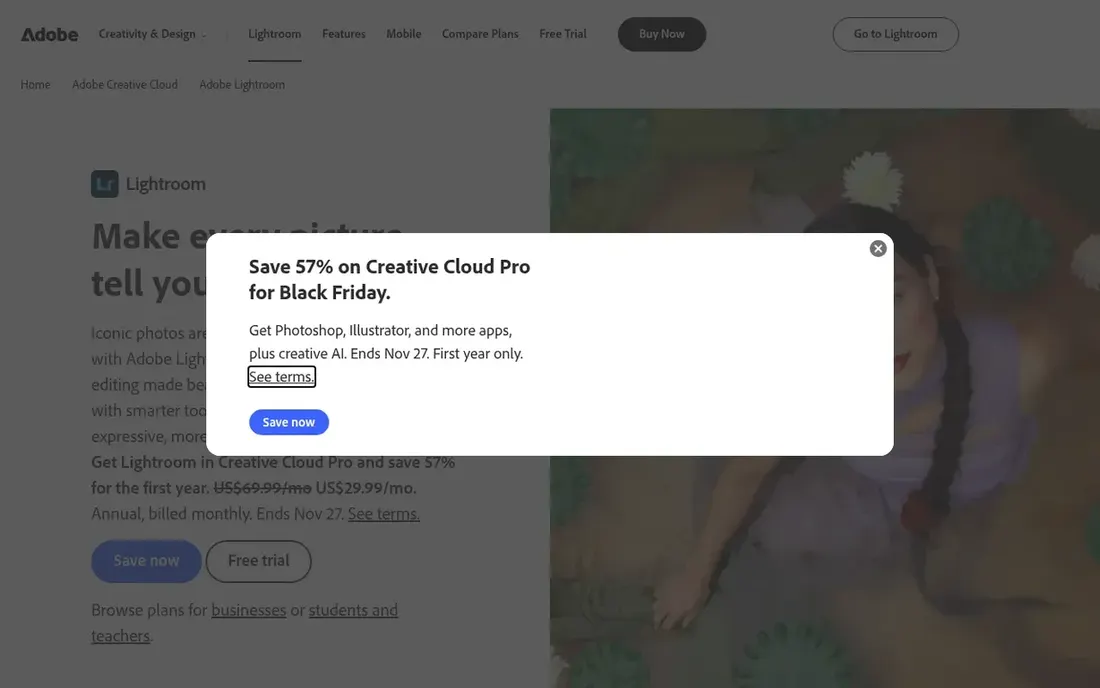
Adobe Lightroom is designed for quick corrections across product catalogs. Product photographers use it to correct white balance, tone and color across a whole shoot, then sync those settings to similar frames. Its catalog keeps product sets searchable and consistent.
As for the details, Lightroom is not aimed at complicated layered retouching, so heavy cleanup or compositing pushes you toward Photoshop. Worth adding: precise per-image masking is possible but less adaptable than layer stacks. Check the vendor site for Adobe Lightroom pricing; none is listed in this comparison. Trial and free access: Not stated.
What to check first: Subscription required.
- Efficient batch editing
- Solid organizing tools
- Restricted layered compositing
ACDSee Photo Studio
Best for: Editing plus digital asset management
ACDSee Photo Studio is designed for editing plus digital asset management. It suits catalog-heavy operations, for example e-commerce sellers managing large product libraries that require both correction and retrieval.
Limits to weigh: Windows-focused reputation.
Worth adding: for pure color work on single images, Photoshop or Affinity Photo may feel more direct. Check the vendor site for ACDSee Photo Studio pricing; none is listed in this comparison. Free plan details: Not stated.
- Layered editing and RAW support
- Capable asset management
- Interface can feel dated
Affinity Photo is aimed squarely at layer-based editing without subscriptions. Very large batch jobs may feel slower.
Pick Photoshop if you rely on Adobe integrations, or Lightroom if organizing thousands of product frames is central to your workflow. No starting price is listed for Affinity Photo here; confirm pricing on the vendor site. Free access: Not stated.
Points against: Fewer automatic catalog features.
- Desktop and mobile versions
- Professional editing toolset
- Smaller ecosystem of tutorials
DaVinci Resolve works best for color correction for product video. It suits videographers and hybrid teams that require broadcast-style color control alongside editing.
Where it shines: Available for Mac.
For everyday use, Resolve is designed for video, so it is not the tool for correcting still product photographs. Check the vendor site for DaVinci Resolve pricing; none is listed in this comparison. Free plan details: Not stated.
Drawbacks to consider: Demanding on hardware.
- Editing
- Windows and Linux
- Video-first, not for stills
Choose ON1 Photo RAW for all-in-one RAW editing and organizing. AI-powered tools help speed routine adjustments. It has a smaller community than Adobe's, so troubleshooting and tutorials are less plentiful, and performance relies on your machine.
Where it shines: RAW processing and editing together.
On top of that, choose Lightroom if you want the most established catalog and mobile sync. In practice, ON1 Photo RAW is an all-in-one RAW photo editor that merges editing, organizing and processing. More specifically, for advanced compositing, Affinity Photo or Photoshop offer deeper layer workflows. Price to start with ON1 Photo RAW: $49.99. Free access: Free trial.
The main drawbacks: Performance varies by hardware.
- One-time purchase
- No subscription
- Smaller user community
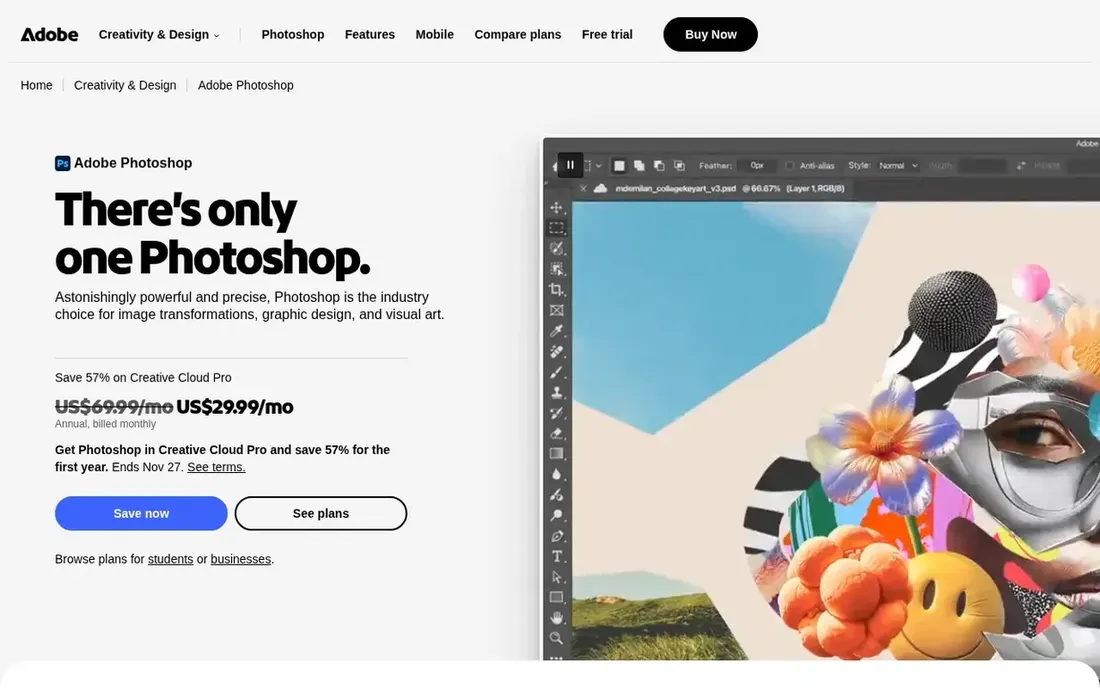
Adobe Photoshop is built with layered precision on product stills in mind. For product shots it lets you isolate a label, background or shadow and correct color without disturbing the rest of the frame. Batch work across plenty of product images is slower than in catalog-focused tools.
Adjustment layers stay editable, so you can revisit a white balance or hue shift later. Beyond that, the primary limits are its subscription model and depth: occasional users may find the interface heavy for straightforward corrections. No starting price is listed for Adobe Photoshop here; confirm pricing on the vendor site. Free access: Not stated.
Where it is weaker: Subscription model.
- Curves and selective color tools
- Adjustment layers and masks
- Ramp-up time for beginners
How we compared the tools
Things to verify first
- Ask Adobe Lightroom, ACDSee Photo Studio, Affinity Photo and others for a written quote, since no starting price is shown.
- Use real work to test the free trial from ON1 Photo RAW, rather than a demo project.
- Before choosing Adobe Lightroom, weigh its main limit: restricted layered compositing.
- Map your must-have features to a specific Adobe Photoshop plan before you compare prices.
- Find out what support Affinity Photo includes on your plan, and whether onboarding help costs extra.
FAQ
What should I check before choosing color correction software?
Confirm RAW support for your camera, whether you need layers or batch syncing, and if tethering matters for studio work. Also review how the tool organizes large product libraries, since finding and reusing images commonly matters as much as the correction itself.
Is Adobe Lightroom the right pick for everyone comparing color correction software for product shots?
No single tool suits every team. Adobe Lightroom comes first because it fits fast corrections across product catalogs, while ACDSee Photo Studio suits editing plus digital asset management and Affinity Photo suits layer-based editing without subscriptions. Match the tool to your own size, budget and workflow before deciding.
How are the tools for color correction software for product shots ordered?
Adobe Lightroom sits first and Adobe Photoshop last because the order follows typical fit for color correction software for product shots, then price clarity and free access. It is a judgement call, so read each profile for fit and limits.
Does any tool for color correction software for product shots here have a free plan?
No tool in this list, Adobe Lightroom and Adobe Photoshop included, has a permanent free plan. ON1 Photo RAW offer a trial. Trials and quotes are the usual route, so plan a short evaluation period.
Can I try these tools before paying?
Often, yes. ON1 Photo RAW offers a free trial. Use your own data and a real task during the test, and check what the free tier or trial limits before you rely on it.
Sources
- https://www.adobe.com/products/photoshop-lightroom.html
- https://www.acdsee.com/en/products/photo-studio-ultimate
- https://affinity.serif.com/en-us/photo
- https://www.blackmagicdesign.com/products/davinciresolve
- https://www.on1.com/products/photo-raw
- https://www.adobe.com/products/photoshop.html