The 6 Best Backlog Grooming Software for Product Owners in 2026, Ranked
Searching for the best backlog grooming software for product owners? Here are 6 options with prices and free plans. Pros and cons for every tool. Easy to scan.
- Editor's choice
 Azure DevOps
Microsoft-aligned agile planning and delivery
Starts atSee websiteVisit azure.microsoft.comFull review - Great alternative
 Monday.com
Adaptable work management with AI agents
Starts at$9 per seat per monthVisit monday.comFull review - Also consider
 Jira
Structured backlog planning and tracking
Starts atSee websiteVisit atlassian.comFull review
Direct answer
Azure DevOps leads the list, best for Microsoft-aligned agile planning and delivery. Listed starting prices: Monday.com from $9 per seat per month, ClickUp from $9 per user a month and Trello from $5 per user per month. Look at Monday.com for adaptable work management with AI agents, and at Jira for structured backlog planning and tracking. The remaining 3 options are covered below with prices and limits.
TL;DR:
- This list starts with Azure DevOps, which is built for Microsoft-aligned agile planning and delivery.
- What to know about Azure DevOps first: best value inside Microsoft stack.
- Trello has the lowest monthly starting price in this list: $5 per user per month.
- Wrike suits enterprise work delivery and control.
- Free plans exist at 3 of 6 tools (Monday.com, ClickUp, Trello).
Last checked November 2026. Prices and plan details were read from the vendors' own pages in November 2026; vendors change plans often, so confirm the current price on the vendor site before you buy.
Quick comparison
| Tool | Best for | Starts at | Free plan? | |
|---|---|---|---|---|
| Azure DevOps | Microsoft-aligned agile planning and delivery | See website | Not stated | Visit |
| Monday.com | Adaptable work management with AI agents | $9 per seat per month | Yes | Visit |
| Jira | Structured backlog planning and tracking | See website | Not stated | Visit |
 ClickUp | Consolidating work into one app | $9 per user a month | Yes | Visit |
 Trello | Straightforward visual backlog refinement | $5 per user per month | Yes | Visit |
 Wrike | Enterprise work delivery and control | See website | Not stated | Visit |
Every option for backlog grooming software for product owners explained
This LinkVetted guide covers 6 backlog grooming software for product owners. Each profile lists a starting price, free plan details, strengths and drawbacks, so you can drop poor fits quickly.
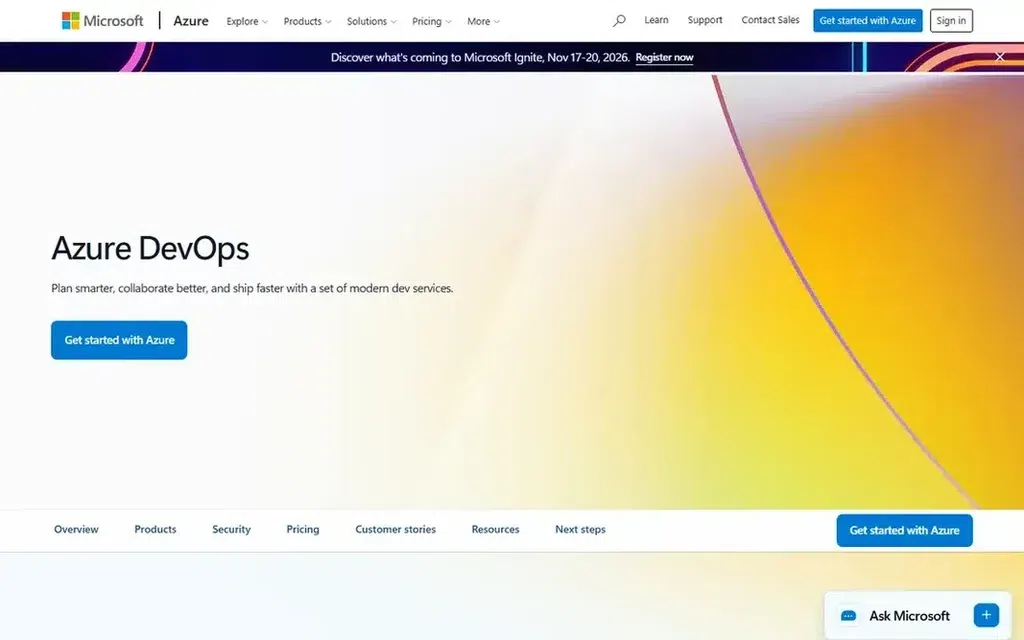
Azure DevOps was built for Microsoft-aligned agile planning and delivery. Azure DevOps is Microsoft's service for planning, collaborating and shipping software, combining agile tools with CI/CD and agentic AI.
The main drawbacks: Interface can feel dense for newcomers.
Pick Azure DevOps when grooming and engineering delivery should live in one place. Product owners can run backlog items in the same environment where engineering builds and releases. Azure DevOps shows no starting price here, so confirm the cost on the vendor site. Free plan details: Not stated.
- Agile planning tools
- Agentic AI capabilities
- Best value inside Microsoft stack
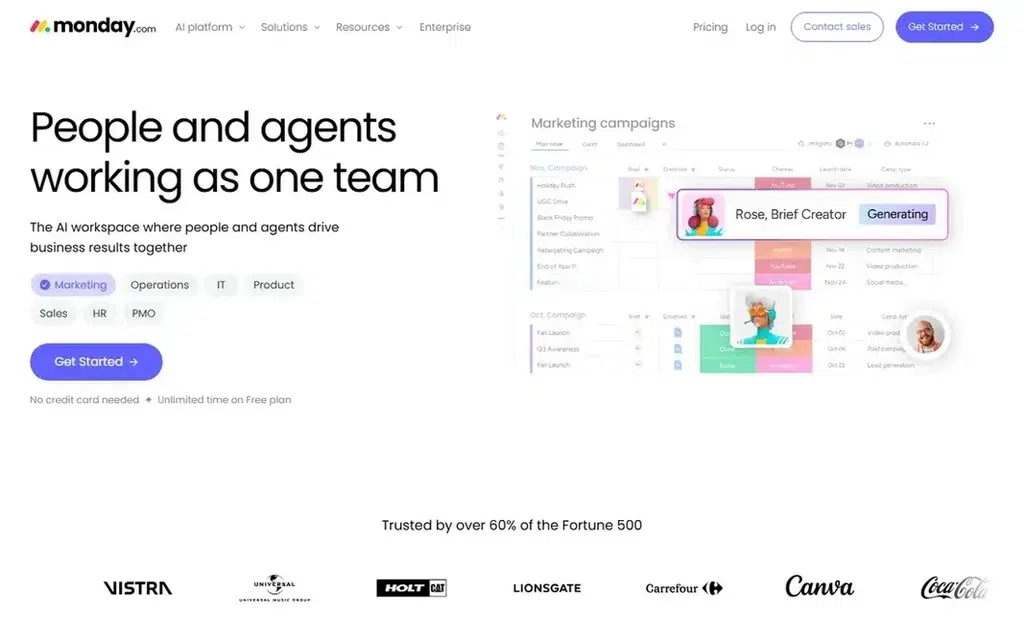
Monday.com serves adaptable work management with AI agents. Monday.com presents itself as an AI workspace where agents work side by side with people to execute, run and operate work.
Since it is general purpose, it gives you less out-of-the-box depth for engineering-specific backlog practices than dedicated development products. Teams with strict agile workflows may have to configure structure themselves. Monday.com starts at: $9 per seat per month. Free access exists with Monday.com.
The main drawbacks: Customization needs planning upfront.
- Wide use beyond product teams
- Customizable boards and views
- Less specialized for engineering backlogs
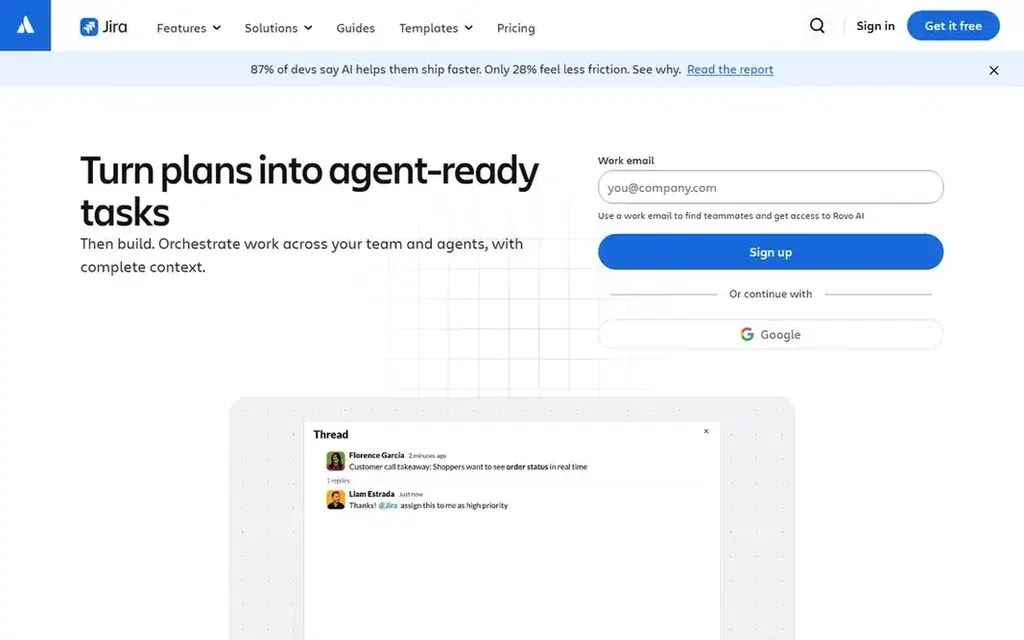
Jira works best for structured backlog planning and tracking. The depth that makes Jira adaptable also brings setup effort, and smaller teams may find the configuration overhead outweighs the benefit. In practice, choose Jira when grooming must stay closely linked to continuing delivery work across teams.
Downsides: May feel heavy for small teams.
More specifically, AI agents that orchestrate, plan and track projects at scale are part of the system story. Also, product owners who chiefly need a light visual list may prefer a more straightforward board tool. Jira does not show a starting price in this comparison, so check the vendor site for current pricing. Trial and free access: Not stated.
- Scales across several teams
- Backlog and planning workflows
- Configuration can get complicated
For consolidating work into one app, ClickUp is a natural candidate. ClickUp positions itself as the everything app for work, bundling tasks, docs, goals and chat with AI and human collaboration in mind.
Downsides: Feature breadth can overwhelm.
As for the details, the broad feature set can overwhelm teams without clear conventions, and grooming discipline relies on how the workspace is structured. Choose ClickUp when consolidation and adaptability matter more than a tightly scoped grooming experience. What you pay to start with ClickUp: $9 per user per month. ClickUp includes a free tier.
- Goals and chat together
- Tasks, docs
- Needs discipline to stay organized
Trello makes the most sense for straightforward visual backlog refinement. Trello concentrates on capturing, organizing and tackling to-dos from anywhere, with boards, inbox and planner features that work on mobile.
From a buyer's view, teams scaling into formal agile practice normally outgrow board-only grooming. Product owners can use lists to represent backlog stages and cards for individual items, making refinement sessions simple to run visually. Trello cost at the entry level: $5 per user per month. A free plan is available with Trello.
Drawbacks to consider: Restricted depth for complicated backlogs.
- Fast to learn
- Simple board-based organization
- Reporting is entry-level
Wrike is a good fit for enterprise work delivery and control. Wrike describes itself as an AI-powered enterprise work management product for people and AI, helping organizations reach outcomes quicker without losing control of how work gets done.
Product owners in bigger organizations can use it to structure backlog work with oversight and reporting expectations in mind. Choose Wrike when control, oversight and cross-organization visibility are central to how backlog work is managed. Wrike shows no starting price here, so confirm the cost on the vendor site. Trial and free access: Not stated.
Limits to weigh: Setup may feel heavy for small teams.
- Designed for enterprise work management
- Structured oversight of work
- Geared toward bigger organizations
What went into this list
Questions to settle before buying
- Confirm the entry price on the vendor page. For Azure DevOps, Jira and Wrike that means a quote rather than a fixed price.
- Read the fine print on the free plans from Monday.com, ClickUp and Trello; seat, project and feature caps differ.
- Read the limits listed for Azure DevOps first: best value inside Microsoft stack.
- Verify that exporting from Azure DevOps is possible on your plan and covers all your records.
- Find out whether the entry plan of Trello covers your must-haves or only a trimmed-down version.
FAQ
Which options for backlog grooming software for product owners have a free plan?
On this list, Monday.com, ClickUp and Trello include a free plan. Caps on seats, usage or features are common, so test the free plan against your real workload.
Do these tools publish their prices?
Not all of them. Azure DevOps, Jira and Wrike publish no starting price, so expect a quote request for those. The rest, Monday.com included, show a starting price, though seats and billing terms still change the final cost. Prices, free plan details and limits for all 6 tools in this Backlog Grooming software for product owners roundup sit on the individual cards above.
Can these tools support AI-assisted grooming?
Multiple vendors describe AI agents and AI features in their systems, including orchestration, automation and work delivery support. Confirm current AI capabilities on the vendor site before relying on them in your process.
Is Azure DevOps the right pick for everyone comparing backlog grooming software for product owners?
No single tool suits every team. Azure DevOps comes first because it fits Microsoft-aligned agile planning and delivery, while Monday.com suits flexible work management with AI agents and Jira suits structured backlog planning and tracking. Match the tool to your own size, budget and workflow before deciding.
How do development-focused tools differ from general work management tools?
General work management tools emphasize cross-functional visibility and adaptability instead. Product owners should choose based on whether grooming sits primarily with engineering or across departments.
Is a straightforward board enough for backlog grooming?
As dependencies, reporting needs and stakeholder groups multiply, dedicated planning tools typically become more practical. Match the tool to backlog size and process maturity instead of to trends.
Sources
- https://azure.microsoft.com/en-us/products/devops
- https://monday.com
- https://www.atlassian.com/software/jira
- https://clickup.com
- https://trello.com
- https://www.wrike.com