Best Product Configurator Software in 2026: 8 Tools Compared
We compared the best product configurator software for manufacturers and retailers, covering 3D visuals, pricing rules, quotes, and integrations to check.
- Editor's choice
 Threekit
Large enterprises and complex quoting
Starts atSee websiteVisit threekit.comFull review - Great alternative
 Configure One
Industrial manufacturing and CPQ
Starts atSee websiteVisit configureone.comFull review - Also consider
 Simplio3D
Balanced 3D and pricing for most firms
Starts atSee websiteVisit simplio3d.comFull review
TL;DR:
- Threekit leads for large manufacturers with complex products, thanks to AI-guided quoting, 3D visuals, and ERP and CPQ connections.
- Configure One suits industrial manufacturers that need deep product logic and quote accuracy more than flashy visuals.
- Simplio3D offers a balanced mix of 3D configuration, pricing logic, and ecommerce integrations without a heavy custom build.
- Zakeke and Kickflip suit simpler consumer products, where fast personalization matters more than deep B2B rules.
- Our pick for most manufacturers is Simplio3D, while Threekit is our pick for large enterprises with complex quoting needs.
Quick comparison
| Tool | Best for | Starts at | Free plan? | |
|---|---|---|---|---|
| Threekit | Large enterprises and complex quoting | See website | No | Visit |
| Configure One | Industrial manufacturing and CPQ | See website | No | Visit |
| Simplio3D | Balanced 3D and pricing for most firms | See website | Free trial | Visit |
 Expivi | Modular and configurable products | See website | No | Visit |
 Zakeke | Simple ecommerce personalization | See website | Free trial | Visit |
 Roomle | Furniture and interior configuration | See website | Free trial | Visit |
 ShapeDiver | Parametric and CAD-based products | See website | Free trial | Visit |
 Kickflip | Apparel and simple consumer customization | See website | Free trial | Visit |
The best product configurator software
Product configurator software lets buyers choose options, see the result, and get a valid price and quote without manual checking. The tools below cover 3D visuals, pricing logic, CPQ, and ecommerce, so manufacturers and retailers can match the tool to product complexity.
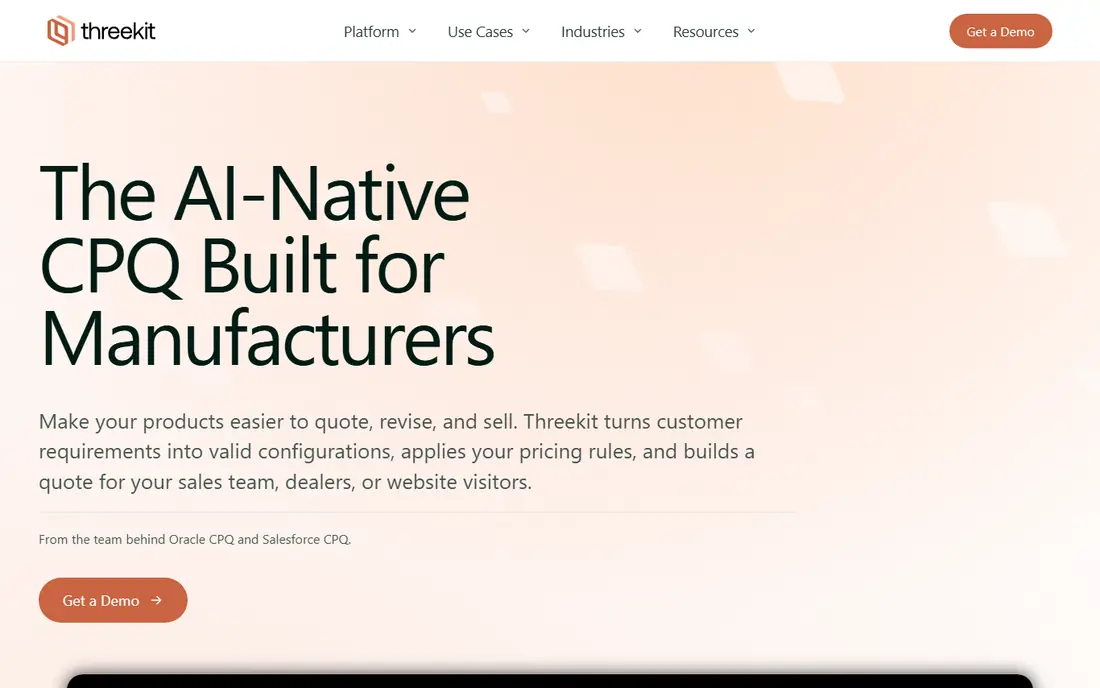
Threekit is an AI-native quoting platform for complex B2B products. Buyers, reps, and dealers can start from a description, photo, voice note, or spec sheet, and the platform guides them to a valid configuration with pricing and a branded quote. Product rules prevent invalid combinations, and structured output passes to Salesforce CPQ, Oracle CPQ, Infor, ERP, and order entry without re-keying.
The scale is enterprise. Threekit suits building materials, furniture, heavy equipment, medical devices, and industrial automation, where quoting errors are costly. Smaller firms may find the scope larger than they need, but large manufacturers gain a quoting process that is faster and more consistent across channels.
- AI-guided configuration and quoting
- Real-time 3D and AR visuals
- Connects to CPQ, ERP, PIM, and CRM systems
- Enterprise pricing and scope
- Deployment takes planning and vendor help

Configure One focuses on the logic behind complex manufactured goods. It handles rules, options, pricing, and quoting for products where a wrong combination can cause a costly manufacturing error. Sales teams and dealers get accurate quotes, and the system connects to the wider quote-to-cash process.
Visuals are not the main strength here, compared with Threekit or Simplio3D. Buyers who need photorealistic 3D as the main selling tool should compare those options, while buyers who need logic depth first will value Configure One. Clean product data and clear rules are essential for a good result.
- Deep product logic for complex goods
- Strong CPQ and quoting
- Good for engineered and industrial products
- Visual experience is less central than 3D-first rivals
- Implementation needs product data work
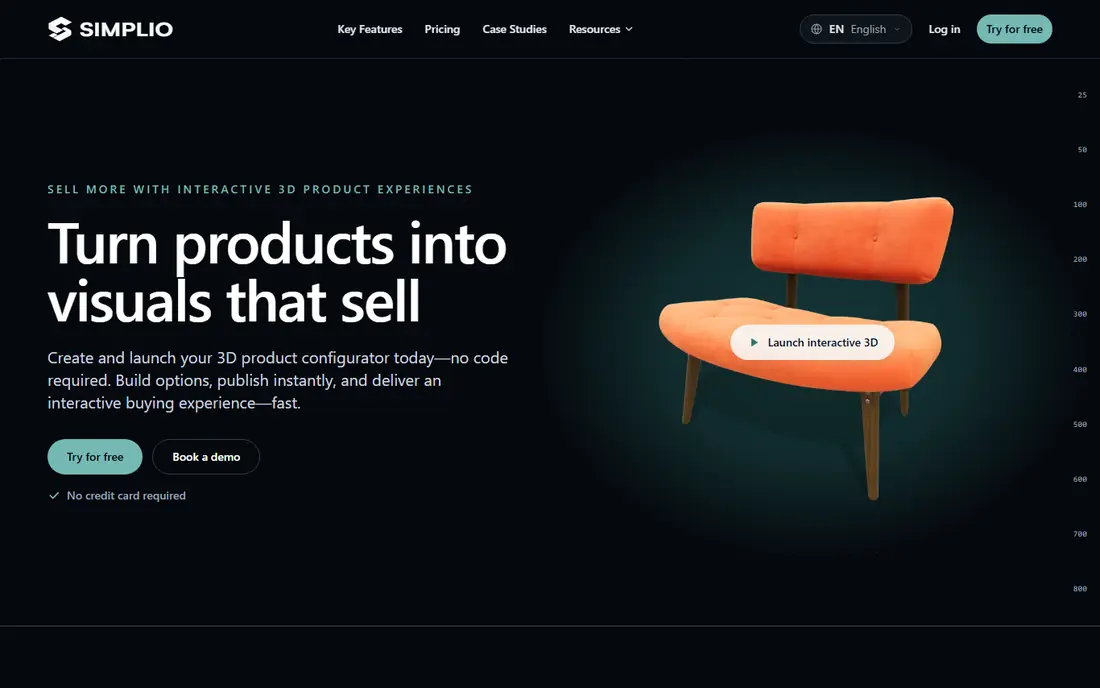
Simplio3D is a web-based 3D configurator and visualization platform for retailers and manufacturers. Projects include a viewer for finished products, a configurator with options, conditional logic, pricing, and quote forms, and a modular project for drag-and-drop assembly. Shopify and WooCommerce integrations let configured products move to cart or draft orders, and AR support helps buyers preview products on mobile.
The main work for buyers is supplying good 3D models and setting up logic cleanly. A 30-day Pro trial gives time to test a real product before committing. For firms that want 3D, pricing, and integrations without commissioning custom software, Simplio3D is a balanced pick.
- 3D configurator with pricing logic
- Shopify and WooCommerce integrations
- Modular projects on higher plans
- You supply the 3D models
- Complex setups benefit from onboarding help
Expivi serves manufacturers of modular and configurable products, where buyers combine parts, dimensions, and options into a finished product. Its workflows reflect manufacturing needs, including rules that keep configurations valid and ready for production. Buyers get a visual configurator that shows the product as options change.
The focus is manufacturing, so retailers selling simple personalized goods may find it more than they need. Manufacturers with modular catalogs, though, will value workflows built around their production reality rather than generic ecommerce personalization.
- Manufacturing-oriented configuration workflows
- Good for modular products
- Visual configuration for buyers
- Strongest inside manufacturing use cases
- Pricing is quote-based
Zakeke suits straightforward product personalization in ecommerce. Store owners can let buyers customize colors, text, images, and options on standard storefronts, with a configurator that embeds without a large custom project. That speed matters for print products, gifts, and simple custom goods.
Deep B2B configuration is not the focus. Products with complex engineering rules, pricing matrices, and dealer quoting will need a stronger CPQ tool like Configure One or Threekit. For a retailer who wants fast, attractive personalization, Zakeke is a practical choice.
- Quick personalization on standard storefronts
- Easy to embed in ecommerce sites
- Good for print and simple custom goods
- Aimed at simpler products
- Deep B2B logic is thinner
Roomle specializes in furniture and interior configuration. Buyers can configure furniture, see it in room context, and plan layouts, which helps furniture retailers sell larger pieces that buyers hesitate to order sight unseen. The room view gives scale and fit information that a plain product image cannot.
That specialization is also the limit. A manufacturer outside furniture and interiors will find Roomle less general than other tools here. Furniture brands and retailers, though, get a tool built for exactly how their customers shop.
- Strong furniture visualization
- Room context for planning
- Good for furniture retailers and brands
- Specialized around furniture and interiors
- Less general than Simplio3D or Threekit
ShapeDiver is built for parametric and CAD-based configuration. Designers and engineers define a product through parameters, and buyers adjust those parameters to generate a valid, manufacturable variant. That approach suits technical products where dimensions, materials, and geometry drive the result.
Non-technical teams may struggle, since ShapeDiver expects a parametric workflow and some design skill to set up models well. Engineering-driven firms, however, gain a configurator that respects real design constraints instead of just swapping colors on a static model.
- Powerful parametric engine
- Built on computational design
- Good for engineering-driven products
- Assumes a parametric or CAD workflow
- Less suited to non-technical teams
Kickflip offers a clean personalization interface for apparel and simpler consumer products. Shoppers can customize colors, prints, and options in a clear, visual flow, which helps brands sell custom apparel, accessories, and similar goods without a heavy configurator project. The shopper experience is the strength here.
Complex B2B products are out of scope. Kickflip does not aim to handle deep engineering rules, dealer pricing, or CPQ workflows. For a consumer brand that wants attractive, simple customization, that focus is a good fit.
- Clean personalization interface
- Good for apparel and simple goods
- Easy for shoppers to use
- Scoped to lighter customization
- Not built for complex B2B rules
How we picked these
We compared official product pages, documentation, and public reviews for product configurator tools in October 2026. We required a real configurator function, including options, rules, and pricing or quoting, and we excluded tools that only display 3D models without configuration logic. Prices are listed as See website where vendors do not publish starting prices. We did not claim hands-on testing; our comparison rests on published features, documented integrations, and aggregated buyer feedback.
What to check before you buy
Start with product complexity, not visuals. List the options, rules, and pricing logic your products actually need, and test a product with a tricky rule during the demo. A beautiful 3D viewer that allows invalid combinations will create quoting errors, returns, and manufacturing rework.
Next, check models and data. Ask who creates and maintains 3D models, how product data connects to ERP or PIM, and how price changes flow to the configurator. A tool that needs manual price updates will drift out of date quickly.
Finally, test the buyer journey end to end. Configure a product, get a price, request a quote, and check what data reaches your CRM or ERP. That test shows whether the configurator truly shortens the sales cycle or just adds a pretty front end to a manual process.
FAQ
What is product configurator software?
It is software that lets buyers choose product options, see the result visually, and get a valid price and quote based on product rules. It prevents invalid combinations, applies pricing logic, and passes the finished configuration to sales, CPQ, or order systems.
How is a configurator different from a CPQ tool?
A configurator focuses on choosing and visualizing options, while CPQ covers configure, price, and quote as a full sales process. Many tools here do both, but CPQ-heavy tools like Configure One put more weight on pricing and quoting, while 3D-first tools put more weight on visuals.
Do I need 3D models to use a configurator?
For 3D tools like Threekit, Simplio3D, and Roomle, yes, you need models for the products you want to show. Some tools help create or optimize models, but buyers should budget for model creation and maintenance as part of the total cost.
How much does product configurator software cost?
Most vendors in this guide are quote-based, since pricing depends on products, users, channels, and integrations. Ask for a total that includes model work, implementation, and ongoing support, rather than comparing a license figure alone.
Can configurators connect to Shopify or WooCommerce?
Yes. Simplio3D and Zakeke offer Shopify and WooCommerce integrations, and other tools connect through APIs, CPQ, or ERP links. Check whether the integration creates a real cart item with the correct price and SKU, or just a quote request.
What should we prepare before a demo?
Prepare one complex product with its full option list, rules, and pricing, plus a simple product for contrast. Ask the vendor to build both live, or to show a close example, and check how invalid options, price changes, and quote output are handled.