Choosing Brainstorming Software for Product Teams in 2026: 6 Options Compared
Need the best brainstorming software for product teams? We compare 6 tools on cost, free access and who each suits. Real limits included. Skim the table first.
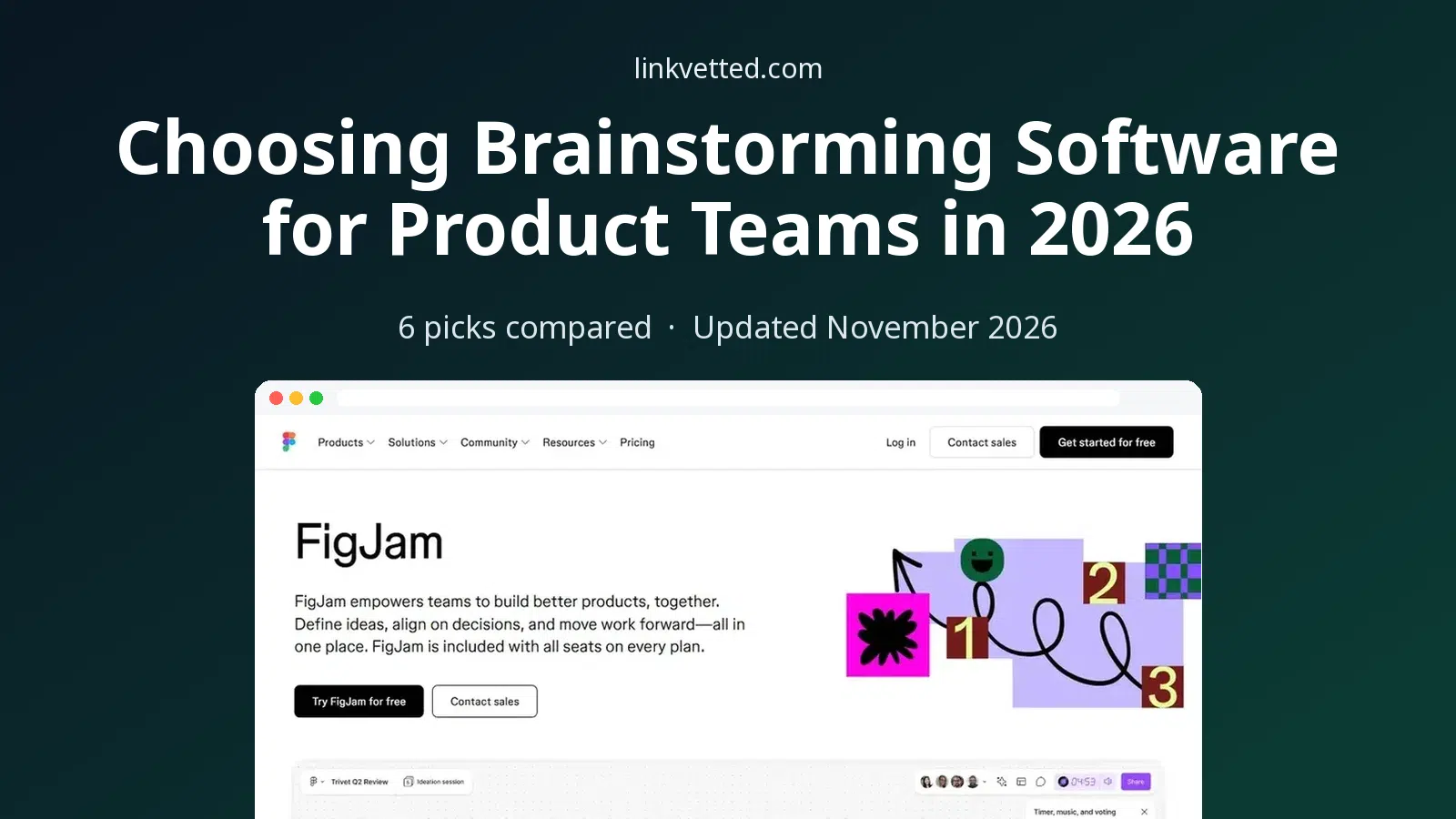
- Editor's choice
 FigJam
Design-adjacent brainstorming and diagramming
Starts atSee websiteVisit figma.comFull review - Great alternative
 Stormboard
Data-first structured collaboration
Starts atSee websiteVisit stormboard.comFull review - Also consider
 Craft
Capturing and organizing ideas in docs
Starts at$4.8 a monthVisit craft.doFull review
Direct answer
If you need design-adjacent brainstorming and diagramming, FigJam is the first tool to look at here. Listed starting prices: Craft from $4.8 a month, Miro from $8 per member per month and Mural from $9.99 per member a month. Alternatives: Stormboard for data-first structured collaboration, and Craft for capturing and organizing ideas in docs. The remaining 3 options are covered below with prices and limits.
TL;DR:
- Top of the list is FigJam, which targets design-adjacent brainstorming and diagramming.
- The cheapest monthly starting price in the list is $4.8 per month, offered by Craft.
- Only 4 of the 6 tools have a free plan (Stormboard, Craft, Miro, Mural), so check the caps.
- Check the limits for IdeaScale before you commit: less of a freeform visual canvas.
- Mural suits guided team collaboration and planning.
Last checked November 2026. Prices and plan details were read from the vendors' own pages in November 2026; vendors change plans often, so confirm the current price on the vendor site before you buy.
Quick comparison
| Tool | Best for | Starts at | Free plan? | |
|---|---|---|---|---|
| FigJam | Design-adjacent brainstorming and diagramming | See website | Not stated | Visit |
| Stormboard | Data-first structured collaboration | See website | Yes | Visit |
| Craft | Capturing and organizing ideas in docs | $4.8 a month | Yes | Visit |
| IdeaScale | Managing innovation and idea pipelines | See website | Not stated | Visit |
 Miro | End-to-end ideation to launch workflows | $8 per member per month | Yes | Visit |
 Mural | Guided team collaboration and planning | $9.99 per member a month | Yes | Visit |
The 6 tools in detail
This LinkVetted guide covers 6 brainstorming software for product teams. Each profile lists a starting price, free plan details, strengths and drawbacks, so you can drop poor fits quickly.
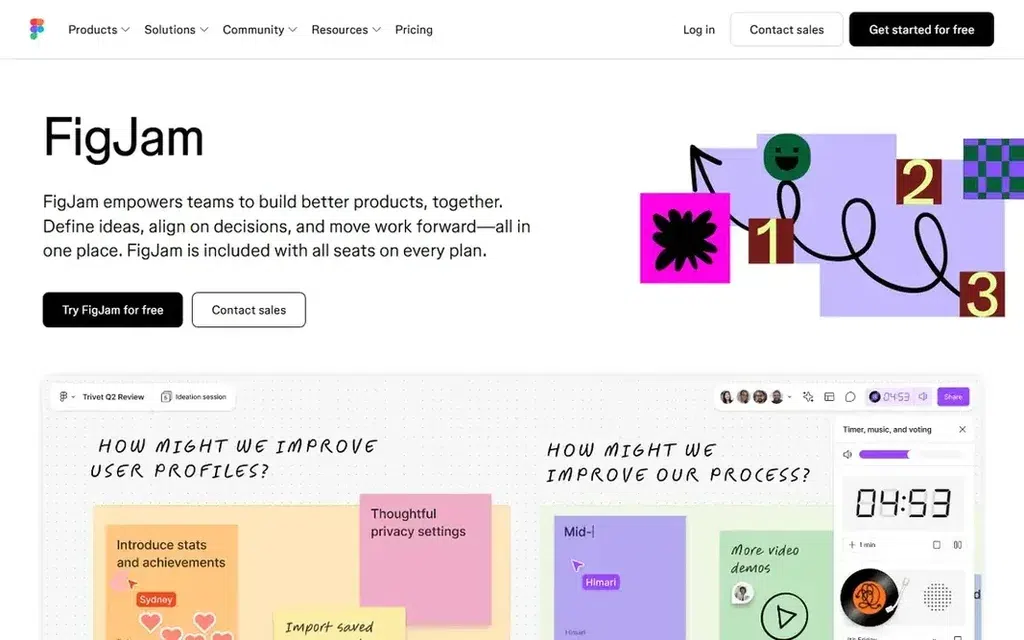
Choose FigJam for design-adjacent brainstorming and diagramming. In those cases, a dedicated idea management tool like IdeaScale or a data-oriented board like Stormboard may fit better.
Where it falls short: Best value within the Figma ecosystem.
FigJam is primarily a whiteboard, so teams needing structured idea collection, voting pipelines or data-first workflows may outgrow it. FigJam is an online collaborative whiteboard where teams diagram, brainstorm and organize ideas together. No starting price is listed for FigJam here; confirm pricing on the vendor site. Free plan details: Not stated.
- Suits teams already using Figma
- Organizes ideas in one shared space
- Less centred on idea management pipelines
Stormboard targets data-first structured collaboration. Stormboard describes itself as a data-first collaborative workflow product that turns unstructured interactions into data-rich workspaces, generating structured and actionable information from everyday collaboration.
Limits to weigh: Less freeform than pure whiteboards.
More specifically, the structured, data-centric approach can feel less spontaneous than open whiteboards for early creative sessions. For everyday use, teams that mainly want freeform sketching may prefer Miro or FigJam, and can return to a data-first tool once ideas need prioritization. Pricing for Stormboard is not stated here, so ask the vendor for current figures. You can start on Stormboard without paying.
- Data-rich collaborative workspaces
- Workflow-oriented approach
- Data emphasis may suit facilitators more than casual users
In short, Craft is for capturing and organizing ideas in docs. Craft is a productivity app for notes, tasks and docs that follows users across devices, with premium features available. Also, product teams may use it to capture brainstorm outputs, write up findings and organize follow-up tasks in structured documents instead of on a sprawling canvas.
More specifically, Craft is document-centric, so it lacks the live visual canvas that whiteboard tools supply for group sessions. It performs best as a companion for write-ups and planning, with a whiteboard tool handling the live ideation itself. Craft starts at: $4.8 per month. You can start on Craft without paying.
Honest limits: Not a multiplayer visual whiteboard.
- Works across devices
- Notes
- Some features sit behind premium levels
IdeaScale
Best for: Managing innovation and idea pipelines
IdeaScale is designed for managing innovation and idea pipelines. IdeaScale is employee engagement software oriented toward innovation management, helping organizations collect and handle ideas from their people.
Where it is weaker: Pitched at program owners instead of fast sessions.
In practice, for fast collaborative sessions, Miro, Mural or FigJam are more direct choices. No starting price is listed for IdeaScale here; confirm pricing on the vendor site. On free options: Not stated.
- Employee engagement and innovation focus
- Structured idea management
- Less of a freeform visual canvas

Miro serves end-to-end ideation to launch workflows. Miro is a visual collaboration system built around an AI innovation workspace. Its homepage emphasizes speeding up product development from ideation to launch, aligning teams and breaking tool silos in one visual environment.
In practice, since the product spans numerous workflows, new users may need time to learn its structure, and sprawling boards can become hard to navigate. As for the details, teams with very narrow needs, like fast sketches tied to design files, may prefer a lighter option like FigJam. Miro pricing: $8 per member per month. A free plan is available with Miro.
Honest limits: Feature depth may overwhelm small teams.
- AI-powered visual workspace
- Supports product development from ideation to launch
- Large boards can feel busy for newcomers
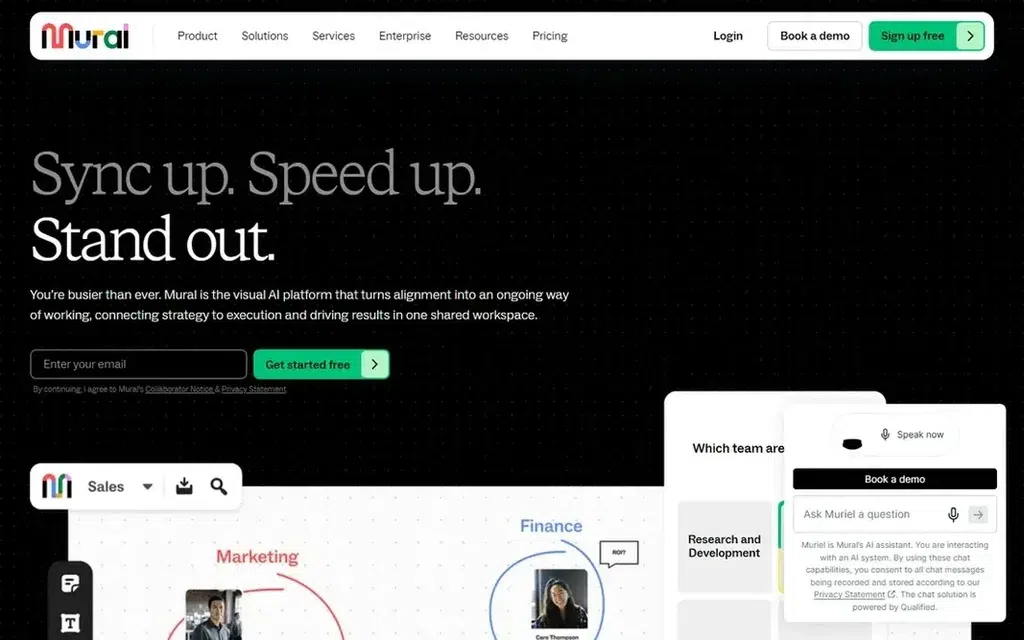
Mural works best for guided team collaboration and planning. For light brainstorming or fast note dumps, the product can feel more elaborate than necessary.
In daily use, product teams that run recurring workshops, retrospectives and strategy sessions may appreciate its emphasis on structured collaboration and shared visual thinking across distributed groups. Teams already deeply invested in a design toolchain may find FigJam a more natural extension of their existing workflow. Starting cost for Mural: $9.99 per member per month. Mural offers a free plan.
Limits to weigh: Can feel heavy for straightforward note capture.
- AI-powered visual workspace
- Easy-to-learn shared canvas
- Wide feature set needs onboarding
How we compared the tools
LinkVetted looked at what each vendor publishes: pricing, plan limits, feature coverage for brainstorming software for product teams and stated drawbacks. No hands-on testing is claimed. Where a vendor does not publish a price, the entry says quote. Where a price depends on seats or billing term, the entry says so. Tools are placed by general fit for brainstorming software for product teams, with price clarity and free access as tie-breakers. A different team can reasonably rank them differently.
What to check before you buy
- Get a written quote from FigJam, Stormboard and IdeaScale; the list shows no starting price for them.
- Read the fine print on the free plans from Stormboard, Craft, Miro and Mural; seat, project and feature caps differ.
- Read the limits listed for FigJam first: less centred on idea management pipelines.
- Check how data leaves Stormboard: formats, limits and whether exports are available on every plan.
- Ask whether FigJam integrates with your current software, and whether that comes standard or as an add-on.
FAQ
How are the tools for brainstorming software for product teams ordered?
The order follows typical fit for brainstorming software for product teams, with FigJam first and Mural last, then price clarity and free access. It is editorial judgement, not a score, so another team could rank the tools differently.
What is the cheapest option for brainstorming software for product teams in this list?
On published monthly entry prices, Craft is the lowest here at $4.8 per month. Entry price is only part of the cost, because seats, add-ons and billing terms can change the total. Each of the 6 options in this Brainstorming software for product teams guide has its own card above with the price, free plan and limits.
Do these tools publish their prices?
Not all of them. FigJam, Stormboard and IdeaScale publish no starting price, so expect a quote request for those. The rest, Craft included, show a starting price, though seats and billing terms still change the final cost.
How should we evaluate brainstorming software before buying?
Run a short pilot session with your actual team and a real problem, then check how easily notes, votes and decisions export. Compare templates, permissions and device support against your workflow. Confirm current features and terms straight with each vendor.
Can I try these tools before paying?
Often, yes. Stormboard, Craft, Miro and Mural have a free plan. Use your own data and a real task during the test, and check what the free tier or trial limits before you rely on it.
Sources
- https://www.figma.com/figjam
- https://stormboard.com
- https://www.craft.do
- https://ideascale.com
- https://miro.com
- https://www.mural.co
Related guides
- Best Color Correction Software for Product Shots in 2026: Prices, Free Plans and 6 Picks
- Best Demo Platform Software for Product Demos in 2026: 8 Tools Compared
- Best Ecommerce Platforms for Product Listings in 2026: 9 Platforms Compared
- Best Interactive Product Demo Software in 2026: 8 Tools Compared