Best No Code Site Design Platform for 2026: Our 6 Vetted Picks
Best no code site design platform: 6 contenders ranked by fit, with entry costs and free tiers. Fit, price and catches for every tool. See which fits.
- Editor's choice
 Bubble
No-code web and mobile app building
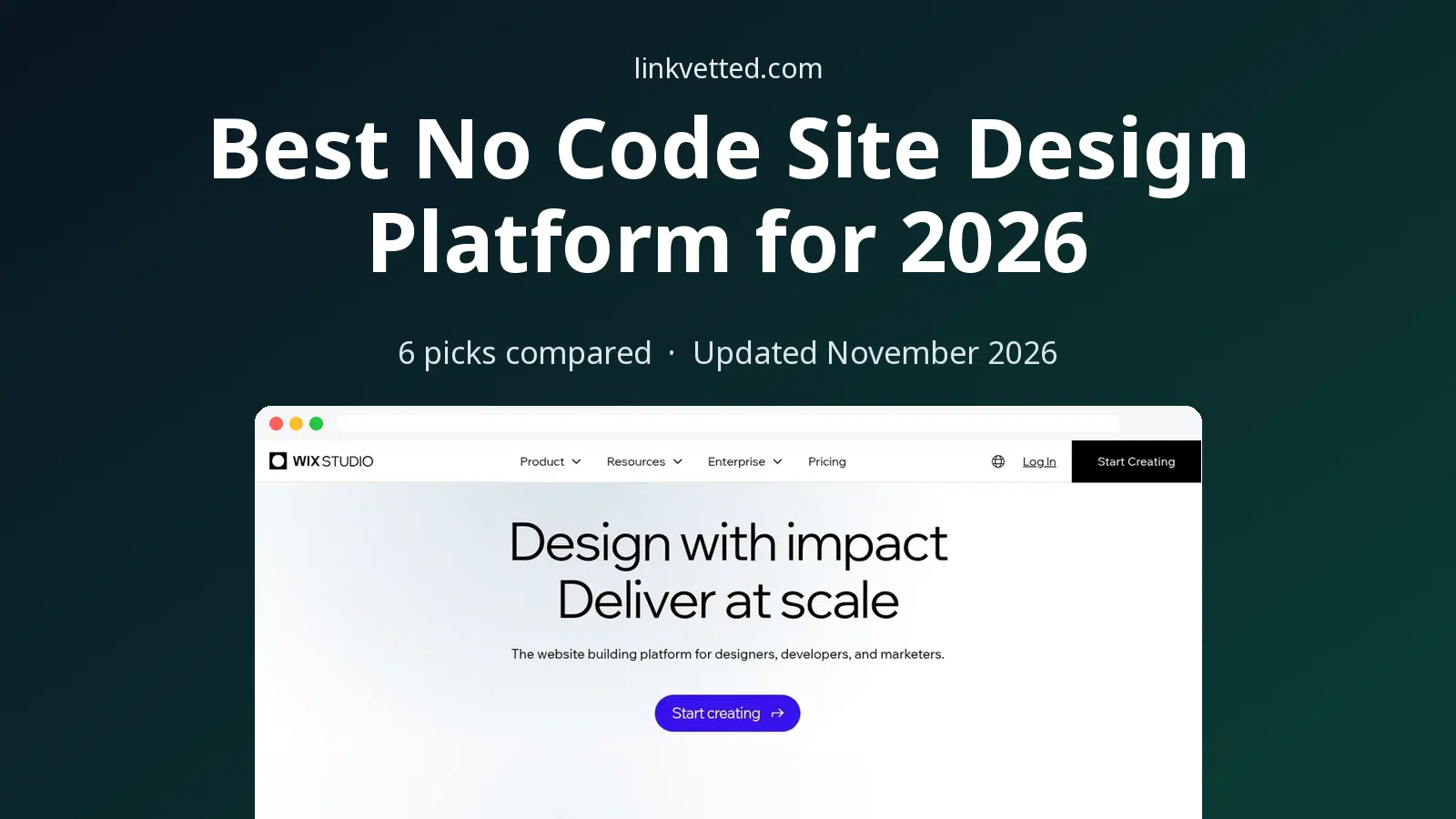
Starts atSee websiteVisit bubble.ioFull review - Great alternativeWix Studio
Agencies and enterprises managing client sites
Starts atSee websiteVisit wix.comFull review - Also consider
 Framer
Design-led sites with quick iteration
Starts at$10 per monthVisit framer.comFull review
Direct answer
This list puts Bubble first for no-code web and mobile app building. Listed starting prices: Framer from $10 per month, Duda from $19 per month and Webflow from $15 per month. Alternatives: Wix Studio for agencies and enterprises managing client sites, and Framer for design-led sites with quick iteration. The full list of 6 tools follows, with prices and free plan facts.
TL;DR:
- Top of the list is Bubble, which targets no-code web and mobile app building.
- Only 2 of the 6 tools have a free plan (Framer, Webflow), so check the caps.
- Before buying Duda, weigh this: pitched at professionals, not beginners.
- Framer is the lowest-priced starter here at $10 per month.
- Squarespace suits straightforward business and portfolio websites.
Last checked November 2026. Prices and plan details were read from the vendors' own pages in November 2026; vendors change plans often, so confirm the current price on the vendor site before you buy.
Quick comparison
| Tool | Best for | Starts at | Free plan? | |
|---|---|---|---|---|
| Bubble | No-code web and mobile app building | See website | Not stated | Visit |
| Wix Studio | Agencies and enterprises managing client sites | See website | Not stated | Visit |
| Framer | Design-led sites with quick iteration | $10 per month | Yes | Visit |
 Duda | Pros building high-ranking client sites | $19 per month | Free trial | Visit |
 Webflow | Design-heavy marketing sites with structured content | $15 per month | Yes | Visit |
 Squarespace | Straightforward business and portfolio websites | $12 a month | Free trial | Visit |
6 options for no code site design platform in detail
Choosing no code site design platform usually comes down to price, fit and limits. This LinkVetted guide sets 6 tools side by side on those three points, with the facts kept short and checkable.
In short, Bubble is for no-code web and mobile app building. Learning the logic and data model takes effort. Bubble is aimed at applications instead of brochure or content sites, so straightforward projects may be better served by a template builder.
Watch-outs: Not pitched at straightforward marketing sites.
What Bubble does well: AI and visual editing combined.
Choose Bubble when your project needs user accounts, workflows, and a database instead of a static marketing presence. On top of that, Bubble is a no-code app builder that merges AI generation with visual editing for design, database, logic, and privacy rules. This comparison lists no price for Bubble; ask the vendor. Free access: Not stated.
- Web and mobile app support
- Database, logic
- Needs understanding of app logic
Wix Studio
Best for: Agencies and enterprises managing client sites
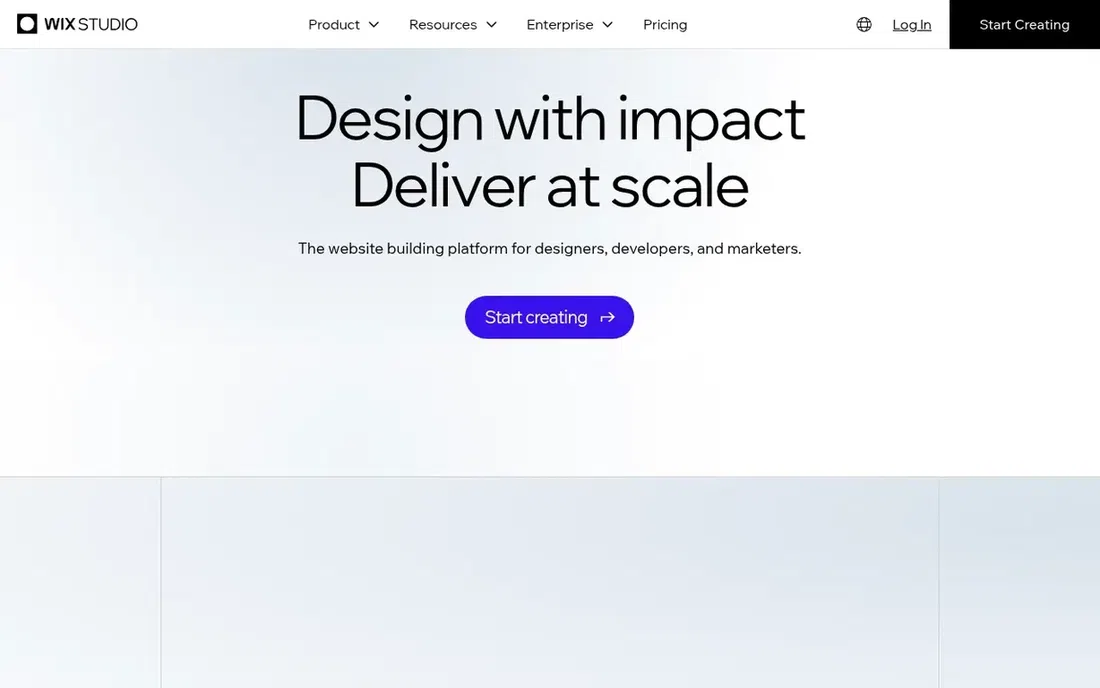
For agencies and enterprises managing client sites, Wix Studio is a natural candidate. The system emphasizes responsive design and production workflows instead of one-off personal pages. Beyond that, agencies with very specific custom code requirements may still prefer a developer-oriented stack.
Since it is made for professional teams, the breadth of choices may be more than a solo creator needs. Pick Wix Studio when client management and design adaptability matter more than minimal setup. Check the vendor site for Wix Studio pricing; none is listed in this comparison. As for free access: Not stated.
Limits to weigh: Less suited to straightforward personal sites.
- Designed for agency and enterprise workflows
- Smart design and development capabilities
- Feature depth can overwhelm solo users
Framer is a good fit for design-led sites with quick iteration. Framer is a website builder with a design agent that moves from idea to launch whereas keeping changes editable.
Framer cost at the entry level: $10 per month. Framer offers a free plan.
Where it is weaker: Less suited to complicated app logic.
- Hosting, CMS, analytics
- AI design agent for idea to launch
- Design-first workflow may not fit all teams
Where Duda fits: pros building high-ranking client sites. Teams requiring deep application logic should look at app-focused builders.
On top of that, Duda is oriented toward professional service and agency workflows, so individuals wanting a fast personal site may find it more than needed. Starting cost for Duda: $19 per month. On free options: Free trial.
The main drawbacks: Less known for complicated app features.
- AI-powered web presence product
- Aimed at professional client work
- Geared toward professionals, not beginners
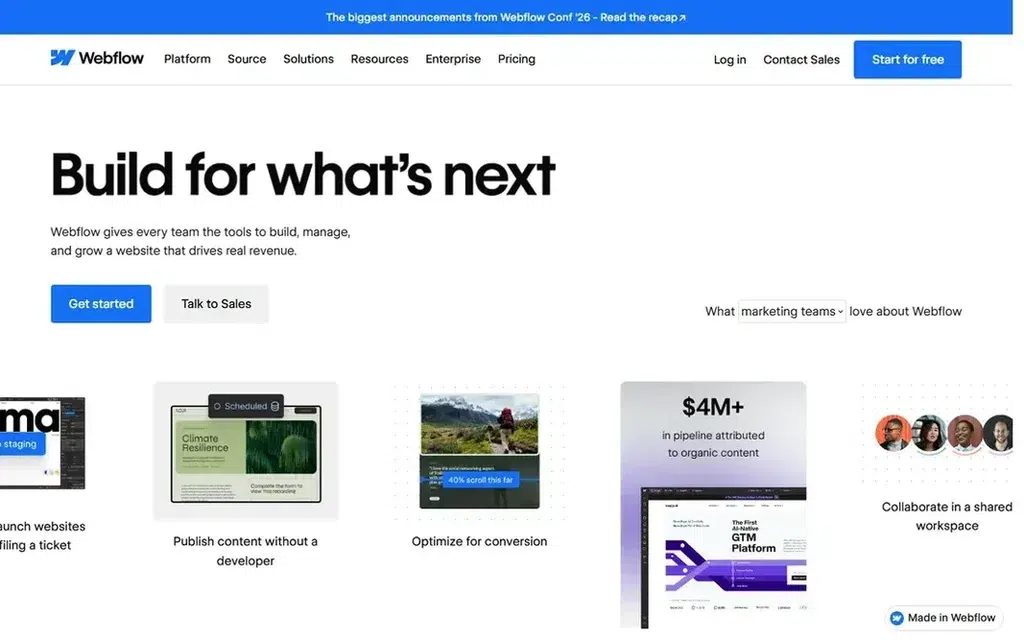
Webflow is aimed squarely at design-heavy marketing sites with structured content. The trade-off is complexity: the interface exposes plenty of settings, so newcomers may need time to become productive. It is less suited to straightforward brochure sites where a template-driven builder would be quicker.
Honest limits: Steeper ramp-up time for beginners.
Worth adding: consider other choices if you need native app logic or a commerce-first setup instead of a design-centric website. Webflow is a visual development system that lets designers build responsive sites without writing code. It bundles a CMS, hosting, and enterprise-grade security, and its homepage flags optimization for AI search. Starting cost for Webflow: $15 per month. A free plan is available with Webflow.
- AEO and AI search optimization features
- Visual designer with fine layout control
- Advanced interactions need time to master
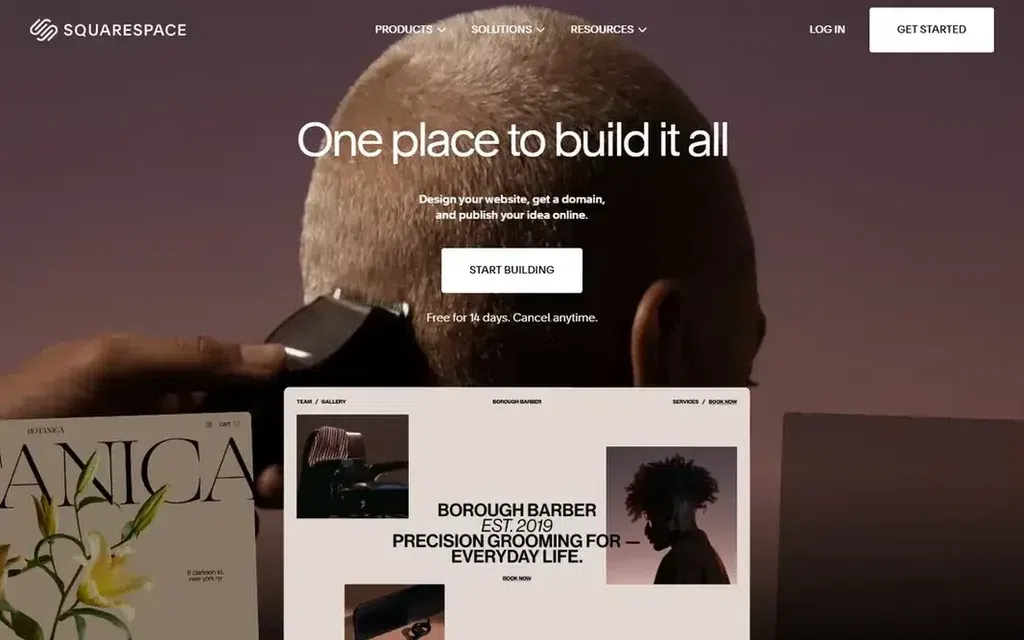
For straightforward business and portfolio websites, Squarespace is a natural candidate. The platform manages hosting and core site management so owners can focus on content instead of infrastructure.
The main drawbacks: Less granular layout control.
Design adaptability is bounded by the template system, so unusual layouts or intricate interactions may be hard to achieve. It is not the right fit for teams that need app-like logic or a completely custom commerce operation. On cost, Squarespace starts like this: $12 per month. Free plan details: Free trial.
- Domain and business growth features
- Configurable templates
- Limited for complicated custom logic
How we compared the tools
For each of the 6 tools we noted price, free plan or trial, fit for no code site design platform and the main limit, using vendor pages and documentation. Where a price is missing, the vendor does not list one publicly or ties it to a quote. Always confirm before budgeting. The ranking is editorial: typical fit first, then clear pricing, then free access. If your needs are unusual, read the profiles rather than relying on position.
What to check before you buy
- Get a written quote from Bubble and Wix Studio; the list shows no starting price for them.
- Look at free plan limits closely: Framer and Webflow have one, and the caps decide whether it is usable for real work.
- Use real work to test the free trial from Duda and Squarespace, rather than a demo project.
- Read the limits listed for Bubble first: not geared toward straightforward marketing sites.
- Map your must-have features to a specific Bubble plan before you compare prices.
- Run a one or two week pilot of Duda with the people who will use it every day.
FAQ
Do these tools publish their prices?
Not all of them. Bubble and Wix Studio publish no starting price, so expect a quote request for those. The rest, Framer included, show a starting price, though seats and billing terms still change the final cost.
Can I try these tools before paying?
Often, yes. Framer and Webflow have a free plan and Duda and Squarespace offer a free trial. Use your own data and a real task during the test, and check what the free tier or trial limits before you rely on it.
How are the tools for no code site design platform ordered?
The order follows typical fit for no code site design platform, with Bubble first and Squarespace last, then price clarity and free access. It is editorial judgement, not a score, so another team could rank the tools differently.
Which no-code system is best for a design-focused marketing site?
This list starts with Bubble, which fits no-code web and mobile app building. For other needs, Wix Studio is aimed at agencies and enterprises managing client sites, and Framer at design-led sites with quick iteration. Check each tool's price and main limit first.
Which options for no code site design platform have a free plan?
On this list, Framer and Webflow include a free plan. Caps on seats, usage or features are common, so test the free plan against your real workload. Several others offer a trial instead.
Sources
- https://bubble.io
- https://www.wix.com/studio
- https://www.framer.com
- https://www.duda.co
- https://webflow.com
- https://www.squarespace.com