5 No Code App Builder for Graphic Design Worth Shortlisting in 2026
Best no code app builder for graphic design: 5 tools compared on price, free plans and fit. Concise write-ups of every option. Pricing and limits included.
- Editor's choice
 Softr
Secure business apps and portals
Starts atSee websiteVisit softr.ioFull review - Great alternative
 Figma
Collaborative design and prototyping
Starts at$3 a monthVisit figma.comFull review - Also consider
 Webflow
Design-led responsive websites
Starts at$15 a monthVisit webflow.comFull review
Direct answer
This list puts Softr first for secure business apps and portals. Listed starting prices: Figma from $3 a month, Webflow from $15 a month and Adalo from $65 per month. Alternatives: Figma for collaborative design and prototyping, and Webflow for design-led responsive websites. Prices, free plans and limits for all 5 tools follow.
TL;DR:
- The list opens with Softr, aimed at secure business apps and portals.
- Before buying Adalo, weigh this: design customization may be restricted.
- The lowest published monthly entry price here is $3 per month, from Figma.
- Softr, Webflow, Adalo, FlutterFlow: these are the 4 tools out of 5 that offer a free plan.
Last checked November 2026. Prices and plan details were read from the vendors' own pages in November 2026; vendors change plans often, so confirm the current price on the vendor site before you buy.
Quick comparison
| Tool | Best for | Starts at | Free plan? | |
|---|---|---|---|---|
| Softr | Secure business apps and portals | See website | Yes | Visit |
| Figma | Collaborative design and prototyping | $3 a month | Not stated | Visit |
| Webflow | Design-led responsive websites | $15 a month | Yes | Visit |
 Adalo | Native mobile apps from one project | $65 per month | Yes | Visit |
 FlutterFlow | AI-described mobile app builds | $29 a month | Yes | Visit |
Our 5 picks for no code app builder for graphic design
LinkVetted compared 5 tools for no code app builder for graphic design. The goal is a practical shortlist: published prices, free plan facts, best-fit use cases and honest limits for every entry.
Where Softr fits: secure business apps and portals. Users describe what they need and Softr builds it with security, permissions, and workflows included from the start.
Where it is weaker: Best for structured business use cases.
Softr is a system for building secure business apps and internal tools. Worth adding: projects that require rich, bespoke layouts may feel constrained. Check the vendor site for Softr pricing; none is listed in this comparison. A free plan is available with Softr.
- Workflows included
- AI builds apps from a description
- Not a graphic design canvas
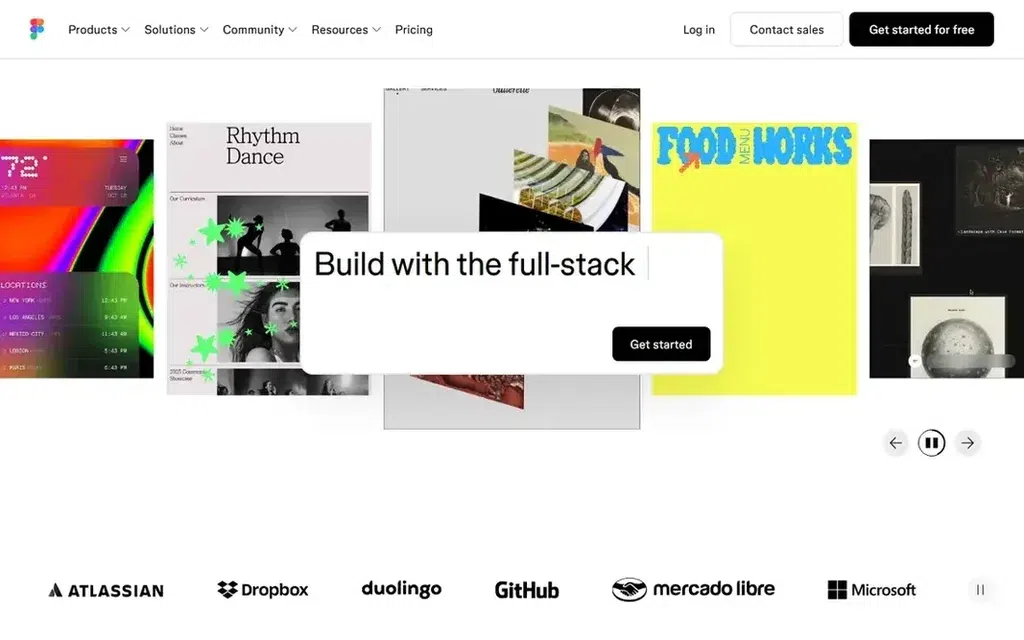
Figma targets collaborative design and prototyping. The system supports moving from first idea toward production with the entire team in one place. Figma is a collaborative canvas where design, code, and AI come together.
It is widely used for interface design, prototyping, and design systems, and it suits graphic designers who require to explore concepts and share work with teams. As for the details, pick Figma when collaboration and visual design exploration matter more than end-to-end app building. Figma cost at the entry level: $3 per month. Trial and free access: Not stated.
Where Figma stands out: Design, code.
Drawbacks to consider: Not a full app deployment product.
- Live team collaboration
- AI in one canvas
- Needs design knowledge to use well
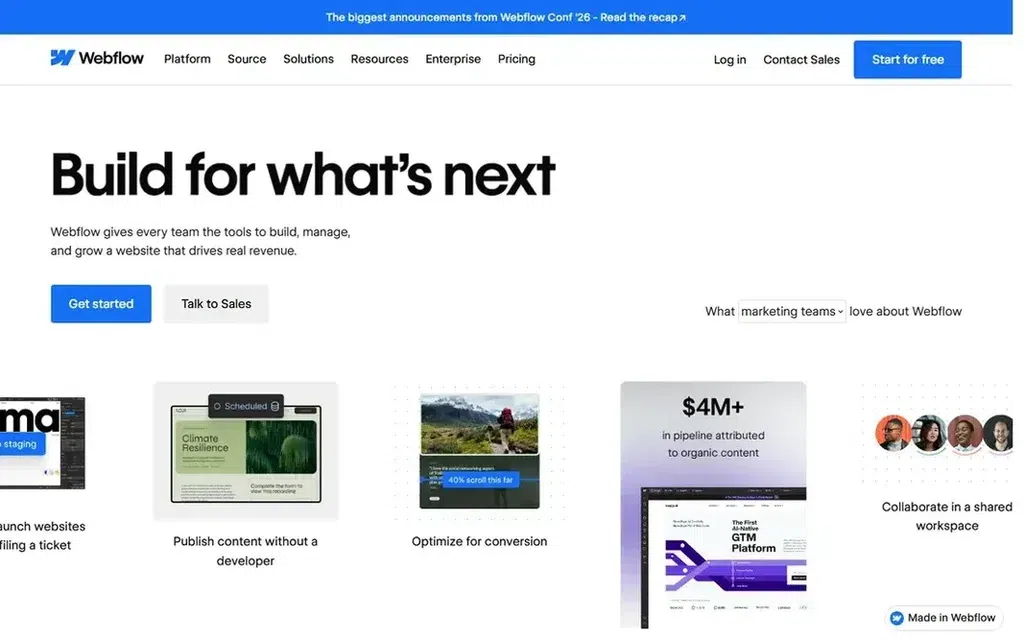
Webflow makes the most sense for design-led responsive websites. Webflow is not a native mobile app builder, so projects that need iOS or Android distribution need a different tool.
The main drawbacks: Ramp-up time for advanced interactions.
Entry price for Webflow: $15 per month. A free plan is available with Webflow.
- AI search optimization features
- Visual design control
- Not a native mobile app builder
Adalo serves native mobile apps from one project. Users describe an app and Ada builds the screens, data, and logic, then publish native apps from one project without code. Adalo may not offer the same depth of visual styling as dedicated graphic design tools.
Also, pick Adalo when quick native mobile publishing is the goal, and use a separate design tool for in-depth brand and graphic work. Adalo is an AI no code app builder for iOS, Android, and web. Adalo cost at the entry level: $65 per month. Free access exists with Adalo.
Where it falls short: Design customization may be restricted.
- AI-assisted screen and logic creation
- Publishes to iOS, Android, web
- A good match for more straightforward app structures
Choose FlutterFlow for AI-described mobile app builds. A first version can be started rapidly, an agent can apply requested changes.
Limits to weigh: Visual design depth may be restricted.
The result can be sent to the App Store and Google Play. FlutterFlow starts at: $29 per month. Free access exists with FlutterFlow.
- Builds an app by describing it
- Agent takes care of requested changes
- Mobile-first focus
How these tools were picked
For each of the 5 tools we noted price, free plan or trial, fit for no code app builder for graphic design and the main limit, using vendor pages and documentation. Prices and plan limits come from vendor pages and can change, so confirm them on the vendor site before you buy. Tools are placed by general fit for no code app builder for graphic design, with price clarity and free access as tie-breakers. A different team can reasonably rank them differently.
What to check before you buy
- Ask Softr for a written quote, since no starting price is shown.
- Check what the free option really includes: Softr, Webflow, Adalo and FlutterFlow offer a free plan, and usage caps differ.
- Read the limits listed for Softr first: not a graphic design canvas.
- Pick one real project and run it in Figma first; a small pilot shows fit faster than a checklist.
- Work out what FlutterFlow costs with your real seat count, add-ons and usage, not just the entry price.
FAQ
Do these tools publish their prices?
Not all of them. Softr publishes no starting price, so expect a quote request for it. The rest, Figma included, show a starting price, though seats and billing terms still change the final cost.
Which options for no code app builder for graphic design have a free plan?
Softr, Webflow, Adalo and FlutterFlow offer a free plan in this list. Free plans usually cap users, projects or features, so check the limits on the vendor page.
How are the tools for no code app builder for graphic design ordered?
Softr sits first and FlutterFlow last because the order follows typical fit for no code app builder for graphic design, then price clarity and free access. It is a judgement call, so read each profile for fit and limits.
What is the cheapest option for no code app builder for graphic design in this list?
On published monthly entry prices, Figma is the lowest here at $3 per month. Entry price is only part of the cost, because seats, add-ons and billing terms can change the total. All 5 picks in this no code app builder for Graphic design comparison list a starting price, free plan details and the main limits on their cards above.
Sources
- https://www.softr.io
- https://www.figma.com
- https://webflow.com
- https://www.adalo.com
- https://www.flutterflow.io