Best No Code Database Software (2026): 5 Picks Checked on Vendor Pages
Best no code database software in 2026: 5 tools with starting prices, free plans and limits. The weak spots sit next to the strengths. Compare quickly.
- Editor's choice
 Caspio
Custom business apps with compliance needs
Starts at$270 a monthVisit caspio.comFull review - Great alternative
 Notion
Document-centric teams wanting built-in databases
Starts at$10 per member a monthVisit notion.soFull review - Also consider
 Knack
Building solid no-code applications
Starts at$19 per monthVisit knack.comFull review
Direct answer
Our first pick is Caspio, best for custom business apps with compliance needs. Listed starting prices: Caspio from $270 a month, Notion from $10 per member a month and Knack from $19 per month. Look at Notion for document-centric teams wanting built-in databases, and at Knack for building solid no-code applications. The full list of 5 tools follows, with prices and free plan facts.
TL;DR:
- Number one here is Caspio, a fit for custom business apps with compliance needs.
- Airtable suits teams blending spreadsheets with app building.
- One limit worth knowing about Coda: can become complicated in large docs.
- A free plan is available from 2 of the 5 tools: Notion, Airtable.
- The lowest published monthly entry price here is $10 per member per month, from Notion.
Last checked November 2026. Prices and plan details were read from the vendors' own pages in November 2026; vendors change plans often, so confirm the current price on the vendor site before you buy.
Quick comparison
| Tool | Best for | Starts at | Free plan? | |
|---|---|---|---|---|
| Caspio | Custom business apps with compliance needs | $270 a month | Free trial | Visit |
| Notion | Document-centric teams wanting built-in databases | $10 per member a month | Yes | Visit |
| Knack | Building solid no-code applications | $19 per month | Free trial | Visit |
 Coda | Blending docs, spreadsheets, and apps | See website | Not stated | Visit |
 Airtable | Teams blending spreadsheets with app building | $20 per user per month | Yes | Visit |
No Code Database Software compared in detail
LinkVetted put together this guide to no code database software for readers who want a clear shortlist without reading every vendor page. It compares 5 tools on starting price, free plans, who each one suits and where each one falls short.
Caspio was built for custom business apps with compliance needs. Caspio is an AI product for building custom business applications, with annually certified HIPAA, SOC 2 Type II, and GDPR compliance and unlimited users. Beyond that, for light collaboration, a more straightforward tool might be a better starting point.
Worth adding: Caspio's focus on custom applications means it can be more involved to set up than an entry-level no-code database, and it may be overkill for small teams with simple data needs. Its interface assumes some technical comfort. The starting price for Caspio: $270 per month. On free options: Free trial.
What Caspio does well: HIPAA.
Honest limits: More technical than pure no-code tools.
- SOC 2
- GDPR certifications
- Less suited to simple databases
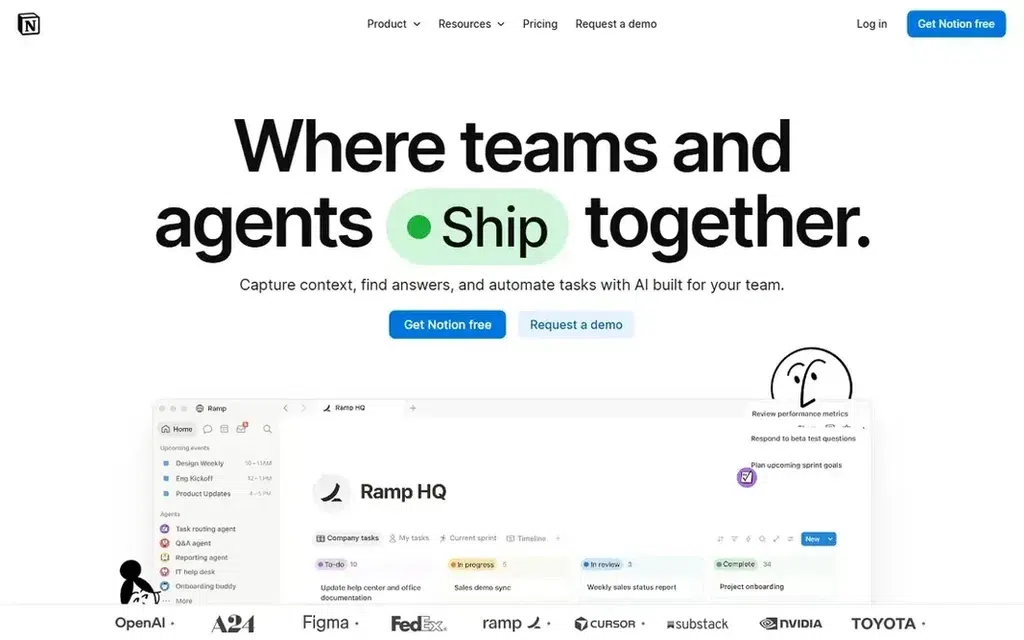
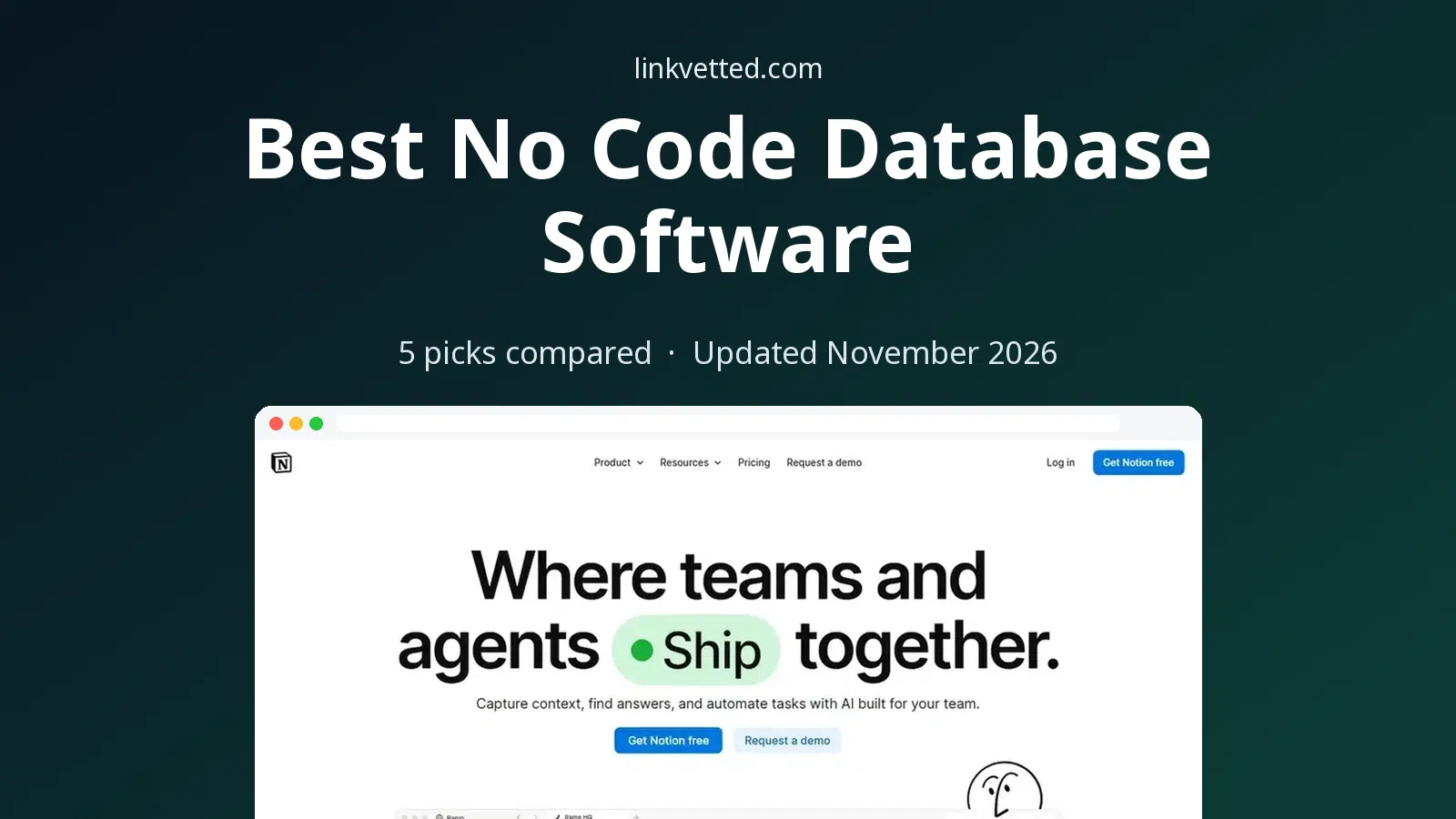
Notion serves document-centric teams wanting built-in databases. Its databases live alongside documents, so project trackers, wikis, and content calendars share one space.
Where it falls short: Less structured than dedicated databases.
On top of that, reporting and permissions are more straightforward than enterprise database tools. Worth adding: Notion's databases are less feature-rich for complicated relationships, validation, and high-volume data than dedicated systems. On cost, Notion starts like this: $10 per member per month. Free access exists with Notion.
- Custom agents and automation
- Unified workspace for notes and data
- Restricted advanced database features
Knack makes the most sense for building solid no-code applications. Knack is a no-code application development system with an AI app builder, targeted at creating solid business applications without coding. Its homepage flags building applications instead of just databases, making it right for teams that require custom forms, portals, and workflows with a database backbone.
Advanced apps can need significant setup. Worth adding: if you want a more straightforward grid-first experience, other tools may be simpler to adopt. Also, Knack's interface and approach are more application-centric than spreadsheet-centric, which may feel less familiar to users coming from Excel. The starting price for Knack: $19 per month. Free options: Free trial.
Drawbacks to consider: Less emphasis on spreadsheets.
- No-code development system
- Focus on custom applications
- Steeper ramp-up time for advanced apps
For blending docs, spreadsheets, and apps, Coda is a natural candidate. Large Coda docs can become unwieldy, and performance may slow with heavy data.
Trade-offs to know: Smaller ecosystem than some rivals.
In daily use, Coda is an all-in-one collaborative workspace that blends the adaptability of documents, the structure of spreadsheets, the power of applications, and AI. From a buyer's view, the system is less specialized for pure database administration than dedicated tools. Check the vendor site for Coda pricing; none is listed in this comparison. Trial and free access: Not stated.
- Merges docs and tables
- App-like building blocks
- Can become complicated in large docs
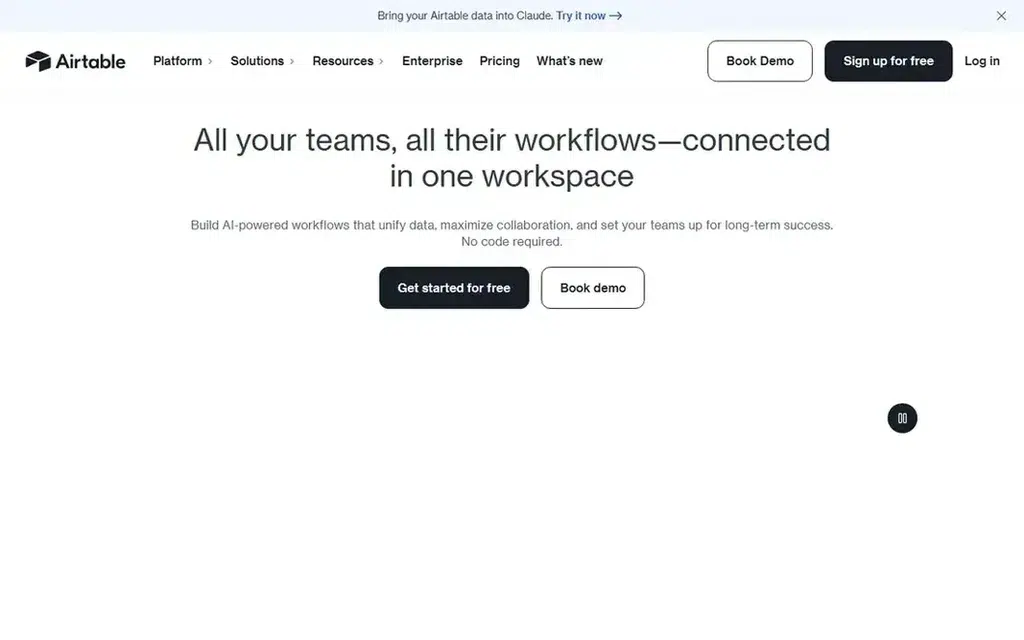
Where Airtable fits: teams blending spreadsheets with app building. Airtable presents data in a spreadsheet-like grid that teams can extend into custom apps and automatic workflows.
The main drawbacks: Can get complicated for large bases.
Teams that only need straightforward lists may find it more than necessary. From a buyer's view, live collaboration and task automation are core themes, so it fits cross-functional teams managing projects, content, or inventory without a developer. Airtable cost at the entry level: $20 per user per month. Free access exists with Airtable.
- Enterprise-ready collaboration
- AI workflow automation
- Restricted offline support
Our selection method
Questions to settle before buying
- Get a written quote from Coda; the list shows no starting price for them.
- Check what the free option really includes: Notion and Airtable offer a free plan, and usage caps differ.
- Use real work to test the free trial from Caspio and Knack, rather than a demo project.
- Read the limits listed for Caspio first: more technical than pure no-code tools.
- Before you load data into Coda, check what an export looks like and who can run it.
- Ask Knack whether prices are locked for the first term and what happens at renewal.
FAQ
Which options for no code database software have a free plan?
Notion and Airtable offer a free plan in this list. Free plans usually cap users, projects or features, so check the limits on the vendor page. Several others offer a trial instead. For the full picture, the cards above cover all 5 entries of this no code database software list, including price, free plan and limits.
Is Caspio the right pick for everyone comparing no code database software?
No single tool suits every team. Caspio comes first because it fits custom business apps with compliance needs, while Notion suits document-centric teams wanting built-in databases and Knack suits building solid no-code applications. Match the tool to your own size, budget and workflow before deciding.
How are the tools for no code database software ordered?
Caspio sits first and Airtable last because the order follows typical fit for no code database software, then price clarity and free access. It is a judgement call, so read each profile for fit and limits.
What is the cheapest option for no code database software in this list?
On published monthly entry prices, Notion is the lowest here at $10 per member per month. Entry price is only part of the cost, because seats, add-ons and billing terms can change the total. Prices, free plan details and limits for all 5 tools in this no code database software roundup sit on the individual cards above.
What is no-code database software?
It usually bundles forms, views, and automation to turn data into handy apps. These tools are used for project tracking, inventory, CRMs, and more.
Sources
- https://www.caspio.com
- https://www.notion.so
- https://www.knack.com
- https://coda.io
- https://www.airtable.com