Best Mobile Forms Software for Field Technicians for 2026: Our 5 Vetted Picks
Searching for the best mobile forms software for field technicians? Here are 5 options with prices and free plans. Each pick lists its main limit. Facts only.

- Editor's choice
 Formstack
Workflow automation with forms and eSignatures
Starts at$83 a monthVisit formstack.comFull review - Great alternativeKizeo Forms
Adaptable mobile forms with offline support
Starts atSee websiteVisit kizeoforms.comFull review - Also consider
 GoFormz
Replicating paper forms with offline mobile use
Starts at$499 per monthVisit goformz.comFull review
Direct answer
If you need workflow automation with forms and eSignatures, Formstack is the first tool to look at here. Listed starting prices: Formstack from $83 a month, GoFormz from $499 per month and Jotform from $34 a month. If your case is different, Kizeo Forms suits adaptable mobile forms with offline support and GoFormz suits replicating paper forms with offline mobile use. Prices, free plans and limits for all 5 tools follow.
TL;DR:
- The list opens with Formstack, aimed at workflow automation with forms and eSignatures.
- Only Jotform offers a free plan among these 5 tools.
- One limit worth knowing about GoFormz: may need setup for complicated workflows.
- For customizable inspections and checklists, FastField is worth a look.
Last checked November 2026. Prices and plan details were read from the vendors' own pages in November 2026; vendors change plans often, so confirm the current price on the vendor site before you buy.
Quick comparison
| Tool | Best for | Starts at | Free plan? | |
|---|---|---|---|---|
| Formstack | Workflow automation with forms and eSignatures | $83 a month | Free trial | Visit |
| Kizeo Forms | Adaptable mobile forms with offline support | See website | Not stated | Visit |
| GoFormz | Replicating paper forms with offline mobile use | $499 per month | Not stated | Visit |
 Jotform | General form building with mobile access | $34 a month | Yes | Visit |
 FastField | Configurable inspections and checklists | $24 per seat, a month | Free trial | Visit |
The full mobile forms software for field technicians list
This LinkVetted guide covers 5 mobile forms software for field technicians. Each profile lists a starting price, free plan details, strengths and drawbacks, so you can drop poor fits quickly.
For workflow automation with forms and eSignatures, Formstack is a natural candidate. If offline capability is critical, a field-focused tool may be better.
Worth adding: Formstack is a secure and easy-to-use system for forms, documents, and eSignatures. The starting price for Formstack: $83 per month. On free options: Free trial.
The main drawbacks: Not optimized for offline field use.
- Secure forms and eSignatures
- Document generation
- May be overkill for straightforward form needs
Kizeo Forms
Best for: Adaptable mobile forms with offline support
Think of Kizeo Forms for adaptable mobile forms with offline support. Kizeo Forms is a mobile forms option that lets you to produce and fill out forms on mobile devices, even offline.
Pricing for Kizeo Forms is not stated here, so ask the vendor for current figures. Free access: Not stated.
Downsides: Interface may feel dated.
- Configurable templates
- Photo and signature capture
- Restricted integrations
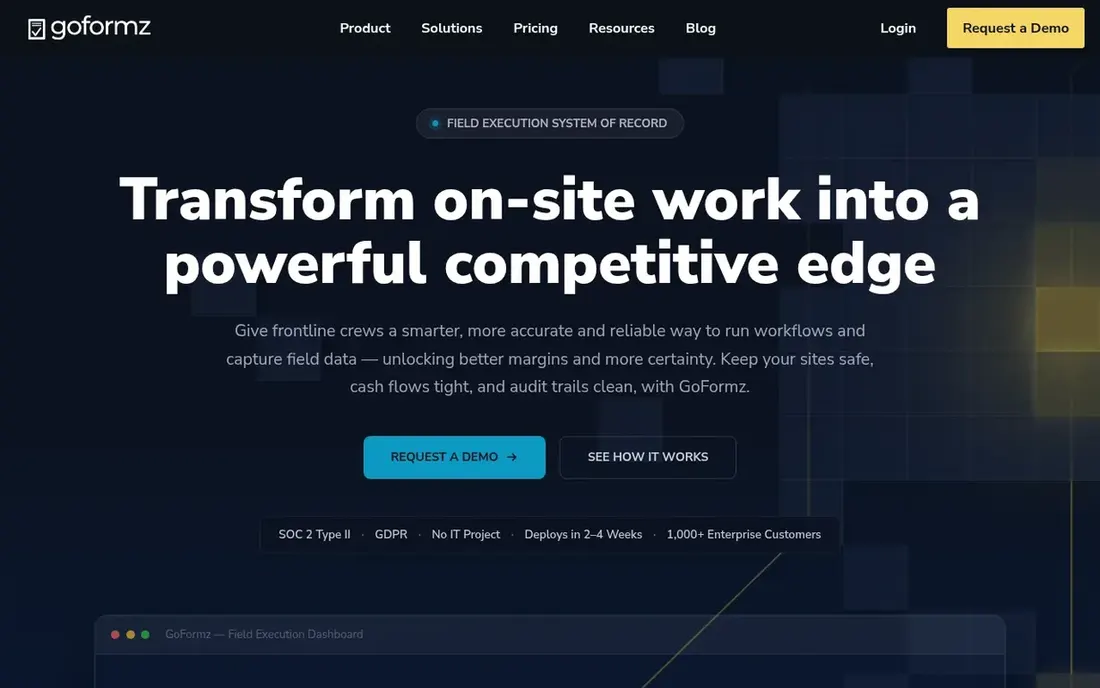
GoFormz serves replicating paper forms with offline mobile use. It is meant to replicate existing paper forms and can collect images and GPS data, making it a good fit for field technicians who require to transition from paper to digital.
More specifically, Whereas GoFormz excels at digitizing paper forms, it may not offer the deepest analytics or integration choices without extra configuration. Price to start with GoFormz: $499 per month. On free options: Not stated.
Downsides: Restricted advanced analytics.
- Offline data capture
- Forms look like existing paper documents
- May need setup for complicated workflows

Where Jotform fits: general form building with mobile access. Jotform is a widely used online form builder that lets you produce forms and surveys rapidly.
It supplies a set of templates and integrations, making it a good match for straightforward data collection. More specifically, if you need advanced offline data capture, consider a dedicated field forms option instead. Jotform pricing: $34 per month. You can start on Jotform without paying.
What to check first: Restricted offline capabilities.
- Large template library
- Simple drag-and-drop builder
- May need extras for advanced field features
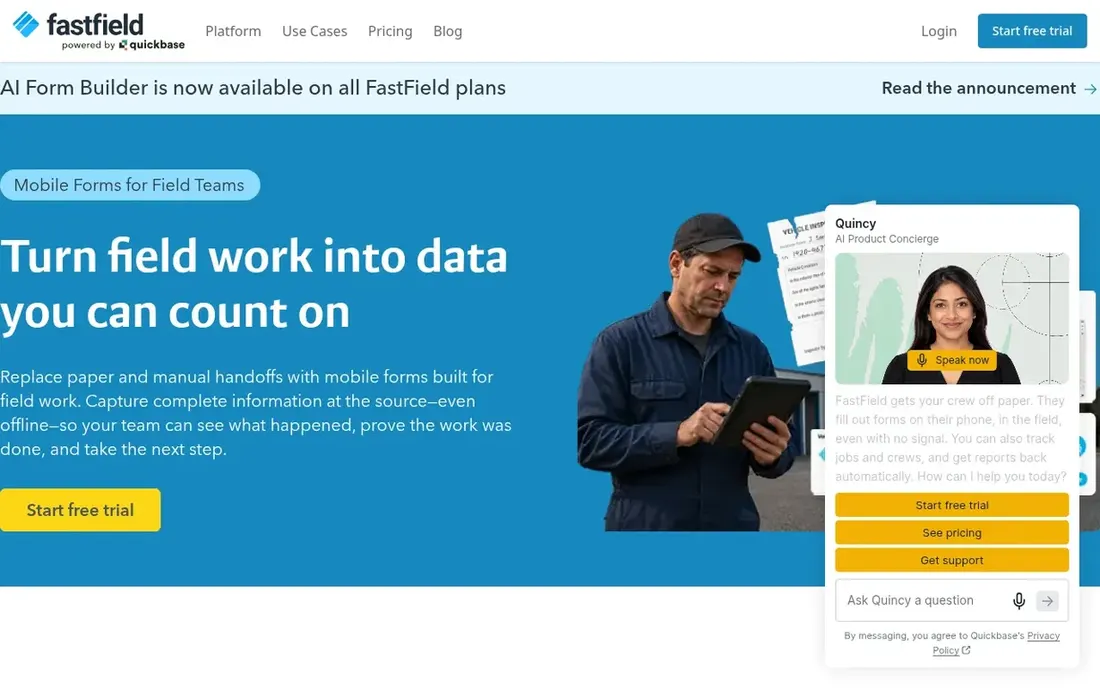
Choose FastField for configurable inspections and checklists. If you need broad offline functionality, consider alternatives.
Where it is weaker: Restricted offline features compared with some.
For everyday use, FastField is a mobile forms option that lets you build and distribute digital forms for inspections, checklists, or any data collection need. Starting cost for FastField: $24 per seat, per month. Free access: Free trial.
- Built for inspections and checklists
- Completely configurable forms
- Ramp-up time for advanced customization
Selection criteria
Selection started from tools commonly considered for mobile forms software for field technicians, then narrowed to 5 that have clear pricing information or a clear quote process. Where a price is missing, the vendor does not list one publicly or ties it to a quote. Always confirm before budgeting. The order reflects how well each tool fits the most common buying scenario for mobile forms software for field technicians, then price clarity, then free plan access. It is a starting point, not a verdict.
A buyer's checklist
- Ask Kizeo Forms for a written quote, since no starting price is shown.
- Look at the free plan from Jotform closely: its caps decide whether it is usable for real work.
- Run a trial of Formstack and FastField with real work before paying for a year; your own workflow is the best test.
- Read the limits listed for Formstack first: not optimized for offline field use.
- Find out what support Jotform includes on your plan, and whether onboarding help costs extra.
- Look at the renewal terms for Kizeo Forms: auto-renewal, notice periods and price changes can matter more than the first-year price.
FAQ
Is Formstack the right pick for everyone comparing mobile forms software for field technicians?
No single tool suits every team. Formstack comes first because it fits workflow automation with forms and eSignatures, while Kizeo Forms suits flexible mobile forms with offline support and GoFormz suits replicating paper forms with offline mobile use. Match the tool to your own size, budget and workflow before deciding.
How are the tools for mobile forms software for field technicians ordered?
The order follows typical fit for mobile forms software for field technicians, with Formstack first and FastField last, then price clarity and free access. It is editorial judgement, not a score, so another team could rank the tools differently.
How do I choose between a general form builder and a field-specific tool?
General form builders like Jotform are great for straightforward forms but may lack solid offline features. Field-specific tools like GoFormz or FastField are better for technicians who require offline data capture and specialized field features.
Which options for mobile forms software for field technicians have a free plan?
Jotform is the only tool in this list with a free plan. Free plans usually cap users, projects or features, so check the limits on the vendor page. Several others offer a trial instead. For the full picture, the cards above cover all 5 entries of this mobile forms software for field technicians list, including price, free plan and limits.
What is the cheapest option for mobile forms software for field technicians in this list?
On published monthly entry prices, FastField is the lowest here at $24 per seat, per month. Entry price is only part of the cost, because seats, add-ons and billing terms can change the total. Prices, free plan details and limits for all 5 tools in this mobile forms software for field technicians roundup sit on the individual cards above.
Sources
- https://www.formstack.com
- https://www.kizeoforms.com
- https://www.goformz.com
- https://www.jotform.com
- https://www.fastfieldforms.com