The 6 Best Mobile Forms App for Home Inspectors in 2026, Ranked
6 products for the best mobile forms app for home inspectors, ranked by fit, with starting costs and free tiers. Read the caveats before you buy. Easy to scan.
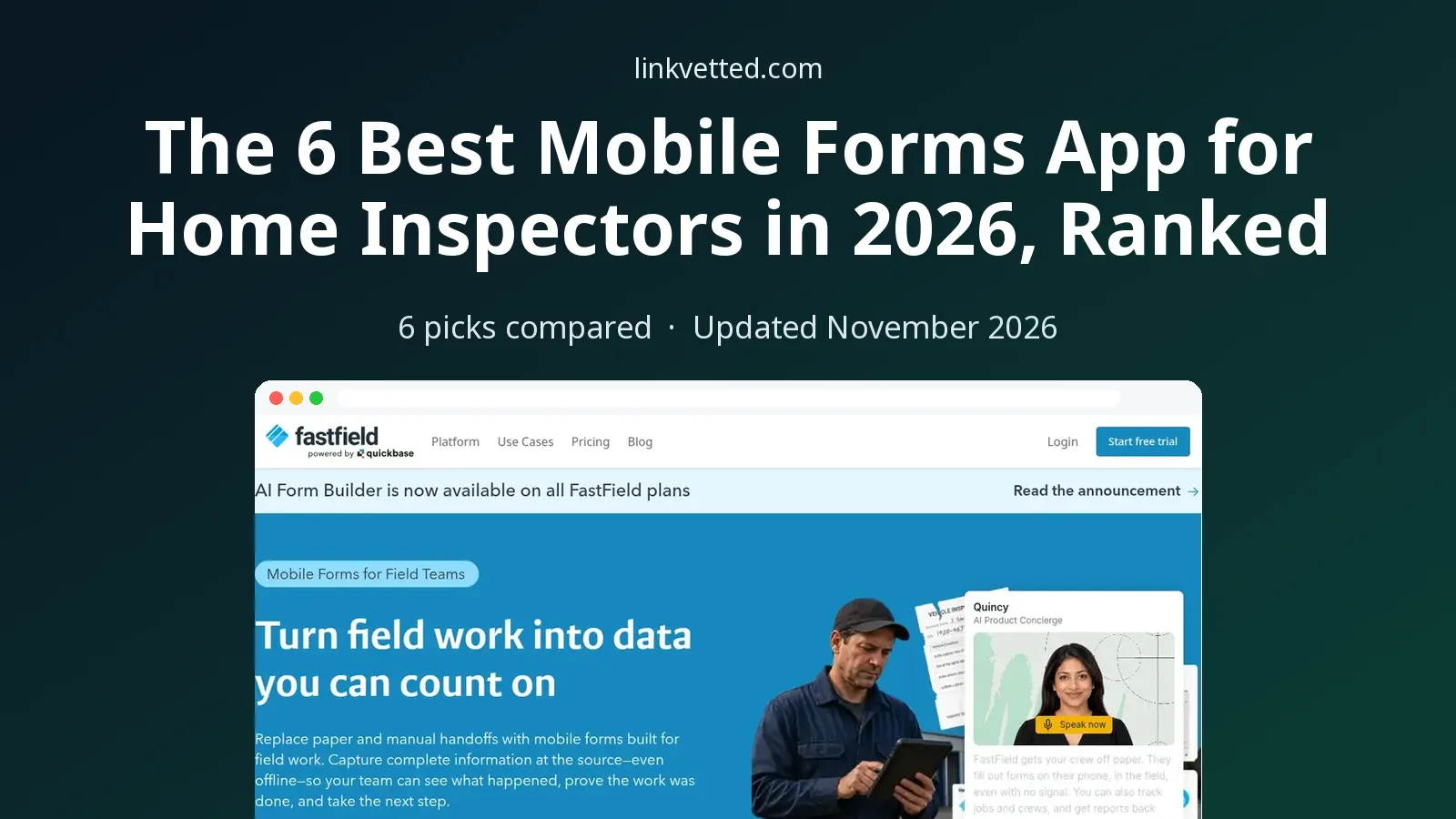
- Editor's choice
 FastField
Configurable inspection forms and analytics
Starts at$24 per seat, a monthVisit fastfieldforms.comFull review - Great alternativeDevice Magic
Offline mobile forms for field teams
Starts atSee websiteVisit devicemagic.comFull review - Also consider
 GoFormz
Inspectors needing paper-like mobile forms
Starts at$499 a monthVisit goformz.comFull review
Direct answer
FastField comes first here, mainly for configurable inspection forms and analytics. Listed starting prices: FastField from $24 per seat, a month, GoFormz from $499 a month and Jotform from $34 a month. Device Magic is better for offline mobile forms for field teams, and GoFormz is better for inspectors needing paper-like mobile forms. The remaining 3 options are covered below with prices and limits.
TL;DR:
- Top of the list is FastField, which targets configurable inspection forms and analytics.
- Cognito Forms is the one to check for building forms with workflow automation.
- Only 2 of the 6 tools have a free plan (Jotform, Cognito Forms), so check the caps.
- FastField has the lowest monthly starting price in this list: $24 per seat, per month.
- Before buying GoFormz, weigh this: may need setup time to replicate complicated forms.
Last checked November 2026. Prices and plan details were read from the vendors' own pages in November 2026; vendors change plans often, so confirm the current price on the vendor site before you buy.
Quick comparison
| Tool | Best for | Starts at | Free plan? | |
|---|---|---|---|---|
| FastField | Configurable inspection forms and analytics | $24 per seat, a month | Free trial | Visit |
| Device Magic | Offline mobile forms for field teams | See website | Not stated | Visit |
| GoFormz | Inspectors needing paper-like mobile forms | $499 a month | Not stated | Visit |
 Jotform | Fast form building with templates | $34 a month | Yes | Visit |
 Formstack | Workflow automation and e-signatures | $83 a month | Free trial | Visit |
 Cognito Forms | Building forms with workflow automation | $24 per month | Yes | Visit |
The best mobile forms app for home inspectors
Short on time? The summary and table above give the quick view of 6 mobile forms app for home inspectors, and the profiles that follow give the detail behind each entry.
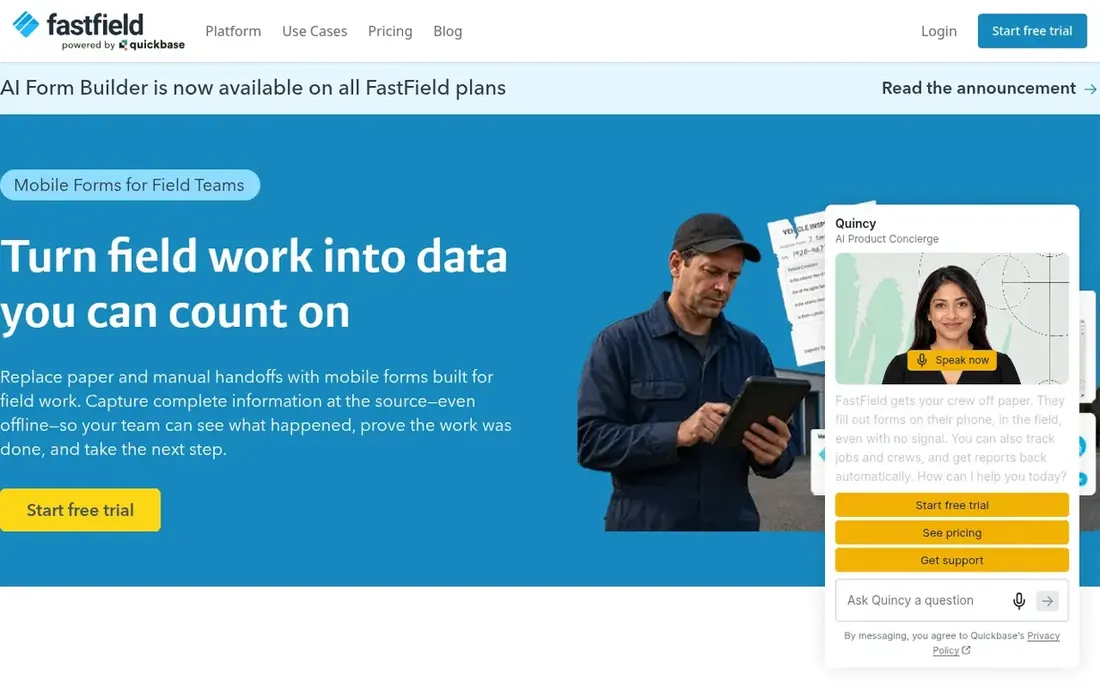
Limits to weigh: May have a ramp-up time for customization.
It permits users to build and distribute digital forms that can be customized to match specific inspection processes. Also, FastField is well suited to home inspectors who want a tailored form experience and insights from their data. In practice, the system bundles analytics capabilities, which can help inspectors analyze collected data. FastField pricing: $24 per seat, per month. Trial and free access: Free trial.
- Aimed at inspections and checklists
- Bundles analytics features
- Analytics features might be overkill for solo inspectors FastField if this describes you: configurable inspection forms and analytics. If you prefer a more straightforward tool with entry-level form filling, other choices may suffice. However, for those who value customization and data analysis, FastField is a capable contender.
Device Magic
Best for: Offline mobile forms for field teams
Choose Device Magic for offline mobile forms for field teams. Device Magic is a mobile forms app that makes it possible for field teams to capture data, signatures, work orders, and checklists, even without an internet connection. It is built for companies that require dependable data collection in the field.
The main drawbacks: User interface might have a ramp-up time.
It is a solid fit for teams that prioritize offline functionality. Beyond that, setting up Device Magic for complicated inspection workflows may take some effort, and the interface might need a learning period. That said, for inspectors who require solid offline capabilities and are willing to invest time in setup, Device Magic is a dependable choice. Device Magic does not show a starting price in this comparison, so check the vendor site for current pricing. On free options: Not stated.
- Works offline for data collection
- Supports checklists and more
- May need setup for complicated workflows
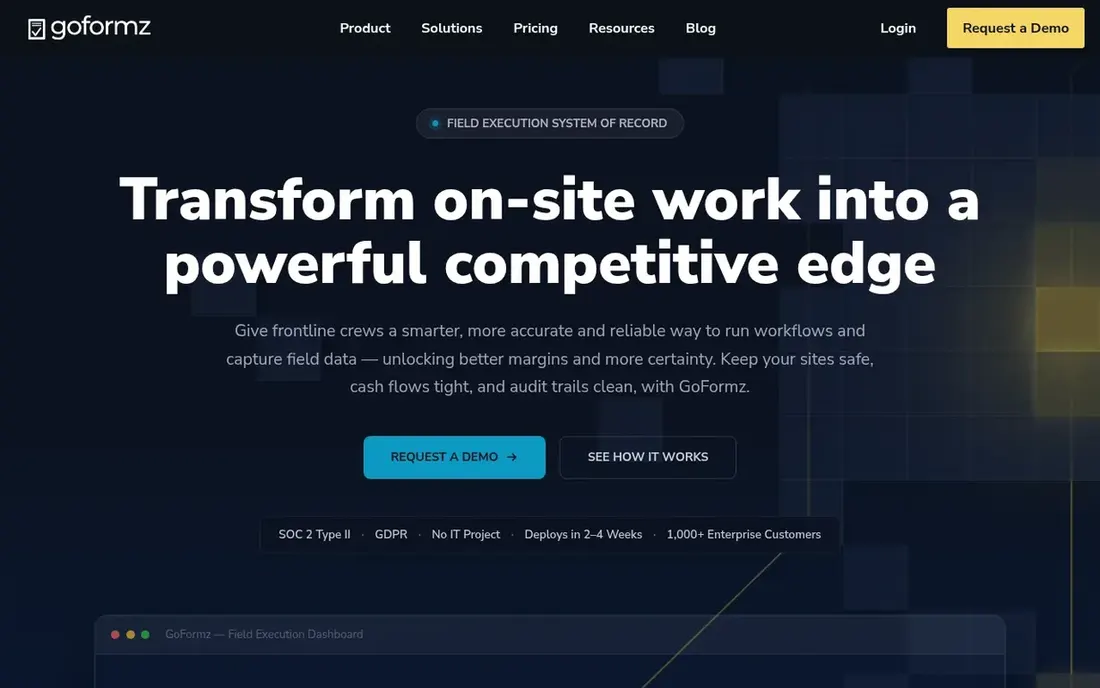
GoFormz makes the most sense for inspectors needing paper-like mobile forms. GoFormz is a mobile forms and data capture product that lets inspectors fill out forms on mobile devices or computers, even without an internet connection. It also supports image capture, making it right for documenting inspection findings.
Points against: Advanced features may need configuration.
Also, while GoFormz is capable, it may take time to set up complicated forms with all necessary fields and logic. Worth adding: if you need broad workflow automation or e-signature capabilities beyond entry-level data collection, you might consider other tools. Starting cost for GoFormz: $499 per month. On free options: Not stated.
- Works offline on mobile devices and computers
- Forms can look exactly like existing paper forms
- May need setup time to replicate complicated forms
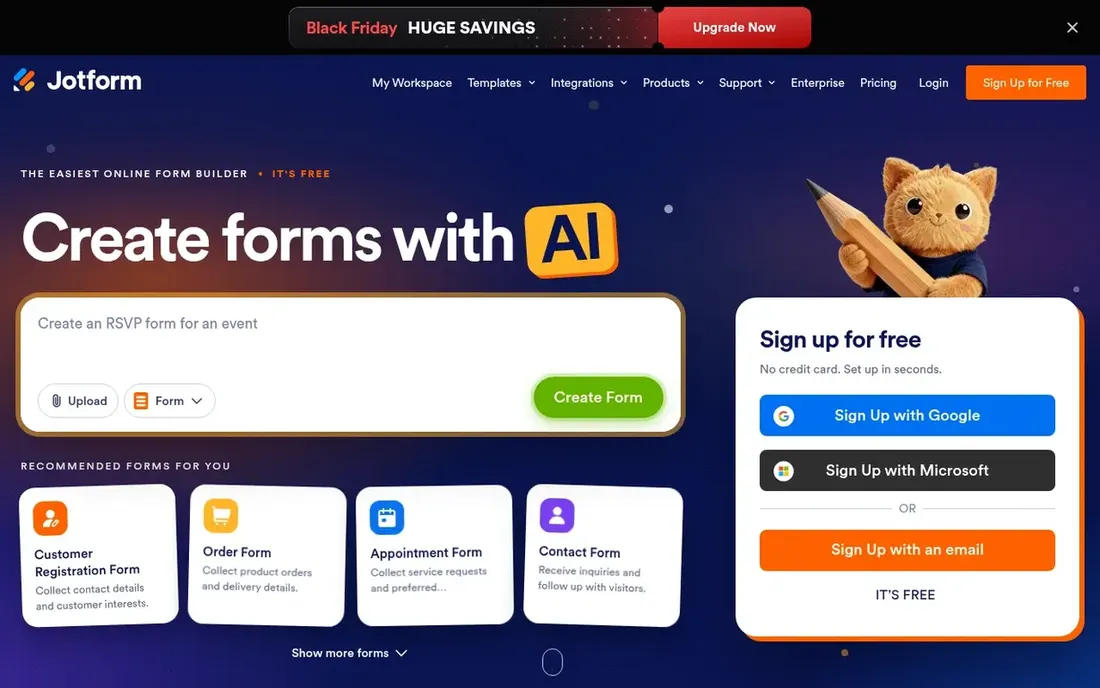
Jotform was built for fast form building with templates. Forms are mobile-responsive, so inspectors can fill them out on smartphones or tablets.
It supplies numerous templates, which can be adapted for home inspections. What you pay to start with Jotform: $34 per month. Free access exists with Jotform.
Downsides: Offline functionality may be restricted.
- Broad range of templates available
- Mobile-friendly forms
- Advanced features may need a premium plan
Formstack is built with workflow automation and e-signatures in mind. For home inspectors, Formstack can be used to produce inspection forms, create reports, and collect signatures digitally. In daily use, Formstack's broad feature set might be overkill for inspectors who only need entry-level mobile forms, and the complexity could need training.
The main drawbacks: Pricing may be higher for advanced features.
Also, the cost may be higher than more straightforward alternatives. Formstack is a system that merges online forms, document generation, and e-signature tools to simplify workflows. What you pay to start with Formstack: $83 per month. On free options: Free trial.
- Document generation and e-signature tools
- Secure forms
- May be complicated for straightforward inspection forms
Cognito Forms targets building forms with workflow automation. Cognito Forms is an online form builder that permits users to build forms, collect data, and automate business workflows, including document generation, file uploads, signatures, and approvals.
Honest limits: Offline use may be restricted.
Worth adding: some advanced features might need a premium plan. On top of that, the product is approachable and supplies a mix of features to handle data collection efficiently. Price to start with Cognito Forms: $24 per month. Cognito Forms offers a free plan.
- Workflow automation features
- Supports file uploads and signatures
- Advanced features may need a premium plan
Selection criteria
LinkVetted looked at what each vendor publishes: pricing, plan limits, feature coverage for mobile forms app for home inspectors and stated drawbacks. No hands-on testing is claimed. Treat prices as a snapshot: vendors change plans often, so check the vendor site for the figure that applies today. Tools are placed by general fit for mobile forms app for home inspectors, with price clarity and free access as tie-breakers. A different team can reasonably rank them differently.
Questions to settle before buying
- Ask Device Magic for a written quote, since no starting price is shown.
- Check what the free option really includes: Jotform and Cognito Forms offer a free plan, and usage caps differ.
- Take the trial from FastField and Formstack and push a live task through it before you pay.
- Before choosing FastField, weigh its main limit: may have a ramp-up time for customization.
- Compare total cost, not headline price: for FastField, add extra seats, add-ons and any usage-based charges.
- Look at which plan of Cognito Forms unlocks the features you need; entry tiers are often cut down.
FAQ
Can I collect e-signatures with these apps?
Yes, multiple apps like Formstack, Cognito Forms, and Device Magic support e-signatures, which can be used for client approvals or report sign-offs.
What is the cheapest option for mobile forms app for home inspectors in this list?
On published monthly entry prices, FastField is the lowest here at $24 per seat, per month. Entry price is only part of the cost, because seats, add-ons and billing terms can change the total.
Do these apps support photo capture?
Numerous mobile forms apps, including GoFormz and FastField, allow you to capture and attach photos to forms. Verify with each vendor if photo annotation is also supported.
How are the tools for mobile forms app for home inspectors ordered?
The order follows typical fit for mobile forms app for home inspectors, with FastField first and Cognito Forms last, then price clarity and free access. It is editorial judgement, not a score, so another team could rank the tools differently.
Is FastField the right pick for everyone comparing mobile forms app for home inspectors?
No single tool suits every team. FastField comes first because it fits customizable inspection forms and analytics, while Device Magic suits offline mobile forms for field teams and GoFormz suits inspectors needing paper-like mobile forms. Match the tool to your own size, budget and workflow before deciding.
Can I use these apps offline?
Some apps, like GoFormz, FastField, and Device Magic, are built to work offline, allowing you to fill out forms without an internet connection. Others may have restricted offline functionality.
Sources
- https://www.fastfieldforms.com
- https://www.devicemagic.com
- https://www.goformz.com
- https://www.jotform.com
- https://www.formstack.com
- https://www.cognitoforms.com