6 Best Digital Forms Software Hipaa Compliant Options for 2026
6 tools for the best digital forms software hipaa compliant, compared on pricing, free plans and best-fit use. Details on cost, catches and fit. Easy to scan.
- Editor's choice
 FormAssembly
Large healthcare and higher education teams
Starts atQuoteVisit formassembly.comFull review - Great alternative
 TrueContext (formerly ProntoForms)
Field service teams that require dispatch, workflows and analytics on mobile forms
Starts at$15 per user a month (third-party reported) for Essentials; Advanced at $45 per user a month (third-party reported)Visit truecontext.comFull review - Also consider
 GoCanvas
Field teams that collect inspection
Starts at$29 per user a month billed yearly for Essentials, 3-user minimumVisit gocanvas.comFull review
Direct answer
Our first pick is FormAssembly, best for large healthcare and higher education teams. Look at TrueContext (formerly ProntoForms) for field service teams that require dispatch, workflows and analytics on mobile forms, and at GoCanvas for field teams that collect inspection. The remaining 3 options are covered below with prices and limits.
TL;DR:
- Number one here is FormAssembly, a fit for large healthcare and higher education teams that run Salesforce and need strict audit controls.
- One limit worth knowing about Cognito Forms: HIPAA is gated to the top Enterprise plan, so a small team pays for 20 users and 100 GB of storage just to reach compliance.
- 123FormBuilder fits healthcare teams that require high-volume forms with Salesforce integration at a published price.
- Only 3 of the 6 tools have a free plan (Cognito Forms, Jotform, 123FormBuilder), so check the caps.
- TrueContext (formerly ProntoForms) is the lowest-priced starter here at $15 per user per month.
Quick comparison
| Tool | Best for | Starts at | Free plan? | |
|---|---|---|---|---|
| FormAssembly | Large healthcare and higher education teams | Quote | Free trial (14 days) | Visit |
| TrueContext (formerly ProntoForms) | Field service teams that require dispatch, workflows and analytics on mobile forms | $15 per user a month (third-party reported) for Essentials; Advanced at $45 per user a month (third-party reported) | Free trial | Visit |
| GoCanvas | Field teams that collect inspection | $29 per user a month billed yearly for Essentials, 3-user minimum | Free trial | Visit |
 Cognito Forms | Intake forms with calculations, branching logic and staff review steps | $19 per month billed yearly for Pro; HIPAA on Enterprise at $129 a month billed annually or $174 per month billed per month | Yes | Visit |
 Jotform | Small to mid-sized practices that want a self-serve HIPAA setup | $34 a month billed yearly for Bronze; HIPAA on Gold at $99 a month billed yearly or $129 a month billed monthly | Yes | Visit |
 123FormBuilder | Healthcare teams that require high-volume forms | $37 per month (third-party reported) for Gold; Diamond at $99 a month (third-party reported) | Yes | Visit |
The 6 tools in detail
Short on time? The summary and table above give the quick view of 6 tools for digital forms software hipaa compliant, and the profiles that follow give the detail behind each entry.
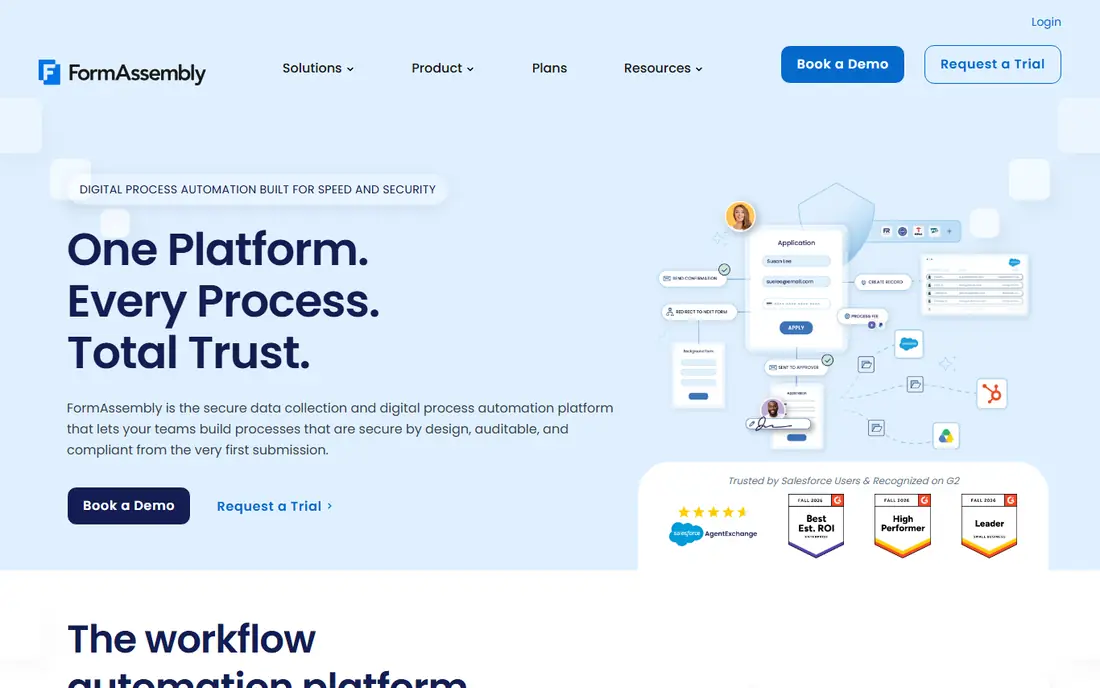
In short, FormAssembly is for large healthcare and higher education teams that run Salesforce and need strict audit controls. HIPAA with a BAA is reported on the Atlas Enterprise level.
That makes it a solid fit for a hospital or university with a procurement process. A poor fit for a small clinic that wants a price today. There is no fixed entry price for FormAssembly; pricing comes through a quote. Free plan details: Free trial (14 days).
What users get: SOC 2 and FedRAMP High on Gov Cloud; Wide compliance coverage.
- Including HIPAA with a BAA
- Workflow approvals and multi-party signing
- No published prices on any plan, so every buyer must go through a demo or sales conversation to learn the cost
TrueContext (formerly ProntoForms)
Best for: Field service teams that require dispatch, workflows and analytics on mobile forms
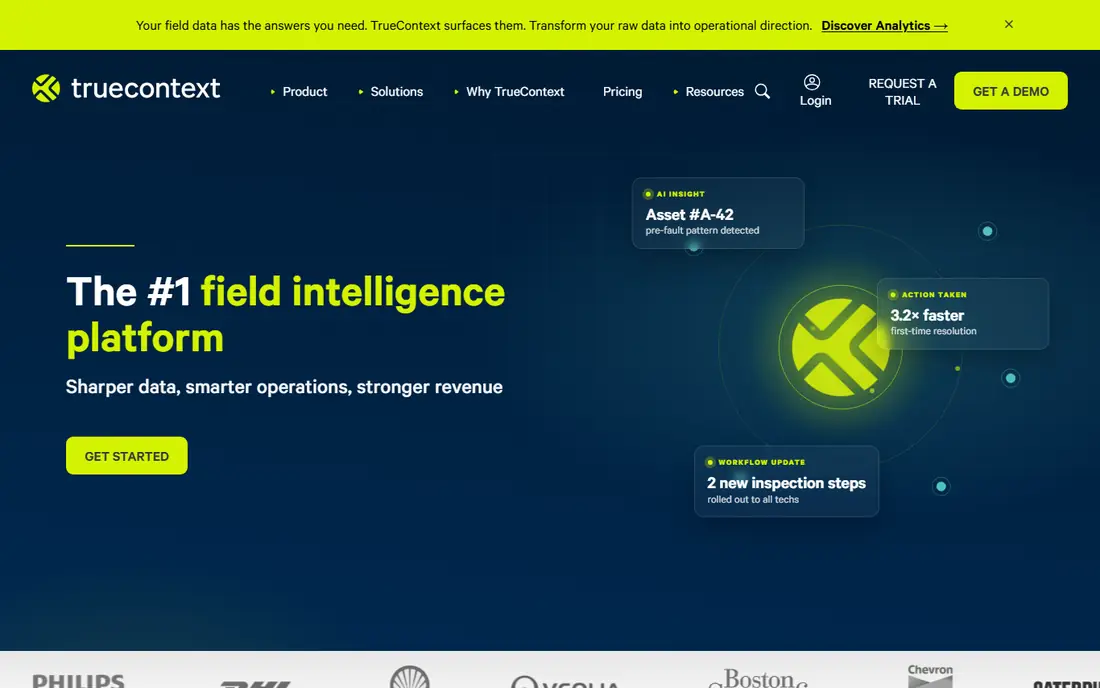
TrueContext (formerly ProntoForms) is designed for field service teams that require dispatch, workflows and analytics on mobile forms. No source checked confirms that TrueContext will sign a HIPAA BAA.
On cost, TrueContext (formerly ProntoForms) starts like this: $15 per user per month. Free plan details: Free trial.
What users get: Unlimited forms and submissions on premium plans.
- Capable fit for asset and safety inspections
- Dispatch
- No published BAA or HIPAA plan was found in the sources checked for this guide, so a healthcare buyer cannot treat it as HIPAA ready without written vendor confirmation
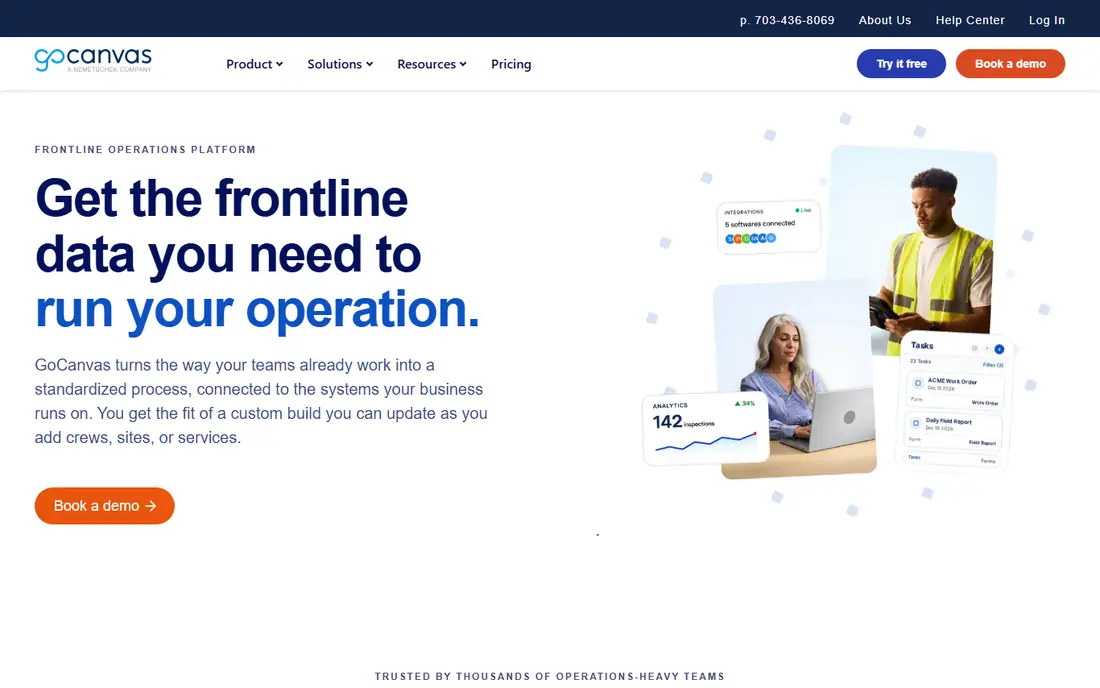
Think of GoCanvas for field teams that collect inspection, home visit or outreach forms offline on mobile devices. Its pricing page was opened on 12 November 2026 and lists Essentials at 29 dollars, Pro at 39 dollars and Max at 49 dollars per user a month, all billed yearly with a 3-user minimum.
The starting price for GoCanvas: $29 per user per month billed annually for Essentials, 3-user minimum. Free plan details: Free trial.
- Photo capture and dispatch on every plan
- Straightforward per-user pricing with a 3-user minimum
- The vendor pricing page opened on 12 November 2026 does not state which plan carries HIPAA features or a BAA, so a healthcare buyer cannot confirm compliance from the pricing page alone
Cognito Forms
Best for: Intake forms with calculations, branching logic and staff review steps
Think of Cognito Forms for intake forms with calculations, branching logic and staff review steps. Cognito Forms is a capable pick when intake forms need maths, for example fee estimates or scoring. Its pricing page was opened on 12 November 2026 and lists HIPAA compliance on the Enterprise plan only, at 129 dollars a month billed annually, with unlimited entries, 20 users and single sign-on.
Its HIPAA guidance needs a premium Enterprise organisation and a BAA, and states that a trial is not eligible for HIPAA use. Use sample data only during a trial. Entry price for Cognito Forms: $19 per month billed annually for Pro. Cognito Forms offers a free plan.
- Unlimited entries on Enterprise, so high-volume intake does not raise the bill
- Capable calculation and workflow features
- HIPAA is gated to the top Enterprise plan, so a small team pays for 20 users and 100 GB of storage just to reach compliance
For small to mid-size practices that want a self-serve HIPAA setup with a signed BAA, Jotform is a natural candidate. The central weakness is cost at the point of compliance, since a practice that only needs a handful of intake forms still pays the full Gold price to get the BAA. Gold contains 100 forms, 10,000 submissions a month and 100 GB of upload storage.
Jotform is the most practical choice for most clinics since the HIPAA path is published and self-serve. Its pricing page, opened on 12 November 2026, states that HIPAA features are available on Gold and Enterprise plans only, and covered-entity customers with HIPAA features enabled can sign a BAA. Jotform pricing: $34 per month billed annually for Bronze. Free access exists with Jotform.
The main drawbacks: The jump from Silver at 49 dollars per month to Gold at 129 dollars a month is steep for a solo practice.
- Built-in e-signatures and payment collection
- Large template library for intake and consent forms
- Lower plans cannot hold protected health information at any price
123FormBuilder is aimed squarely at healthcare teams that require high-volume forms with Salesforce integration at a published price. Get the BAA and the plan name in writing first.
What you pay to start with 123FormBuilder: $37 per month. 123FormBuilder includes a free tier.
- Diamond lets 200 forms and 100,000 submissions a month
- Capable Salesforce integration
- With some 2026 comparisons placing HIPAA on Diamond at 99 dollars per month and others placing certified HIPAA on Enterprise from 225 dollars a month, so the BAA plan must be confirmed in writing
Notes on digital forms software hipaa compliant
A tool is HIPAA compliant for your use only when the vendor signs a Business Associate Agreement that handles the service, encrypts protected health information in transit and at rest, and keeps audit logs. In practice, the US Department of Health and Human Services states that a covered entity must have a BAA in place before a business associate takes care of protected health information on its behalf.
A practical way to choose digital forms software hipaa compliant
Second, turn on HIPAA features in the account settings, since some vendors leave them off by default. In practice, Fourth, test the e-signature flow for consent forms, including what the patient sees and what audit record is kept.
How to choose digital forms software hipaa compliant
Choose a general form builder when patients fill in forms on your website, by email link, or in a waiting room on a shared device. Choose a field forms app when staff collect data away from the clinic, frequently offline, on a phone or tablet.
How these tools were picked
The comparison looks at four things: starting price, free access, how well the feature set matches digital forms software hipaa compliant, and the main limit of each tool. Figures are shown as the vendors publish them. Billing terms, seat minimums and add-ons can change the real cost. The ranking is editorial: typical fit first, then clear pricing, then free access. If your needs are unusual, read the profiles rather than relying on position.
What to confirm before you sign up
- Get a written quote from FormAssembly; the list shows no starting price for them.
- Look at free plan limits closely: Cognito Forms, Jotform and 123FormBuilder have one, and the caps decide whether it is usable for real work.
- Take the trial from FormAssembly, TrueContext (formerly ProntoForms) and GoCanvas and push a live task through it before you pay.
- Before choosing FormAssembly, weigh its main limit: no published prices on any plan, so every buyer must go through a demo or sales conversation to learn the cost.
- Check whether TrueContext (formerly ProntoForms) bills monthly or annually, and what cancelling early costs.
- Compare total cost, not headline price: for Cognito Forms, add extra seats, add-ons and any usage-based charges.
FAQ
Can I try these tools before paying?
Often, yes. Cognito Forms, Jotform and 123FormBuilder have a free plan and FormAssembly, TrueContext (formerly ProntoForms) and GoCanvas offer a free trial. Use your own data and a real task during the test, and check what the free tier or trial limits before you rely on it.
Is FormAssembly the right pick for everyone comparing digital forms software hipaa compliant?
No single tool suits every team. FormAssembly comes first because it fits large healthcare and higher education teams that run Salesforce and need strict audit controls, while TrueContext (formerly ProntoForms) suits field service teams that need dispatch, workflows and analytics on mobile forms and GoCanvas suits field teams that collect inspection, home visit or outreach forms offline on mobile devices. Match the tool to your own size, budget and workflow before deciding.
How are the tools for digital forms software hipaa compliant ordered?
FormAssembly sits first and 123FormBuilder last because the order follows typical fit for digital forms software hipaa compliant, then price clarity and free access. It is a judgement call, so read each profile for fit and limits.
What is the cheapest option for digital forms software hipaa compliant in this list?
On published monthly entry prices, TrueContext (formerly ProntoForms) is the lowest here at $15 per user per month. Entry price is only part of the cost, because seats, add-ons and billing terms can change the total.
Is Jotform HIPAA compliant?
Yes, Jotform is HIPAA compliant on its Gold and Enterprise plans, where HIPAA features can be enabled and a BAA can be signed. Starter, Bronze and Silver plans do not bundle HIPAA features.