Best No Code Low Code Automation Make.com Alternatives in 2026: 8 Tools Compared
Find the best no code low code automation make.com alternatives, from Zapier and n8n to open-source tools, with pricing, limits, and honest trade-offs.
- Editor's choice
 Zapier
Simple app connections
Starts at$19.99 per monthVisit zapier.comFull review - Great alternative
 n8n
Technical teams and self-hosting
Starts atSee websiteVisit n8n.ioFull review - Also consider
 Activepieces
Open-source automation
Starts atSee websiteVisit activepieces.comFull review
TL;DR:
- Zapier is the easiest starting point for simple app connections, thanks to its very large integration catalog.
- n8n is the strongest pick for technical teams that want control, code steps, and self-hosting.
- Activepieces and Pipedream offer useful middle paths, with open-source options and developer-friendly workflows.
- Pricing units differ sharply, so compare tasks, credits, and executions for your actual workflows, not just the monthly fee.
Quick comparison
| Tool | Best for | Starts at | Free plan? | |
|---|---|---|---|---|
| Zapier | Simple app connections | $19.99 per month | Yes | Visit |
| n8n | Technical teams and self-hosting | See website | Yes | Visit |
| Activepieces | Open-source automation | See website | Yes | Visit |
 Pipedream | Developer-friendly workflows | See website | Yes | Visit |
 Workato | Enterprise automation | See website | No | Visit |
 IFTTT | Simple personal automations | See website | Yes | Visit |
 Integrately | Affordable simple automations | See website | Yes | Visit |
 Albato | Small business app connections | See website | Yes | Visit |
The best no code low code automation make.com alternatives
We compared automation tools on integration coverage, visual building, code options, error handling, and pricing units, using vendor pricing pages and feature pages as our main sources.
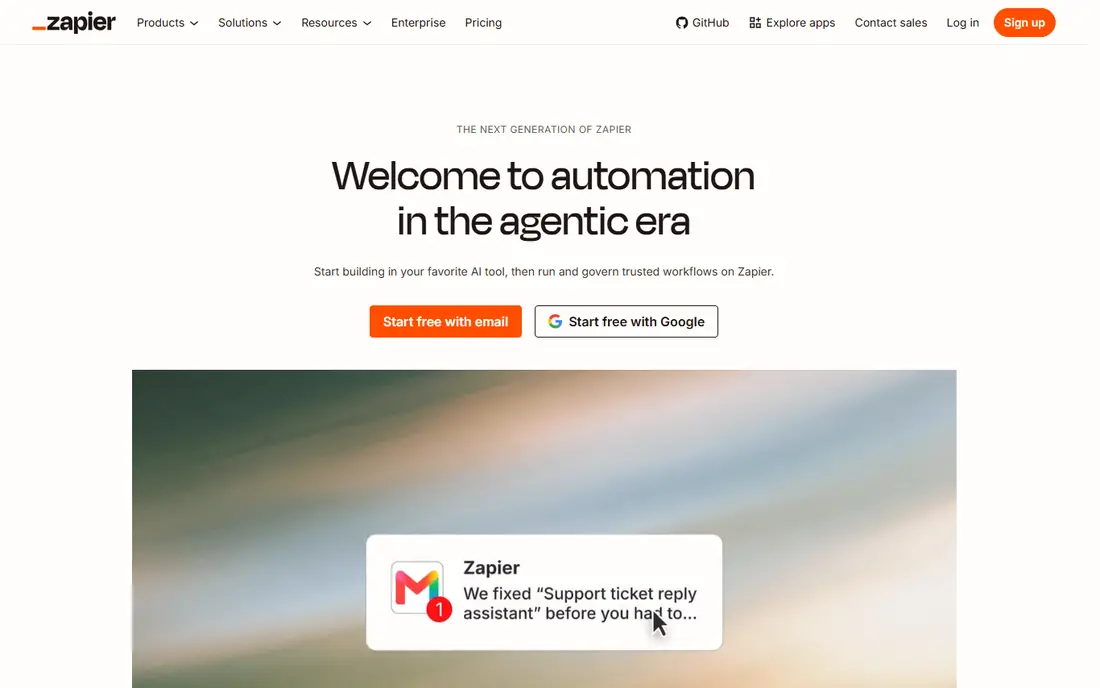
Zapier is the default choice when you want an automation running today with little setup. Its catalog covers thousands of apps, and most common connections, such as form to spreadsheet or email to CRM, are available as ready templates. For a small business owner who is not technical, that breadth and simplicity matter more than advanced branching or code.
The catch is how Zapier counts usage. Each action step counts as a task, so a five-step workflow that runs often can use tasks far faster than a simple trigger suggests. Paid plans start at $19.99 per month billed annually for the Professional plan, with 750 tasks, so model your monthly runs before you pick a tier.
- Very large app catalog
- Fast setup for two-step flows
- Clear templates for common tasks
- Costs rise fast with multi-step workflows
- Task-based pricing can surprise heavy users
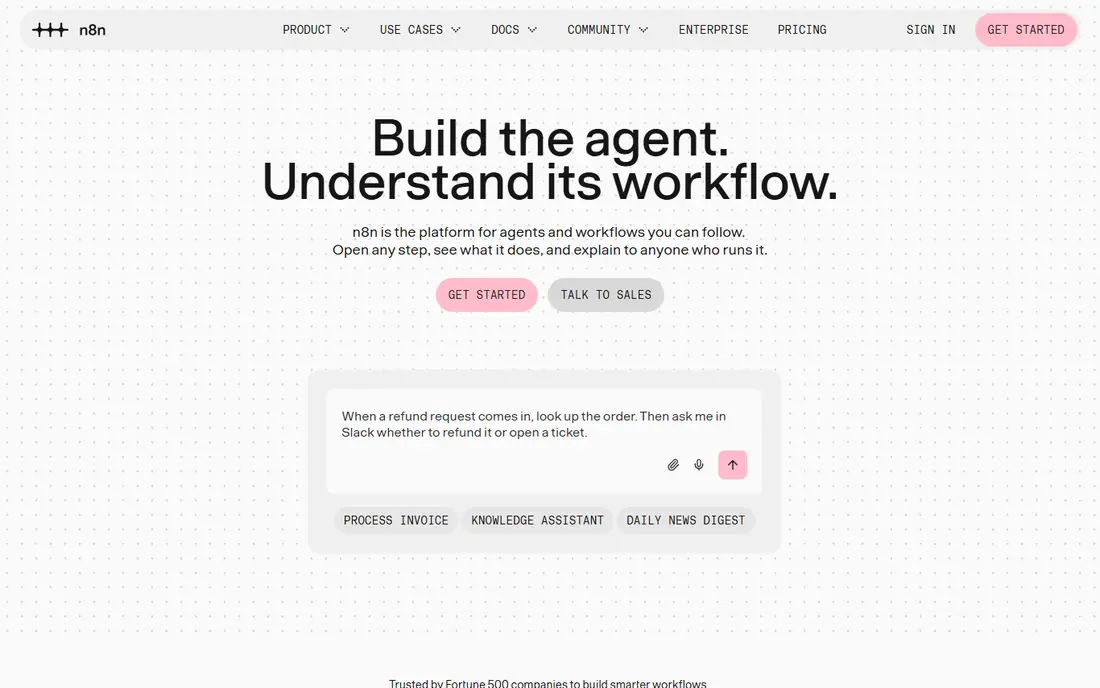
n8n suits teams that want Make-style visual building with more control. You can build complex workflows with branches, loops, and code nodes, and you can connect almost any app with an API when a ready node is missing. The self-hosted community edition is free apart from your own server costs, which makes it attractive for high-volume work.
The trade-off is effort. n8n expects more technical comfort than Zapier, and setting up self-hosting, updates, and error alerts is your job. Cloud plans start with a Starter tier, and one full workflow run counts as one execution no matter how many steps it has, which helps long workflows stay affordable.
- Self-hosted community edition
- Code steps in JavaScript and Python
- Executions count per run, not per step
- Steeper learning curve
- Cloud pricing is in euros and varies with exchange rates
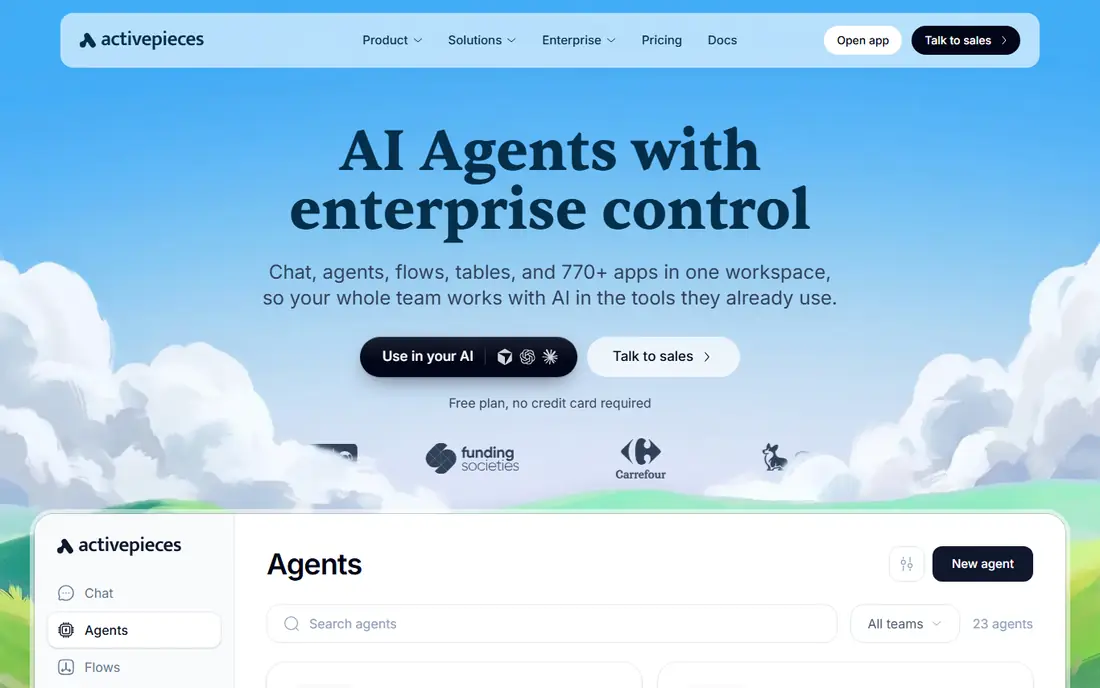
Activepieces is a good middle ground between Zapier simplicity and n8n control. The visual builder feels familiar to Make and Zapier users, and the open-source edition lets technical teams host it themselves. It also offers AI-assisted pieces for teams that want agents to handle parts of a workflow, such as drafting or summarizing.
The limit is catalog depth. With fewer ready integrations than Zapier, you may need webhooks or HTTP steps for niche apps. Check that your core apps have solid pieces before you move a critical workflow, and test error handling on a copy first.
- Open-source and self-hostable
- Friendly visual builder
- AI agent features on newer plans
- Smaller integration catalog than Zapier
- Some pieces are less mature
Pipedream is built for people who are comfortable with code but still want ready components for common apps. You can write Node.js or Python steps, use prebuilt actions, and trigger workflows from webhooks, schedules, or app events. That mix suits product and operations teams that need custom logic without building a whole backend.
Pure non-technical users may find Pipedream less inviting than Zapier or Make, since the interface leans toward code and API concepts. If your team includes a developer or a technical operations person, though, Pipedream offers a flexible and fast way to automate API-heavy tasks.
- Code-first workflows with ready app components
- Fast webhook handling
- Good for API-heavy work
- Less friendly for pure non-technical users
- Pricing needs careful modeling
Workato is aimed at larger companies that need automation across many systems with controls, audit trails, and admin roles. Recipes connect apps, databases, and internal tools, and the platform supports complex data work that small-team tools handle poorly. For IT and operations teams, that governance is a feature, not overhead.
The downside for small teams is access and cost. Workato is sold through sales conversations, and pricing is not a simple monthly plan you can start on a credit card. If you are a small business, Zapier or n8n will be faster and cheaper. If you are an enterprise, Workato belongs on the shortlist.
- Strong enterprise governance and security
- Deep app and data integrations
- Recipe-based automation at scale
- Enterprise pricing and sales-led buying
- More setup than small-team tools
IFTTT is best for simple if-this-then-that automations, such as saving email attachments to cloud storage or linking smart-home devices to notifications. Setup takes minutes, and the applet model is easy to explain to anyone. For personal use and light business tasks, that simplicity is a real strength.
It is not a Make replacement for complex business workflows. Multi-step logic, branching, data transforms, and error handling are limited compared with Zapier, n8n, or Activepieces. Use IFTTT for simple triggers, and pick a stronger tool for workflows that carry business data.
- Very simple applets for personal and smart-home tasks
- Quick setup
- Broad consumer app support
- Limited multi-step logic
- Not a fit for complex business workflows
Integrately targets users who want Zapier-style connections at a lower price and with less complexity. One-click automations cover common pairs, such as form tools to email or CRM apps, and the interface stays simple. For a small business with a handful of routine flows, that focus keeps costs down.
The trade-off is depth. Complex branching, heavy data work, and niche integrations are weaker here than in n8n or Pipedream. Integrately is a sensible pick when your automations are simple and stable, and a poor pick when they need constant custom logic.
- Low-cost plans for simple flows
- One-click automations for common apps
- Easy setup
- Fewer advanced features
- Smaller catalog than Zapier
Albato offers a visual automation builder aimed at small businesses that want to connect marketing, sales, and operations apps without code. Templates help with common flows, such as lead capture to CRM or order to spreadsheet, and the interface is approachable for non-technical users. It is a practical Make alternative when your app list is mainstream.
The limit is scale and depth. Albato does not match Zapier on catalog size or n8n on code control, so teams with unusual apps or complex logic should test it carefully. For straightforward small-business flows, though, it is worth a trial.
- Visual builder for common business apps
- Automation templates
- Reasonable pricing for small teams
- Smaller catalog than leading rivals
- Advanced features are thinner
How we picked these
We compared official feature pages, pricing pages, and integration catalogs for no-code and low-code automation tools, and we favored products that cover the core Make jobs: connecting apps, building multi-step flows, and handling errors without constant manual work. We included both simple tools and technical tools because Make users range from solo business owners to engineering teams. Where pricing units differ, we named the unit, since tasks, credits, and executions are not directly comparable.
How to choose the right automation tool
Start by listing the apps you must connect and the workflows that run most often. A tool with a huge catalog is useless if your key app needs a workaround, while a smaller tool with a solid native link for that app may serve you better. Test the top two or three candidates with one real workflow, including a failure case, before you migrate everything.
Pricing units and scale
Zapier charges per task, Make charges per credit, and n8n charges per execution, so the cheapest headline price can be misleading. Count the steps in your longest workflows and estimate monthly runs, then compare the total at that volume. Self-hosted options look cheapest at high volume, but add server, maintenance, and monitoring time to the real cost.
Reliability and error handling
Check how each tool shows failed runs, retries, and alerts, and whether you can inspect the data that caused a failure. Business workflows need clear logs and a way to replay a failed run without duplicating actions. A tool that hides errors will cost you more in manual cleanup than a slightly pricier tool with strong logging.
FAQ
What is the best free Make.com alternative?
n8n Community Edition and Activepieces both offer free self-hosted options, apart from your own server costs, which makes them strong free paths for technical teams. Zapier, Pipedream, Integrately, and Albato also offer free plans, but with limits on tasks, runs, or features. The best free choice depends on whether you can self-host and how complex your workflows are.
Is Zapier or n8n better than Make?
Zapier is better than Make for simple setups and the widest app coverage, while n8n is better for technical teams that want code steps, self-hosting, and per-run pricing. Make remains strong for visual, multi-step scenarios, so the best pick depends on your team skills and workflow shape. Test the same workflow in two tools before you switch.
Can I self-host a Make alternative?
Yes, n8n Community Edition and Activepieces are open-source and can be self-hosted on your own server. Self-hosting gives you control over data and can cut usage costs at high volume, but you take on updates, backups, and security. If you do not want that work, use a cloud plan instead.
Do these tools work without coding?
Zapier, IFTTT, Integrately, and Albato are built for non-technical users, with templates and visual builders. n8n and Pipedream support no-code steps but work best with some technical comfort, especially for API work. Make sits in the middle, with a visual canvas plus optional code and HTTP steps.
How do I migrate workflows from Make to another tool?
Start by exporting or documenting each scenario, including triggers, filters, and data mappings, since there is no universal import format. Rebuild the highest-value workflows first in the new tool, run them in parallel with Make for a short period, and check outputs carefully. Keep Make running until the new workflows have handled real traffic without errors.
Which Make alternative is best for a small business?
Zapier is the safest small-business pick for simple, reliable connections, while Integrately or Albato can cut costs for basic flows. If you have technical help and high volume, n8n Cloud or self-hosted n8n may be cheaper over time. Pick based on your app list, workflow complexity, and who will maintain the automations.