Best Mobile App Building Software in 2026: 6 Tools Compared
Comparing the best mobile app building software? 6 contenders, each with entry cost, free tier and best-fit buyer. Real limits included. Details below.
- Editor's choice
 Adalo
No-code native iOS, Android and web apps
Starts at$65 per monthVisit adalo.comFull review - Great alternative
 Glide
Internal business apps from spreadsheets or prompts
Starts at$25 per monthVisit glideapps.comFull review - Also consider
 Bubble
AI generation plus precise visual editing
Starts atSee websiteVisit bubble.ioFull review
Direct answer
If you need no-code native iOS, Android and web apps, Adalo is the first tool to look at here. Listed starting prices: Adalo from $65 per month, Glide from $25 per month and AppSheet from $5 per user a month. Look at Glide for internal business apps from spreadsheets or prompts, and at Bubble for AI generation plus precise visual editing. The full list of 6 tools follows, with prices and free plan facts.
TL;DR:
- Number one here is Adalo, a fit for no-code native iOS, Android and web apps.
- FlutterFlow suits AI-assisted mobile apps for iOS and Android.
- A free plan is available from 4 of the 6 tools: Adalo, Glide, Microsoft Power Apps, FlutterFlow.
- The lowest published monthly entry price here is $5 per user per month, from AppSheet.
Last checked November 2026. Prices and plan details were read from the vendors' own pages in November 2026; vendors change plans often, so confirm the current price on the vendor site before you buy.
Quick comparison
| Tool | Best for | Starts at | Free plan? | |
|---|---|---|---|---|
| Adalo | No-code native iOS, Android and web apps | $65 per month | Yes | Visit |
| Glide | Internal business apps from spreadsheets or prompts | $25 per month | Yes | Visit |
| Bubble | AI generation plus precise visual editing | See website | Not stated | Visit |
 Microsoft Power Apps | Low-code business apps in Microsoft environments | See website | Yes | Visit |
 AppSheet | No-code apps on Google Workspace data | $5 per user a month | Free trial | Visit |
 FlutterFlow | AI-assisted mobile apps for iOS and Android | $29 per month | Yes | Visit |
6 options for mobile app building software in detail
LinkVetted put together this guide to mobile app building software for readers who want a clear shortlist without reading every vendor page. It compares 6 tools on starting price, free plans, who each one suits and where each one falls short.
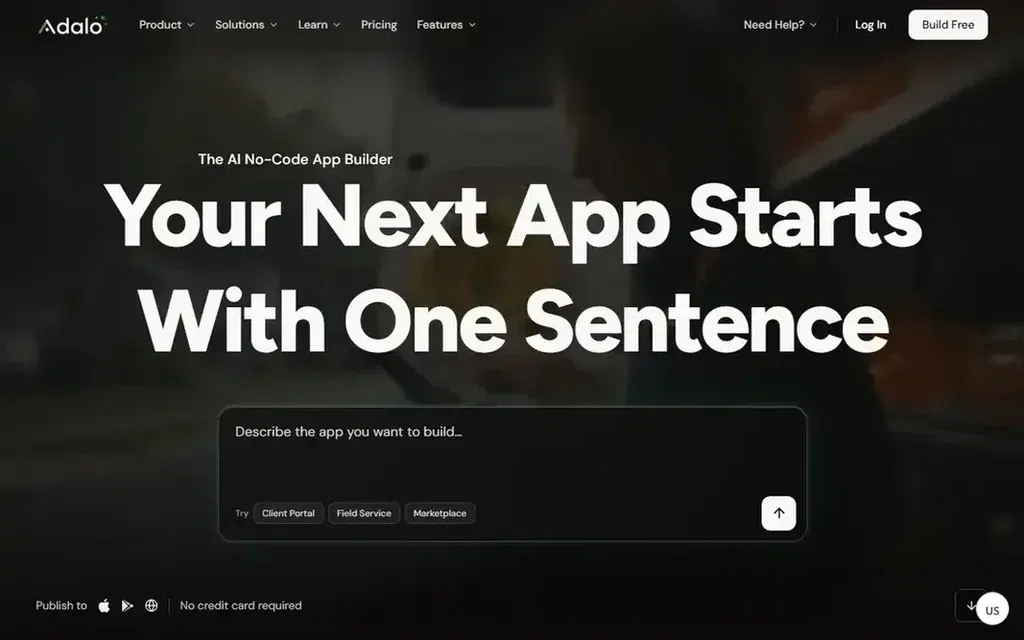
Adalo makes the most sense for no-code native iOS, Android and web apps. Adalo is an AI no-code app builder for iOS, Android and web. On top of that, if you need deep visual control over every screen and rule, a product built around manual visual editing may suit you better.
Best features of Adalo: Describe an app and Ada builds screens.
Points against: Advanced custom logic may need workarounds. Adalo is most solid when speed and simplicity matter most. Worth adding: since the builder produces structure from a description, apps with unusual data models or heavy custom logic can hit limits and need workarounds. Entry price for Adalo: $65 per month. Adalo offers a free plan.
- Publishes native iOS
- No code required
- Most useful for straightforward app structures
Glide is designed for internal business apps from spreadsheets or prompts. Glide is an AI app builder for internal business apps. More specifically, the spreadsheet-first model fits best when your data is clean and consistently structured, and consumer-facing mobile experiences are not the primary focus.
Trade-offs to know: Pitched at internal business use instead of consumer apps.
For everyday use, if you need a refined public app for app store distribution, a mobile-first builder is a better match. Glide shines for internal tools that change rapidly. Entry price for Glide: $25 per month. Glide offers a free plan.
- Build from a spreadsheet or a prompt
- Custom business apps and agents
- Depends on well-structured source data
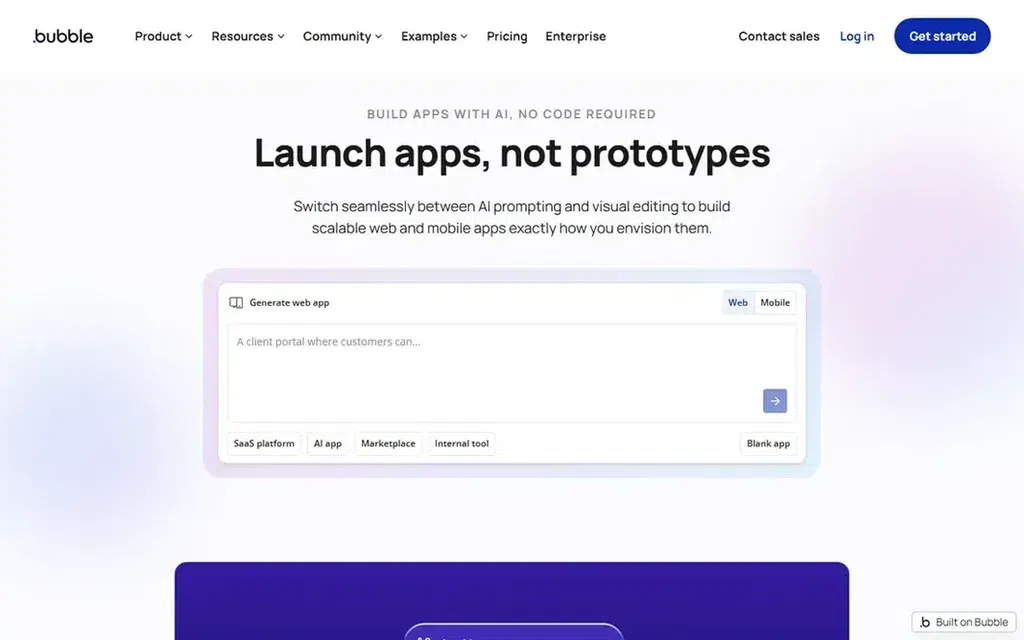
Bubble works best for AI generation plus precise visual editing. The range of controls is wide, which can mean a steeper ramp-up time for newcomers, and performance tuning for complicated apps may need care.
What Bubble does well: Design, database.
Watch-outs: Feature depth can mean a ramp-up time.
Worth adding: if your goal is a single-purpose internal tool, a spreadsheet-driven builder may be quicker; Bubble is the better fit when you expect to iterate on logic and privacy rules over time. Pricing for Bubble is not stated here, so ask the vendor for current figures. Free plan details: Not stated.
- Edit visually for precision
- Build with AI for speed
- Mobile delivery is part of a broader web and mobile scope
Microsoft Power Apps
Best for: Low-code business apps in Microsoft environments
Microsoft Power Apps makes the most sense for low-code business apps in Microsoft environments. Microsoft Power Apps is a low-code AI app builder for creating custom business apps that simplify processes and boost productivity across an organization, based on its homepage. For everyday use, the product provides the most value when your organization already depends on Microsoft services, and setting up governance and connectors takes planning.
Downsides: Most valuable inside the Microsoft ecosystem.
For a light app built straight from a spreadsheet, a more straightforward tool may be quicker. Power Apps is better suited to structured business processes at organizational scale. Microsoft Power Apps does not show a starting price in this comparison, so check the vendor site for current pricing. Microsoft Power Apps includes a free tier.
- Low-code custom business apps
- AI-assisted building
- Governance setup can take planning
AppSheet targets no-code apps on Google Workspace data. Google AppSheet is a no-code system for building applications that transform your business, per its homepage. More specifically, AppSheet performs best when your data is already organized in tables, and highly custom interfaces or unusual workflows can feel constrained.
If you want to create an app from a plain-language description, an AI-first builder may be quicker. AppSheet is a solid choice when your data foundation is already in place. Entry price for AppSheet: $5 per user per month. Free options: Free trial.
Limits to weigh: Complicated custom interfaces can be restricted.
- Transforms business data into applications
- Suits organizations already using Google tools
- Tied closely to structured data sources
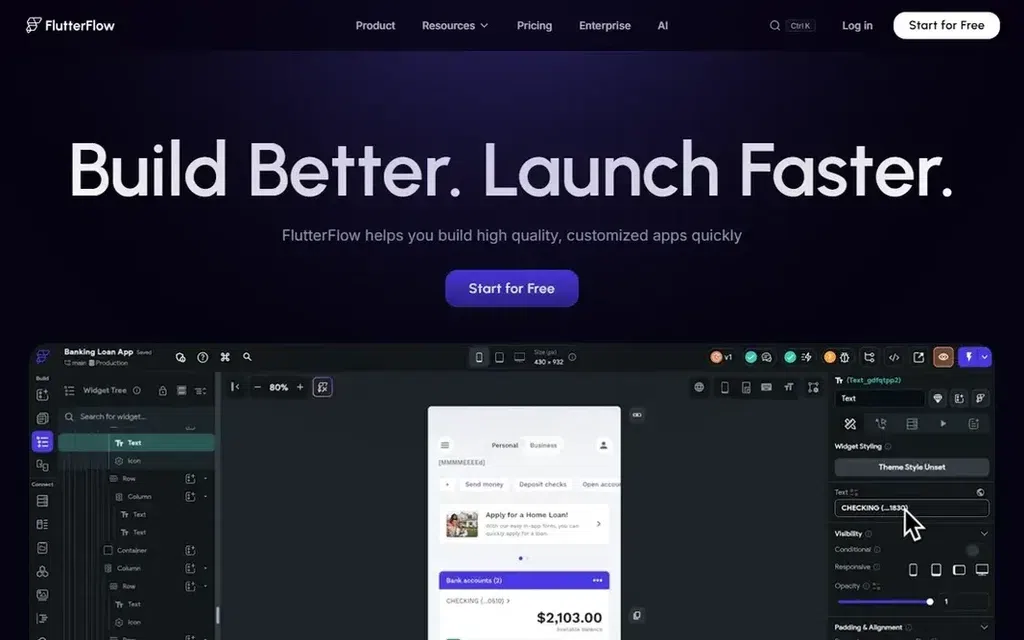
FlutterFlow serves AI-assisted mobile apps for iOS and Android. The vendor says you can start with a first version in about five minutes, ask an agent for any change, and then send the result to the App Store and Google Play.
FlutterFlow positions itself around building an iPhone and Android app by describing it. The description-driven approach is quick but can leave less room for fine-grained control than a hand-coded project, and highly specialized features may still need developer work. The starting price for FlutterFlow: $29 per month. Free access exists with FlutterFlow.
Watch-outs: Mobile-first focus may not handle every web need.
- Describe an app and produce a first version
- Agent deals with requested changes
- Complicated custom logic can need developer input
What went into this list
LinkVetted looked at what each vendor publishes: pricing, plan limits, feature coverage for mobile app building software and stated drawbacks. No hands-on testing is claimed. Where a vendor does not publish a price, the entry says quote. Where a price depends on seats or billing term, the entry says so. Tools are placed by general fit for mobile app building software, with price clarity and free access as tie-breakers. A different team can reasonably rank them differently.
Before you commit
- Confirm the entry price on the vendor page. For Bubble and Microsoft Power Apps that means a quote rather than a fixed price.
- Check what the free option really includes: Adalo, Glide, Microsoft Power Apps and FlutterFlow offer a free plan, and usage caps differ.
- Run a trial of AppSheet with real work before paying for a year; your own workflow is the best test.
- Before choosing Adalo, weigh its main limit: most useful for straightforward app structures.
- Ask Bubble whether prices are locked for the first term and what happens at renewal.
- Look at the help docs and support options for Glide before you commit.
FAQ
Is Adalo the right pick for everyone comparing mobile app building software?
No single tool suits every team. Adalo comes first because it fits no-code native iOS, Android and web apps, while Glide suits internal business apps from spreadsheets or prompts and Bubble suits AI generation plus precise visual editing. Match the tool to your own size, budget and workflow before deciding.
Should I choose a mobile-first builder or a business app system?
A mobile-first builder fits consumer-facing apps that require app store distribution and refined screens. Business app systems for example Glide, AppSheet and Power Apps are better for internal tools built on existing company data.
How are the tools for mobile app building software ordered?
Adalo sits first and FlutterFlow last because the order follows typical fit for mobile app building software, then price clarity and free access. It is a judgement call, so read each profile for fit and limits.
What is the cheapest option for mobile app building software in this list?
On published monthly entry prices, AppSheet is the lowest here at $5 per user per month. Entry price is only part of the cost, because seats, add-ons and billing terms can change the total. Each of the 6 options in this mobile app building software guide has its own card above with the price, free plan and limits.
Can I publish a mobile app to the App Store and Google Play with these tools?
Some systems, including FlutterFlow and Adalo, state that they support publishing to the App Store and Google Play. Confirm current publishing support and any store requirements on each vendor site before you start.
How do I evaluate an app builder before committing?
List the screens, data sources and logic your app needs, then check each vendor's documented capabilities against that list. Also confirm product support, data connections and the skills your team will have to keep the app running.
Sources
- https://www.adalo.com
- https://www.glideapps.com
- https://bubble.io
- https://powerapps.microsoft.com
- https://about.appsheet.com
- https://www.flutterflow.io