The 6 Best E-Signature Software for Small Law Offices in 2026, Ranked
Best E-Signature software for small law offices: 6 contenders ranked by fit, with entry costs and free tiers. Each pick lists its main limit. Decide faster.
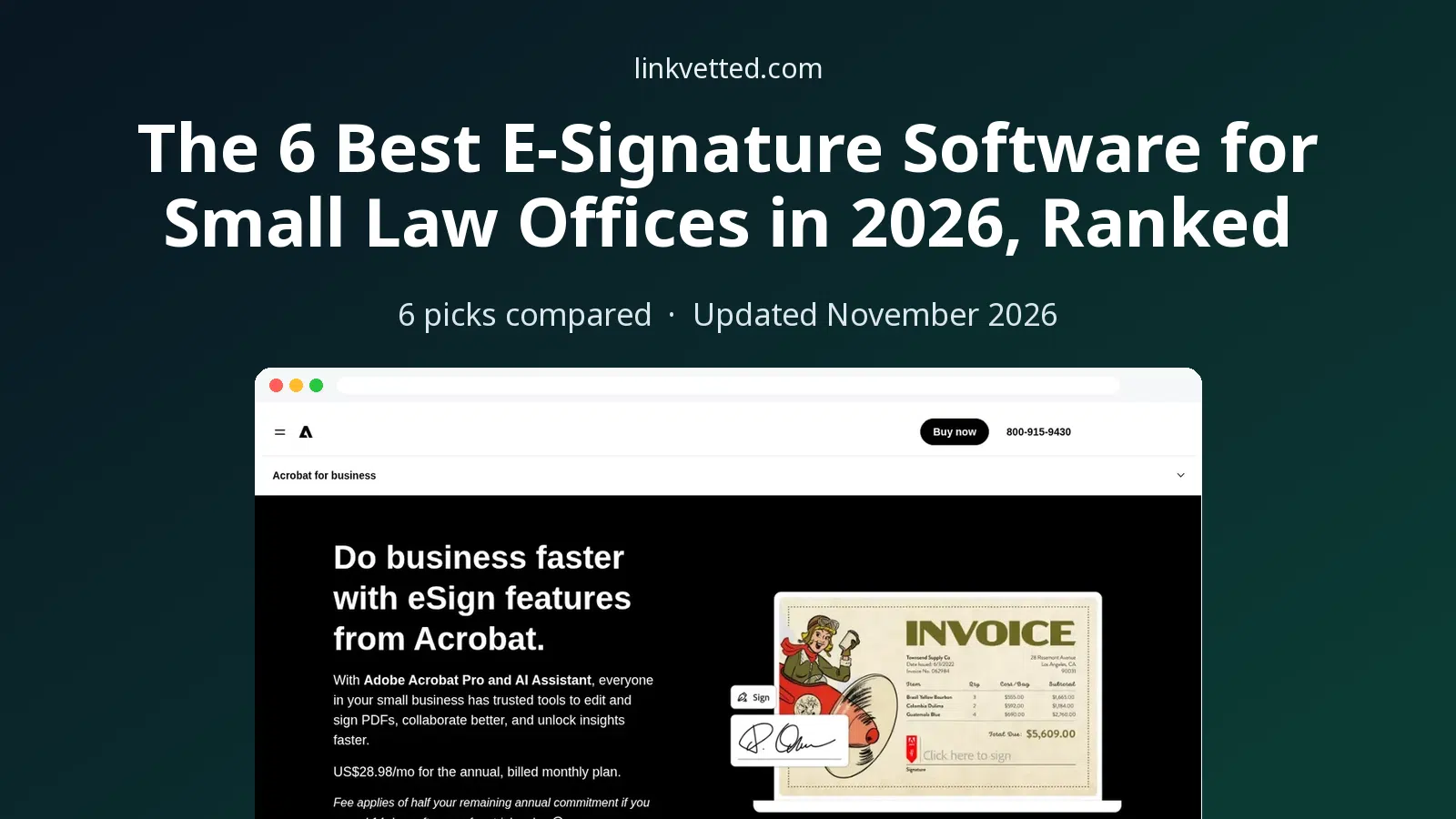
- Editor's choice
 Adobe Acrobat Sign
Businesses already working in Adobe PDF tools
Starts atSee websiteVisit adobe.comFull review - Great alternative
 MyCase
Running cases, clients and billing in one place
Starts at$50 per user a monthVisit mycase.comFull review - Also consider
 Smokeball
E-signature inside legal practice management
Starts atSee websiteVisit smokeball.comFull review
Direct answer
Adobe Acrobat Sign comes first here, mainly for businesses already working in Adobe PDF tools. Listed starting prices: MyCase from $50 per user a month, Dropbox Sign from $15 USD / mo and DocuSign from $45 per user a month. If your case is different, MyCase suits running cases, clients and billing in one place and Smokeball suits E-signature inside legal practice management. The other 3 tools in the list cover narrower or pricier cases.
TL;DR:
- The list opens with Adobe Acrobat Sign, aimed at businesses already working in Adobe PDF tools.
- DocuSign suits broad agreement workflow and signature management.
- The lowest published monthly entry price here is $45 per user per month, from DocuSign.
- None of the 6 tools, from Adobe Acrobat Sign to DocuSign, has a free plan, so budget for a subscription or use a trial.
- Before buying MyCase, weigh this: signature capability sits within a wider system.
Last checked November 2026. Prices and plan details were read from the vendors' own pages in November 2026; vendors change plans often, so confirm the current price on the vendor site before you buy.
Quick comparison
| Tool | Best for | Starts at | Free plan? | |
|---|---|---|---|---|
| Adobe Acrobat Sign | Businesses already working in Adobe PDF tools | See website | Not stated | Visit |
| MyCase | Running cases, clients and billing in one place | $50 per user a month | Free trial | Visit |
| Smokeball | E-signature inside legal practice management | See website | Not stated | Visit |
 SignNow | Custom e-signature workflows across devices | See website | Not stated | Visit |
 Dropbox Sign | Straightforward sending and managing signed documents | $15 USD / mo | Free trial | Visit |
 DocuSign | Wide agreement workflow and signature management | $45 per user a month | Not stated | Visit |
The 6 tools in detail
Choosing E-Signature software for small law offices usually comes down to price, fit and limits. This LinkVetted guide sets 6 tools side by side on those three points, with the facts kept short and checkable.
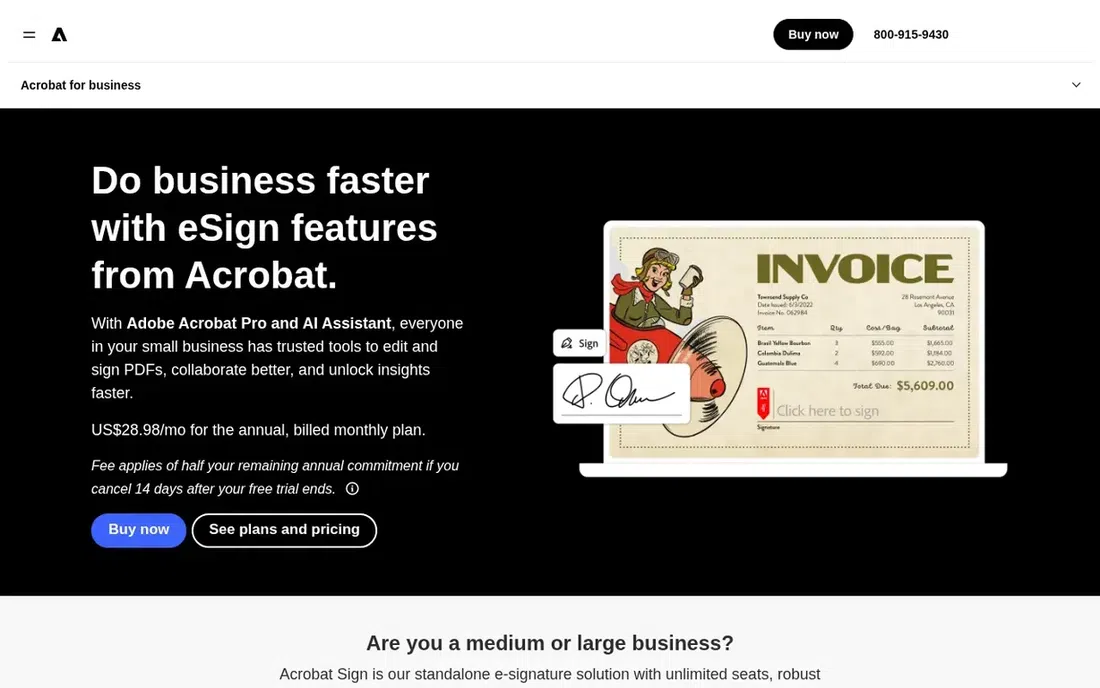
For businesses already working in Adobe PDF tools, Adobe Acrobat Sign is a natural candidate. Law offices that already prepare and edit documents in Adobe tools can keep signing close to their existing PDF process.
Downsides: Best value relies on existing Adobe usage.
It fits businesses that deal with numerous PDFs and want signature requests to feel like a natural extension of document preparation instead of a separate product. This comparison lists no price for Adobe Acrobat Sign; ask the vendor. Free access: Not stated.
- Familiar environment for PDF-heavy practices
- Supports collecting payments and website signatures
- Advanced configuration may need time to learn
MyCase works best for running cases, clients and billing in one place. Businesses with established case management may not want to switch. Pick MyCase when consolidating case, client and billing work is the goal and signing should follow.
MyCase is legal practice management software built to run a profitable firm, handling cases, clients, billing and payments in one place. From a buyer's view, the system is pitched at running the entire firm. So a practice seeking only e-signature may find it more than needed. A small law office can keep client communication, matters and payments alongside document signing instead of juggling separate systems. What you pay to start with MyCase: $50 per user per month. As for free access: Free trial.
Points against: Needs firm-wide adoption to get full value.
- Supports a profitable-firm focus
- Billing and payments together
- Signature capability sits within a wider product
For E-signature inside legal practice management, Smokeball is a natural candidate. Smokeball is legal practice management software with automatic time tracking, document automation, and trust and billing tools.
Downsides: Signature is one part of a bigger product.
For a small law office, its value is keeping signature requests close to matters, documents and billing instead of in a separate tool. Choose Smokeball when document signing should live inside everyday legal practice management. No starting price is listed for Smokeball here; confirm pricing on the vendor site. On free options: Not stated.
- Automatic time tracking and billing features
- Designed specifically for law businesses
- Adoption means moving practice workflows into one system
SignNow is designed for custom e-signature workflows across devices. It fits businesses that want more control over the order and routing of signatures than an entry-level send-and-sign tool offers.
As for the details, pick SignNow when repeatable, device-friendly signature workflows are a priority. Pricing for SignNow is not stated here, so ask the vendor for current figures. Free options: Not stated.
The main drawbacks: Feature range may be more than entry-level needs need.
- Legally binding electronic signatures
- Custom workflow choices for signature processes
- Workflow setup can take effort
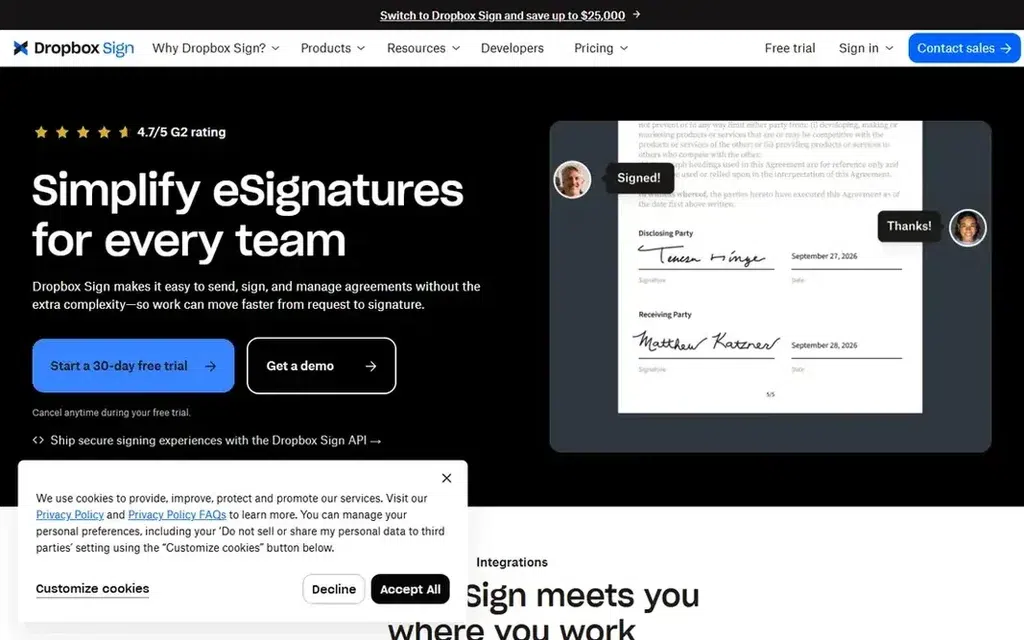
For straightforward sending and managing signed documents, Dropbox Sign is a natural candidate. It suits practices that want signature requests to be fast for both staff and clients, and that already store files in Dropbox or prefer a straightforward document-centric approach.
Since the focus is on straightforward signing, businesses needing broad agreement analytics or complicated approval chains may outgrow it. Entry price for Dropbox Sign: $15 USD / mo. Free access: Free trial.
Limits to weigh: Fewer advanced agreement management features.
- Receive and handle flow
- Straightforward send
- May need other tools for deeper legal workflows
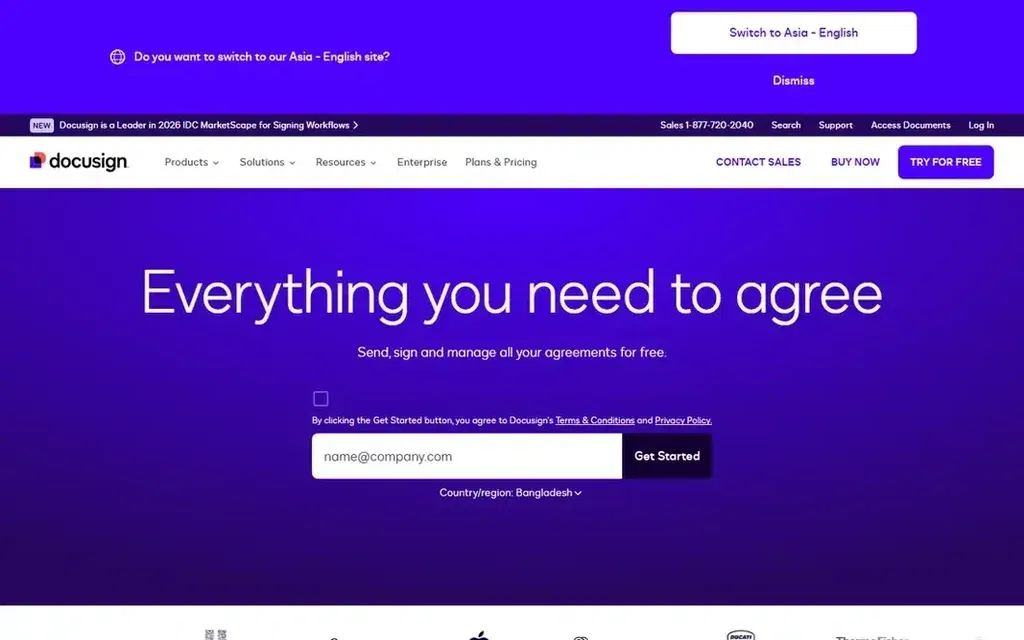
For broad agreement workflow and signature management, DocuSign is a natural candidate. The product is wide, so a solo practitioner with occasional signatures may find the interface and configuration more than needed.
Limits to weigh: Setup can need time to configure workflows.
DocuSign cost at the entry level: $45 per user per month. Free plan details: Not stated.
- Signing and managing agreements in one place
- Well suited to businesses handling varied document types
- Feature depth may exceed the needs of very small businesses
How we built this list
Questions to settle before buying
- Get a written quote from Adobe Acrobat Sign, Smokeball and SignNow; the list shows no starting price for them.
- Take the trial from MyCase and Dropbox Sign and push a live task through it before you pay.
- Read the limits listed for Adobe Acrobat Sign first: best value relies on existing Adobe usage.
- Before rolling out DocuSign, verify the integrations your workflow depends on.
- Verify that exporting from Adobe Acrobat Sign is possible on your plan and covers all your records.
FAQ
Can clients sign documents without creating an account?
Plenty of e-signature tools let recipients sign through a link without a full account, though this varies by product and configuration. Check the vendor's documentation for the recipient experience before committing, since client convenience affects completion rates.
Are electronic signatures legally valid for law office documents?
Electronic signatures are widely recognized for plenty of agreement types, but requirements vary by jurisdiction and document type. Confirm with your professional rules and local law before relying on e-signature for specific matters, for example wills or court filings.
How are the tools for E-Signature software for small law offices ordered?
The order follows typical fit for E-Signature software for small law offices, with Adobe Acrobat Sign first and DocuSign last, then price clarity and free access. It is editorial judgement, not a score, so another team could rank the tools differently.
Is Adobe Acrobat Sign the right pick for everyone comparing E-Signature software for small law offices?
No single tool suits every team. Adobe Acrobat Sign comes first because it fits firms already working in Adobe PDF tools, while MyCase suits running cases, clients and billing in one place and Smokeball suits E-signature inside legal practice management. Match the tool to your own size, budget and workflow before deciding.
What matters most when comparing e-signature tools for a law office?
Look at the client signing experience, identity verification, document storage and audit trails, and how well the tool suits your existing files and case management. Ease of setup also matters for small teams without dedicated IT support.
Do these tools publish their prices?
Not all of them. Adobe Acrobat Sign, Smokeball and SignNow publish no starting price, so expect a quote request for those. The rest, MyCase included, show a starting price, though seats and billing terms still change the final cost.
Sources
- https://www.adobe.com/sign.html
- https://www.mycase.com
- https://www.smokeball.com
- https://www.signnow.com
- https://sign.dropbox.com
- https://www.docusign.com