The 6 Best Legal Document Management Software for Enterprise in 2026, Ranked
Searching for the best legal document management software for enterprise? Here are 6 options with prices and free plans. Real limits included. Decide faster.
- Editor's choice
 M-Files
Context-based AI document management
Starts at€65 per seat per monthVisit m-files.comFull review - Great alternative
 DocuWare
Workflow automation and document processing
Starts atSee websiteVisit start.docuware.comFull review - Also considerOpenText eDOCS
Enterprise information management at scale
Starts atSee websiteVisit opentext.comFull review
Direct answer
For context-based AI document management, M-Files is where this list starts. Listed starting prices: M-Files from €65 per seat per month. For a different need, DocuWare covers workflow automation and document processing and OpenText eDOCS covers enterprise information management at scale. The full list of 6 tools follows, with prices and free plan facts.
TL;DR:
- Number one here is M-Files, a fit for context-based AI document management.
- Thomson Reuters HighQ comes with a trade-off: business management focus instead of pure DMS.
- A permanent free plan is missing from all 6 tools, M-Files and iManage Work included; plan for a trial or a premium start.
- For DocuWare, OpenText eDOCS, Thomson Reuters HighQ and others, you have to request a quote because no starting price is shown.
- iManage Work fits legal knowledge and email management.
Last checked November 2026. Prices and plan details were read from the vendors' own pages in November 2026; vendors change plans often, so confirm the current price on the vendor site before you buy.
Quick comparison
| Tool | Best for | Starts at | Free plan? | |
|---|---|---|---|---|
| M-Files | Context-based AI document management | €65 per seat per month | Not stated | Visit |
| DocuWare | Workflow automation and document processing | See website | Not stated | Visit |
| OpenText eDOCS | Enterprise information management at scale | See website | Not stated | Visit |
| Thomson Reuters HighQ | Legal business management and collaboration | See website | Not stated | Visit |
 NetDocuments | Cloud document and email management | See website | Not stated | Visit |
 iManage Work | Legal knowledge and email management | See website | Not stated | Visit |
The 6 tools in detail
Choosing legal document management software for enterprise usually comes down to price, fit and limits. This LinkVetted guide sets 6 tools side by side on those three points, with the facts kept short and checkable.
M-Files is designed for context-based AI document management. M-Files gives you an AI-powered document management system that helps organizations organize documents in context, automate workflows, and cut risk. The product is built around metadata-driven organization instead of folder structures alone.
What to check first: Legal-specific depth varies.
For everyday use, M-Files is a general enterprise product, so legal-specific capabilities may need configuration compared with dedicated legal tools. As for the details, confirm legal workflows and compliance features straight with the vendor. On cost, M-Files starts like this: €65 per seat per month. Free options: Not stated.
- Automates workflows
- AI-powered document management
- General enterprise focus
Where DocuWare fits: workflow automation and document processing. The product is general-purpose instead of legal-specific, which can suit legal departments inside broader organizations that already standardize on a shared document system.
Since DocuWare is not made for legal work, businesses with heavy matter-centric and email management needs may need additional configuration or a legal-focused system. No starting price is listed for DocuWare here; confirm pricing on the vendor site. On free options: Not stated.
Drawbacks to consider: Not legal-specific.
- Document management with workflows
- General-purpose product
- Legal customization may be needed
OpenText eDOCS
Best for: Enterprise information management at scale
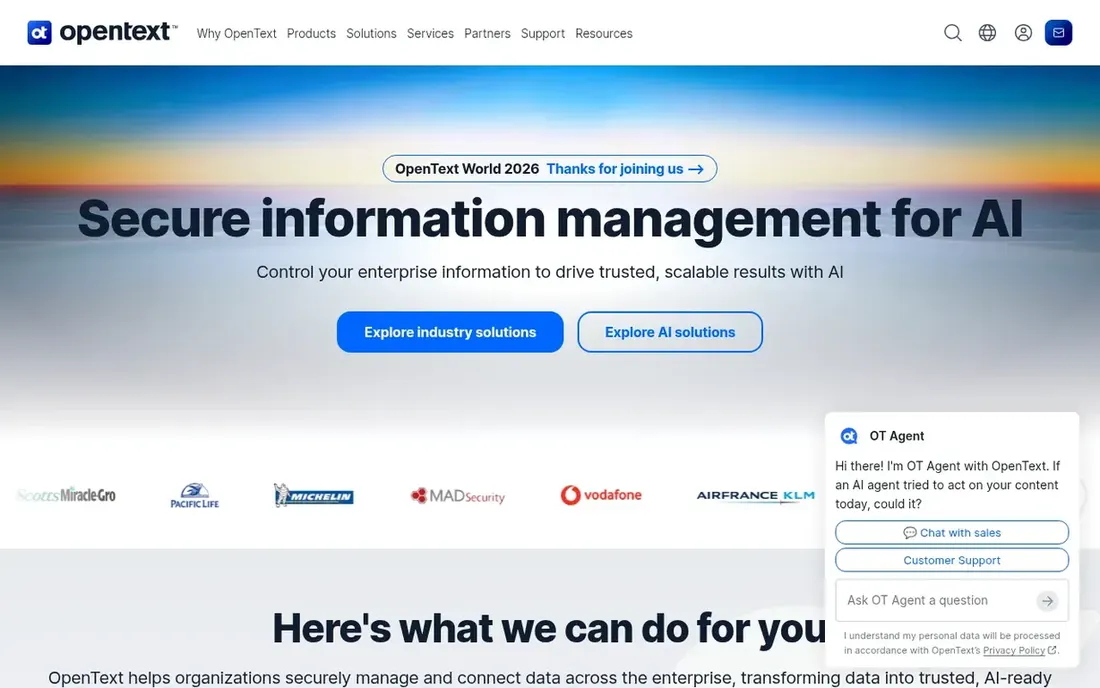
OpenText eDOCS is designed for enterprise information management at scale. OpenText eDOCS is part of the OpenText portfolio, which the vendor describes as secure information management for AI.
For everyday use, since the system spans the enterprise, implementation and administration can be more involved than a legal-only tool. OpenText eDOCS shows no starting price here, so confirm the cost on the vendor site. Free options: Not stated.
Honest limits: Wide scope can add complexity.
- Secure information management
- Part of a wide information system
- Legal features are one part of the suite
Thomson Reuters HighQ
Best for: Legal business management and collaboration
Thomson Reuters HighQ makes the most sense for legal business management and collaboration. Check how it would connect with your existing systems.
Also, Thomson Reuters HighQ is described as legal business management and operations software that boosts productivity, raises collaboration, and automates time-consuming tasks. Thomson Reuters HighQ does not show a starting price in this comparison, so check the vendor site for current pricing. Free options: Not stated.
What to check first: Needs alignment with existing document systems.
- Scales to businesses and legal departments
- Cloud-based legal business management
- Business management focus instead of pure DMS
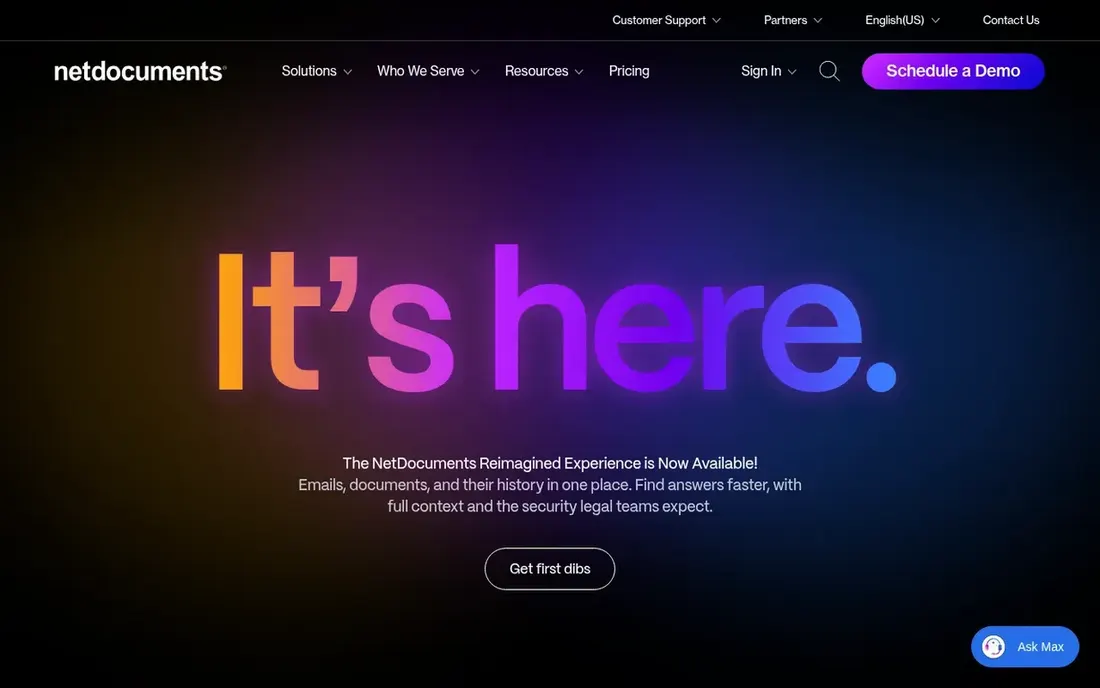
Choose NetDocuments for cloud document and email management. The emphasis is on automating document and email management to cut manual effort.
From a buyer's view, verify compliance and integration specifics with the vendor. Check the vendor site for NetDocuments pricing; none is listed in this comparison. As for free access: Not stated.
Best features of NetDocuments: Secure.
Honest limits: Concentrated on legal workflows.
- Automates document and email handling
- Anywhere access
- Feature depth may exceed small teams

Pick iManage Work if this describes you: legal knowledge and email management. It concentrates on securely connecting people and AI so matter documents, emails, and know-how stay organized and searchable.
This comparison lists no price for iManage Work; ask the vendor. Free options: Not stated.
Where it is weaker: Configuration can be involved.
- Merges document and email management
- AI-assisted knowledge activation
- Enterprise-focused scope
How we built this list
Selection started from tools commonly considered for legal document management software for enterprise, then narrowed to 6 that have clear pricing information or a clear quote process. Where a vendor does not publish a price, the entry says quote. Where a price depends on seats or billing term, the entry says so. We ordered the tools by general fit, then by how clearly pricing is shown, then by free access. A buyer with unusual needs may reorder them.
Before you commit
- Get a written quote from DocuWare, OpenText eDOCS, Thomson Reuters HighQ and others; the list shows no starting price for them.
- Read the limits listed for M-Files first: general enterprise focus.
- Run a one or two week pilot of NetDocuments with the people who will use it every day.
- Confirm you can export your data from M-Files, so leaving later does not mean losing records.
- Ask OpenText eDOCS about contract length, onboarding fees and user minimums before you sign.
FAQ
Do these tools publish their prices?
Not all of them. DocuWare, OpenText eDOCS, Thomson Reuters HighQ and others publish no starting price, so expect a quote request for those. The rest, M-Files included, show a starting price, though seats and billing terms still change the final cost.
Does any tool for legal document management software for enterprise here have a free plan?
No tool in this list, M-Files and iManage Work included, has a permanent free plan. Trials and quotes are the usual route, so plan a short evaluation period.
How are the tools for legal document management software for enterprise ordered?
M-Files sits first and iManage Work last because the order follows typical fit for legal document management software for enterprise, then price clarity and free access. It is a judgement call, so read each profile for fit and limits.
What should enterprise legal teams look for in document management software?
Look for secure document and email management, compliance controls, integration with matter and practice systems, and support for collaboration at scale. AI features are increasingly part of the evaluation, so confirm how they deal with your data.
Where does collaboration software fit alongside a document management system?
Tools like Thomson Reuters HighQ focus on legal business management and collaboration, which can complement a core document repository.
How do legal-specific products differ from general document management systems?
Legal-specific products for example iManage Work and NetDocuments are positioned around legal knowledge, email, and matter workflows. General systems like DocuWare and M-Files offer broader enterprise document management and workflow automation that legal teams can adapt.
Sources
- https://www.m-files.com
- https://start.docuware.com
- https://www.opentext.com
- https://legal.thomsonreuters.com/en/products/highq
- https://www.netdocuments.com
- https://imanage.com