5 Best Document Management Software for Legal Teams for 2026, Vetted and Compared
Best document management software for legal teams in 2026: 5 contenders with entry costs and free tiers. Every tool lists pros and cons. Numbers first.
- Editor's choice
 Worldox
Established legal document workflows
Starts atSee websiteVisit worldox.comFull review - Great alternative
 M-Files
Context-based AI document organization
Starts at€65 per seat a monthVisit m-files.comFull review - Also consider
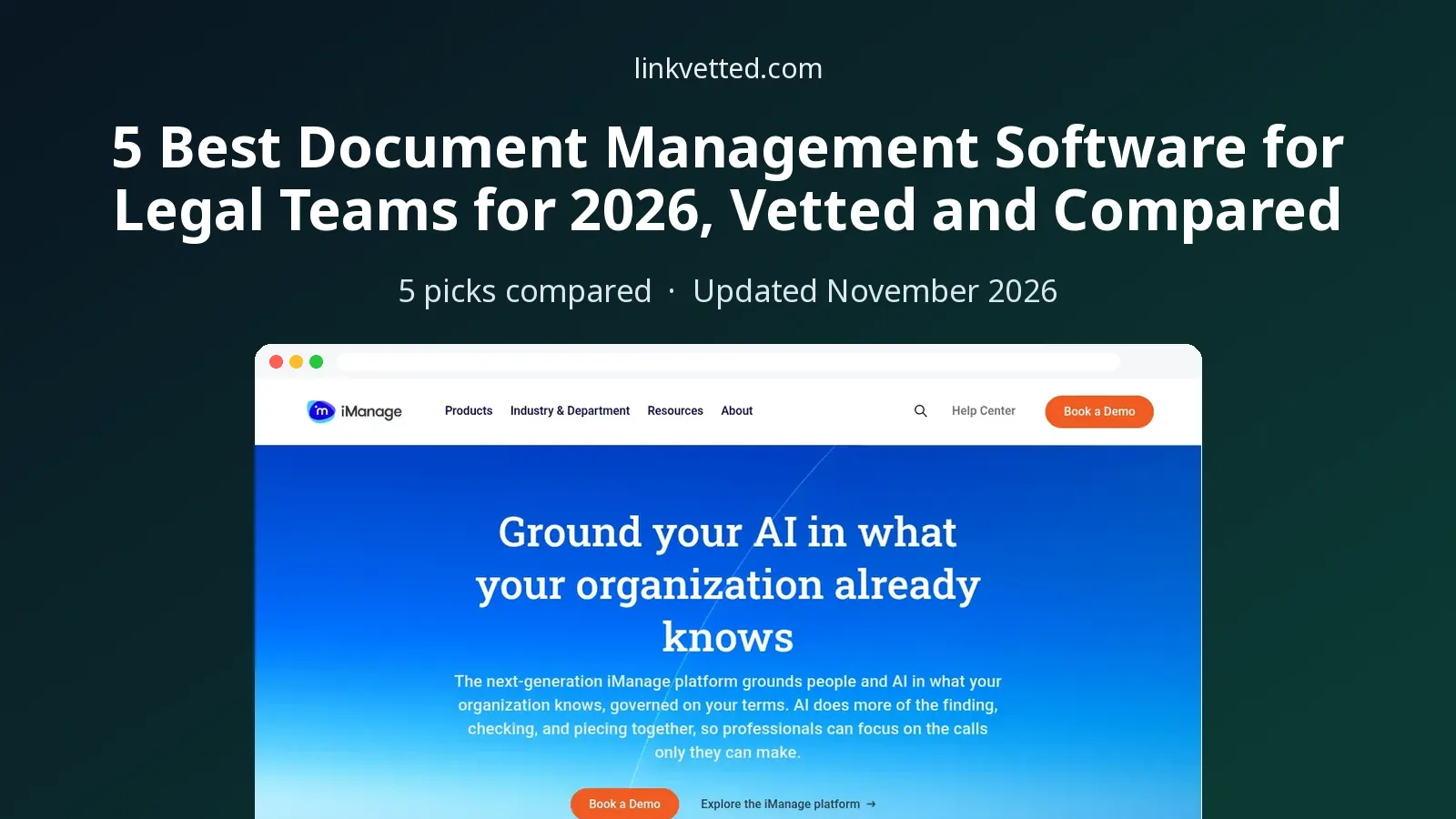
 iManage Work
Legal knowledge and email management
Starts atSee websiteVisit imanage.comFull review
Direct answer
This list puts Worldox first for established legal document workflows. Listed starting prices: M-Files from €65 per seat a month. For a different need, M-Files covers context-based AI document organization and iManage Work covers legal knowledge and email management. Details, prices and limits for the rest of the 5 tools are below.
TL;DR:
- This list starts with Worldox, which is built for established legal document workflows.
- Pricing for Worldox, iManage Work, NetDocuments and SharePoint is quote-based, which adds a sales step before you can compare cost.
- A permanent free plan is missing from all 5 tools, Worldox and SharePoint included; plan for a trial or a premium start.
- SharePoint fits Microsoft 365 collaboration and governance.
Last checked November 2026. Prices and plan details were read from the vendors' own pages in November 2026; vendors change plans often, so confirm the current price on the vendor site before you buy.
Quick comparison
| Tool | Best for | Starts at | Free plan? | |
|---|---|---|---|---|
| Worldox | Established legal document workflows | See website | Not stated | Visit |
| M-Files | Context-based AI document organization | €65 per seat a month | Not stated | Visit |
| iManage Work | Legal knowledge and email management | See website | Not stated | Visit |
 NetDocuments | Cloud document and email management | See website | Not stated | Visit |
 SharePoint | Microsoft 365 collaboration and governance | See website | Not stated | Visit |
The best document management software for legal teams
Short on time? The summary and table above give the quick view of 5 document management software for legal teams, and the profiles that follow give the detail behind each entry.
Worldox is aimed squarely at established legal document workflows. Worldox is now a NetDocuments company, and its site addresses current Worldox users and legal professionals.
Points against: Transition considerations.
Worth adding: if cloud-native legal document management is the priority, NetDocuments itself is the more direct choice. More specifically, since Worldox is now aligned with NetDocuments, businesses should clarify the product roadmap and migration path before committing. No starting price is listed for Worldox here; confirm pricing on the vendor site. Free access: Not stated.
- Part of NetDocuments
- Legal professional focus
- Legacy perception
M-Files is aimed squarely at context-based AI document organization. Firms seeking to improve consistency across matter files and internal processes may find the context-driven approach handy.
Where it is weaker: May need process planning.
Price to start with M-Files: €65 per seat per month. Trial and free access: Not stated.
- Organizes documents in context
- Workflow automation
- Metadata design required

iManage Work serves legal knowledge and email management. iManage Work is presented as an AI knowledge work product for legal and professional services.
Since iManage targets professional services organizations, smaller practices may find the system more than they need. iManage Work does not show a starting price in this comparison, so check the vendor site for current pricing. Free access: Not stated.
Downsides: Enterprise-focused deployment.
- AI-assisted knowledge activation
- Built-in email management
- May need IT resources
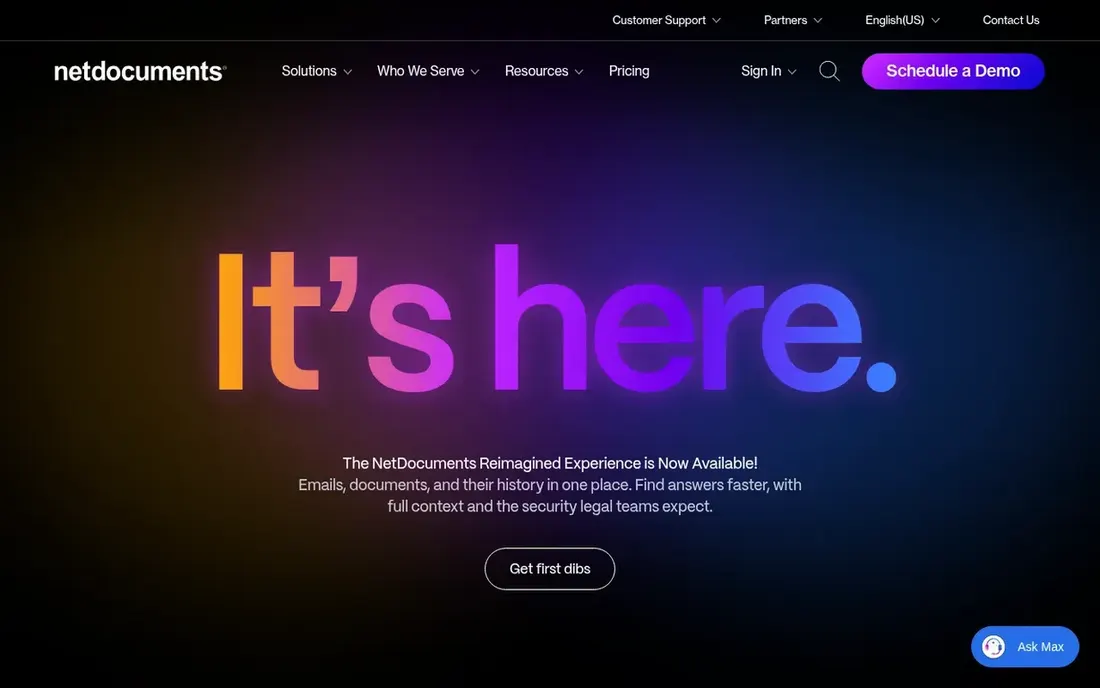
NetDocuments is a good fit for cloud document and email management. NetDocuments provides document and email management for law businesses and legal departments, emphasizing secure, compliant, and anywhere-accessible operation.
It suits legal teams that want matter documents and email handled in one cloud product without maintaining on-premises servers. No starting price is listed for NetDocuments here; confirm pricing on the vendor site. On free options: Not stated.
Limits to weigh: Cloud dependency.
- Compliant system
- Secure
- Configuration needed for workflows
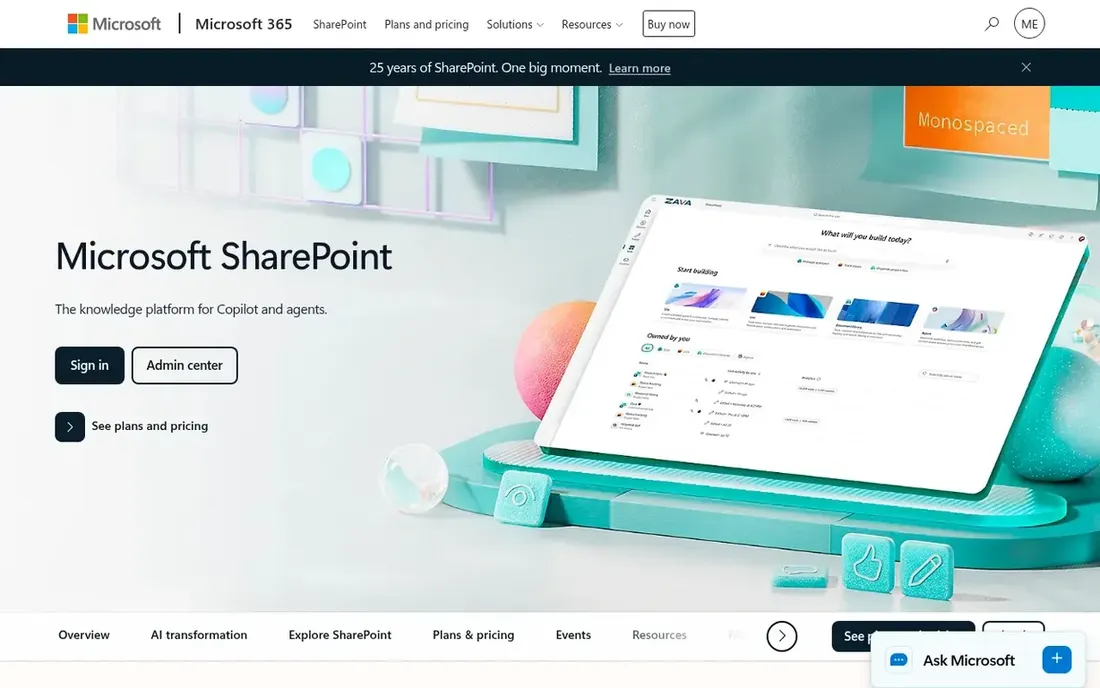
Pick SharePoint if this describes you: Microsoft 365 collaboration and governance. Microsoft SharePoint offers collaborative content management and secure file sharing across Microsoft 365. It helps teams produce, share, and govern trusted knowledge whereas supporting collaboration, communication, and automation.
Limits to weigh: Legal-specific features are restricted.
In daily use, if legal-specific email filing, matter numbering, and ethical walls are essential from day one, a dedicated legal document management system is typically the better fit. Administration can become complicated without experienced staff. Legal teams already standardized on Microsoft 365 can use SharePoint for document libraries, permissions, and workflow without adding a separate legal-centric system, making it a practical general-purpose choice. SharePoint is not purpose-built for legal matter management, so businesses may have to design structures and retention rules themselves. SharePoint shows no starting price here, so confirm the cost on the vendor site. Free plan details: Not stated.
- Automation and AI experiences
- Content governance controls
- Needs skilled administration
Selection criteria
LinkVetted looked at what each vendor publishes: pricing, plan limits, feature coverage for document management software for legal teams and stated drawbacks. No hands-on testing is claimed. Prices and plan limits come from vendor pages and can change, so confirm them on the vendor site before you buy. Position on the page reflects fit for a typical buyer first, with price clarity and free access breaking ties. Treat it as a guide, not a ruling.
Things to verify first
- Confirm the entry price on the vendor page. For Worldox, iManage Work, NetDocuments and SharePoint that means a quote rather than a fixed price.
- Before choosing Worldox, weigh its main limit: transition considerations.
- Look at the help docs and support options for iManage Work before you commit.
- Total up the real monthly cost of NetDocuments, including add-ons, extra users and usage-based fees.
- Confirm the exact Worldox plan that includes your must-have features.
FAQ
Is Worldox the right pick for everyone comparing document management software for legal teams?
No single tool suits every team. Worldox comes first because it fits established legal document workflows, while M-Files suits context-based AI document organization and iManage Work suits legal knowledge and email management. Match the tool to your own size, budget and workflow before deciding.
How do legal-specific products differ from general content management?
Legal-specific products for example iManage Work and NetDocuments are designed around matter files and legal email management. General tools like SharePoint offer wide collaboration and governance but may need configuration for legal workflows.
How are the tools for document management software for legal teams ordered?
The order follows typical fit for document management software for legal teams, with Worldox first and SharePoint last, then price clarity and free access. It is editorial judgement, not a score, so another team could rank the tools differently.
Can I try these tools before paying?
Not by default. None of the tools, from Worldox to SharePoint, lists a free plan or a free trial here, so ask each vendor for a demo before committing.
Do these tools publish their prices?
Not all of them. Worldox, iManage Work, NetDocuments and SharePoint publish no starting price, so expect a quote request for those. The rest, M-Files included, show a starting price, though seats and billing terms still change the final cost.
Sources
- https://www.worldox.com
- https://www.m-files.com
- https://imanage.com
- https://www.netdocuments.com
- https://www.microsoft.com/en-us/microsoft-365/sharepoint/collaboration