The 6 Best Legal CRM Software for Small Business in 2026, Ranked
Best legal CRM software for small business in 2026: 6 contenders with entry costs and free tiers. Every pick includes one clear drawback. Updated November 2026.
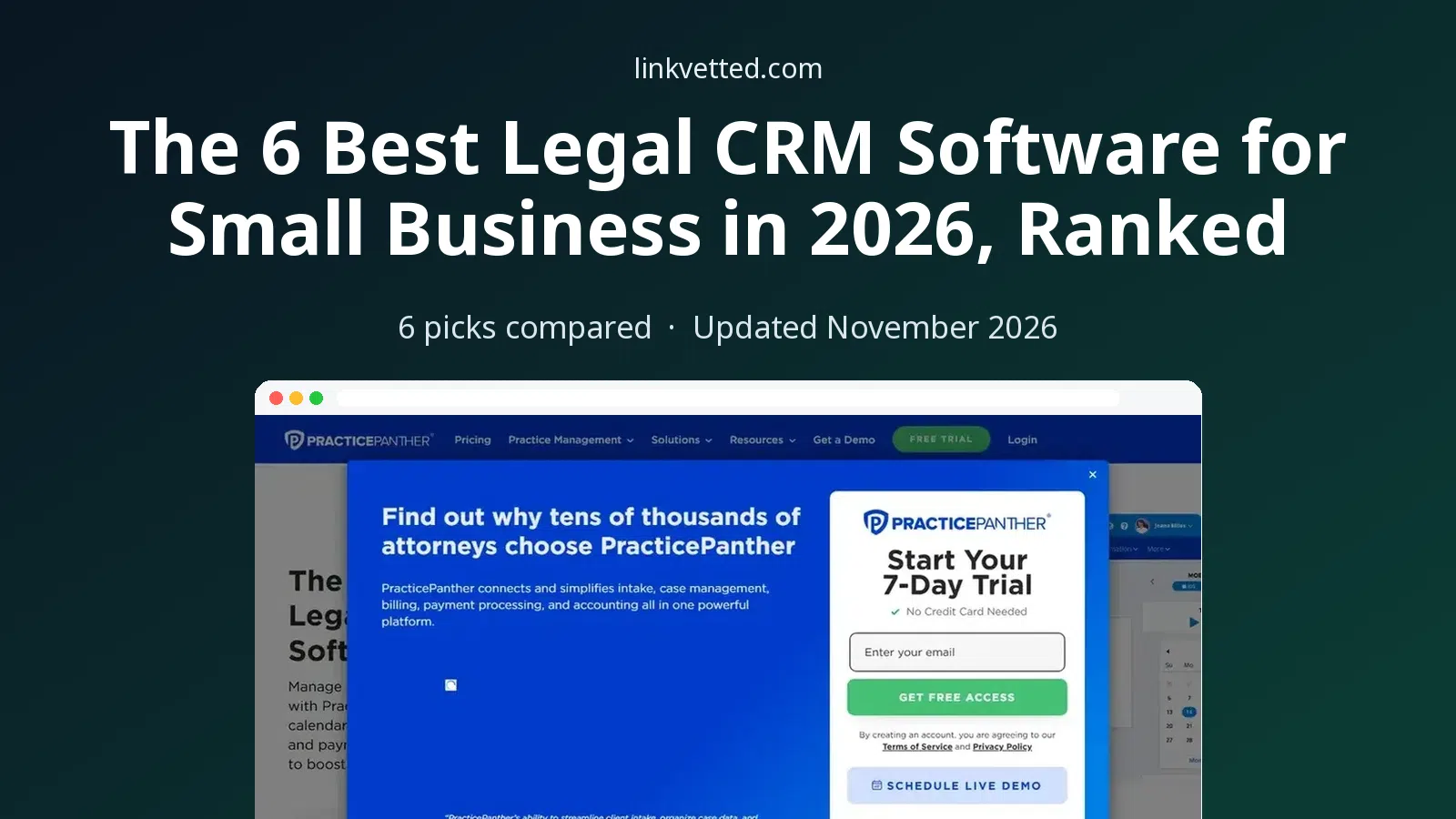
- Editor's choice
 PracticePanther
Billing and time tracking automation
Starts at$49 per user a monthVisit practicepanther.comFull review - Great alternative
 Rocket Matter
Simplified practice management
Starts at$39 a month per user billed annuallyVisit rocketmatter.comFull review - Also consider
 Smokeball
Automatic time tracking and document automation
Starts atSee websiteVisit smokeball.comFull review
Direct answer
Start with PracticePanther if you need billing and time tracking automation. Listed starting prices: PracticePanther from $49 per user a month, Rocket Matter from $39 a month per user billed annually and MyCase from $50 per user per month. Rocket Matter is better for simplified practice management, and Smokeball is better for automatic time tracking and document automation. All 6 tools are compared below on price, free plan and limits.
TL;DR:
- Top of the list is PracticePanther, which targets billing and time tracking automation.
- None of the 6 tools, from PracticePanther to MyCase, has a free plan, so budget for a subscription or use a trial.
- The lowest published monthly entry price here is $39 per month per user billed annually, from Rocket Matter.
- MyCase fits all-in-one case and billing management.
- Check the limits for Rocket Matter before you commit: may lack some advanced features.
Last checked November 2026. Prices and plan details were read from the vendors' own pages in November 2026; vendors change plans often, so confirm the current price on the vendor site before you buy.
Quick comparison
| Tool | Best for | Starts at | Free plan? | |
|---|---|---|---|---|
| PracticePanther | Billing and time tracking automation | $49 per user a month | Free trial | Visit |
| Rocket Matter | Simplified practice management | $39 a month per user billed annually | Free trial | Visit |
| Smokeball | Automatic time tracking and document automation | See website | Not stated | Visit |
 Actionstep | Thorough workflow control | See website | Not stated | Visit |
 Lawmatics | Legal marketing and client intake | See website | Not stated | Visit |
 MyCase | All-in-one case and billing management | $50 per user per month | Free trial | Visit |
Legal CRM Software for Small Business, one by one
If you are comparing legal CRM software for small business, this page covers 6 tools in one place: what each is best for, what it costs to start, whether it has a free plan, and the main limit to know about.
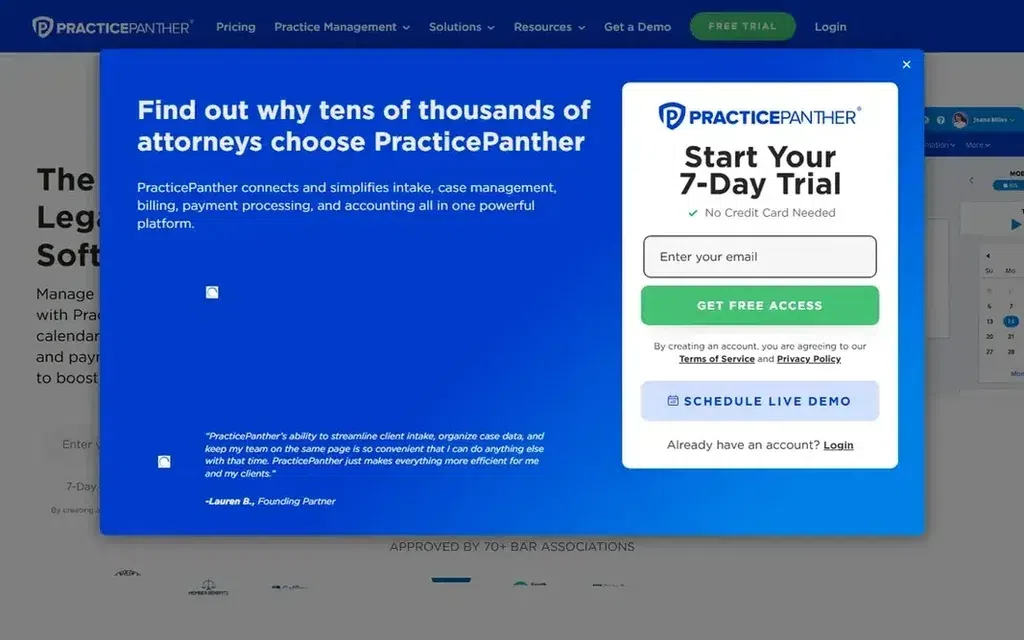
Choose PracticePanther for billing and time tracking automation. PracticePanther is legal practice management software that automates firm processes, billing, time tracking, and more. It is made for small businesses looking to cut manual work and boost efficiency.
The main drawbacks: May lack advanced customization.
For everyday use, PracticePanther may not offer the deep customization some specialized practices need, and getting comfortable with all features can take time. As for the details, if you need deep customization or AI capabilities, consider other choices. What you pay to start with PracticePanther: $49 per user per month. Free plan details: Free trial.
- Automates firm processes
- Billing and time tracking
- Some features may need training
Rocket Matter is built with simplified practice management in mind. Rocket Matter may not offer the depth of customization or advanced AI features found in some competitors. Rocket Matter is legal practice management software that helps turn effort into efficiency and practice into profit.
It serves as a single source of truth for managing and expanding your firm, including time tracking, billing, and case management. On top of that, Rocket Matter is a strong match for businesses that value simplicity and core practice management. In daily use, if you need highly specialized workflows or broad automation, consider other tools. Price to start with Rocket Matter: $39 per month per user billed annually. Free options: Free trial.
Limits to weigh: May lack some advanced features.
- Modern interface
- Single source of truth for firm management
- Restricted customization choices

Smokeball was built for automatic time tracking and document automation. If you prefer a more straightforward system without broad automation, other tools might be a better fit. More specifically, choose Smokeball when automatic time capture and document automation are top priorities.
The automation features help cut administrative overhead. Smokeball's capable automation focus may be more than a solo practitioner needs, and initial setup can take time. It is well-suited for small businesses that want to capture billable time easily and simplify document-heavy processes. No starting price is listed for Smokeball here; confirm pricing on the vendor site. Free plan details: Not stated.
The main drawbacks: May be overkill for very small businesses.
- Document automation
- Trust and billing software
- Focus on automation might need setup
Actionstep is built with full workflow control in mind. Actionstep is law firm management software that supplies thorough control over your success, helping perfect legal workflows and build better client experiences. It is aimed at small to mid-size businesses that require solid process management and customization.
In daily use, Actionstep is a good match for businesses that need in-depth workflow control and scalability. The system lets businesses to tailor workflows to their specific practice areas. Actionstep's broad customization choices can be overwhelming for very small businesses or solo practitioners, and initial setup may take considerable time. No starting price is listed for Actionstep here; confirm pricing on the vendor site. Free access: Not stated.
Where it falls short: May be complicated for solo practitioners.
- Comprehensive control over legal workflows
- Scalable for expanding businesses
- Setup can be time-consuming
Lawmatics serves legal marketing and client intake. It centres on client intake, marketing automation, and relationship management, making it a solid choice for small businesses looking to grow their client base.
Beyond that, if you need an all-in-one practice management system, consider alternatives. Beyond that, Lawmatics may not offer full practice management features like case and document management, so it commonly works alongside other tools. Lawmatics does not show a starting price in this comparison, so check the vendor site for current pricing. Trial and free access: Not stated.
Where it falls short: Needs integration for billing.
- Marketing tools for law businesses
- Focus on increasing efficiency and revenue
- May not handle full practice management
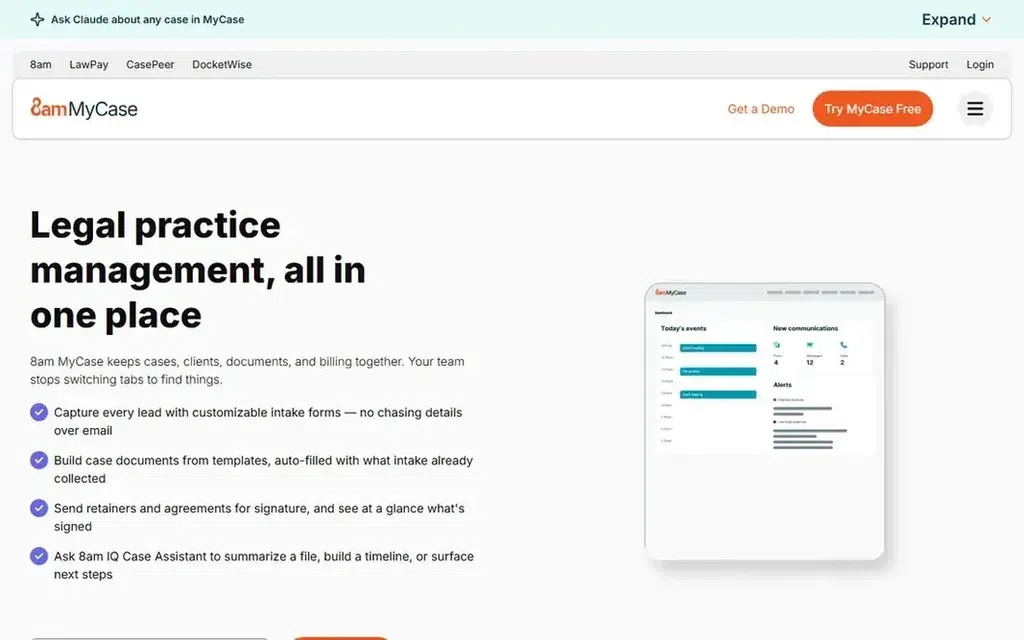
MyCase serves all-in-one case and billing management. MyCase is legal practice management software meant to run a profitable firm, not just handle cases.
This makes it a solid choice for small law businesses that want a unified system to handle day-to-day operations without juggling several tools. What you pay to start with MyCase: $50 per user per month. Free access: Free trial.
Where it is weaker: May lack deep customization for niche practices.
- Built to support firm profitability
- Client and case management in one place
- Advanced features may need onboarding time
How we chose
A buyer's checklist
- Get a written quote from Smokeball, Actionstep and Lawmatics; the list shows no starting price for them.
- Use real work to test the free trial from PracticePanther, Rocket Matter and MyCase, rather than a demo project.
- Read the limits listed for PracticePanther first: may lack advanced customization.
- Ask PracticePanther whether prices are locked for the first term and what happens at renewal.
- Add up seats, add-ons and usage charges for MyCase before comparing it with cheaper entries.
FAQ
Does any tool for legal CRM software for small business here have a free plan?
A permanent free plan is not offered by PracticePanther, MyCase or the other tools here. PracticePanther, Rocket Matter, MyCase offer a trial. Plan a short evaluation period instead.
What is the cheapest option for legal CRM software for small business in this list?
On published monthly entry prices, Rocket Matter is the lowest here at $39 per month per user billed annually. Entry price is only part of the cost, because seats, add-ons and billing terms can change the total. For the full picture, the cards above cover all 6 entries of this legal CRM software for small business list, including price, free plan and limits.
How are the tools for legal CRM software for small business ordered?
PracticePanther sits first and MyCase last because the order follows typical fit for legal CRM software for small business, then price clarity and free access. It is a judgement call, so read each profile for fit and limits.
Do these tools publish their prices?
Not all of them. Smokeball, Actionstep and Lawmatics publish no starting price, so expect a quote request for those. The rest, PracticePanther included, show a starting price, though seats and billing terms still change the final cost.
What is legal CRM software and why does a small business need it?
For small companies, it simplifies operations, cuts manual work, and boosts client service. It can also supply insights to help grow the firm.
Sources
- https://www.practicepanther.com
- https://www.rocketmatter.com
- https://www.smokeball.com
- https://www.actionstep.com
- https://www.lawmatics.com
- https://www.mycase.com