Comparing 6 CRM Software for Law Firms in 2026
6 products for the best CRM software for law firms, ranked by fit, with starting costs and free tiers. Honest caveats for every entry. Quick comparison inside.
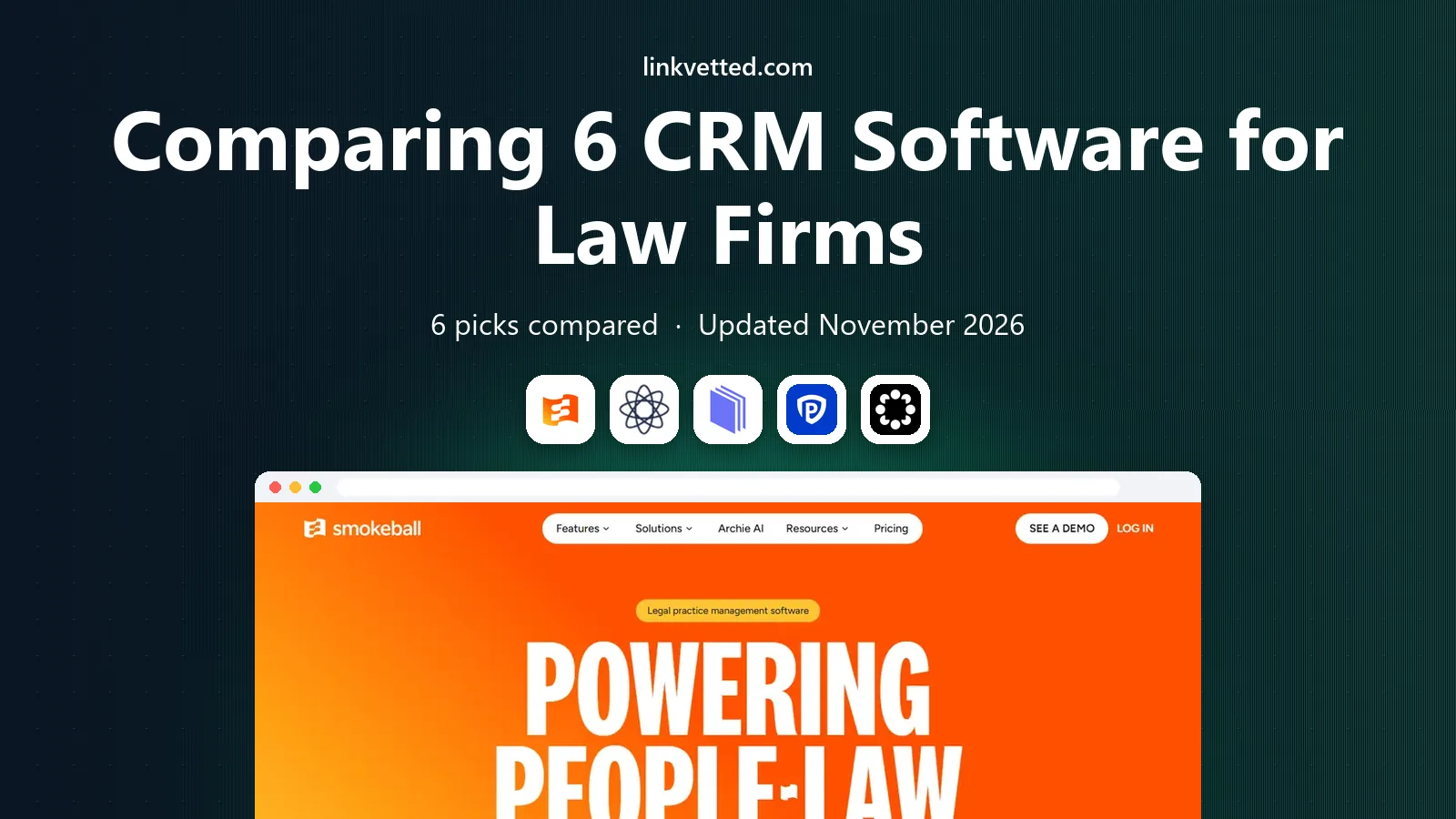
- Editor's choice
 Smokeball
Businesses that want automatic time capture
Starts atQuote onlyVisit smokeball.comFull review - Great alternative
 CosmoLex
Businesses that want trust accounting built in
Starts at$49 per user/month (billed annually)Visit cosmolex.comFull review - Also consider
 MyCase
Small businesses that want intake built in
Starts at$50 per user/month (billed yearly)Visit mycase.comFull review
TL;DR:
- Smokeball is the opening pick, best for businesses that want automatic time capture.
- The main caution on CosmoLex: monthly billing costs $59, $109 and $139 per user per month.
- Lawmatics is the one to check for intake and marketing automation.
- For the cheapest start, look at CosmoLex: $49 per user/month.
- A permanent free plan is missing from all 6 tools, Smokeball and Lawmatics included; plan for a trial or a premium start.
Direct answer
Smokeball comes first here, mainly for businesses that want automatic time capture. CosmoLex is the stronger choice for businesses that want trust accounting built in, while MyCase suits small businesses that want intake built in. All 6 tools are compared below on price, free plan and limits.
Quick comparison
| Tool | Best for | Starts at | Free plan? | |
|---|---|---|---|---|
| Smokeball | Businesses that want automatic time capture | Quote only | Free trial | Visit |
| CosmoLex | Businesses that want trust accounting built in | $49 per user/month (billed annually) | Free trial (10 days) | Visit |
| MyCase | Small businesses that want intake built in | $50 per user/month (billed yearly) | Free trial (10 days) | Visit |
 PracticePanther | Small businesses that want a listed price for every plan | $49 per user/month (billed yearly) | Free trial (7 days) | Visit |
 Clio Grow | Businesses already on Clio Manage | $49 per user/month | Free trial (7 days) | Visit |
 Lawmatics | Intake and marketing automation | Quote only | Free trial (14 days) | Visit |
CRM Software for Law Firms compared in detail
Short on time? The summary and table above give the quick view of 6 CRM software for law firms, and the profiles that follow give the detail behind each entry.

Where Smokeball fits: businesses that want automatic time capture. The Australian vendor pricing page does list prices, with Bill from $59, Boost from $129 and Grow from $249 per user a month excluding GST, and Pros Beyond that, bill handles time tracking and billing, Boost layers on practice management, Grow brings matter automation and client intake forms, and Prosper+ layers on full CRM, analytics and automatic workflows.
Points against: Grow and Prosper+ are sold by quote.
There is no fixed entry price for Smokeball; pricing comes through a quote. Free access: Free trial.
- Document automation and matter automation are built in
- Automatic time capture from Word and Outlook activity
- Higher plans may need a longer contract term
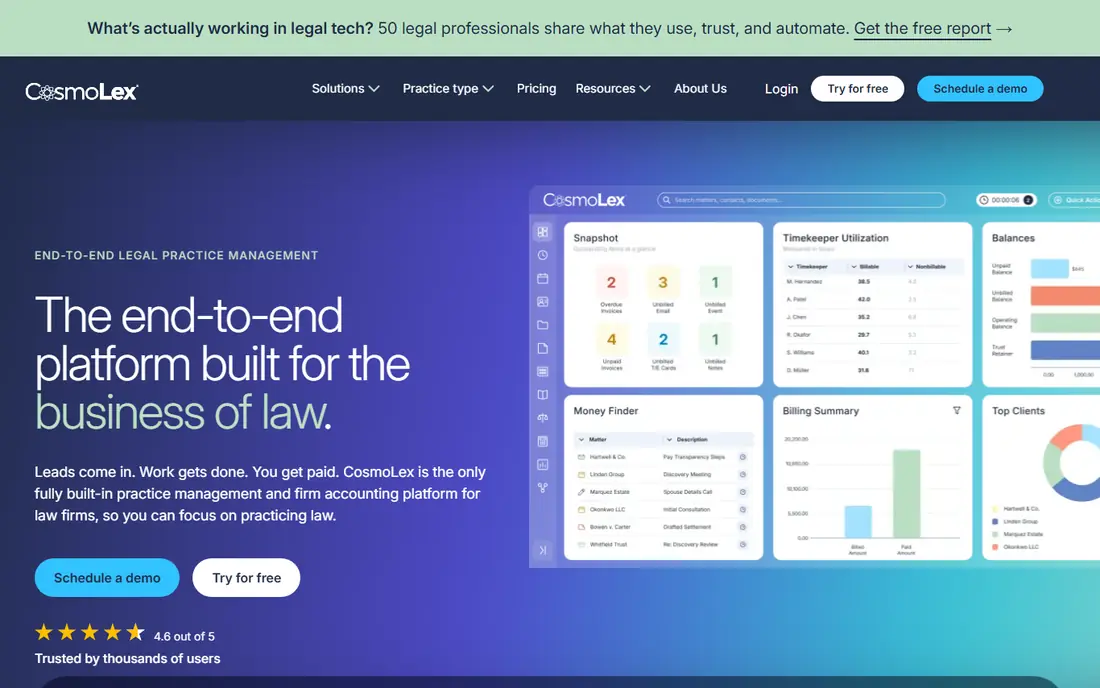
CosmoLex works best for businesses that want trust accounting built in. Launch comes with time tracking, billing, retainers and trust accounting. On monthly billing the same plans cost $59, $109 and $139 per user a month.
In practice, core layers on more accounting and reporting depth, and Pro brings the general ledger and bank feeds. A 5-user firm on Launch pays $245 a month on annual billing, and the same firm on Pro pays $645 a month. Its pricing page lists Launch at $49 per user a month on annual billing, Core at $99 and Pro at $129. As for the details, the CRM is not part of the base plans, and CosmoLex lists it as a separate add-on at $147 a month billed annually for up to 3 users. CosmoLex cost at the entry level: $49 per user/month. Free access: Free trial (10 days).
Limits to weigh: $109 and $139 per user a month; no free plan.
- Practice management, billing
- Business accounting and trust accounting share one ledger
- Only a 10-day trial
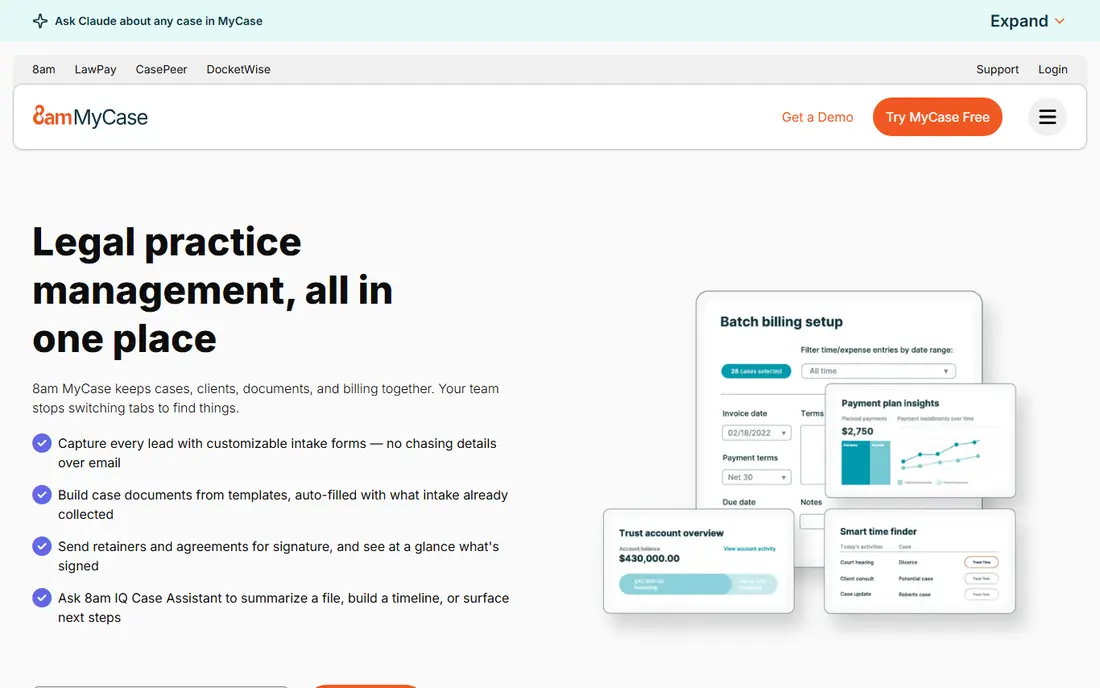
MyCase works best for small businesses that want intake built in. MyCase lists three plans with clear per-user prices. On top of that, on monthly billing the same plans cost $60, $120 and $150 per user a month.
From a buyer's view, all three plans share the same matter and billing core, with case and contact management, time entry, invoicing and trust accounting, online payments, Pro brings unlimited e-signature and document generation, automatic workflows, client intake, and AI writing and document assistants. On top of that, MyCase Accounting is a $39 per user a month add-on on Pro and Advanced. Entry-level is $50 per user a month on annual billing, Pro is $100, and Advanced is $130. Price to start with MyCase: $50 per user/month. On free options: Free trial (10 days).
What MyCase does well: Pro and Advanced prices are all listed.
Downsides: MyCase Accounting costs $39 per user a month additional; $10 to $20 more than annual billing.
- Entry-level
- Workflows and AI assistants
- $120 and $150 per user a month
PracticePanther
Best for: Small businesses that want a listed price for every plan
PracticePanther is designed for small businesses that want a listed price for every plan. On monthly billing the same plans cost $59, $79, $99 and $124 per user a month. Worth adding: annual billing saves $120 per user a year on each plan.
The main drawbacks: monthly billing costs $10 more per user a month on each plan.
Business Pro brings PantherAccounting Plus, with trust accounting, operating accounting, enhanced reconciliation, a general ledger, accounts receivable Worth adding: a 5-user firm on Business pays $445 a month on annual billing. The same firm on Business Pro pays $570 a month. PracticePanther pricing: $49 per user/month. Trial and free access: Free trial (7 days).
- Business brings intake forms and native e-signature
- Workflow automation is built into every subscription plan
- Solo has no intake forms
Clio Grow was built for businesses already on Clio Manage. Clio Grow began as Lexicata, a legal intake product that Clio acquired and rebuilt under its own name. It handles lead capture, online intake forms, e-signature, appointment booking, automatic follow-up and a straightforward pipeline.
Honest limits: Core; Starter limits e-signature to 3 a month.
It passes a signed client into Clio Manage as a matter. Also, Clio Grow is included in Elite and is available as an add-on to the plans below it. The vendor page does not list a separate Grow add-on price. From a buyer's view, choose Clio Grow if your firm already runs Clio Manage. The starting price for Clio Grow: $49 per user/month. Free plan details: Free trial (7 days).
- Intake forms
- Data moves into Clio Manage matters
- Signature and Elite need a quote
Lawmatics serves intake and marketing automation. Choose Lawmatics if intake volume and follow-up are your primary gaps and you already have a matter system.
Trade-offs to know: Essential and Premium carry a 3-user minimum.
Essential contains 500 contacts and 10 automations, Premium includes 10,000 contacts and unlimited automations, and Enterprise uses custom pricing. Worth adding: the 3-user minimum on Essential and Premium is the key budget fact, since a solo firm still pays for three seats on day one. There is no list price for Lawmatics, so a quote is the way in. Free plan details: Free trial (14 days). What works well: email and text follow-up; links with Clio.
- PracticePanther and MyCase
- Pipeline views
- No per-user price is listed on the vendor pricing page
What went into this list
Selection started from tools commonly considered for CRM software for law firms, then narrowed to 6 that have clear pricing information or a clear quote process. Prices and plan limits come from vendor pages and can change, so confirm them on the vendor site before you buy. Position on the page reflects fit for a typical buyer first, with price clarity and free access breaking ties. Treat it as a guide, not a ruling.
Questions to settle before buying
- Confirm the entry price on the vendor page. For Smokeball and Lawmatics that means a quote rather than a fixed price.
- Take the trial from Smokeball, CosmoLex, MyCase and others and push a live task through it before you pay.
- Before choosing Smokeball, weigh its main limit: no per-user price is listed on the United States vendor pricing page.
- Get the contract term, renewal terms and any onboarding fees from Lawmatics in writing.
- See whether Clio Grow offers onboarding or training, and whether it is included in the price.
FAQ
Does any tool for CRM software for law firms here have a free plan?
No tool in this list, Smokeball and Lawmatics included, has a permanent free plan. Several tools offer a trial. Trials and quotes are the usual route, so plan a short evaluation period.
Can I try these tools before paying?
Often, yes. Smokeball, CosmoLex, MyCase and others offer a free trial. Use your own data and a real task during the test, and check what the free tier or trial limits before you rely on it.
Is Smokeball the right pick for everyone comparing CRM software for law firms?
No single tool suits every team. Smokeball comes first because it fits firms that want automatic time capture, while CosmoLex suits firms that want trust accounting built in and MyCase suits small firms that want intake built in. Match the tool to your own size, budget and workflow before deciding.
Which is a good match for intake and follow-up?
The first pick on this list is Smokeball, because it suits businesses that want automatic time capture. CosmoLex is better for firms that want trust accounting built in, and MyCase for small businesses that want intake built in. Check price and limits against your own needs before choosing.
Do these tools publish their prices?
Not all of them. Smokeball and Lawmatics publish no starting price, so expect a quote request for those. The rest, CosmoLex included, show a starting price, though seats and billing terms still change the final cost.