Cloud Storage Software for Small Law Offices in 2026: The 6 Best Options Side by Side
6 best cloud storage software for small law offices, with entry costs, free tiers and the buyer each one serves. Short verdicts, no fluff. Details below.
- Editor's choiceiManage
Knowledge work and document activation
Starts atSee websiteVisit imanage.comFull review - Great alternative
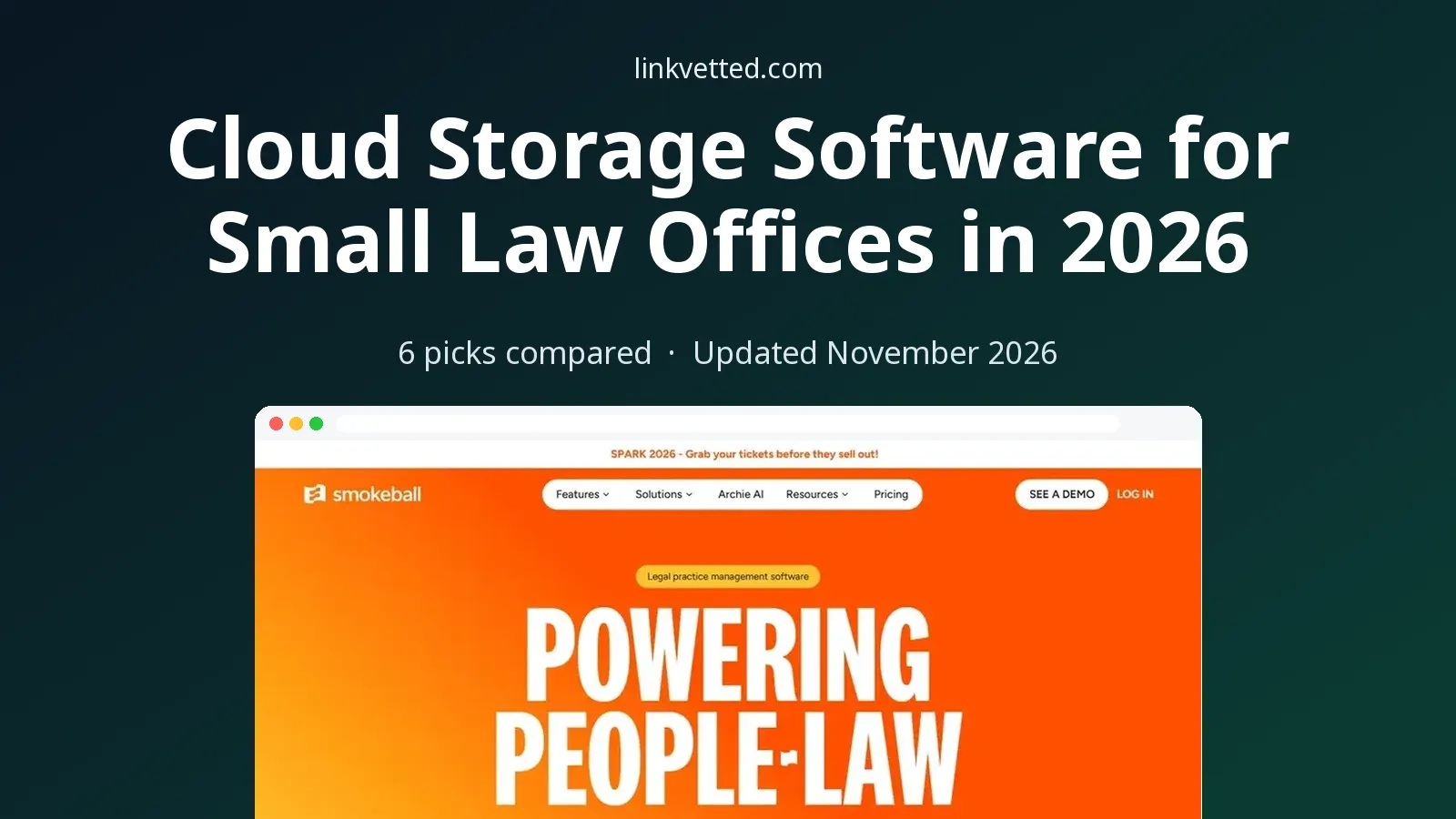
 Smokeball
Small businesses concentrated on productivity and automation
Starts atSee websiteVisit smokeball.comFull review - Also consider
 Dropbox Business
Straightforward cloud storage and file sharing
Starts atSee websiteVisit dropbox.comFull review
Direct answer
Our first pick is iManage, best for knowledge work and document activation. Listed starting prices: MyCase from $50 per user a month. For a different need, Smokeball covers small businesses centred on productivity and automation and Dropbox Business covers straightforward cloud storage and file sharing. The full list of 6 tools follows, with prices and free plan facts.
TL;DR:
- iManage sits first on this list: knowledge work and document activation.
- What to know about iManage first: wide system that needs configuration.
- The cheapest monthly starting price in the list is $50 per user per month, offered by MyCase.
- NetDocuments is the one to check for secure legal document and email management.
- Neither iManage nor NetDocuments, nor any of the other 4 tools, has a permanent free plan; trials and quotes are the norm.
Last checked November 2026. Prices and plan details were read from the vendors' own pages in November 2026; vendors change plans often, so confirm the current price on the vendor site before you buy.
Quick comparison
| Tool | Best for | Starts at | Free plan? | |
|---|---|---|---|---|
| iManage | Knowledge work and document activation | See website | Not stated | Visit |
| Smokeball | Small businesses concentrated on productivity and automation | See website | Not stated | Visit |
| Dropbox Business | Straightforward cloud storage and file sharing | See website | Not stated | Visit |
 MyCase | Businesses wanting storage inside practice management | $50 per user a month | Free trial | Visit |
 Box | Content management and workflow automation | See website | Not stated | Visit |
 NetDocuments | Secure legal document and email management | See website | Not stated | Visit |
Tool-by-tool breakdown
If you are comparing cloud storage software for small law offices, this page covers 6 tools in one place: what each is best for, what it costs to start, whether it has a free plan, and the main limit to know about.
iManage
Best for: Knowledge work and document activation
iManage is aimed squarely at knowledge work and document activation. iManage describes itself as an AI knowledge work product for legal and professional services that runs and activates knowledge whereas securely connecting people and AI.
The product is wide and usually needs configuration to match a small firm's workflows. From a buyer's view, offices that chiefly need straightforward cloud storage may find a general tool simpler to adopt. iManage does not show a starting price in this comparison, so check the vendor site for current pricing. Free plan details: Not stated.
Points against: Wide system that needs configuration.
- Links people and AI securely
- Handles and activates firm knowledge
- Enterprise orientation may feel heavy
Smokeball
Best for: Small businesses concentrated on productivity and automation

Smokeball is built with small businesses focused on productivity and automation in mind. Smokeball is legal practice management software that emphasizes productivity through automatic time tracking, document automation, and trust and billing tools.
Where it is weaker: Best value for businesses using its full suite.
Its strengths lean toward workflow automation instead of acting as a pure storage layer, so businesses with heavy document retention needs may want a dedicated product alongside it. Pricing for Smokeball is not stated here, so ask the vendor for current figures. Free plan details: Not stated.
- Trust and billing software included
- Automatic time tracking
- Productivity focus over deep storage control
Dropbox Business makes the most sense for straightforward cloud storage and file sharing. Dropbox Business gives you cloud storage and sharing along with eSignature, document tracking, and backup products targeted at professionals and teams. Its familiarity makes it simple for small law offices to adopt without much training, and shared folders map naturally onto client and matter organization.
It is general-purpose storage rather than a legal document management system, so matter-centric organization and retention controls rely on how the firm sets things up. More specifically, businesses needing legal-specific governance should look at dedicated products. Pricing for Dropbox Business is not stated here, so ask the vendor for current figures. Free access: Not stated.
Where it falls short: Not designed for legal workflows.
- Backup choices for teams
- ESignature and document tracking
- Firm-specific compliance setup is on you
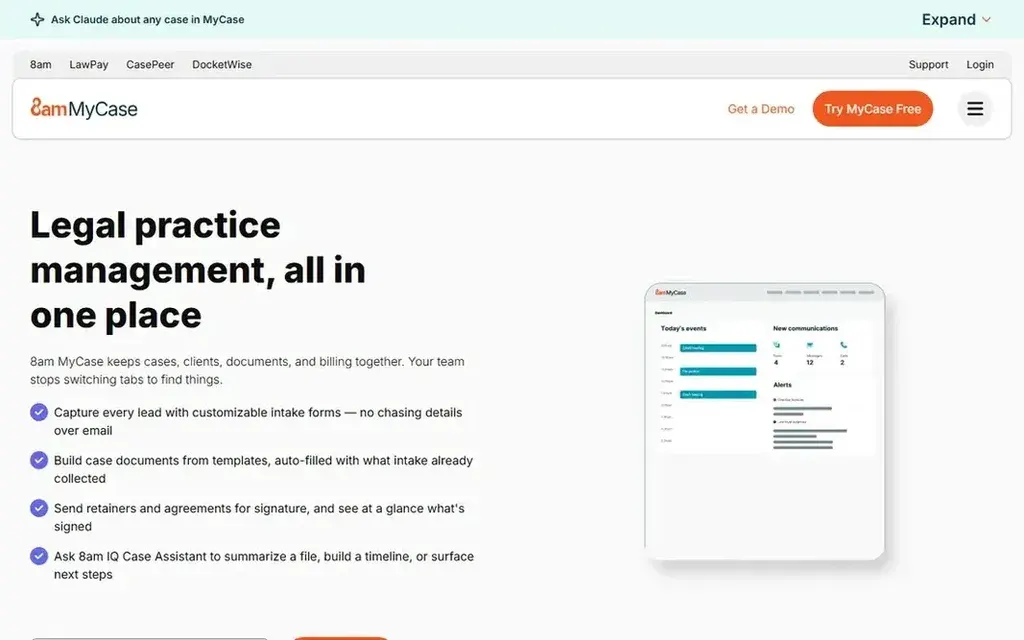
Choose MyCase for businesses wanting storage inside practice management. Documents live alongside the matters they belong to, which helps small businesses avoid juggling separate storage and case tools.
Where it shines: Cases, clients, billing; payments in one place.
Points against: Less suited as standalone storage. For everyday use, since storage is part of a broader practice suite, businesses that only need file storage may find it more than necessary. Offices with complicated document governance requirements should compare it against legal-specific document products before deciding. MyCase starts at: $50 per user per month. Free access: Free trial.
- Aimed at running a profitable firm
- Documents organized around matters
- Storage is tied to the practice suite
Pick Box if this describes you: content management and workflow automation. Box is a general content system, so legal-specific structures and retention practices must be built by the firm.
Drawbacks to consider: Needs configuration for legal use.
Small law offices handling client documents across outside parties can benefit from its sharing and workflow controls, notably where document-heavy processes repeat across matters. Check the vendor site for Box pricing; none is listed in this comparison. As for free access: Not stated.
- Workflow automation
- Internal and external collaboration
- General system, not legal-specific
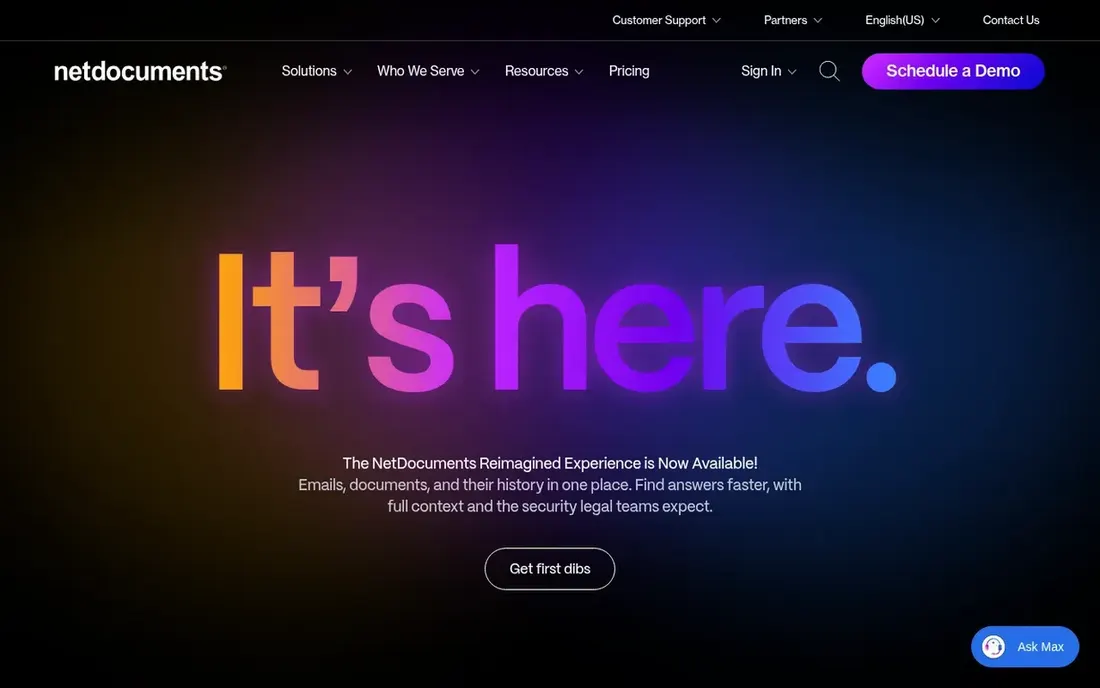
NetDocuments works best for secure legal document and email management. A legal-focused platform can need more setup and planning than general storage, which may be heavy for a very small office with straightforward needs. NetDocuments offers document and email management designed for legal businesses and departments, with a secure, compliant product that is accessible from anywhere.
It is designed around how legal teams store, find, and share matter files, making it a natural fit for small offices that treat document management as core infrastructure instead of an add-on. From a buyer's view, businesses seeking light file sharing might prefer a general business storage tool. NetDocuments does not show a starting price in this comparison, so check the vendor site for current pricing. Free plan details: Not stated.
What to check first: May exceed needs of very small offices.
- Secure and compliance-oriented product
- Accessible from anywhere
- Legal-specific setup takes planning
Selection criteria
LinkVetted looked at what each vendor publishes: pricing, plan limits, feature coverage for cloud storage software for small law offices and stated drawbacks. No hands-on testing is claimed. Where a price is missing, the vendor does not list one publicly or ties it to a quote. Always confirm before budgeting. The order reflects how well each tool fits the most common buying scenario for cloud storage software for small law offices, then price clarity, then free plan access. It is a starting point, not a verdict.
Questions to settle before buying
- Ask iManage, Smokeball, Dropbox Business and others for a written quote, since no starting price is shown.
- Take the trial from MyCase and push a live task through it before you pay.
- Before choosing iManage, weigh its main limit: wide product that needs configuration.
- Confirm the exact NetDocuments plan that includes your must-have features.
- Compare total cost, not headline price: for Dropbox Business, add extra seats, add-ons and any usage-based charges.
FAQ
How are the tools for cloud storage software for small law offices ordered?
The order follows typical fit for cloud storage software for small law offices, with iManage first and NetDocuments last, then price clarity and free access. It is editorial judgement, not a score, so another team could rank the tools differently.
Is collaboration important for law office storage?
Yes. Tools like Box and OneDrive for Business support live co-authoring and external collaboration, which helps when multiple people work on the same document.
Do these tools publish their prices?
Not all of them. iManage, Smokeball, Dropbox Business and others publish no starting price, so expect a quote request for those. The rest, MyCase included, show a starting price, though seats and billing terms still change the final cost.
Can practice management software replace dedicated document storage?
Businesses with heavy document governance needs may still pair a practice suite with a dedicated document management system.
Should a small law office choose legal-specific storage or general cloud storage?
Legal-specific systems like NetDocuments and iManage are built around document and email management for legal work, which can ease matter organization and governance.
Does any tool for cloud storage software for small law offices here have a free plan?
A permanent free plan is not offered by iManage, NetDocuments or the other tools here. MyCase offer a trial. Plan a short evaluation period instead.
Sources
- https://imanage.com
- https://www.smokeball.com
- https://www.dropbox.com/business
- https://www.mycase.com
- https://www.box.com
- https://www.netdocuments.com