The 5 Best Cloud Backup Software for Law Firms in 2026, Ranked
Need the best cloud backup software for law firms? We compare 5 tools on cost, free access and who each suits. Real limits included. Straight answers.
- Editor's choice
 Carbonite
Straightforward automatic business backups
Starts atSee websiteVisit carbonite.comFull review - Great alternative
 Druva
Completely managed cloud-native SaaS backup
Starts atSee websiteVisit druva.comFull review - Also considerVeeam Backup & Replication
Businesses with virtualized infrastructure
Starts atSee websiteVisit veeam.comFull review
Direct answer
This list puts Carbonite first for straightforward automatic business backups. Listed starting prices: IDrive from $11.99 a month. Druva fits completely managed cloud-native SaaS backup; Veeam Backup & Replication fits businesses with virtualized infrastructure. Details, prices and limits for the rest of the 5 tools are below.
TL;DR:
- Carbonite is the opening pick, best for straightforward automatic business backups.
- Only IDrive offers a free plan among these 5 tools.
- IDrive is the lowest-priced starter here at $11.99 per month.
- One limit worth knowing about Veeam Backup & Replication: needs infrastructure knowledge to run.
Last checked November 2026. Prices and plan details were read from the vendors' own pages in November 2026; vendors change plans often, so confirm the current price on the vendor site before you buy.
Quick comparison
| Tool | Best for | Starts at | Free plan? | |
|---|---|---|---|---|
| Carbonite | Straightforward automatic business backups | See website | Not stated | Visit |
| Druva | Completely managed cloud-native SaaS backup | See website | Free trial | Visit |
| Veeam Backup & Replication | Businesses with virtualized infrastructure | See website | Not stated | Visit |
 IDrive | Small businesses with mixed devices | $11.99 a month | Yes | Visit |
 Acronis Cyber Protect Cloud | Businesses combining backup and security | See website | Not stated | Visit |
The full cloud backup software for law firms list
This LinkVetted guide covers 5 cloud backup software for law firms. Each profile lists a starting price, free plan details, strengths and drawbacks, so you can drop poor fits quickly.
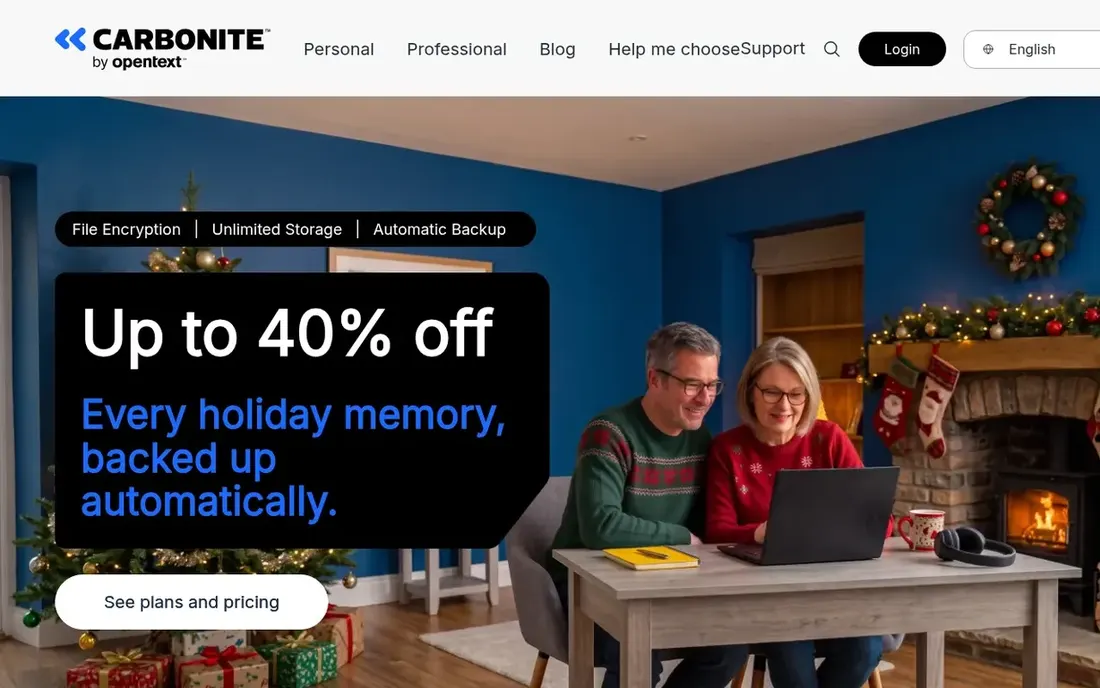
Carbonite is a good fit for straightforward automatic business backups. Carbonite, now part of OpenText, gives you backup and data protection for home and business, with automatic backups positioned as the core benefit.
Downsides: Fewer cloud-native resilience features.
For a small law practice that wants files protected without designing a complicated architecture, the automatic approach lowers the chance that important documents go unprotected since someone forgot to run a job. Carbonite does not show a starting price in this comparison, so check the vendor site for current pricing. On free options: Not stated.
- Established backup and data protection focus
- Straightforward protection message
- Restricted emphasis on advanced ransomware recovery
Druva makes the most sense for completely managed cloud-native SaaS backup. Druva describes an AI-powered, cloud-native SaaS product delivering data security, identity resilience, backup protection and quick ransomware recovery. Worth adding: Druva is made for enterprise-scale environments, so a very small firm may find the system more than it needs.
Drawbacks to consider: Enterprise-oriented, which can overwhelm small businesses.
Also, choose Druva when managed, cloud-native protection and ransomware recovery are priorities and you can dedicate staff to governance. Beyond that, since it is completely managed, law businesses can shift infrastructure upkeep to the vendor and focus on policy and recovery planning, which appeals to practices without large IT teams but with serious data protection obligations. Druva does not show a starting price in this comparison, so check the vendor site for current pricing. Free options: Free trial.
- Data security and ransomware recovery focus
- Cloud-native architecture
- Needs clear internal ownership to configure
Veeam Backup & Replication
Best for: Businesses with virtualized infrastructure
Choose Veeam Backup & Replication for businesses with virtualized infrastructure. Veeam Backup & Replication sits within Veeam's cyber resilience portfolio, which emphasizes seeing risk, moving data securely, staying compliant and supporting AI workloads. Veeam assumes meaningful infrastructure knowledge, so a small firm without IT staff may struggle to operate it well.
It is not the simplest choice for backing up a handful of laptops. Law businesses running virtualized servers and on-premises systems frequently use Veeam to protect those environments, then replicate or copy backups offsite for a second layer of protection. Check the vendor site for Veeam Backup & Replication pricing; none is listed in this comparison. On free options: Not stated.
Drawbacks to consider: Not pitched at straightforward device-level backup.
- Wide infrastructure backup heritage
- Compliance and secure data movement focus
- Needs infrastructure knowledge to run
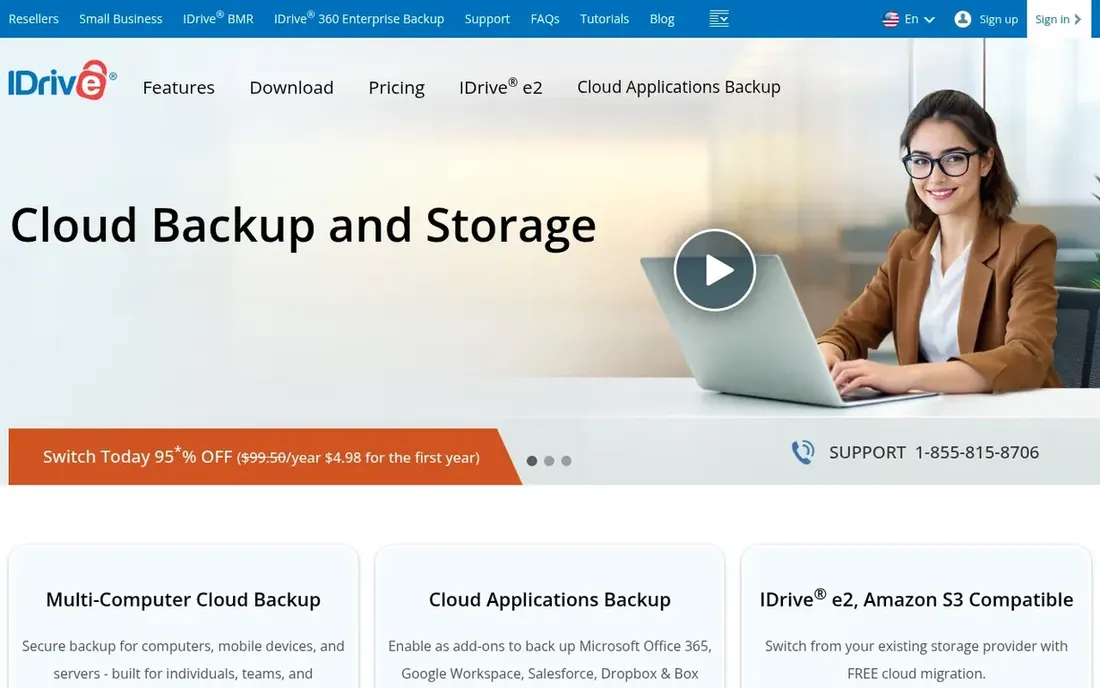
IDrive is built with small firms with mixed devices in mind. Confirm that its features meet your jurisdiction's record-keeping rules before committing. For everyday use, for a small law firm with a handful of laptops, desktops and phones, that single-account model keeps administration straightforward and includes the devices staff actually use day to day.
More specifically, firms with strict retention policies, large server estates or a need for deep ransomware orchestration may find IDrive less specialized than enterprise systems. It is the better fit when simplicity and wide device coverage matter more than advanced cyber resilience tooling. On cost, IDrive starts like this: $11.99 per month. IDrive includes a free tier.
What to check first: Advanced enterprise resilience features are restricted.
- IPhones and Android
- Straightforward consumer and business positioning
- Less centred on legal-specific compliance tooling
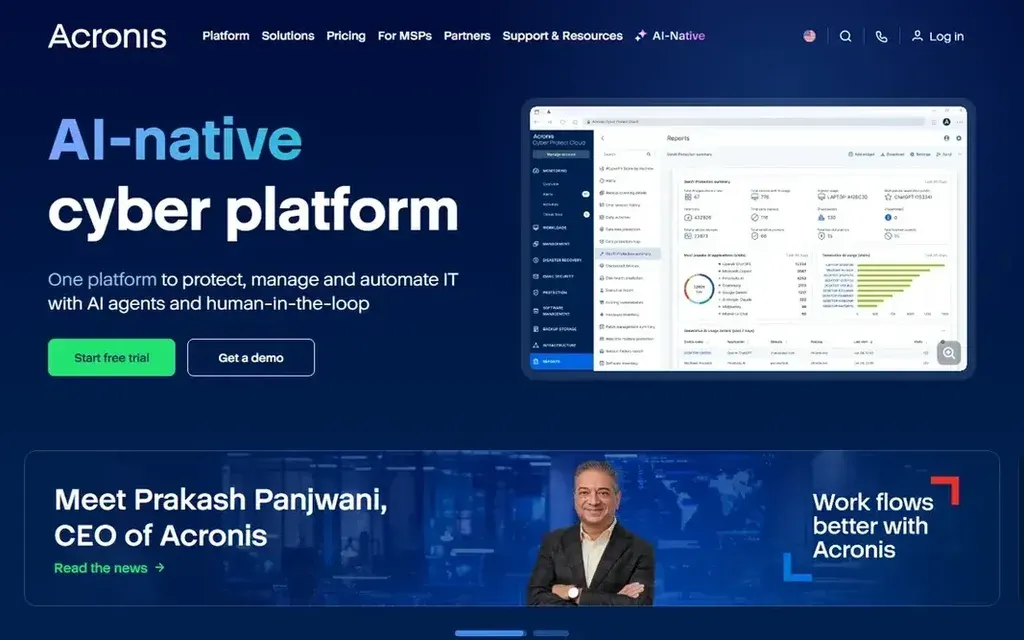
Acronis Cyber Protect Cloud targets businesses combining backup and security. Acronis Cyber Protect Cloud is described as backup software and data protection for consumers, companies and managed service providers, with an emphasis on protecting sensitive information.
Watch-outs: May be more than a small firm needs.
Acronis Cyber Protect Cloud does not show a starting price in this comparison, so check the vendor site for current pricing. Trial and free access: Not stated.
- Cybersecurity features alongside backup
- Backup and data protection in one system
- Feature breadth can add setup complexity
How the list was put together
Pricing pages, product documentation and feature lists were the main sources, and every entry carries at least one honest drawback. Plan names, prices and limits change often. Treat the figures here as a starting point and verify them with the vendor. The order reflects how well each tool fits the most common buying scenario for cloud backup software for law firms, then price clarity, then free plan access. It is a starting point, not a verdict.
Questions to settle before buying
- Ask Carbonite, Druva, Veeam Backup & Replication and Acronis Cyber Protect Cloud for a written quote, since no starting price is shown.
- Test the free plan from IDrive against your real workload before relying on it.
- Take the trial from Druva and push a live task through it before you pay.
- Read the limits listed for Carbonite first: restricted emphasis on advanced ransomware recovery.
- Total up the real monthly cost of Carbonite, including add-ons, extra users and usage-based fees.
- Find out whether the entry plan of Veeam Backup & Replication covers your must-haves or only a trimmed-down version.
FAQ
Why does cloud backup matter for law businesses specifically?
Law businesses hold client confidences and matter records that must survive device failure, theft or ransomware. Cloud backup keeps a separate copy offsite so files can be restored rapidly.
How are the tools for cloud backup software for law firms ordered?
Carbonite sits first and Acronis Cyber Protect Cloud last because the order follows typical fit for cloud backup software for law firms, then price clarity and free access. It is a judgement call, so read each profile for fit and limits.
Which options for cloud backup software for law firms have a free plan?
IDrive is the only tool in this list with a free plan. Free plans usually cap users, projects or features, so check the limits on the vendor page. One other tool offers a trial instead.
Is Carbonite the right pick for everyone comparing cloud backup software for law firms?
No single tool suits every team. Carbonite comes first because it fits simple automatic business backups, while Druva suits fully managed cloud-native SaaS backup and Veeam Backup & Replication suits firms with virtualized infrastructure. Match the tool to your own size, budget and workflow before deciding.
What is the cheapest option for cloud backup software for law firms in this list?
On published monthly entry prices, IDrive is the lowest here at $11.99 per month. Entry price is only part of the cost, because seats, add-ons and billing terms can change the total. For the full picture, the cards above cover all 5 entries of this cloud backup software for law firms list, including price, free plan and limits.
Sources
- https://www.carbonite.com
- https://www.druva.com
- https://www.veeam.com
- https://www.idrive.com
- https://www.acronis.com/en-us/products/cyber-protect