6 Best Server Backup Software for Law Offices for 2026, Vetted and Compared
Need the best server backup software for law offices? We compare 6 tools on cost, free access and who each suits. Honest caveats for every entry. Choose faster.
- Editor's choiceVeritas Backup Exec
Mixed on-premises and cloud workloads
Starts atPricing on requestVisit veritas.comFull review - Great alternative
 Cohesity DataProtect
Simplifying protection across on-premises and cloud
Starts atPricing on requestVisit cohesity.comFull review - Also considerN-able Backup
Cloud-first backup run by IT partners
Starts atPricing on requestVisit n-able.comFull review
Direct answer
Veritas Backup Exec is the first pick on this list for mixed on-premises and cloud workloads. Cohesity DataProtect is the stronger choice for simplifying protection across on-premises and cloud, while N-able Backup suits Cloud-first backup run by IT partners. The other 3 tools in the list cover narrower or pricier cases. None of these vendors publish plan prices, so pricing is on request for every option.
TL;DR:
- Veritas Backup Exec takes the first slot, best suited to mixed on-premises and cloud workloads.
- Commvault Cloud suits large businesses needing broad cyber resilience.
- One limit worth knowing about N-able Backup: targeted at providers instead of direct in-house use.
- Veritas Backup Exec, Commvault Cloud and the 4 others all sell by quote; expect sales conversations before you see a price.
- Veritas Backup Exec, Commvault Cloud and the 4 others all need a premium plan or a trial, since no free plan is listed.
Last checked November 2026. Pricing on request: vendors did not publish plan prices when this guide was last checked (November 2026), so ask each vendor for a written quote.
Quick comparison
| Tool | Best for | Starts at | Free plan? | |
|---|---|---|---|---|
| Veritas Backup Exec | Mixed on-premises and cloud workloads | Pricing on request | Not stated | Visit |
| Cohesity DataProtect | Simplifying protection across on-premises and cloud | Pricing on request | Not stated | Visit |
| N-able Backup | Cloud-first backup run by IT partners | Pricing on request | Not stated | Visit |
 Rubrik | Ransomware recovery with immutable backups | Pricing on request | Not stated | Visit |
 Acronis Cyber Protect | Businesses wanting backup plus security | Pricing on request | Not stated | Visit |
 Commvault Cloud | Large businesses needing wide cyber resilience | Pricing on request | Not stated | Visit |
6 server backup software for law offices in detail
Choosing server backup software for law offices usually comes down to price, fit and limits. This LinkVetted guide sets 6 tools side by side on those three points, with the facts kept short and checkable.
Veritas Backup Exec
Best for: Mixed on-premises and cloud workloads

Choose Veritas Backup Exec for mixed on-premises and cloud workloads. Choose Backup Exec when your team values a proven workload backup tool and can invest time in setup and tuning.
Where it is weaker: Interface can feel dated to new users.
For everyday use, Veritas Backup Exec is a well-known backup product for business servers and applications. The vendor positions it within a broader cloud data security and management system. This comparison lists no price for Veritas Backup Exec; ask the vendor. As for free access: Not stated.
- Includes varied workload types
- Backed by an enterprise data product vendor
- Tuning jobs takes some experience
Cohesity DataProtect
Best for: Simplifying protection across on-premises and cloud
In short, Cohesity DataProtect is for simplifying protection across on-premises and cloud. Cohesity DataProtect is enterprise-class data protection software built to ease operations, cut costs and ensure resilience across on-premises and cloud environments. From a buyer's view, the product is designed for enterprise data protection.
The main drawbacks: Enterprise orientation fits bigger deployments.
So a very small office may find its scope bigger than the job needs. Setup and continuing management benefit from experienced staff. Cohesity DataProtect shows no starting price here, so confirm the cost on the vendor site. As for free access: Not stated.
- Unified protection for on-premises and cloud
- Enterprise-class data protection features
- Needs planning to fit a small firm
N-able Backup
Best for: Cloud-first backup run by IT partners
N-able Backup is designed for Cloud-first backup run by IT partners. N-able Backup, presented as Cove Data Protection, is a cloud-first backup option for managed service providers and IT teams, built to simplify backup management and scale as needs grow. Beyond that, consider N-able Backup when your IT partner already uses it; otherwise compare a tool made for direct in-house operation.
More specifically, law offices that depend on an outside provider can have server data protected through a system the provider already operates. Also, the product is framed around service providers and IT teams. So a firm without that relationship may not get the most from it. Pricing for N-able Backup is not stated here, so ask the vendor for current figures. Free options: Not stated.
Honest limits: Pitched at providers rather than direct in-house use.
- Scales as a firm grows
- Cloud-first backup management
- Cloud-first design may not fit every recovery plan
In short, Rubrik is for ransomware recovery with immutable backups. It fits mid-size and bigger businesses, or practices with an IT partner, that want recovery speed and ransomware resistance built into the backup design.
Budget and staff time for planning also matter. Check the vendor site for Rubrik pricing; none is listed in this comparison. On free options: Not stated.
The main drawbacks: Enterprise focus can be more than small businesses need.
- Quick restore after ransomware or attacks
- Guards data and identities on one platform
- Needs planning to adopt completely
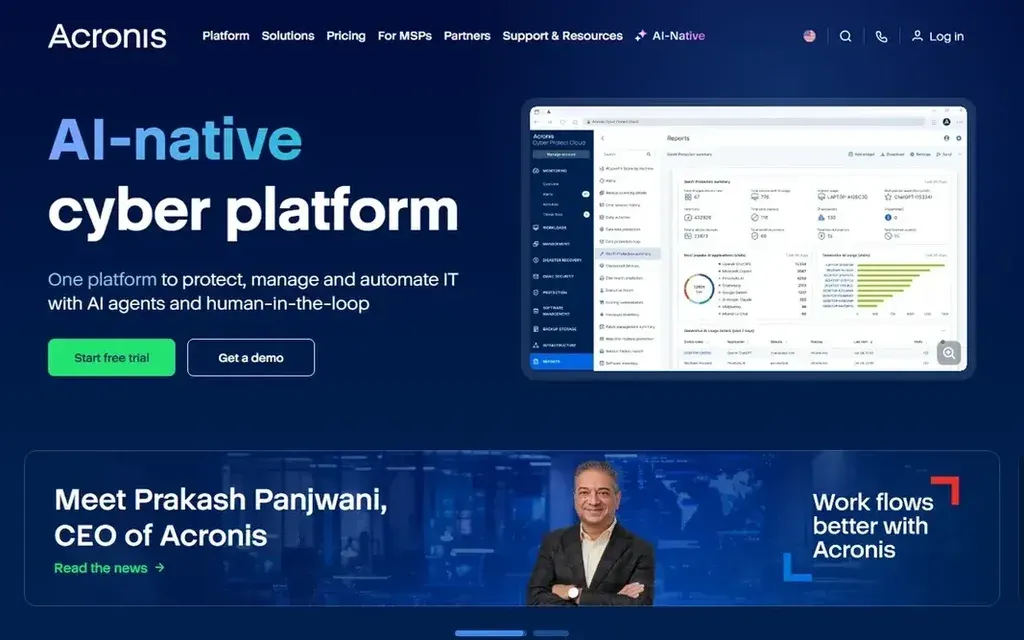
Acronis Cyber Protect targets businesses wanting backup plus security. For a law office, that combination matters since the same product spans routine server backups and some of the threat detection work that otherwise needs a separate tool.
Smaller practices without dedicated IT staff may find a more straightforward backup-only tool simpler to operate. For everyday use, because the product spans backup and security, the interface and configuration can feel wide for a firm that only wants scheduled server backups. Check the vendor site for Acronis Cyber Protect pricing; none is listed in this comparison. Free access: Not stated.
Where it falls short: Feature breadth can add setup complexity.
- Backup and cybersecurity in one product
- Protects sensitive information across workloads
- May overlap with tools you already run
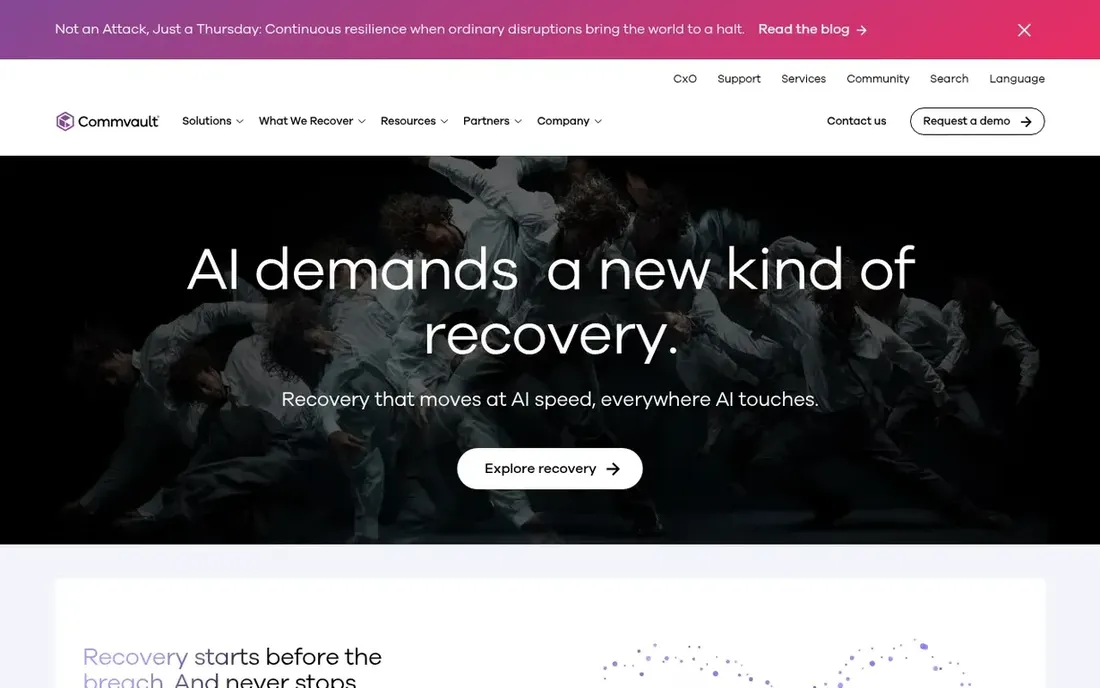
Choose Commvault Cloud for large businesses needing wide cyber resilience. Consider Commvault when resilience across numerous systems is the priority; a more straightforward tool may serve a compact office better.
Points against: Enterprise scope may exceed small firm needs.
Upsides: Spots compromise as it happens.
On top of that, administration needs real expertise, and the value relies on having a clear recovery plan. Commvault Cloud does not show a starting price in this comparison, so check the vendor site for current pricing. Free access: Not stated.
- Restores data
- Apps and identity
- Deployment and administration need expertise
How we chose
We compared the tools on published pricing, free plan or trial availability, feature coverage for server backup software for law offices, and the limits each vendor documents. Where a price is missing, the vendor does not list one publicly or ties it to a quote. Always confirm before budgeting. The sequence is a judgement call: typical use case first, then pricing transparency, then free access. Use the profiles to check fit.
A buyer's checklist
- Ask each vendor, from Veritas Backup Exec to Commvault Cloud, for a written quote; none of them publishes a starting price.
- Read the limits listed for Veritas Backup Exec first: interface can feel dated to new users.
- Make sure Cohesity DataProtect lets you export your data in a format another tool can read.
- Ask Commvault Cloud about contract length, onboarding fees and user minimums before you sign.
- Check the integration list for Veritas Backup Exec against the tools you run today, and note which ones need a higher plan.
FAQ
How do backup and cyber resilience products differ?
Traditional backup concentrates on copying and restoring data on a schedule. For everyday use, Cyber resilience systems for example Commvault Cloud and Rubrik add compromise detection, immutable copies and faster recovery across more systems, which matters when ransomware is the central threat.
Do these tools publish their prices?
No. None of the tools, from Veritas Backup Exec to Commvault Cloud, shows a fixed starting price here, so budget time for quotes.
Is Veritas Backup Exec the right pick for everyone comparing server backup software for law offices?
No single tool suits every team. Veritas Backup Exec comes first because it fits mixed on-premises and cloud workloads, while Cohesity DataProtect suits simplifying protection across on-premises and cloud and N-able Backup suits Cloud-first backup run by IT partners. Match the tool to your own size, budget and workflow before deciding.
Does any tool for server backup software for law offices here have a free plan?
A permanent free plan is not offered by Veritas Backup Exec, Commvault Cloud or the other tools here. Plan a short evaluation period instead.
Can I try these tools before paying?
Not by default. None of the tools, from Veritas Backup Exec to Commvault Cloud, lists a free plan or a free trial here, so ask each vendor for a demo before committing.
Sources
- https://www.veritas.com/products/backup-exec
- https://www.cohesity.com/products/data-protect
- https://www.n-able.com/products/backup
- https://www.rubrik.com
- https://www.acronis.com/en-us/products/cyber-protect
- https://www.commvault.com