6 Best Remote Support Software for Law Firms for 2026, Vetted and Compared
Best remote support software for law firms in 2026: 6 tools with starting prices, free plans and limits. Honest caveats for every entry. See which fits.
- Editor's choiceN-able Take Control
MSPs offering support to law businesses
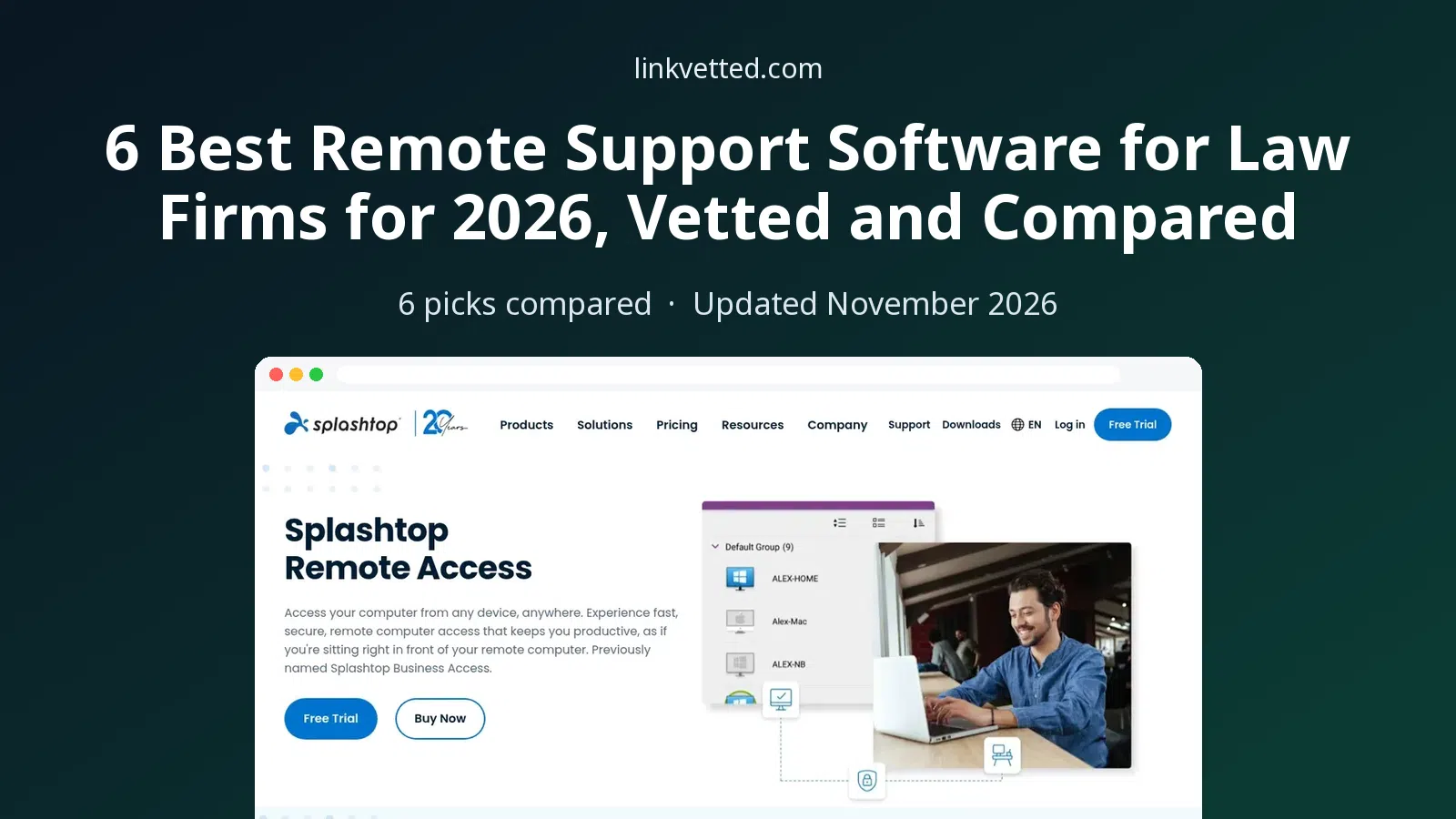
Starts atSee websiteVisit n-able.comFull review - Great alternativeSplashtop Business Access
Quick and secure remote access
Starts at$6 per monthVisit splashtop.comFull review - Also consider
 GoTo Resolve
Unified endpoint management and support
Starts atSee websiteVisit goto.comFull review
Direct answer
N-able Take Control leads the list, best for MSPs supplying support to law businesses. Listed starting prices: Splashtop Business Access from $6 per month and RemotePC from $1.84 per month. For a different need, Splashtop Business Access covers quick and secure remote access and GoTo Resolve covers unified endpoint management and support. All 6 tools are compared below on price, free plan and limits.
TL;DR:
- N-able Take Control sits first on this list: MSPs supplying support to law businesses.
- None of the 6 tools, from N-able Take Control to TeamViewer Remote, has a free plan, so budget for a subscription or use a trial.
- For the cheapest start, look at RemotePC: $1.84 per month.
- RemotePC comes with a trade-off: may lack advanced support features.
- TeamViewer Remote is the one to check for wide remote support and collaboration.
Last checked November 2026. Prices and plan details were read from the vendors' own pages in November 2026; vendors change plans often, so confirm the current price on the vendor site before you buy.
Quick comparison
| Tool | Best for | Starts at | Free plan? | |
|---|---|---|---|---|
| N-able Take Control | MSPs offering support to law businesses | See website | Not stated | Visit |
| Splashtop Business Access | Quick and secure remote access | $6 per month | Free trial | Visit |
| GoTo Resolve | Unified endpoint management and support | See website | Free trial | Visit |
 RemotePC | Secure remote access across devices | $1.84 per month | Free trial | Visit |
| Kaseya VSA | Remote monitoring and management | See website | Not stated | Visit |
| TeamViewer Remote | Wide remote support and collaboration | See website | Free trial | Visit |
Tool-by-tool breakdown
Short on time? The summary and table above give the quick view of 6 remote support software for law firms, and the profiles that follow give the detail behind each entry.
N-able Take Control
Best for: MSPs offering support to law businesses
N-able Take Control serves MSPs supplying support to law businesses. N-able Take Control is a remote-control and support tool designed for managed service providers (MSPs) to swiftly resolve issues whereas delivering exceptional customer service.
Where it is weaker: May not be a strong match for in-house IT teams.
Law businesses that work with MSPs may benefit from this tool as it makes it possible for efficient remote support. N-able Take Control does not show a starting price in this comparison, so check the vendor site for current pricing. On free options: Not stated.
- Remote control and support for MSPs
- Focus on customer service
- Primarily designed for MSPs
Splashtop Business Access
Best for: Quick and secure remote access
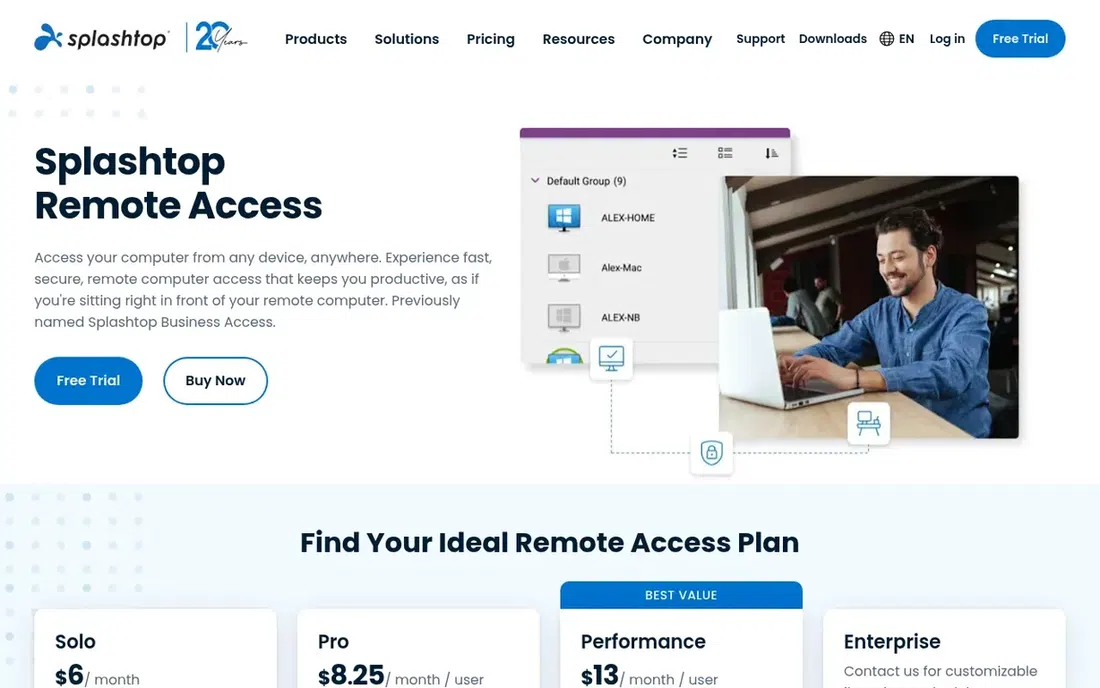
Splashtop Business Access works best for quick and secure remote access. Splashtop Business Access offers quick, secure, and easy-to-use remote access software, enabling remote teams to work from anywhere on any device. For everyday use, businesses needing thorough support capabilities might need a different option, but for entry-level remote access, it is efficient.
For law businesses, this means staff can securely access their office computers and files remotely. It is well suited to businesses that prioritize straightforward, high-performance remote access. On cost, Splashtop Business Access starts like this: $6 per month. As for free access: Free trial.
Points against: May need extra tools for advanced troubleshooting.
- Quick and secure remote access
- Works on any device
- Concentrated on access instead of full support
GoTo Resolve targets unified endpoint management and support. GoTo Resolve is an IT management software that bundles remote support features, meant to help organizations stay on top of their IT landscape. It is right for law businesses with expanding IT needs that need both remote support and endpoint management.
Worth adding: the tool aims to unify support and management tasks. More specifically, businesses seeking only remote support might find it overly complicated, but those needing a thorough IT option will benefit from its integrated approach. GoTo Resolve may be more than small law businesses need, as it includes broad IT management features. No starting price is listed for GoTo Resolve here; confirm pricing on the vendor site. On free options: Free trial.
What to check first: May be complicated for small businesses.
- Helps handle expanding IT landscapes
- Merges remote support with IT management
- Needs setup and training
RemotePC works best for secure remote access across devices. RemotePC is a remote access option for PC, Mac, Linux, and mobile devices, supplying secure remote access. It is right for law businesses that require to access files and applications from several devices.
From a buyer's view, the tool is straightforward and concentrates on secure connectivity. Beyond that, businesses needing thorough support capabilities might require a different tool, but for entry-level remote access, RemotePC is a practical choice. RemotePC pricing: $1.84 per month. As for free access: Free trial.
What to check first: May lack advanced support features.
- Straightforward to use
- Supports PC, Mac, Linux, mobile
- Restricted collaboration tools
Kaseya VSA
Best for: Remote monitoring and management
Kaseya VSA is aimed squarely at Remote monitoring and management. Law businesses with substantial IT infrastructure may find it useful for maintaining system health and offering support.
Honest limits: Complicated setup and ramp-up time.
Check the vendor site for Kaseya VSA pricing; none is listed in this comparison. Free access: Not stated.
- Automates monitoring and patching
- Comes with remote support
- May be overkill for small businesses
TeamViewer Remote
Best for: Wide remote support and collaboration
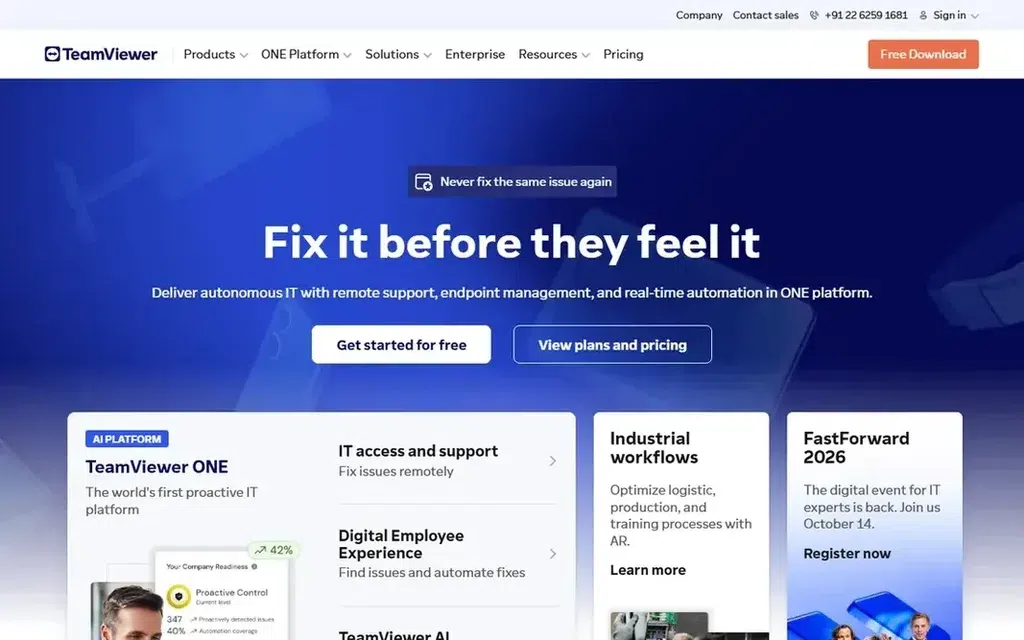
Choose TeamViewer Remote for wide remote support and collaboration. Smaller firms may find entry-level remote access tools sufficient, but TeamViewer supplies a balance of features and simplicity for numerous legal environments.
Where it falls short: Advanced features may need training.
Also, Whereas TeamViewer Remote is powerful, businesses with highly sensitive data should review security settings carefully. Pricing for TeamViewer Remote is not stated here, so ask the vendor for current figures. As for free access: Free trial.
- Works across several systems
- Supports remote desktop access and support
- May need configuration for strict security policies
How these tools were picked
What to check before you buy
- Get a written quote from N-able Take Control, GoTo Resolve, Kaseya VSA and TeamViewer Remote; the list shows no starting price for them.
- Take the trial from Splashtop Business Access, GoTo Resolve, RemotePC and TeamViewer Remote and push a live task through it before you pay.
- Before choosing N-able Take Control, weigh its main limit: primarily designed for MSPs.
- Before rolling out N-able Take Control, verify the integrations your workflow depends on.
- Look at which plan of TeamViewer Remote unlocks the features you need; entry tiers are often cut down.
FAQ
Is N-able Take Control the right pick for everyone comparing remote support software for law firms?
No single tool suits every team. N-able Take Control comes first because it fits MSPs providing support to law firms, while Splashtop Business Access suits fast and secure remote access and GoTo Resolve suits unified endpoint management and support. Match the tool to your own size, budget and workflow before deciding.
Can remote support software help with compliance requirements?
Even so, businesses must ensure the software meets specific legal industry standards and configure it appropriately. Consulting with IT and compliance experts is recommended.
Can I try these tools before paying?
Often, yes. Splashtop Business Access, GoTo Resolve, RemotePC and TeamViewer Remote offer a free trial. Use your own data and a real task during the test, and check what the free tier or trial limits before you rely on it.
Do these tools publish their prices?
Not all of them. N-able Take Control, GoTo Resolve, Kaseya VSA and TeamViewer Remote publish no starting price, so expect a quote request for those. The rest, Splashtop Business Access included, show a starting price, though seats and billing terms still change the final cost.
What should law businesses look for in remote support software?
Law businesses should prioritize security, simplicity, and reliability. Features like encryption, access controls, and audit logs are important to protect sensitive client data.
Does any tool for remote support software for law firms here have a free plan?
A permanent free plan is not offered by N-able Take Control, TeamViewer Remote or the other tools here. Splashtop Business Access, GoTo Resolve, RemotePC, TeamViewer Remote offer a trial. Plan a short evaluation period instead.
Sources
- https://www.n-able.com/products/take-control
- https://www.splashtop.com/business
- https://www.goto.com/resolve
- https://www.remotepc.com
- https://www.kaseya.com/products/vsa
- https://www.teamviewer.com