5 AI Legal Operating System Software for Remote Teams Worth Shortlisting in 2026
5 best AI legal operating system software for remote teams, compared on pricing, free plans and best-fit use. Each pick lists its main limit. Numbers first.
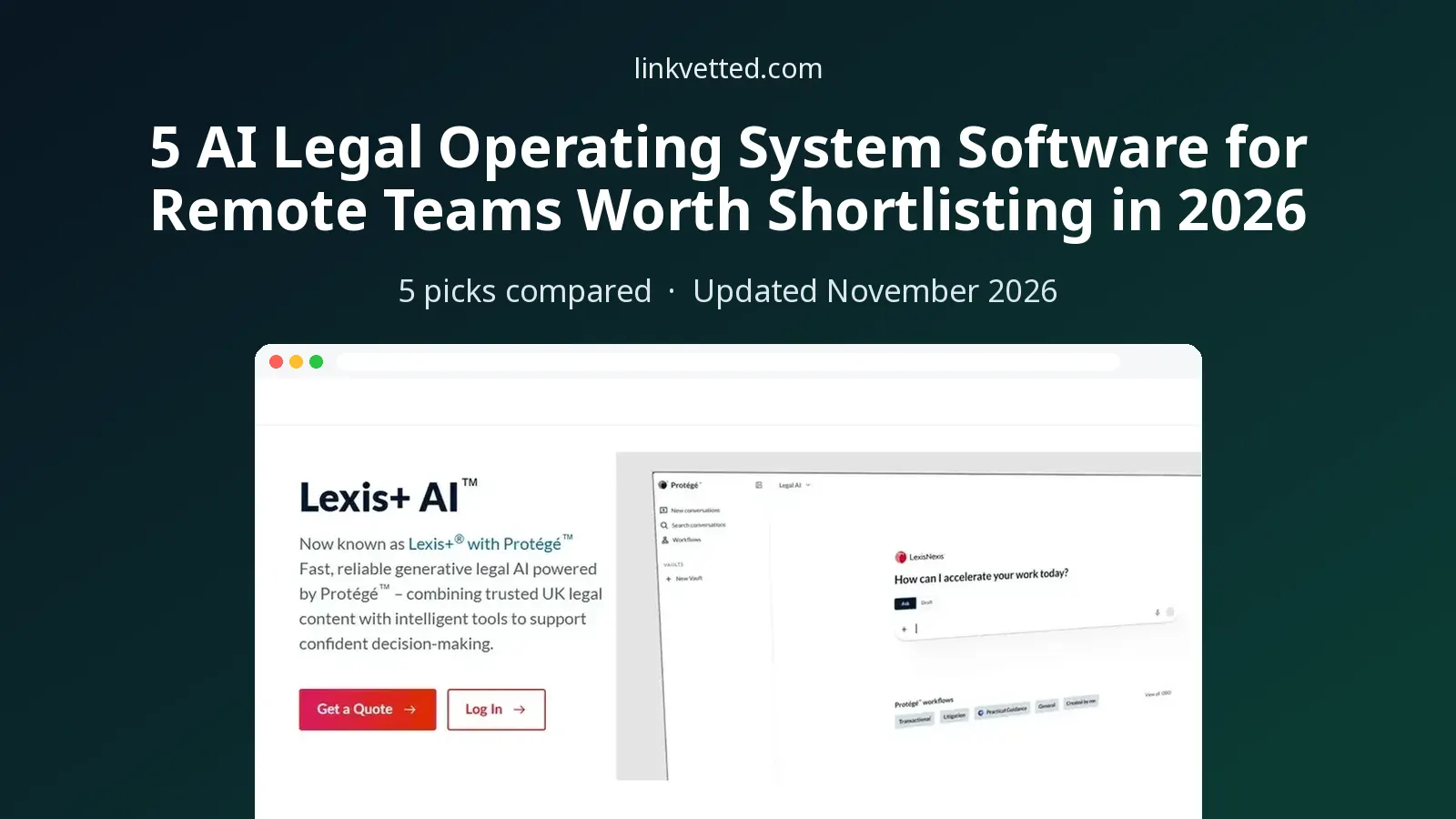
- Editor's choice
 Lexis+ AI
Drafting, research and analysis
Starts atPricing on requestVisit lexisnexis.comFull review - Great alternative
 Spellbook
Contract drafting inside Word
Starts atPricing on requestVisit spellbook.legalFull review - Also consider
 Luminance
Contract intelligence across the enterprise
Starts atPricing on requestVisit luminance.comFull review
Direct answer
Lexis+ AI is the first pick on this list for Drafting, research and analysis. Spellbook is better for contract drafting inside Word, and Luminance is better for contract intelligence across the enterprise. Prices, free plans and limits for all 5 tools follow. None of these vendors publish plan prices, so pricing is on request for every option.
TL;DR:
- This list starts with Lexis+ AI, which is built for Drafting, research and analysis.
- CoCounsel is the one to check for research-backed AI for professionals.
- One limit worth knowing about Luminance: enterprise orientation may suit bigger teams.
- No starting price is shown for any of the 5 tools, Lexis+ AI and CoCounsel included, so plan time for sales calls.
Last checked November 2026. Pricing on request: vendors did not publish plan prices when this guide was last checked (November 2026), so ask each vendor for a written quote.
Quick comparison
| Tool | Best for | Starts at | Free plan? | |
|---|---|---|---|---|
| Lexis+ AI | Drafting, research and analysis | Pricing on request | Not stated | Visit |
| Spellbook | Contract drafting inside Word | Pricing on request | Free trial | Visit |
| Luminance | Contract intelligence across the enterprise | Pricing on request | Not stated | Visit |
 Harvey | Wide legal AI across practice areas | Pricing on request | Not stated | Visit |
 CoCounsel | Research-backed AI for professionals | Pricing on request | Free trial | Visit |
AI Legal Operating System Software for Remote Teams compared in detail
LinkVetted put together this guide to AI legal operating system software for remote teams for readers who want a clear shortlist without reading every vendor page. It compares 5 tools on starting price, free plans, who each one suits and where each one falls short.
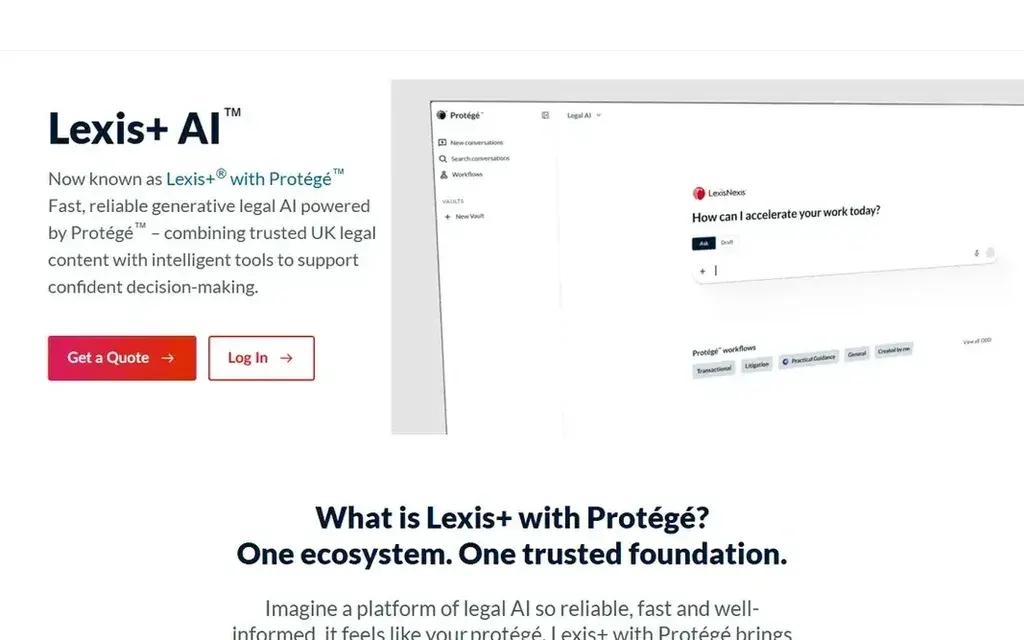
Lexis+ AI works best for Drafting, research and analysis. Lexis+ with Protégé is a legal AI option for drafting, research and analysis that provides results from authoritative LexisNexis resources.
In daily use, remote teams that depend on LexisNexis content for legal research will find it a natural fit, notably when they want drafting and analysis support alongside search. Teams whose central workload is high-volume contract review may want a dedicated contract product instead, and should compare workflows before committing. No starting price is listed for Lexis+ AI here; confirm pricing on the vendor site. Free plan details: Not stated.
Trade-offs to know: Less emphasis on contract lifecycle work.
- Draws on authoritative LexisNexis resources
- Centred on trusted results
- Best value within LexisNexis workflows
In short, Spellbook is for contract drafting inside Word. Spellbook is narrower than full legal operating systems, so teams needing litigation, compliance or research support will likely want extra tools.
Limits to weigh: Centered on transactional work.
It is the better pick when contract drafting speed and Word-native review are the core requirements. Pricing for Spellbook is not stated here, so ask the vendor for current figures. Free options: Free trial.
- Works straight in Microsoft Word
- Uses several large language models
- Narrower than full practice systems
Luminance was built for contract intelligence across the enterprise. Luminance is worth considering when portfolio-level insight and risk analysis matter more than daily drafting convenience.
Drawbacks to consider: Centred on contract intelligence.
It fits remote legal teams that require visibility into large contract portfolios instead of single-document review alone. Check the vendor site for Luminance pricing; none is listed in this comparison. Free options: Not stated.
- Turns contract language into insights
- Aims to mitigate risk
- Enterprise orientation may suit bigger teams
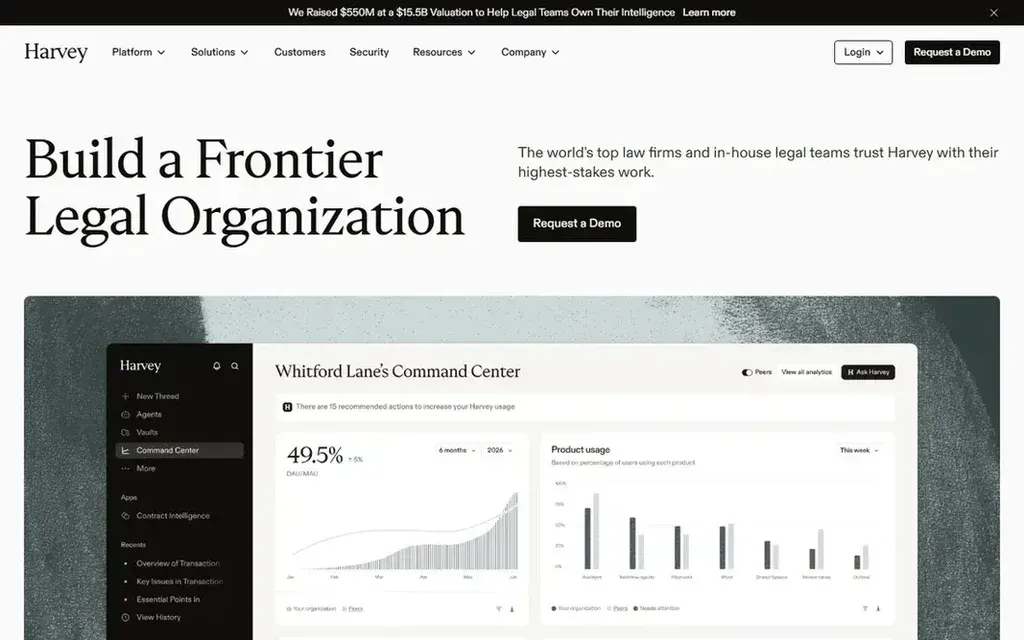
Harvey works best for wide legal AI across practice areas. Harvey is an AI software system for legal and professional services, described as tailored for law businesses and corporate legal teams worldwide.
Where it falls short: Less centred on a single contract task.
More specifically, consider alternatives when your work centers on one repetitive task or when your team mainly needs research citations from a specific content library. Harvey does not show a starting price in this comparison, so check the vendor site for current pricing. On free options: Not stated.
- Spans contract analysis and due diligence
- Made for law businesses and corporate teams
- Wide scope may need onboarding time
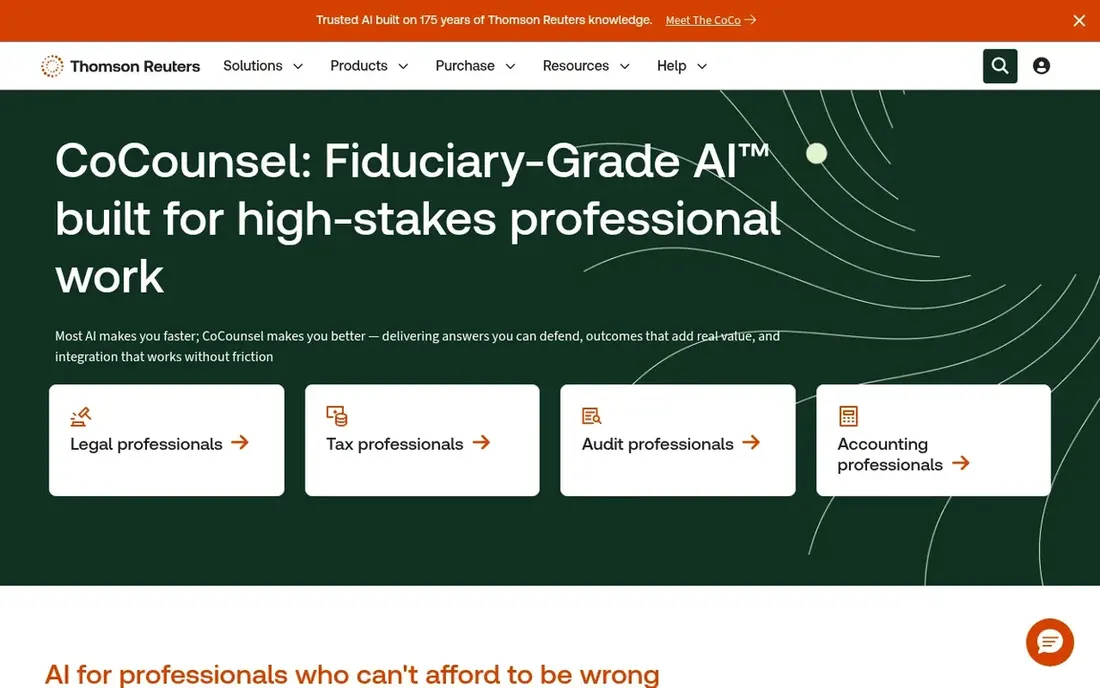
CoCounsel makes the most sense for research-backed AI for professionals. CoCounsel is Thomson Reuters AI technology built by industry experts, backed by authoritative content and equipped with security features the vendor flags.
Where it falls short: Tied to Thomson Reuters content ecosystem.
It suits remote teams that want AI assistance grounded in a trusted legal content source and that already work within Thomson Reuters research workflows. Pricing for CoCounsel is not stated here, so ask the vendor for current figures. Free options: Free trial.
- Built by industry experts
- Backed by authoritative content
- General professional focus beyond law
How we chose
Selection started from tools commonly considered for AI legal operating system software for remote teams, then narrowed to 5 that have clear pricing information or a clear quote process. Where a price is missing, the vendor does not list one publicly or ties it to a quote. Always confirm before budgeting. The ranking is editorial: typical fit first, then clear pricing, then free access. If your needs are unusual, read the profiles rather than relying on position.
What to check before you buy
- Confirm the entry price with every vendor: no tool from Lexis+ AI to CoCounsel shows a fixed starting price.
- Run a trial of Spellbook and CoCounsel with real work before paying for a year; your own workflow is the best test.
- Read the limits listed for Lexis+ AI first: best value within LexisNexis workflows.
- Before you load data into Luminance, check what an export looks like and who can run it.
- Find out whether the entry plan of Lexis+ AI covers your must-haves or only a trimmed-down version.
FAQ
Can remote teams use these platforms securely?
Security is a stated priority for multiple vendors, including CoCounsel. Teams should still confirm access controls, data handling practices and training policies straight with each vendor before rolling out to distributed staff.
What is an AI legal operating system?
It is a product that brings AI assistance to core legal tasks like research, contract review, drafting and data analysis. Remote teams use these systems to keep work accessible outside a single office and to cut manual document handling.
Can I try these tools before paying?
Often, yes. Spellbook and CoCounsel offer a free trial. Use your own data and a real task during the test, and check what the free tier or trial limits before you rely on it.
Is Lexis+ AI the right pick for everyone comparing AI legal operating system software for remote teams?
No single tool suits every team. Lexis+ AI comes first because it fits Drafting, research and analysis, while Spellbook suits contract drafting inside Word and Luminance suits contract intelligence across the enterprise. Match the tool to your own size, budget and workflow before deciding.
Do these tools publish their prices?
No. None of the tools, from Lexis+ AI to CoCounsel, shows a fixed starting price here, so budget time for quotes. Each of the 5 options in this AI legal operating system software for remote teams guide has its own card above with the price, free plan and limits.
Does any tool for AI legal operating system software for remote teams here have a free plan?
No tool in this list, Lexis+ AI and CoCounsel included, has a permanent free plan. Spellbook, CoCounsel offer a trial. Trials and quotes are the usual route, so plan a short evaluation period.
Sources
- https://www.lexisnexis.com/en-us/products/lexis-plus-ai.page
- https://www.spellbook.legal
- https://www.luminance.com
- https://www.harvey.ai
- https://www.thomsonreuters.com/en/cocounsel