Best AI Contract Management Software in 2026: 8 Tools Compared
Compare the best ai contract management software in 2026, with AI extraction, redlining, workflows, pricing and fit for small and enterprise legal teams.
- Editor's choice
 Ironclad
Enterprise lifecycle management
Starts atSee websiteVisit ironcladapp.comFull review - Great alternative
 LinkSquares
Portfolio analytics and bulk review
Starts at$10,000 per yearVisit linksquares.comFull review - Also consider
 DocuSign CLM
Teams already on DocuSign
Starts atSee websiteVisit docusign.comFull review
TL;DR:
- Ironclad and Agiloft lead for enterprise lifecycle work, while SpotDraft and ContractSafe give mid market and lean teams a faster start.
- LinkSquares is the strongest pick for a team with a large signed contract portfolio that needs search and analytics first.
- Most enterprise CLM pricing is quote based, so budget for implementation on top of the subscription.
- AI review speeds up drafting and extraction, but it does not replace attorney judgment on high risk terms.
Quick comparison
| Tool | Best for | Starts at | Free plan? | |
|---|---|---|---|---|
| Ironclad | Enterprise lifecycle management | See website | No | Visit |
| LinkSquares | Portfolio analytics and bulk review | $10,000 per year | No | Visit |
| DocuSign CLM | Teams already on DocuSign | See website | No | Visit |
 Agiloft | Highly configurable workflows | See website | No | Visit |
 SpotDraft | Mid market AI first CLM | $450 per month | No | Visit |
 ContractSafe | Lean searchable repository | $450 per month | Free trial | Visit |
 Concord | SMB negotiate and sign in one place | $499 per month | No | Visit |
 Juro | Self serve commercial teams | See website | No | Visit |
The best ai contract management software
We compared AI extraction, drafting, redlining, approvals, repository search, analytics, integrations and pricing. The best ai contract analysis tools for a team depend on whether you need drafting help, bulk review, or a full lifecycle workflow.
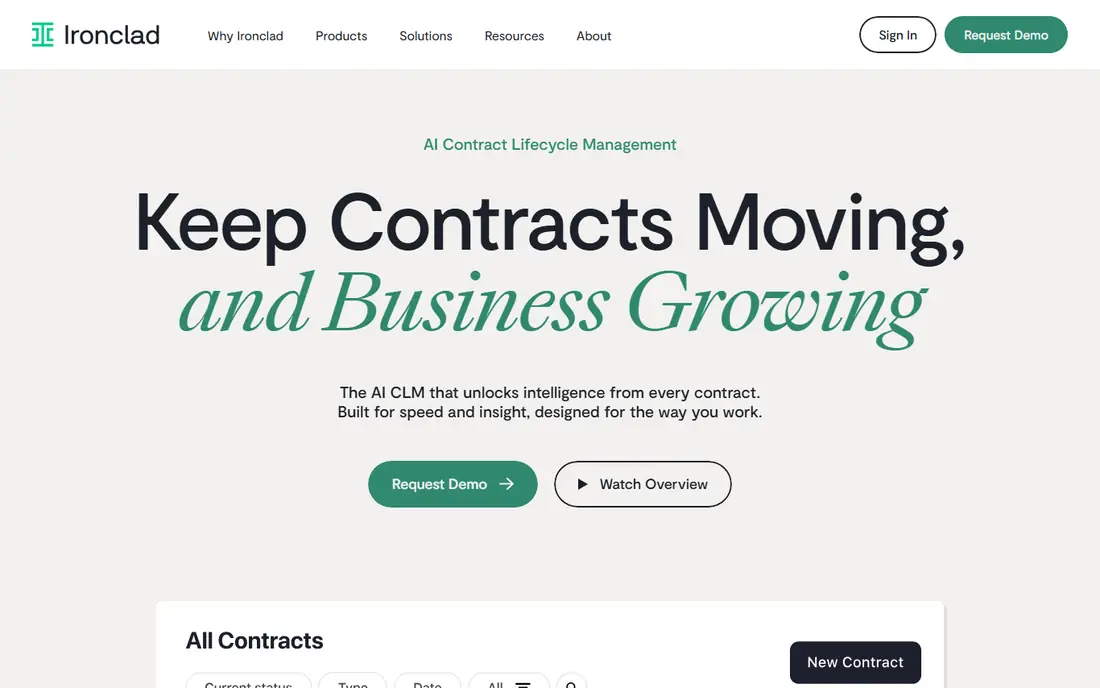
Ironclad covers the whole contract lifecycle: drafting from templates, AI assisted review, approvals, e-signature and a searchable repository. Legal teams use it to standardize language, route approvals by value or risk, and track obligations after signature. Integrations with Salesforce, Slack, Microsoft 365 and DocuSign keep contracts inside the tools business teams already use.
The main drawback is enterprise scope and price. Implementation focuses on workflow design, which takes time when approvals and clause libraries are complex. Published guides cite entry costs in the mid five figures per year. For a mid market or enterprise legal team that needs workflow control, Ironclad is a leading pick. Smaller teams should look at SpotDraft or Concord first.
- Full lifecycle from drafting to signature and storage
- Strong workflow and AI review
- Broad integrations
- No published pricing
- Implementation can take months for complex workflows
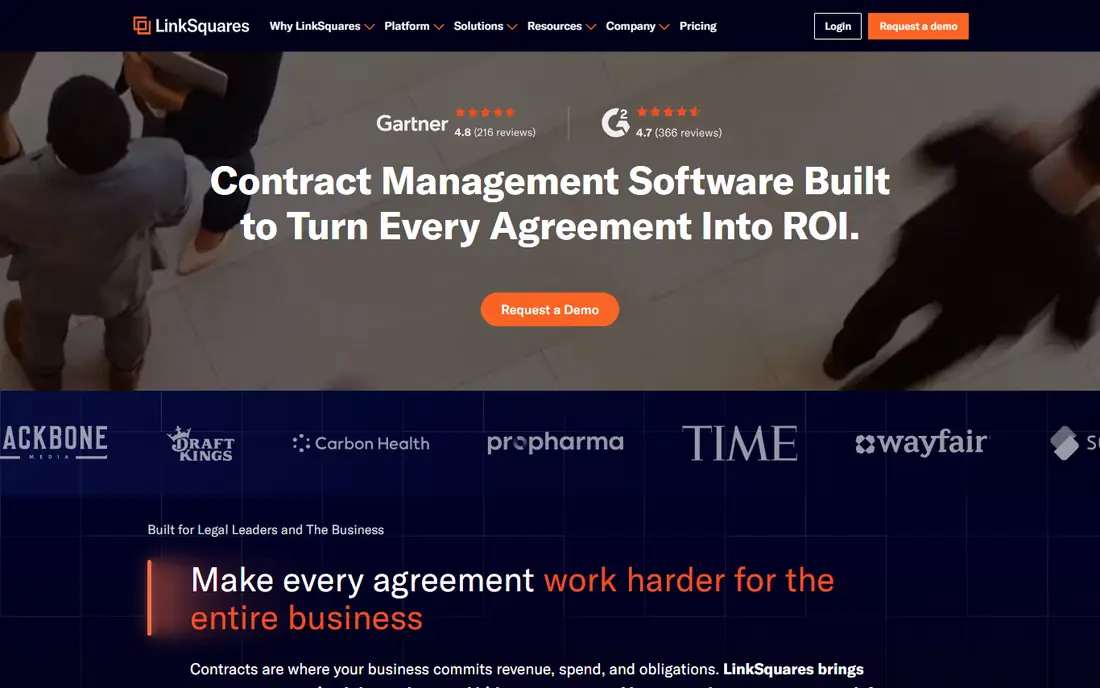
LinkSquares answers a simple question well: what is actually inside your signed contracts. Its AI extracts key terms, dates, values and clauses from thousands of agreements, then turns that data into renewal views, obligation tracking and portfolio reports. Legal teams with years of unstructured contracts use it to find risk, renewals and commitments that were previously buried in PDFs.
Starting pricing is reported around $10,000 per year, with higher tiers for volume and features. Implementation focuses on bulk extraction quality, which matters more than drafting polish for a repository first buyer. If your main pain is finding things in an existing portfolio, LinkSquares should be at the top of your shortlist.
- Strong bulk AI extraction and analytics
- Renewal and obligation alerts
- Word plug in for drafting
- Drafting feels less polished than Ironclad or Juro
- Implementation can add to first year cost
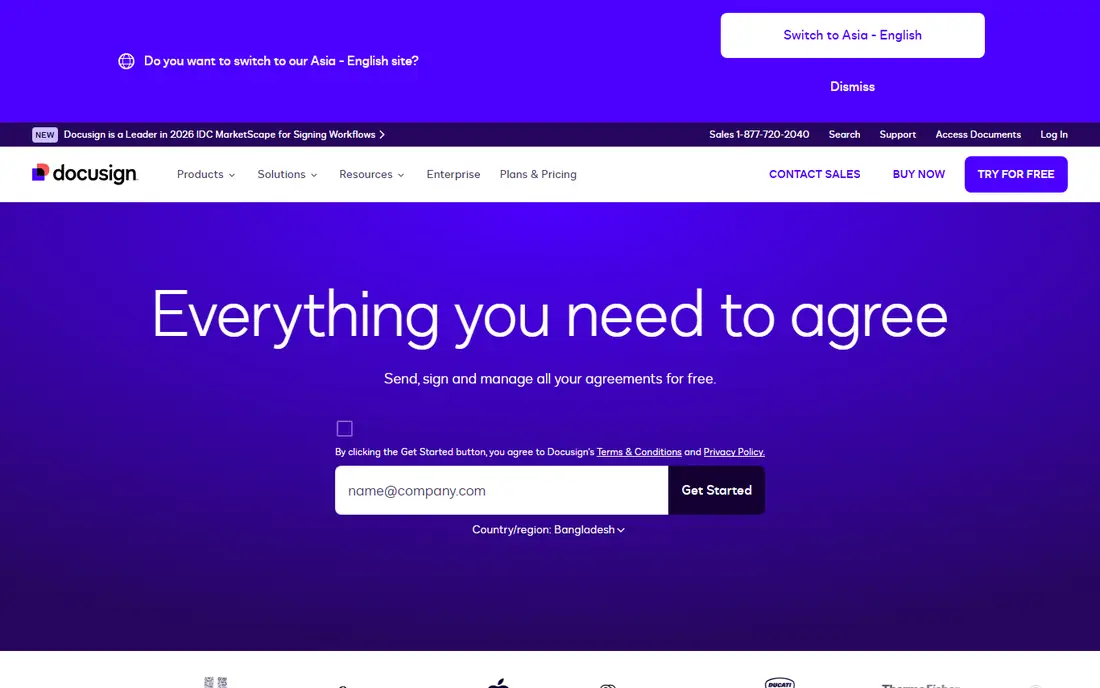
DocuSign CLM, now part of DocuSign's agreement management platform, suits organizations already standardized on DocuSign for signatures. Contracts can move from drafting and negotiation to signature and storage without leaving the DocuSign ecosystem. AI Insight extracts terms and flags clauses, which helps with portfolio search and compliance.
Pricing is custom, with guides citing entry costs in the $20,000 per year range for CLM. Implementation time varies from weeks for a repository to months for full workflows. If your team already pays for DocuSign and wants one vendor for agreements, CLM is a natural step. If you need a lighter tool, Concord or ContractSafe may be faster.
- E-signature ecosystem built in
- AI insight for extraction
- Broad enterprise integrations
- No published pricing
- Full CLM setup can be a large project
Agiloft is the configurable choice for organizations whose contracting process does not fit a standard template. Its no code platform lets admins build custom workflows, approval matrices, clause libraries and reports without waiting on a vendor for every change. AI features can be tuned to your policies, which helps legal teams that need to explain how a suggestion was made.
That flexibility needs ownership. A team without a skilled admin may find the setup daunting, and implementation can take three to six months for complex programs. For a company with unique workflows, regulated approvals or a need for deep customization, Agiloft is one of the most capable CLM platforms in this list.
- Deep no code configuration
- AI transparency options
- Strong for unique or complex processes
- No published pricing
- Configuration depth needs skilled admins
SpotDraft targets growing in-house legal teams that want AI help without enterprise weight. Its VerifAI feature reviews contracts inside Word, flags non standard language and suggests changes based on your playbook. Intake, approvals, signature and repository features cover the full lifecycle, with implementation in weeks rather than months for many mid market teams.
Pricing starts at $450 per month on annual billing, which makes budgeting easier than quote only enterprise tools. The trade off is depth: very complex global workflows may still need Ironclad or Agiloft. For a team moving from shared drives and email redlines to a real CLM, SpotDraft is a strong, fast starting point.
- AI first review inside Word
- Fast implementation for mid market teams
- Clear lifecycle from intake to storage
- Less enterprise depth than Ironclad or Agiloft
- Pricing rises with volume and features
ContractSafe is for teams that mainly need to find contracts, track dates and stay on top of renewals. Upload agreements, let AI extract key terms, search by party, date or clause, and set alerts for expiry and renewal windows. The interface is simpler than a full CLM, which helps a small legal or operations team adopt it quickly.
The Organize plan starts at $450 per month on annual billing, with a free trial for evaluation. If you need deep approval workflows, clause libraries and redlining playbooks, SpotDraft or Ironclad will fit better. If your main problem is a messy shared drive and missed renewals, ContractSafe solves it at a clear price.
- Simple searchable repository with AI extraction
- Alerts for renewals and deadlines
- Published pricing
- Not a full workflow CLM
- Limited drafting and negotiation depth
Concord combines drafting, negotiation, approval and e-signature in a single browser based workspace. Teams can edit a contract together, track changes, approve internally and send for signature without switching tools. That all in one flow suits small and mid sized businesses that sign sales, vendor and partner agreements regularly.
Pricing starts at $499 per month, with unlimited signatures on some plans, which helps a team with high envelope volume. AI features are more basic than dedicated analysis tools, so Concord is best when workflow and signing matter more than deep clause analytics. For an SMB that wants one place for contracts, it is a practical pick.
- Negotiate, approve and sign in one place
- Unlimited signatures on some plans
- Published pricing
- AI review is basic compared with LinkSquares or Ironclad
- Demo only, no free trial
Juro lets commercial teams self serve routine contracts in the browser, with AI drafting, Word integration and approval workflows. Sales and operations teams can generate a standard agreement from a template, while legal keeps control of clauses and approvals. That self serve model reduces the queue of routine requests that slows legal teams down.
Pricing is custom, with published guides citing an average around $34,500 per year for larger programs. That puts Juro out of reach for a very small team, but in range for a growing company with a busy commercial pipeline. If your goal is to let business teams handle standard contracts safely, Juro is worth a demo.
- Browser native drafting and redlining
- AI draft help
- Good for commercial teams that self serve routine contracts
- No published pricing
- Average enterprise cost is high for small teams
How we picked these
We compared official feature and pricing pages, plus public CLM guides in October 2026. We favored tools with live AI extraction or review, a searchable repository, approvals and e-signature, and a clear buyer fit from SMB to enterprise. We included both published price tools and quote based enterprise platforms, so teams at different sizes can shortlist. Prices shown are entry plans where published; otherwise we list See website.
How to buy AI contract software without a failed rollout
Start with a pilot on your own contracts, not a vendor demo set. Upload 20 to 50 real agreements, including your hardest types, and check extraction accuracy, clause flagging and search results. AI accuracy varies by contract type, so a pilot on your documents is the only reliable test. Keep a human lawyer in the loop for every high risk term.
Next, map the workflow before you buy. List who drafts, who approves, what triggers legal review, and how a signed contract reaches storage and obligation tracking. A repository first tool can go live in one to four weeks, while a workflow CLM can take two to six months. Match the tool to that timeline, and do not buy workflow depth you will not staff.
Finally, price migration and implementation separately from the subscription. Ask for the cost of importing your existing portfolio, cleaning data, building templates and training users. For enterprise tools, implementation can add a large share to first year cost. Get that figure in writing before signing.
A note on legal risk
AI contract tools speed up review, but they do not give legal advice and they do not replace attorney judgment. Have a lawyer review playbooks, approval thresholds and any clause the AI flags as non standard. For regulated, high value or cross border agreements, keep human review mandatory, even when the AI score looks clean.
FAQ
What are the best ai contract analysis tools?
LinkSquares, Ironclad and Agiloft lead for analysis, with LinkSquares strongest for bulk portfolio review and Ironclad strongest for workflow plus review. SpotDraft is a strong mid market analysis pick inside Word. Test extraction on your own contracts, because accuracy varies by document type.
How much does AI contract management software cost?
SMB tools with published pricing start around $450 to $499 per month, while mid market and enterprise CLM is often quote based, from around $10,000 per year to five or six figures per year. Add implementation, migration and admin time to the subscription for a true first year total.
Can AI contract software replace a lawyer?
No. It can extract terms, flag non standard language and draft from templates, but a lawyer must still set playbooks, review high risk terms and approve final language. Use AI to cut review time on routine contracts, and keep human review for anything with material risk.
How long does CLM implementation take?
Repository first tools can go live in one to four weeks. Workflow CLM tools usually take two to six months, and enterprise rollouts can take longer. Migration quality, template design and approval mapping decide the timeline more than the software alone.
Do I need e-signature inside my CLM?
Most tools here include e-signature or integrate with DocuSign, so you can sign without leaving the workflow. Check envelope limits and pricing, because unlimited signature plans suit high volume teams, while per envelope pricing can add up quickly for sales heavy companies.