Best Legal Document Drafting Software for Remote Teams for 2026: Our 5 Vetted Picks
5 best legal document drafting software for remote teams, with entry costs, free tiers and the buyer each one serves. Plain-spoken summaries throughout.
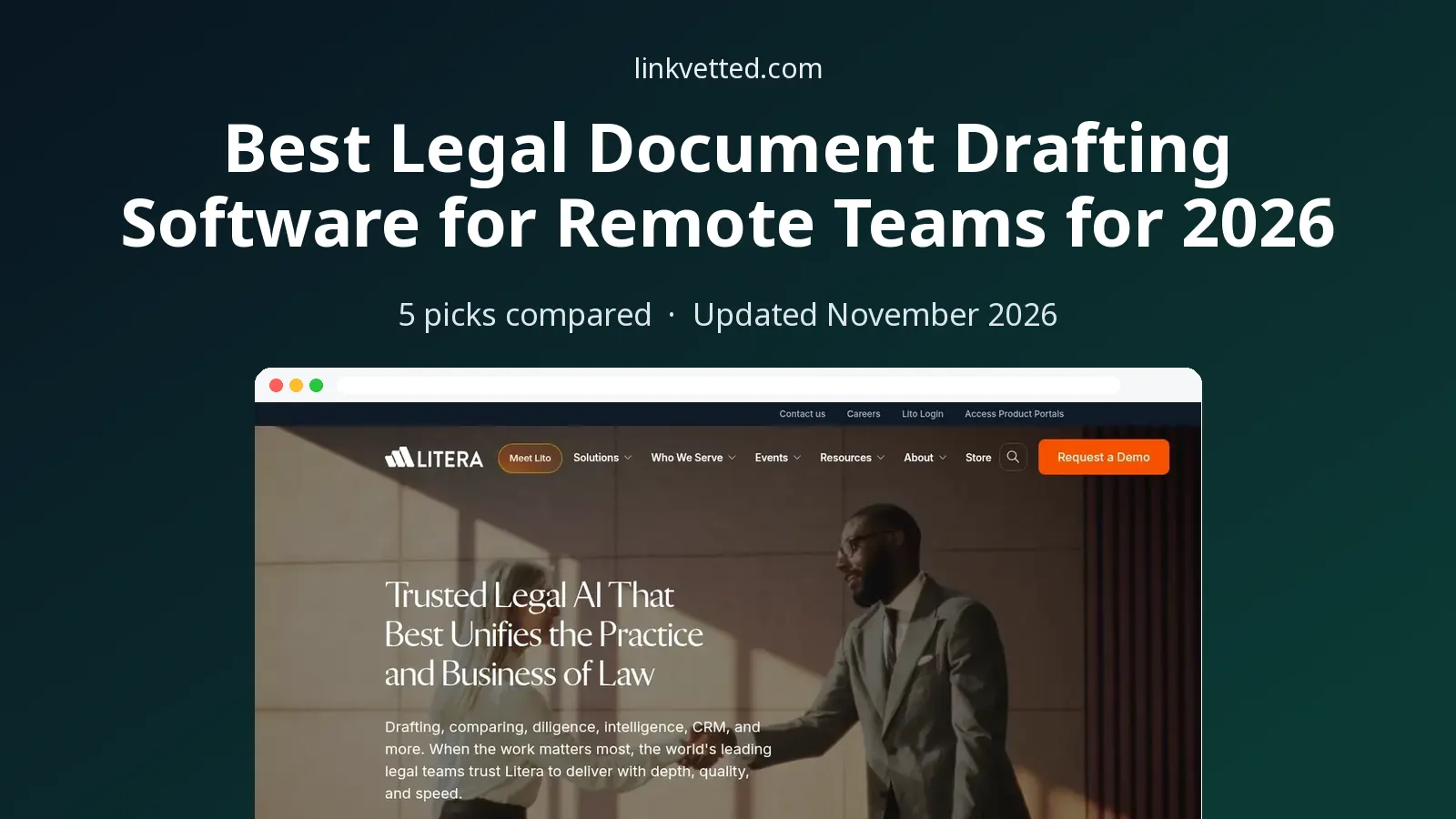
- Editor's choiceLitera Draft
Legal drafting and document workflow inside businesses
Starts atSee websiteVisit litera.comFull review - Great alternative
 DocuSign
Electronic signature and agreement management
Starts at$45 per user a monthVisit docusign.comFull review - Also consider
 Docassemble
Guided document assembly and automation
Starts atSee websiteVisit docassemble.orgFull review
Direct answer
If you need legal drafting and document workflow inside businesses, Litera Draft is the first tool to look at here. Listed starting prices: DocuSign from $45 per user a month. DocuSign fits electronic signature and agreement management; Docassemble fits guided document assembly and automation. Prices, free plans and limits for all 5 tools follow.
TL;DR:
- Number one here is Litera Draft, a fit for legal drafting and document workflow inside businesses.
- For PDF editing, review and finalization, Adobe Acrobat Pro is worth a look.
- DocuSign is the lowest-priced starter here at $45 per user per month.
- What to know about DocuSign first: not a full drafting or document management system.
- None of the 5 tools, from Litera Draft to Adobe Acrobat Pro, has a free plan, so budget for a subscription or use a trial.
Last checked November 2026. Prices and plan details were read from the vendors' own pages in November 2026; vendors change plans often, so confirm the current price on the vendor site before you buy.
Quick comparison
| Tool | Best for | Starts at | Free plan? | |
|---|---|---|---|---|
| Litera Draft | Legal drafting and document workflow inside businesses | See website | Not stated | Visit |
| DocuSign | Electronic signature and agreement management | $45 per user a month | Not stated | Visit |
| Docassemble | Guided document assembly and automation | See website | Not stated | Visit |
 Microsoft Word | Everyday drafting and document collaboration | See website | Not stated | Visit |
 Adobe Acrobat Pro | PDF editing, review and finalization | See website | Not stated | Visit |
Legal Document Drafting Software for Remote Teams profiles
LinkVetted compared 5 legal document drafting software for remote teams. The goal is a practical shortlist: published prices, free plan facts, best-fit use cases and honest limits for every entry.
Litera Draft
Best for: Legal drafting and document workflow inside businesses

Litera Draft was built for legal drafting and document workflow inside businesses. Litera Draft is part of Litera's legal technology options, targeted at legal professionals who draft and revise documents daily. It supports the document creation and workflow needs of law businesses and legal departments.
It is best chosen when drafting is a core, recurring legal task and the team can adopt a broader legal toolset. As for the details, teams that only need entry-level word processing or straightforward e-signature should look at lighter options. This comparison lists no price for Litera Draft; ask the vendor. As for free access: Not stated.
Limits to weigh: Enterprise-oriented approach.
- Targets drafting and document workflows
- Made for legal professionals
- Less suited to non-legal general business use
DocuSign is a good fit for electronic signature and agreement management. For remote legal teams, it removes the friction of printing and scanning signatures and keeps signing steps trackable.
Watch-outs: Best value only when signing is frequent.
If drafting automation is the priority, pair a signing tool with an assembly or authoring product. In daily use, DocuSign is not a document drafting or matter management system, so it complements instead of replaces authoring and storage tools. Starting cost for DocuSign: $45 per user per month. Free access: Not stated.
- Widely used for signing workflows
- Electronic signature as a core function
- Not a full drafting or document management system

Docassemble is built with guided document assembly and automation in mind. It walks a user through structured questions and creates completed documents from the answers.
It suits remote teams with some technical capacity that want to standardize repetitive drafting, for example intake forms or routine agreements, and value scriptable, template-driven output over a refined office interface. Docassemble shows no starting price here, so confirm the cost on the vendor site. Free access: Not stated.
Strengths: Open-source expert system for guided interviews. Where it is weaker: Needs technical setup and maintenance.
- YAML and Markdown
- Assembles documents from reusable templates
- Restricted native document management features
Microsoft Word targets everyday drafting and document collaboration. For remote teams, it pairs with Microsoft 365 collaboration features so colleagues can review and revise shared documents.
Where it falls short: No built-in legal document management.
Teams with high-volume, repetitive drafting should add an assembly tool or document management product. No starting price is listed for Microsoft Word here; confirm pricing on the vendor site. Trial and free access: Not stated.
- Supports templates and tracked changes
- Links up with Microsoft 365 collaboration tools
- Template discipline relies on the team
Adobe Acrobat Pro is built with PDF editing, review and finalization in mind. Remote legal teams depend on it to convert drafts into shareable final versions, apply comments and prepare documents for signature or filing.
In daily use, heavy PDF editing can also slow a review cycle compared to editing in the source format. This comparison lists no price for Adobe Acrobat Pro; ask the vendor. Free options: Not stated.
Where it is weaker: PDF-centric workflow can add steps.
- Works alongside typical authoring tools
- Supports document review and finalization
- Not a legal drafting product
How we compared the tools
We compared the tools on published pricing, free plan or trial availability, feature coverage for legal document drafting software for remote teams, and the limits each vendor documents. Where a price is missing, the vendor does not list one publicly or ties it to a quote. Always confirm before budgeting. Tools are placed by general fit for legal document drafting software for remote teams, with price clarity and free access as tie-breakers. A different team can reasonably rank them differently.
Questions to settle before buying
- Ask Litera Draft, Docassemble, Microsoft Word and Adobe Acrobat Pro for a written quote, since no starting price is shown.
- Before choosing Litera Draft, weigh its main limit: enterprise-oriented approach.
- Check whether Litera Draft bills monthly or annually, and what cancelling early costs.
- Confirm that DocuSign connects to the apps your team already uses, on the plan you would actually buy.
- Find out whether the entry plan of Microsoft Word covers your must-haves or only a trimmed-down version.
FAQ
What is the cheapest option for legal document drafting software for remote teams in this list?
On published monthly entry prices, DocuSign is the lowest here at $45 per user per month. Entry price is only part of the cost, because seats, add-ons and billing terms can change the total. Prices, free plan details and limits for all 5 tools in this legal document Drafting software for remote teams roundup sit on the individual cards above.
Can I use DocuSign as my central legal drafting tool?
DocuSign centres on electronic signature and agreement management instead of authoring long documents. It performs best alongside a drafting environment for example Microsoft Word and a document management system.
How are the tools for legal document drafting software for remote teams ordered?
Litera Draft sits first and Adobe Acrobat Pro last because the order follows typical fit for legal document drafting software for remote teams, then price clarity and free access. It is a judgement call, so read each profile for fit and limits.
Can I try these tools before paying?
Not by default. None of the tools, from Litera Draft to Adobe Acrobat Pro, lists a free plan or a free trial here, so ask each vendor for a demo before committing.
Does any tool for legal document drafting software for remote teams here have a free plan?
A permanent free plan is not offered by Litera Draft, Adobe Acrobat Pro or the other tools here. Plan a short evaluation period instead.
What is the difference between drafting software and document management software?
Drafting software helps build and assemble documents, whereas document management software keeps, organizes and controls access to them. Remote legal teams frequently need both, plus a signing tool to complete the workflow.
Sources
- https://www.litera.com
- https://www.docusign.com
- https://docassemble.org
- https://www.microsoft.com
- https://www.adobe.com