E-Filing Platforms for Remote Teams in 2026: The 6 Best Options Side by Side
6 products for the best E-Filing platforms for remote teams, ranked by fit, with starting costs and free tiers. Short verdicts, no fluff. Easy to scan.
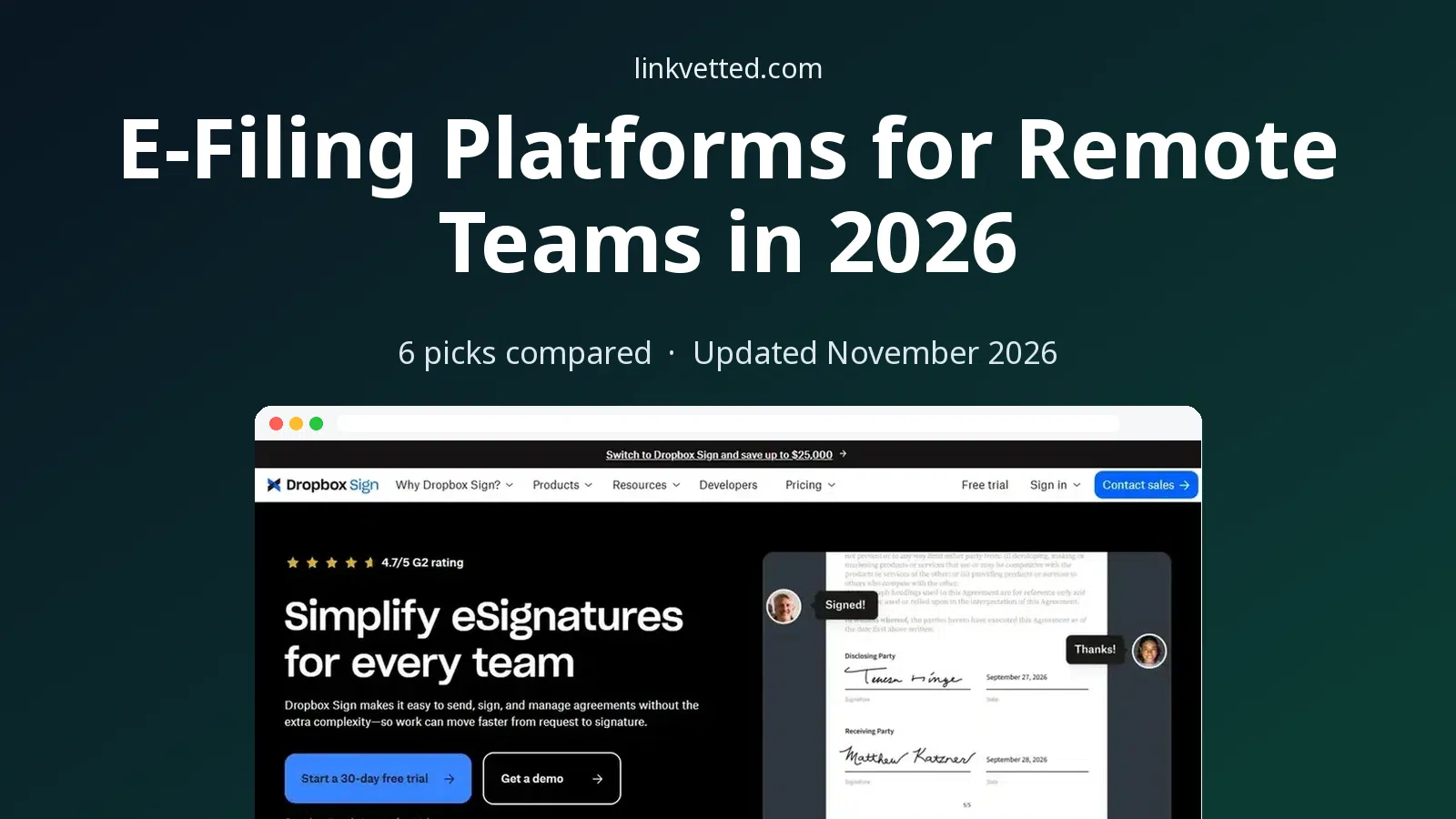
- Editor's choice
 SignNow
Custom eSignature workflows on any device
Starts atSee websiteVisit signnow.comFull review - Great alternative
 Zoho Sign
Digital signature workflows inside Zoho
Starts atSee websiteVisit zoho.comFull review - Also consider
 Dropbox Sign
Straightforward sending and managing signatures
Starts at$15 USD / moVisit sign.dropbox.comFull review
Direct answer
Start with SignNow if you need custom eSignature workflows on any device. Listed starting prices: Dropbox Sign from $15 USD / mo and DocuSign from $45 per user a month. Zoho Sign is better for digital signature workflows inside Zoho, and Dropbox Sign is better for straightforward sending and managing signatures. All 6 tools are compared below on price, free plan and limits.
TL;DR:
- Number one here is SignNow, a fit for custom eSignature workflows on any device.
- Check the limits for Adobe Acrobat Sign before you commit: best value relies on Adobe tool use.
- DocuSign fits wide agreement management beyond signing.
- For the cheapest start, look at DocuSign: $45 per user per month.
- SignNow, DocuSign and the 4 others all need a premium plan or a trial, since no free plan is listed.
Last checked November 2026. Prices and plan details were read from the vendors' own pages in November 2026; vendors change plans often, so confirm the current price on the vendor site before you buy.
Quick comparison
| Tool | Best for | Starts at | Free plan? | |
|---|---|---|---|---|
| SignNow | Custom eSignature workflows on any device | See website | Not stated | Visit |
| Zoho Sign | Digital signature workflows inside Zoho | See website | Not stated | Visit |
| Dropbox Sign | Straightforward sending and managing signatures | $15 USD / mo | Free trial | Visit |
 Adobe Acrobat Sign | Teams already inside Adobe document tools | See website | Not stated | Visit |
 Foxit eSign | Sending and signing PDF or Word files | See website | Not stated | Visit |
 DocuSign | Wide agreement management beyond signing | $45 per user a month | Not stated | Visit |
The best E-Filing platforms for remote teams
LinkVetted compared 6 E-Filing platforms for remote teams. The goal is a practical shortlist: published prices, free plan facts, best-fit use cases and honest limits for every entry.
SignNow makes the most sense for custom eSignature workflows on any device. SignNow, part of the airSlate family, positions itself around custom eSignature workflows and legally binding signatures that work anytime, anywhere, on any device. On top of that, remote teams that route documents through multiple people or steps can shape workflows around their process instead of adapting to a fixed one.
Honest limits: May be more than occasional signers need.
Also, building custom workflows layers on setup time, so a team that only needs one-off signatures may prefer a lighter tool. In practice, consider SignNow when repeatable, multi-step signing processes are central to how your team works. SignNow does not show a starting price in this comparison, so check the vendor site for current pricing. Free options: Not stated.
- Legally binding eSignatures
- Works across devices
- Workflow building takes some learning
In short, Zoho Sign is for digital signature workflows inside Zoho. Zoho Sign is a complete digital signature option for firms, letting users sign documents online and automate paperwork through document workflows to collect signatures securely. For everyday use, remote teams already using Zoho business apps can keep signing within a familiar environment.
Downsides: Outside Zoho, integration appeal drops.
Otherwise, weigh it on standalone signing features alone. Zoho Sign is most compelling as part of a wider Zoho setup. In daily use, automation of routine paperwork is the core promise for teams that process plenty of similar documents. Zoho Sign shows no starting price here, so confirm the cost on the vendor site. Free options: Not stated.
- Automates paperwork collection
- Suits teams already using Zoho apps
- Most solid fit is within the Zoho ecosystem
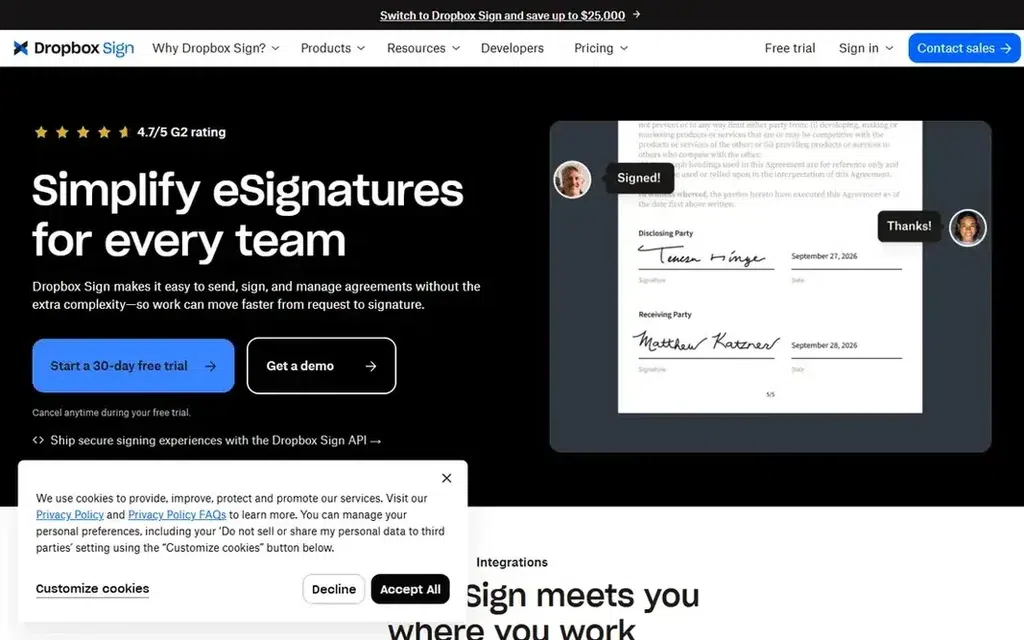
Dropbox Sign was built for straightforward sending and managing signatures. Dropbox Sign, formerly HelloSign, describes itself as a simple way to send, receive, and run legally binding electronic signatures. That focus makes it a natural fit for remote teams that chiefly have to get documents signed quickly and keep them organized.
Where Dropbox Sign stands out: Clear focus on sending and receiving signatures; Formerly HelloSign.
Honest limits: Advanced workflow needs may need another tool. More specifically, choose Dropbox Sign when simplicity and quick signing are the priority. On top of that, in that case, a broader system is worth a look. As for the details, teams that require deeper agreement lifecycle management, smart forms, or identity assurance may outgrow a signing-first tool. Also, the familiar Dropbox name can also ease adoption for teams already storing files there. Starting cost for Dropbox Sign: $15 USD / mo. On free options: Free trial.
- Legally binding signatures in a straightforward flow
- A well-known signing name
- Narrower scope than agreement management suites
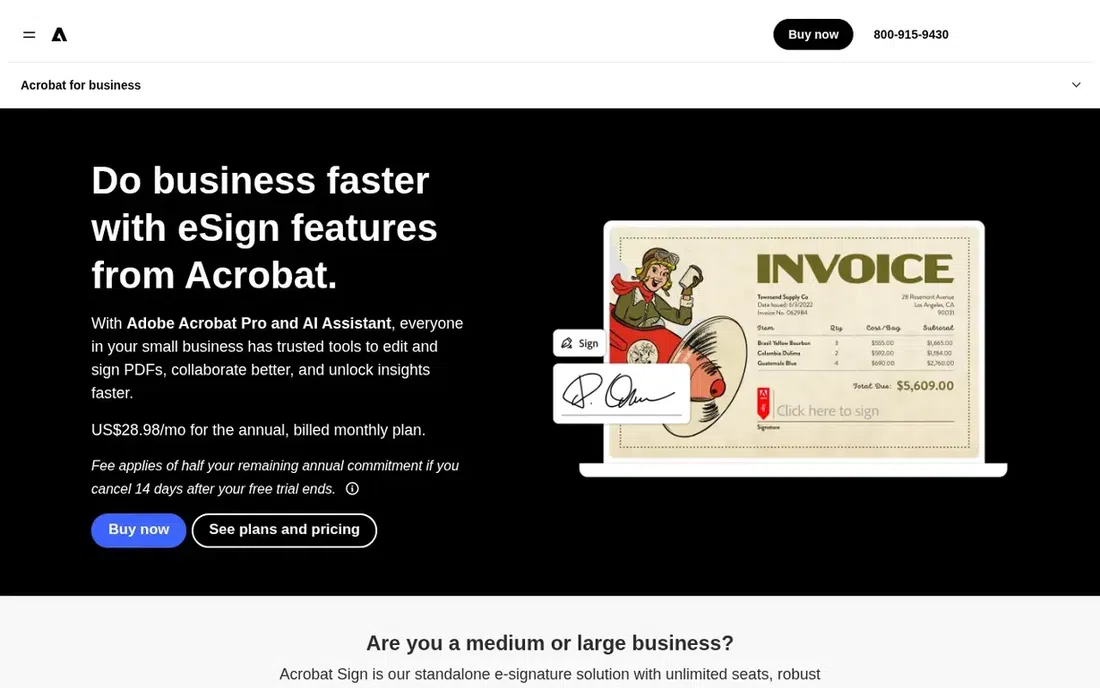
Adobe Acrobat Sign was built for teams already inside Adobe document tools. If your team seldom touches Acrobat or PDF-heavy workflows, the integration advantage shrinks and a standalone signing tool may be more straightforward. Adobe Acrobat Sign is the e-signature side of Adobe's document software, pitched at firms that already work with PDFs and Acrobat.
Its description spans signing documents, collecting digital payments, and accepting electronic signatures on a website. Remote teams that live in Adobe tools can keep signing close to the documents they already edit and handle, which cuts the number of separate services they have to learn. As for the details, evaluate how much of your document work already happens in Adobe software before choosing it. Check the vendor site for Adobe Acrobat Sign pricing; none is listed in this comparison. On free options: Not stated.
Limits to weigh: Less appealing outside the Adobe ecosystem.
- E-signing tied to the Acrobat ecosystem
- Familiar to heavy PDF users
- Best value relies on Adobe tool use
Foxit eSign was built for sending and signing PDF or Word files. Foxit eSign lets users send and receive electronic signatures more easily and securely, including PDF or Word documents wherever they are.
Beyond that, teams needing extensive agreement management, smart forms, or identity assurance may need a broader system. More specifically, remote teams that exchange standard office files will find the format support practical, since documents do not need converting before signing. This comparison lists no price for Foxit eSign; ask the vendor. Free plan details: Not stated.
Drawbacks to consider: Advanced workflow needs may point elsewhere.
- Deals with PDF and Word documents
- Send and receive signatures in one flow
- Less known as a full agreement suite
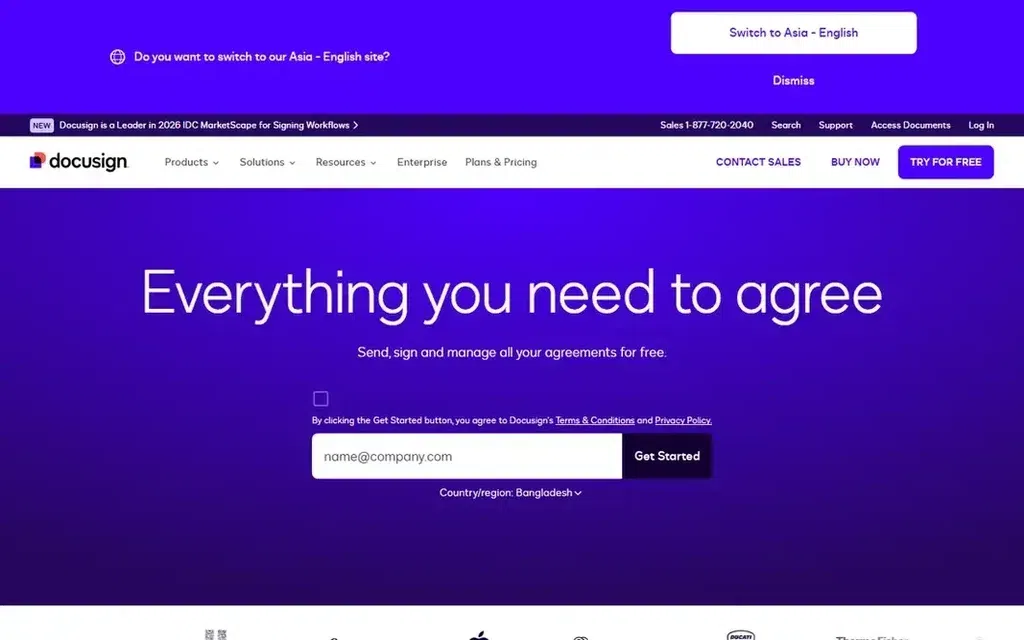
Think of DocuSign for broad agreement management beyond signing. For remote teams that deal with a steady flow of contracts and approvals, that combination of signing and continuing agreement tracking is the primary draw.
Downsides: Setup can take more effort for small teams.
Worth adding: consider DocuSign when agreement management and workflow depth matter more than a minimal setup. More straightforward tools can handle entry-level signing with less configuration. Starting cost for DocuSign: $45 per user per month. Free access: Not stated.
- Manages creating
- Committing
- Feature depth may exceed straightforward signing needs
Selection criteria
LinkVetted looked at what each vendor publishes: pricing, plan limits, feature coverage for E-Filing platforms for remote teams and stated drawbacks. No hands-on testing is claimed. Prices and plan limits come from vendor pages and can change, so confirm them on the vendor site before you buy. The order reflects how well each tool fits the most common buying scenario for E-Filing platforms for remote teams, then price clarity, then free plan access. It is a starting point, not a verdict.
Questions to settle before buying
- Get a written quote from SignNow, Zoho Sign, Adobe Acrobat Sign and Foxit eSign; the list shows no starting price for them.
- Use real work to test the free trial from Dropbox Sign, rather than a demo project.
- Read the limits listed for SignNow first: workflow building takes some learning.
- Compare total cost, not headline price: for Foxit eSign, add extra seats, add-ons and any usage-based charges.
- Map your must-have features to a specific Dropbox Sign plan before you compare prices.
FAQ
Can these tools fit teams already using other software suites?
Adobe Acrobat Sign fits Adobe-centric teams and Zoho Sign suits organizations using Zoho apps. Teams outside those ecosystems should compare standalone features and integrations before choosing.
Can I try these tools before paying?
Often, yes. Dropbox Sign offers a free trial. Use your own data and a real task during the test, and check what the free tier or trial limits before you rely on it. Prices, free plan details and limits for all 6 tools in this E-Filing platforms for remote teams roundup sit on the individual cards above.
What should remote teams look for in an e-filing product?
Prioritize dependable signing from any device, clear audit trails, and integrations with the storage and productivity tools your team already uses. Teams handling sensitive documents should also check identity verification and access controls before committing.
What is the cheapest option for E-Filing platforms for remote teams in this list?
On published monthly entry prices, DocuSign is the lowest here at $45 per user per month. Entry price is only part of the cost, because seats, add-ons and billing terms can change the total. Each of the 6 options in this E-Filing platforms for remote teams guide has its own card above with the price, free plan and limits.
Is a signing-first tool enough, or do we need agreement management?
If your team largely sends documents for signature and files them, a signing-first tool for example Dropbox Sign or Foxit eSign can be sufficient. Agreement management systems like DocuSign add value when contracts move through multiple stages and need continuing tracking.
How are the tools for E-Filing platforms for remote teams ordered?
The order follows typical fit for E-Filing platforms for remote teams, with SignNow first and DocuSign last, then price clarity and free access. It is editorial judgement, not a score, so another team could rank the tools differently.
Sources
- https://www.signnow.com
- https://www.zoho.com/sign
- https://sign.dropbox.com
- https://www.adobe.com/sign.html
- https://www.foxit.com/esign
- https://www.docusign.com