DocuSign Alternatives in 2026: 8 Tools Compared
Compare the best DocuSign alternatives in 2026, including free options, prices and features for simple signing, sales documents, proposals and small teams.
- Editor's choice
 PandaDoc
Sales proposals, quotes, and contracts in one document
Starts atSee websiteVisit pandadoc.comFull review - Great alternative
 Dropbox Sign
Simple signing, especially for Dropbox users
Starts atSee websiteVisit hellosign.comFull review - Also consider
 SignNow
Affordable signing for teams that send often
Starts atSee websiteVisit signnow.comFull review
TL;DR:
- For simple signing, Dropbox Sign and SignWell are closest to a direct DocuSign swap, with free plans for low-volume use.
- PandaDoc is the better pick when you also create proposals and quotes, not just collect signatures.
- SignNow and Zoho Sign offer lower entry prices for teams that send a steady stream of documents.
- Free plans help occasional signers, but check monthly document limits, because a free plan can run out mid-month.
Quick comparison
| Tool | Best for | Starts at | Free plan? | |
|---|---|---|---|---|
| PandaDoc | Sales proposals, quotes, and contracts in one document | See website | Yes | Visit |
| Dropbox Sign | Simple signing, especially for Dropbox users | See website | Yes | Visit |
| SignNow | Affordable signing for teams that send often | See website | Free trial | Visit |
 Adobe Acrobat Sign | PDF editing plus legally binding signatures | See website | Free trial | Visit |
 Zoho Sign | Teams already using Zoho apps | See website | Yes | Visit |
 SignWell | Simple, low-cost signing for occasional users | See website | Yes | Visit |
 Signeasy | Mobile signing for field and remote teams | See website | Yes | Visit |
 Documenso | Open-source signing and self-hosted setups | See website | Yes | Visit |
The best DocuSign alternatives
DocuSign is a solid product, but it is not the only way to get a legally binding electronic signature. Some teams pay for features they never use, some want a free plan for occasional documents, and some need proposals, Zoho tools, or Adobe PDFs in the same workflow. We compared official pricing pages, free plans, document limits, and the core signing workflow for each tool below.
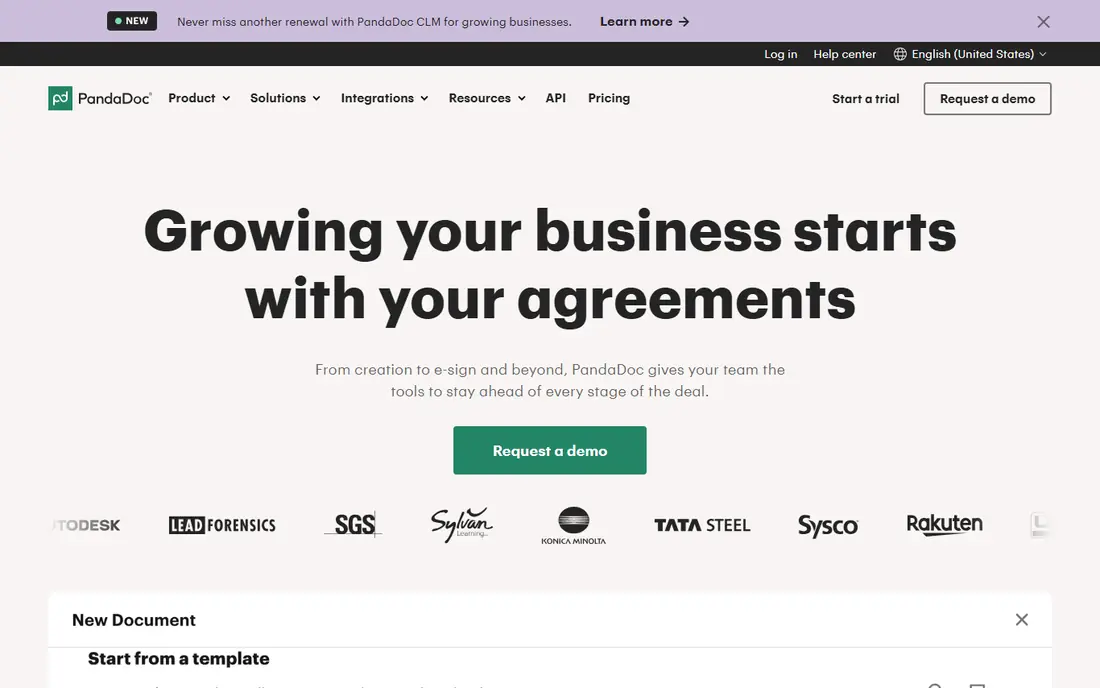
PandaDoc is our pick for sales teams. It lets you build a proposal, add pricing tables, collect payment details, and get a signature in the same document, which removes the back-and-forth between a proposal tool and a signing tool. Templates for quotes, contracts, and order forms save time for teams that send similar documents each week.
The free eSignature plan covers low-volume use, with a limited number of documents per month. Paid plans add more documents, automation, and CRM features. If you only need to sign a lease or a consent form once in a while, a simpler tool will be faster. If you sell by proposal, PandaDoc covers more of the job in one place.
- Strong document builder with pricing tables and payments
- Free eSignature plan for low-volume use
- Templates for sales teams
- Best features sit on paid plans
- Can feel heavy if you only need a quick signature
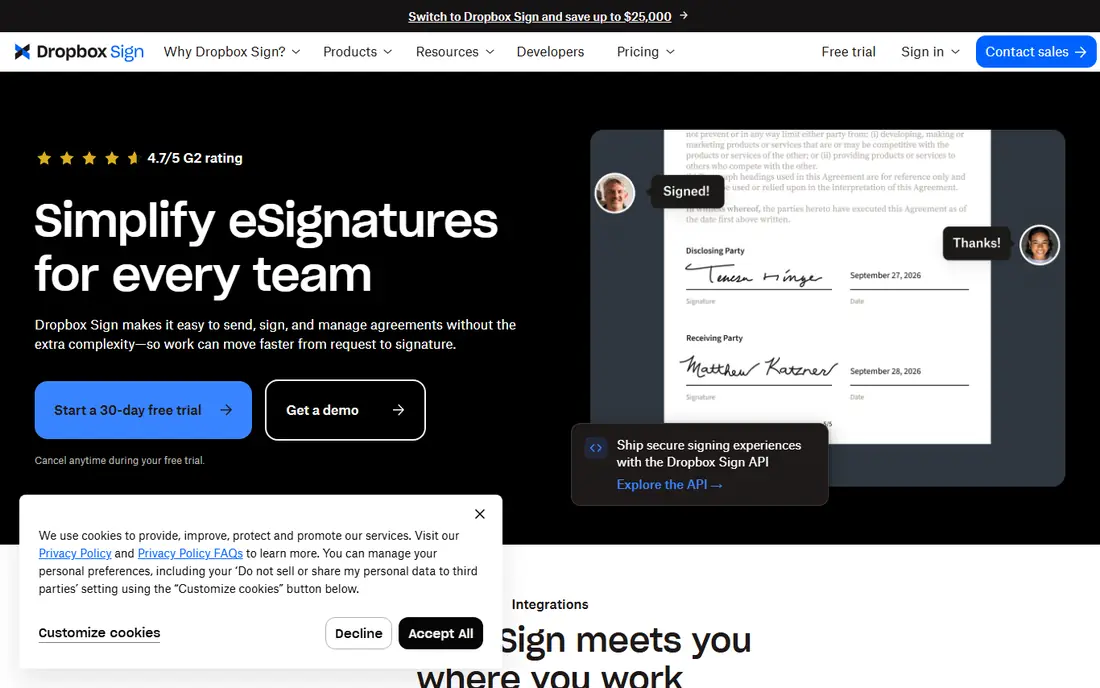
Dropbox Sign, formerly HelloSign, is the closest simple swap for DocuSign for most small teams. You upload a document, place signature fields, send it, and track when it is signed. The interface stays out of the way, which matters when you send documents to clients who are not technical.
The free plan covers a small number of signature requests per month, which suits occasional personal use. Paid plans raise those limits and add templates, team features, and branding. If your work lives in Dropbox already, the integration is a bonus. If you need complex proposals, pair it with your existing document tools or look at PandaDoc instead.
- Very simple setup and sending flow
- Unlimited signature requests on paid plans in many listings
- Works well with Dropbox storage
- Fewer document creation features than PandaDoc
- Pricing varies by plan and billing period, so check the current page
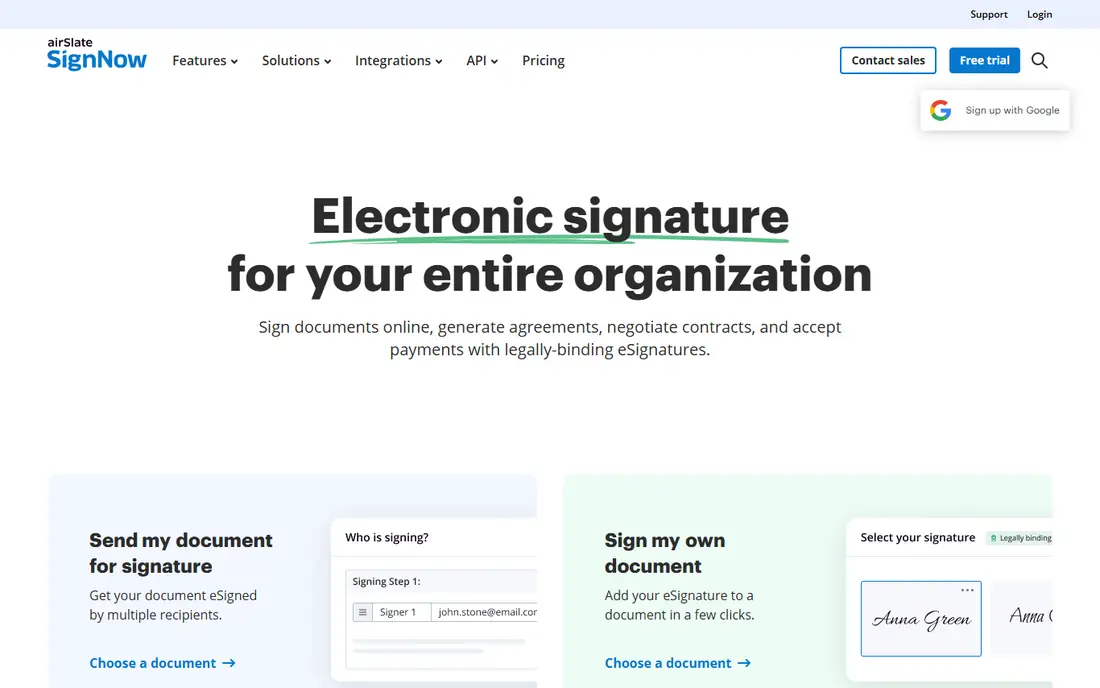
SignNow is a strong value pick for teams that send documents regularly but do not want DocuSign pricing. It covers the core job well: templates, signature fields, reminders, and an audit trail. Higher plans add conditional logic, bulk sending, and integrations that help larger teams automate routine paperwork.
The lack of a permanent free plan is the main drawback for occasional users. If you sign a few documents a year, a free plan elsewhere will be cheaper. If you send documents weekly, SignNow often costs less per month than comparable plans, and the savings add up over a year.
- Low entry price in many comparisons
- Templates, conditional fields, and automation on higher plans
- Mobile app for signing on the go
- No permanent free plan, only a trial
- Some advanced features sit on higher tiers
Adobe Acrobat Sign suits teams that already work in PDFs all day. You can edit, combine, and prepare a PDF in Acrobat, then send it for signature without switching apps. For legal, finance, and enterprise teams, Adobe also offers compliance features and integrations that simpler tools do not match.
The trade-off is price and complexity. A team that only needs a signature on a simple form will find cheaper, simpler tools here. A team that already pays for Acrobat and needs audit trails, compliance controls, and PDF workflows will get more value from keeping signing inside Adobe.
- Strong PDF tools inside Acrobat
- Enterprise compliance options
- Familiar to teams that already use Adobe products
- Higher entry cost than simple signing tools
- Can feel complex if you only need basic signing
Zoho Sign is the natural pick if your business already runs on Zoho CRM, Zoho Books, or Zoho Workplace. Documents can move from those apps into signing without manual export, and the pricing is competitive for small teams. The free plan covers a small number of envelopes per month for one user, which suits freelancers and tiny teams.
Standalone buyers should compare it with SignWell and Dropbox Sign on features alone, since the Zoho integration is less valuable if you do not use Zoho. For a Zoho shop, though, the fit is clear: one account, one billing setup, and signing that sits next to your customer and finance data.
- Free plan for low-volume signing
- Strong value for Zoho users
- Templates, reminders, and audit trails
- Best value depends on using other Zoho apps
- Standalone users may prefer a simpler tool
SignWell is a good choice when you want signing to be simple and cheap. The interface is easy to learn, the sending flow is short, and the free plan covers a few documents per month for one sender. Paid plans raise document limits and add team features without adding a lot of complexity.
SignWell does not try to be a proposal tool, and that focus is a strength for many buyers. If you need pricing tables and payment collection, PandaDoc fits better. If you need a reliable signature tool that your clients can use without instructions, SignWell is one of the easiest picks in this list.
- Clean, simple interface
- Free plan for a few documents per month
- Unlimited documents on paid plans in many listings
- API for developers
- Fewer sales document features than PandaDoc
- Branding and advanced controls sit on paid plans
Signeasy is built around signing from a phone or tablet, which suits field teams, agents, and anyone who collects signatures away from a desk. In-person signing lets a client sign on your device, and the mobile app keeps the workflow short when you are not at a computer.
The free plan covers limited use, so regular senders will need a paid plan. Teams that need heavy automation or enterprise compliance controls may prefer Adobe Acrobat Sign or SignNow. For mobile-first work, though, Signeasy is one of the most practical options here, because the app is the product, not an afterthought.
- Strong mobile apps for signing on the go
- Simple templates and in-person signing
- Works for individuals and small teams
- Advanced workflow features are lighter than enterprise tools
- Free plan is limited
Documenso is the pick for teams that want control. It is open source, so you can inspect the code and, if you have technical staff, run it on your own servers. That appeals to privacy-focused teams and to developers who want signing inside their own product without a vendor lock-in.
The trade-off is effort. Self-hosting is not a one-click job, and you take on updates, backups, and security yourself. The hosted free plan covers low-volume use without that work, which is a good way to test it. For most non-technical buyers, a commercial tool here will be faster. For a technical team that values openness, Documenso is a rare and welcome option.
- Open-source code you can inspect
- Self-hosted option for teams that want control over data
- Free hosted plan for low-volume use
- Self-hosting needs technical setup and maintenance
- Fewer polished templates than commercial tools
- Production self-hosting may need a paid licence
How we picked these
We compared official pricing pages, free plans, and signing features for tools that offer legally binding electronic signatures under laws such as the US ESIGN Act and UETA, and comparable rules in other countries. We favored tools with a clear free plan or trial, templates, reminders, and an audit trail. We left out tools that only let you draw a signature on a PDF without a proper signing workflow.
What to check before you switch from DocuSign
Start with volume. Count how many documents you send each month, because free plans and low tiers are often limited by documents or envelopes. A free plan that covers five documents a month is perfect for occasional use and useless for a busy sales team. Next, check signer experience: your clients should be able to sign from a phone without creating an account or reading instructions.
Legal validity, audit trails, and storage
For most ordinary business agreements in the US, an electronic signature from any tool here is legally binding when it meets ESIGN and UETA rules, including consent, an audit trail, and a copy for each party. Check the audit trail, tamper evidence, and storage options before you choose. If you work in regulated work, such as finance or healthcare, check for the specific compliance certifications you need, because those vary by vendor and plan.
Templates, integrations, and migration
Templates save more time than any other feature once you send similar documents each week. Check if you can import your DocuSign templates or if you will need to rebuild them. Also check integrations with your CRM, storage, and accounting tools, because a signing tool that sits apart from your workflow will slow you down even if it costs less.
FAQ
What are the best alternatives to DocuSign?
The best alternatives to DocuSign depend on your job. Dropbox Sign and SignWell are closest for simple signing, PandaDoc is best for sales proposals, and Adobe Acrobat Sign fits PDF-heavy teams. For low cost at volume, SignNow and Zoho Sign are strong options. Start with your monthly volume and your main document type, then pick from there.
What are the best free DocuSign alternatives?
PandaDoc, Dropbox Sign, Zoho Sign, SignWell, and Documenso all offer free plans for low-volume use, with limits that vary by vendor. PandaDoc and Zoho Sign are often cited for five documents or envelopes per month on free plans, while Dropbox Sign and SignWell cover fewer per month. Check the current free plan page before you rely on a limit, because vendors change these limits.
Are DocuSign alternatives legally binding?
Yes, for most ordinary agreements. Electronic signatures from the tools in this list are generally legally binding under the US ESIGN Act and UETA when the signing process includes consent, identity checks where needed, and an audit trail. For regulated work or for signatures that must meet stricter EU rules, check the specific compliance level on the plan you buy.
What is the best DocuSign alternative for sales teams?
PandaDoc is the best pick for sales teams because it combines document creation, pricing tables, payment collection, and signatures in one document. That removes the need to move a proposal between tools before it can be signed. SignNow is a cheaper alternative if you only need signing and templates, without the full proposal builder.
Can I switch from DocuSign without losing my templates?
You can usually export documents and rebuild templates, but a direct one-click import is not guaranteed for every tool. Check the migration help page for the tool you choose, and budget time to rebuild your most-used templates. Start with one or two templates, test them with a real client, and then move the rest once the workflow feels right.