E Signature Software for Legal Documents in 2026: The 5 Best Options Side by Side
Best E signature software for legal documents: 5 tools compared on price, free plans and fit. Each listing flags where it falls short. Narrow your shortlist.
- Editor's choice
 SignNow
Custom eSignature workflows on any device
Starts atSee websiteVisit signnow.comFull review - Great alternative
 Adobe Acrobat Sign
Teams already using Adobe PDF tools
Starts atSee websiteVisit adobe.comFull review - Also consider
 Dropbox Sign
Straightforward legally binding signature requests
Starts at$15 USD / moVisit hellosign.comFull review
Direct answer
This list puts SignNow first for custom eSignature workflows on any device. Listed starting prices: Dropbox Sign from $15 USD / mo, eversign from $10 per user a month and DocuSign from $45 per user per month. If your case is different, Adobe Acrobat Sign suits teams already using Adobe PDF tools and Dropbox Sign suits straightforward legally binding signature requests. The remaining 2 options are covered below with prices and limits.
TL;DR:
- Number one here is SignNow, a fit for custom eSignature workflows on any device.
- The lowest published monthly entry price here is $10 per user per month, from eversign.
- DocuSign suits wide agreement management and signing.
- Only eversign offers a free plan among these 5 tools.
Last checked November 2026. Prices and plan details were read from the vendors' own pages in November 2026; vendors change plans often, so confirm the current price on the vendor site before you buy.
Quick comparison
| Tool | Best for | Starts at | Free plan? | |
|---|---|---|---|---|
| SignNow | Custom eSignature workflows on any device | See website | Not stated | Visit |
| Adobe Acrobat Sign | Teams already using Adobe PDF tools | See website | Not stated | Visit |
| Dropbox Sign | Straightforward legally binding signature requests | $15 USD / mo | Free trial | Visit |
| eversign | API-driven signing without per-envelope fees | $10 per user a month | Yes | Visit |
 DocuSign | Wide agreement management and signing | $45 per user per month | Not stated | Visit |
The best E signature software for legal documents
LinkVetted compared 5 E signature software for legal documents. The goal is a practical shortlist: published prices, free plan facts, best-fit use cases and honest limits for every entry.
SignNow works best for custom eSignature workflows on any device. Custom workflow building brings a setup step that straightforward signing tools avoid, and the dual branding can slow first-time research.
Check the vendor site for SignNow pricing; none is listed in this comparison. Free plan details: Not stated.
Points against: Workflow setup may take some learning.
- Works across devices
- Custom workflow choices
- Brand naming can confuse new buyers
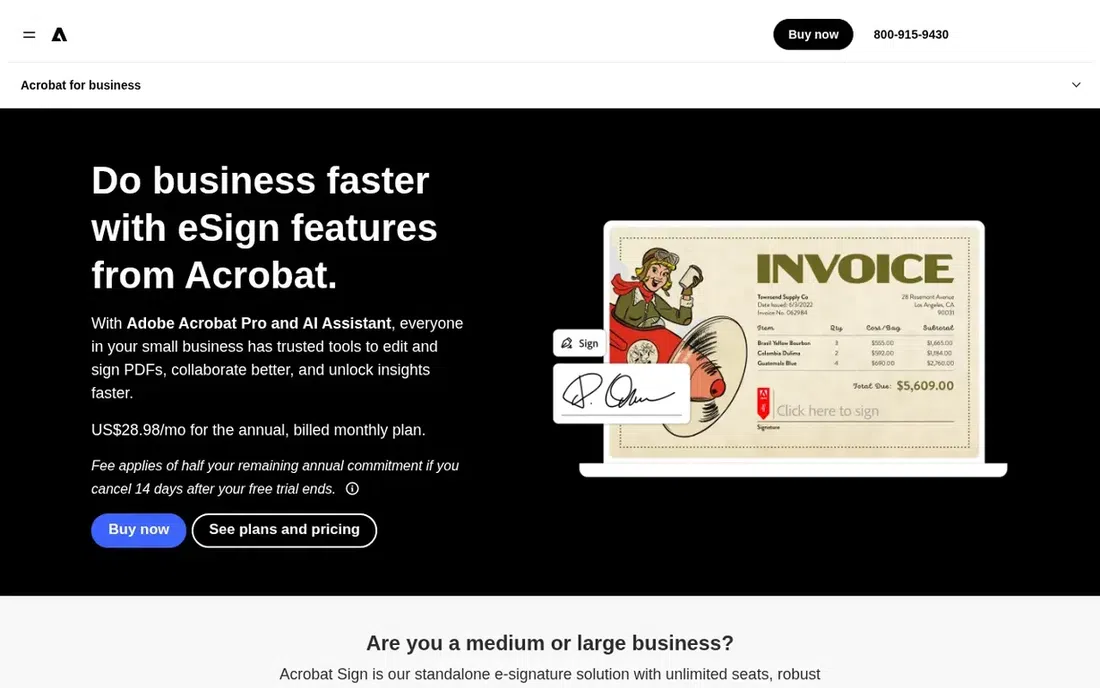
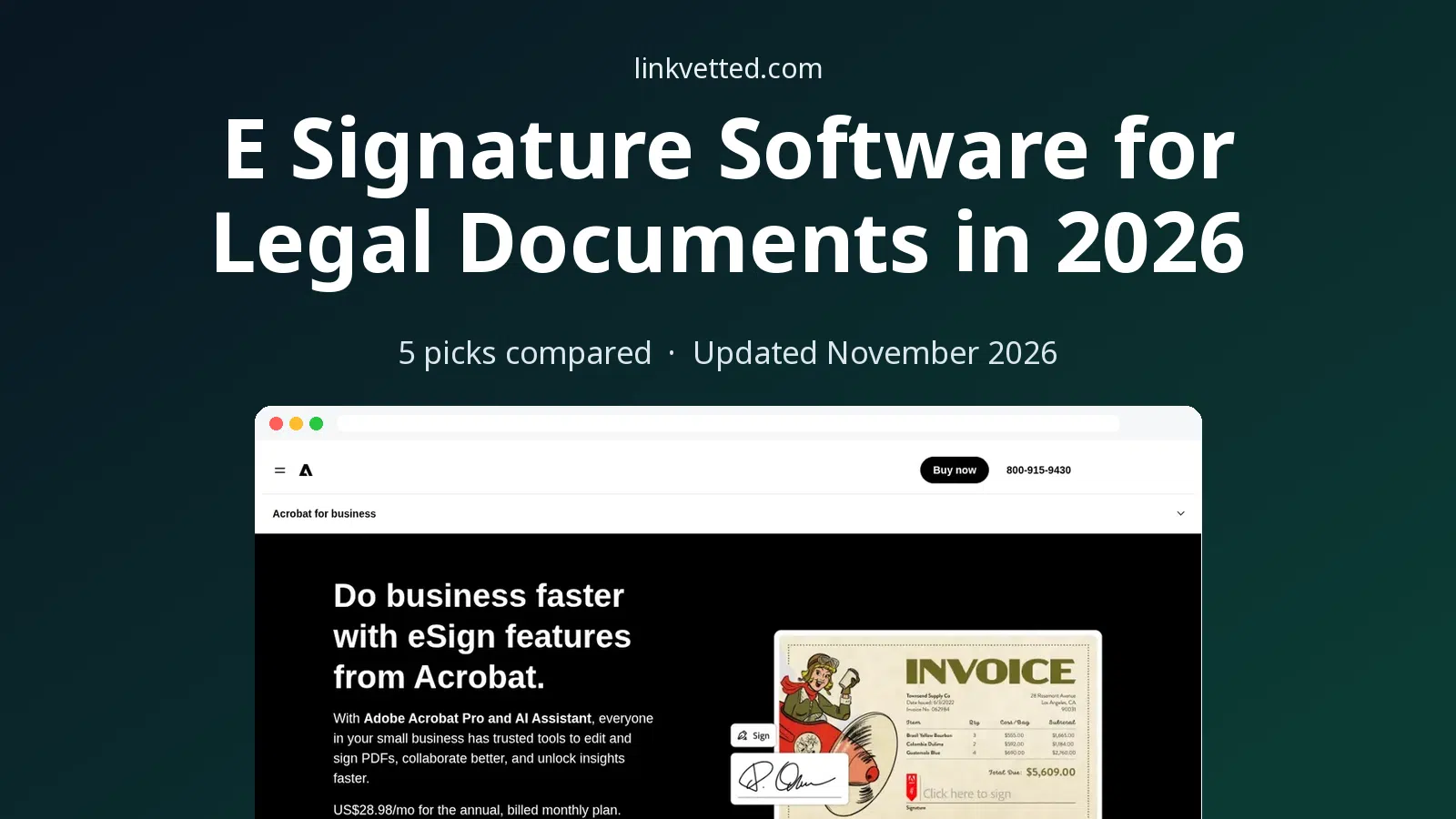
Choose Adobe Acrobat Sign for teams already using Adobe PDF tools. Adobe Acrobat Sign is Adobe's e-sign offering for business, described as letting teams e-sign documents, collect digital payments and accept electronic signatures on a website.
Drawbacks to consider: Best value chiefly for Adobe-centric teams.
- Suits naturally into Adobe PDF workflows
- Business-focused e-sign feature set
- Interface can feel dense for occasional signers
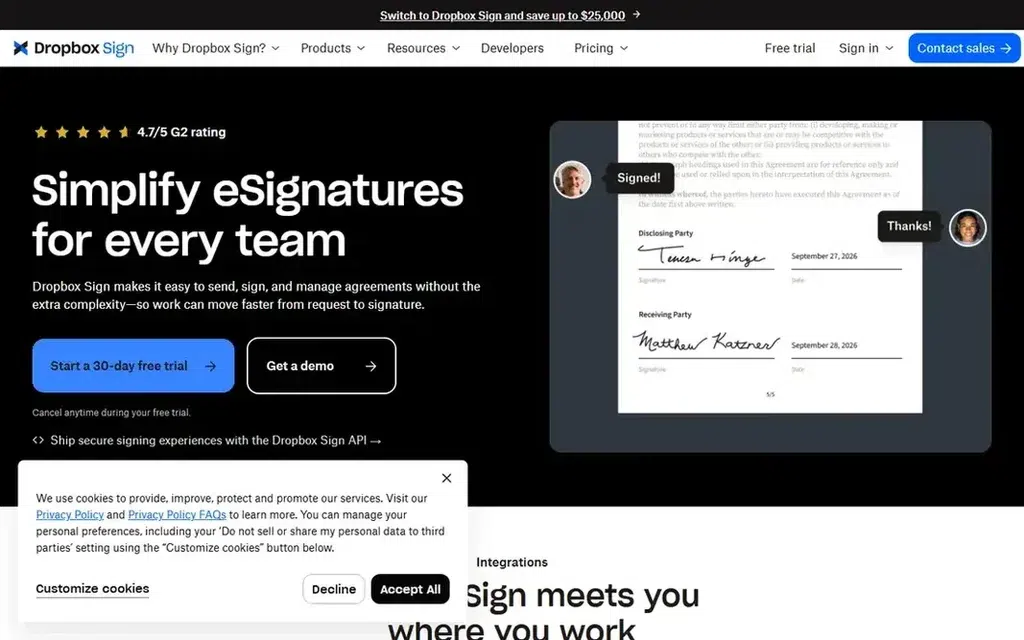
Dropbox Sign is built with straightforward legally binding signature requests in mind. Dropbox Sign, formerly HelloSign, describes itself as a simple way to send, receive and handle legally binding electronic signatures.
Trade-offs to know: May be entry-level for complicated legal workflows.
As for the details, if you need deep workflow automation or identity assurance, compare it against more specialized systems. The simplicity that makes it approachable also means fewer of the deeper agreement management features some legal departments expect. Entry price for Dropbox Sign: $15 USD / mo. Free access: Free trial.
- Positioned as straightforward to use
- Takes care of legally binding signatures
- Fewer advanced agreement management features
eversign
Best for: API-driven signing without per-envelope fees
Choose eversign for API-driven signing without per-envelope fees. eversign, now presented as Xodo Sign, lets users sign, send, edit and track documents with legally binding e-signatures, positioning itself around no per-envelope fees and workflow automation through an adaptable API. That combination appeals to legal tech teams and businesses that want to embed signing into their own systems or deal with variable document volumes.
Trade-offs to know: Less brand recognition than bigger rivals.
In practice, the API-centered strengths matter less if you only send the occasional agreement, and the rebranding to Xodo Sign can complicate searches. Worth adding: buyers wanting a familiar, large-ecosystem vendor may prefer another choice. Entry price for eversign: $10 per user per month. eversign offers a free plan.
- Edit and track in one tool
- Adaptable API for automation
- API focus may be additional for entry-level users
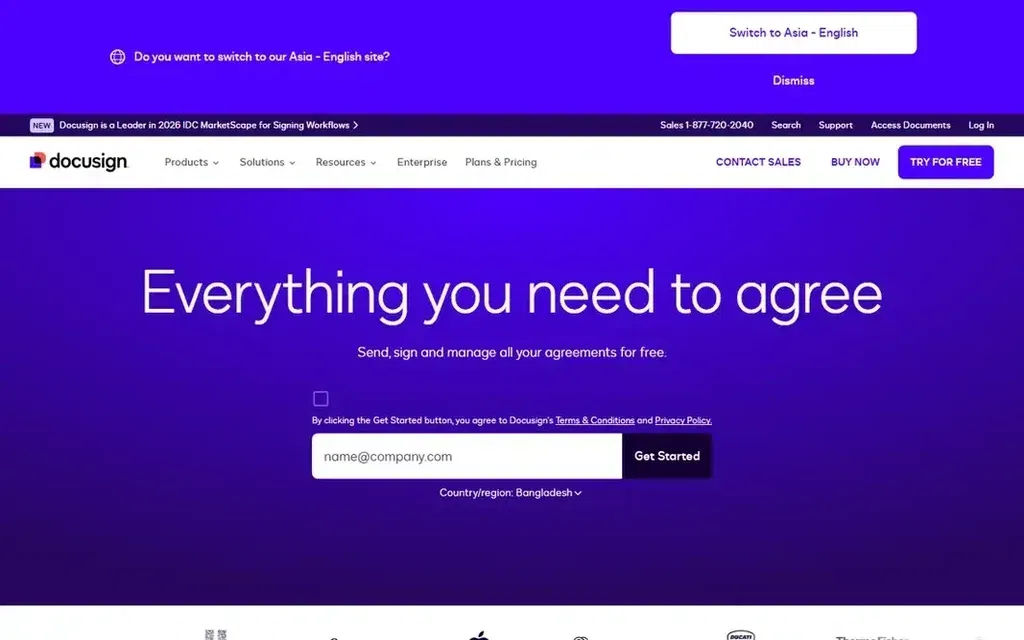
DocuSign is built with wide agreement management and signing in mind. DocuSign presents itself as an electronic signature and intelligent agreement management product, including creating, committing to and managing agreements in one place.
On top of that, choose DocuSign when agreement management alongside signatures is the goal. From a buyer's view, for legal documents, that means sending a contract, collecting signatures and keeping the agreement organized afterward. Entry price for DocuSign: $45 per user per month. On free options: Not stated.
What to check first: Less specialized for niche legal identity checks.
- Sign and run steps
- Signing plus agreement management in one system
- Feature depth can overwhelm small teams
How the list was put together
Pricing pages, product documentation and feature lists were the main sources, and every entry carries at least one honest drawback. Treat prices as a snapshot: vendors change plans often, so check the vendor site for the figure that applies today. Tools are placed by general fit for E signature software for legal documents, with price clarity and free access as tie-breakers. A different team can reasonably rank them differently.
Things to verify first
- Get a written quote from SignNow and Adobe Acrobat Sign; the list shows no starting price for them.
- Test the free plan from eversign against your real workload before relying on it.
- Take the trial from Dropbox Sign and push a live task through it before you pay.
- Before choosing SignNow, weigh its main limit: brand naming can confuse new buyers.
- Add up seats, add-ons and usage charges for eversign before comparing it with cheaper entries.
- Before rolling out Dropbox Sign, verify the integrations your workflow depends on.
FAQ
Which options for E signature software for legal documents have a free plan?
eversign is the only tool in this list with a free plan. Free plans usually cap users, projects or features, so check the limits on the vendor page. One other tool offers a trial instead.
What is the cheapest option for E signature software for legal documents in this list?
On published monthly entry prices, eversign is the lowest here at $10 per user per month. Entry price is only part of the cost, because seats, add-ons and billing terms can change the total. Each of the 5 options in this E signature software for legal documents guide has its own card above with the price, free plan and limits.
Can I try these tools before paying?
Often, yes. eversign has a free plan and Dropbox Sign offers a free trial. Use your own data and a real task during the test, and check what the free tier or trial limits before you rely on it. All 5 picks in this E signature software for legal documents comparison list a starting price, free plan details and the main limits on their cards above.
When should I consider an API-based signing tool?
Consider eversign or similar API-capable tools when signing needs to be embedded in your own systems or triggered automatically at volume. Businesses building custom client portals or document pipelines benefit most.
How are the tools for E signature software for legal documents ordered?
SignNow sits first and DocuSign last because the order follows typical fit for E signature software for legal documents, then price clarity and free access. It is a judgement call, so read each profile for fit and limits.
Sources
- https://www.signnow.com
- https://www.adobe.com/sign.html
- https://www.hellosign.com
- https://eversign.com
- https://www.docusign.com