Best File Sharing Software for Legal Documents for 2026: Our 5 Vetted Picks
5 products for the best file sharing software for legal documents, ranked by fit, with starting costs and free tiers. Each pick comes with its main catch.
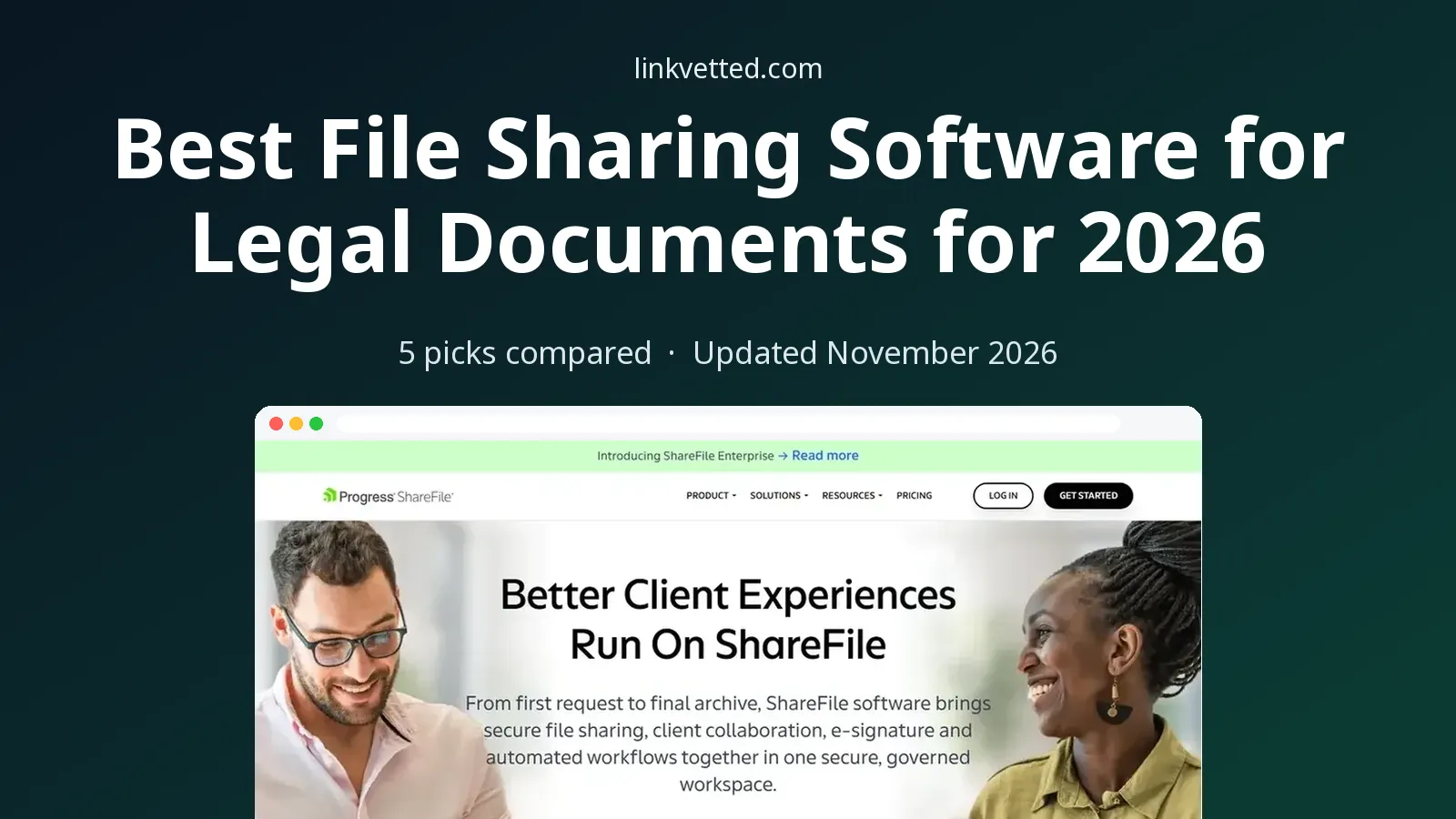
- Editor's choice
 ShareFile
Secure client collaboration and file sharing
Starts at$16.50 per user a monthVisit sharefile.comFull review - Great alternative
 Box
AI-powered content management and workflow
Starts atSee websiteVisit box.comFull review - Also consider
 NetDocuments
Legal businesses needing document and email management
Starts atSee websiteVisit netdocuments.comFull review
Direct answer
This list puts ShareFile first for secure client collaboration and file sharing. Listed starting prices: ShareFile from $16.50 per user a month. Look at Box for AI-powered content management and workflow, and at NetDocuments for legal businesses needing document and email management. Details, prices and limits for the rest of the 5 tools are below.
TL;DR:
- This list starts with ShareFile, which is built for secure client collaboration and file sharing.
- ShareFile, OneDrive for Business and the 3 others all need a premium plan or a trial, since no free plan is listed.
- The lowest published monthly entry price here is $16.50 per user per month, from ShareFile.
- OneDrive for Business is the one to check for Microsoft 365 integrated file sharing.
- ShareFile comes with a trade-off: may lack deep legal-specific features.
Last checked November 2026. Prices and plan details were read from the vendors' own pages in November 2026; vendors change plans often, so confirm the current price on the vendor site before you buy.
Quick comparison
| Tool | Best for | Starts at | Free plan? | |
|---|---|---|---|---|
| ShareFile | Secure client collaboration and file sharing | $16.50 per user a month | Free trial | Visit |
| Box | AI-powered content management and workflow | See website | Not stated | Visit |
| NetDocuments | Legal businesses needing document and email management | See website | Not stated | Visit |
| iManage | Legal and professional services knowledge work | See website | Not stated | Visit |
 OneDrive for Business | Microsoft 365 integrated file sharing | See website | Not stated | Visit |
Tool-by-tool breakdown
Choosing file sharing software for legal documents usually comes down to price, fit and limits. This LinkVetted guide sets 5 tools side by side on those three points, with the facts kept short and checkable.
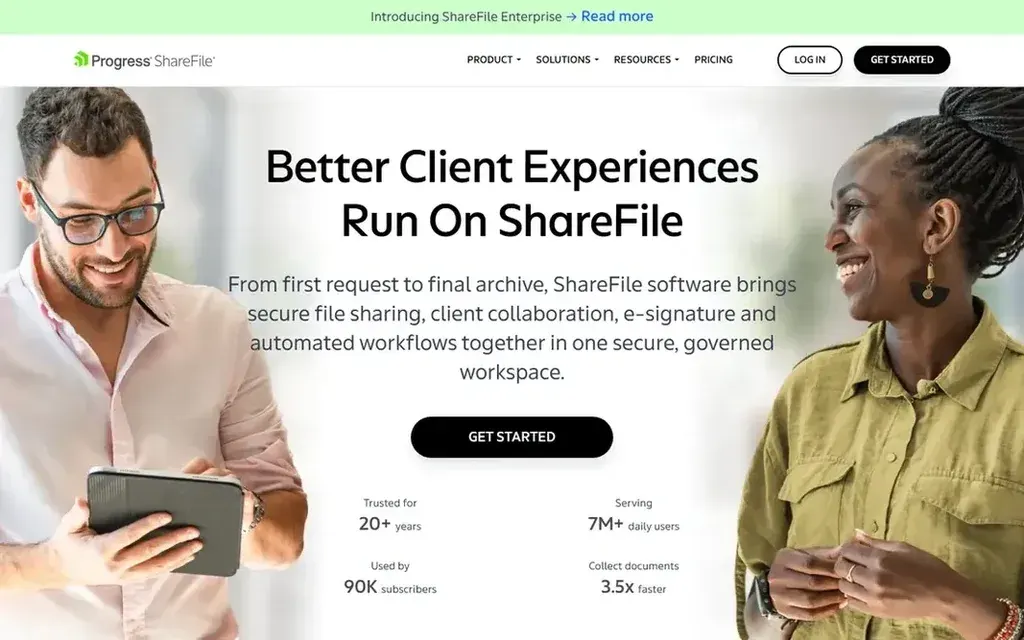
ShareFile is a good fit for secure client collaboration and file sharing. It is right for legal professionals who require to exchange documents with clients and colleagues whereas maintaining confidentiality. If you need broad legal workflow automation, NetDocuments or iManage could be better suits.
Limits to weigh: Can be less integrated with legal software.
More specifically, Whereas ShareFile gives you solid security, it may not bundle legal-specific document management features like matter-centric organization. It also might not integrate as deeply with legal practice management systems as dedicated legal tools. What you pay to start with ShareFile: $16.50 per user per month. Free plan details: Free trial.
- Confident sharing without sacrificing security
- Supports collaboration
- May lack deep legal-specific features
Choose Box for AI-powered content management and workflow. For legal firms seeking out-of-the-box legal document management, NetDocuments or iManage may be more suitable.
Pricing for Box is not stated here, so ask the vendor for current figures. On free options: Not stated.
Where it falls short: Can be complicated for small teams.
- AI-powered content management
- Automates workflows
- May need customization for legal use
NetDocuments
Best for: Legal businesses needing document and email management
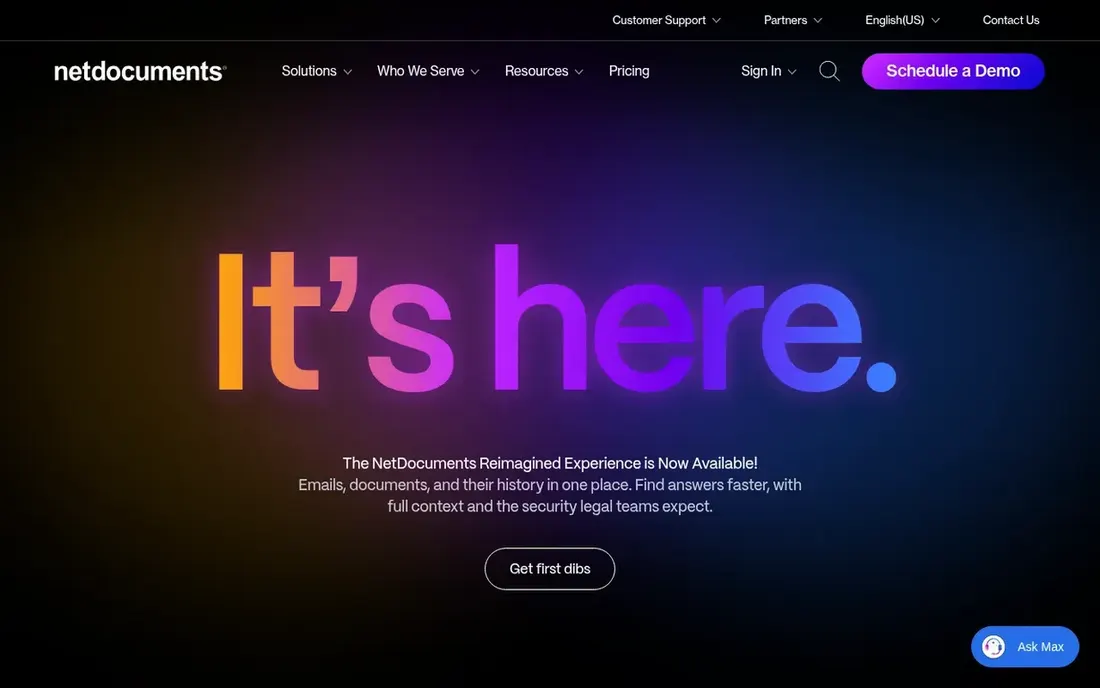
NetDocuments is aimed squarely at legal businesses needing document and email management. NetDocuments is a document and email management system built for legal businesses and departments. This makes it a solid fit for law businesses and legal departments that require to organize case files, emails, and other sensitive documents whereas maintaining strict security and compliance standards.
Drawbacks to consider: May be complicated for non-legal users.
NetDocuments is tailored to legal professionals, so organizations outside the legal sector may find its features less relevant. It may also need training to completely utilize its automation capabilities. NetDocuments does not show a starting price in this comparison, so check the vendor site for current pricing. Free options: Not stated.
- Legal-specific document and email management
- Automates document workflows
- Limited appeal outside legal sector
iManage
Best for: Legal and professional services knowledge work

iManage is designed for legal and professional services knowledge work. iManage is an AI knowledge work platform for legal and professional services. It runs and activates knowledge to power smarter decisions whereas securely connecting people and AI.
Worth adding: iManage is made for knowledge-intensive environments, so smaller teams or those seeking straightforward file sharing might find it overfeatured. It may also need significant configuration to align with existing workflows. This comparison lists no price for iManage; ask the vendor. Free plan details: Not stated.
Drawbacks to consider: May be complicated to set up.
- Handles and activates knowledge
- AI-powered knowledge work product
- Centred on knowledge work, not general sharing
For Microsoft 365 integrated file sharing, OneDrive for Business is a natural candidate. OneDrive for Business offers secure and convenient file and document sharing as part of Microsoft 365. In daily use, OneDrive for Business is a general cloud storage option and may not contain legal-specific document management features for example matter-centric filing or ethical walls.
Trade-offs to know: May need extra compliance configuration.
It may also need extra configuration to meet legal compliance standards. For legal teams already using Microsoft 365, OneDrive for Business integrates smoothly into existing workflows, allowing users to store and share documents with familiar tools like Word and Outlook. No starting price is listed for OneDrive for Business here; confirm pricing on the vendor site. Free plan details: Not stated.
- Convenient for personal and team use
- Integrated with Microsoft 365
- Restricted legal-specific features
Our selection method
The comparison looks at four things: starting price, free access, how well the feature set matches file sharing software for legal documents, and the main limit of each tool. Where a price is missing, the vendor does not list one publicly or ties it to a quote. Always confirm before budgeting. Position on the page reflects fit for a typical buyer first, with price clarity and free access breaking ties. Treat it as a guide, not a ruling.
Before you commit
- Ask Box, NetDocuments, iManage and OneDrive for Business for a written quote, since no starting price is shown.
- Use real work to test the free trial from ShareFile, rather than a demo project.
- Before choosing ShareFile, weigh its main limit: may lack deep legal-specific features.
- Check the support hours and onboarding help ShareFile offers; smaller vendors vary a lot here.
- Pick one real project and run it in Box first; a small pilot shows fit faster than a checklist.
FAQ
What features should legal teams look for in file sharing software?
Legal teams should prioritize security, compliance with regulations, access controls, audit trails, and integration with legal-specific tools. Features like ethical walls and matter-centric organization are also important for managing sensitive documents.
What is the cheapest option for file sharing software for legal documents in this list?
On published monthly entry prices, ShareFile is the lowest here at $16.50 per user per month. Entry price is only part of the cost, because seats, add-ons and billing terms can change the total.
How are the tools for file sharing software for legal documents ordered?
The order follows typical fit for file sharing software for legal documents, with ShareFile first and OneDrive for Business last, then price clarity and free access. It is editorial judgement, not a score, so another team could rank the tools differently.
Do these tools publish their prices?
Not all of them. Box, NetDocuments, iManage and OneDrive for Business publish no starting price, so expect a quote request for those. The rest, ShareFile included, show a starting price, though seats and billing terms still change the final cost.
Does any tool for file sharing software for legal documents here have a free plan?
No tool in this list, ShareFile and OneDrive for Business included, has a permanent free plan. ShareFile offer a trial. Trials and quotes are the usual route, so plan a short evaluation period.
Sources
- https://www.sharefile.com
- https://www.box.com
- https://www.netdocuments.com
- https://imanage.com
- https://www.microsoft.com/en-us/microsoft-365/onedrive/online-cloud-storage