5 Secure File Sharing for Law Practices Worth Shortlisting in 2026
Searching for the best secure file sharing for law practices? Here are 5 options with prices and free plans. Weak spots flagged for every entry. Quick to scan.

- Editor's choice
 ShareFile
Secure client file sharing and workflows
Starts at$16.50 per user per monthVisit sharefile.comFull review - Great alternative
 Egnyte
Governing sensitive content at scale
Starts at$22 per user a monthVisit egnyte.comFull review - Also consider
 NetDocuments
Legal document and email management
Starts atSee websiteVisit netdocuments.comFull review
Direct answer
ShareFile is the first pick on this list for secure client file sharing and workflows. Listed starting prices: ShareFile from $16.50 per user per month and Egnyte from $22 per user a month. Alternatives: Egnyte for governing sensitive content at scale, and NetDocuments for legal document and email management. Prices, free plans and limits for all 5 tools follow.
TL;DR:
- ShareFile takes the first slot, best suited to secure client file sharing and workflows.
- A fair warning about NetDocuments: concentrated on legal, may not suit other industries.
- The cheapest monthly starting price in the list is $16.50 per user per month, offered by ShareFile.
- For Microsoft 365 integrated file sharing, OneDrive for Business is worth a look.
- Neither ShareFile nor OneDrive for Business, nor any of the other 3 tools, has a permanent free plan; trials and quotes are the norm.
Last checked November 2026. Prices and plan details were read from the vendors' own pages in November 2026; vendors change plans often, so confirm the current price on the vendor site before you buy.
Quick comparison
| Tool | Best for | Starts at | Free plan? | |
|---|---|---|---|---|
| ShareFile | Secure client file sharing and workflows | $16.50 per user per month | Free trial | Visit |
| Egnyte | Governing sensitive content at scale | $22 per user a month | Free trial | Visit |
| NetDocuments | Legal document and email management | See website | Not stated | Visit |
 Box | AI-powered content management and workflows | See website | Not stated | Visit |
 OneDrive for Business | Microsoft 365 integrated file sharing | See website | Not stated | Visit |
Tool-by-tool breakdown
Choosing secure file sharing for law practices usually comes down to price, fit and limits. This LinkVetted guide sets 5 tools side by side on those three points, with the facts kept short and checkable.
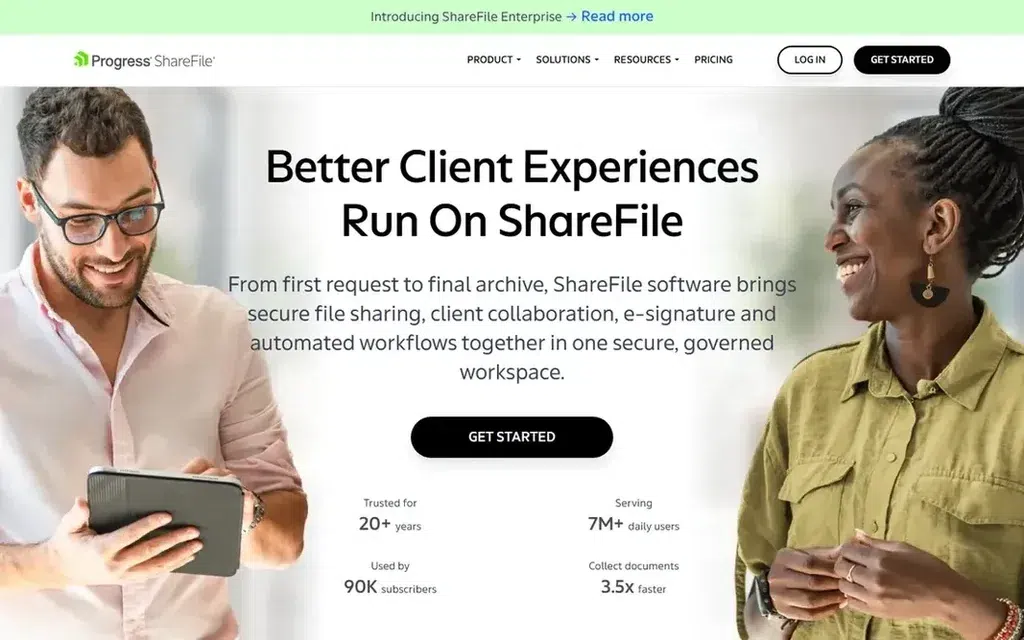
ShareFile is aimed squarely at secure client file sharing and workflows. ShareFile is a secure document workflow and file sharing software that lets teams confidently share and collaborate without sacrificing security. Whereas ShareFile manages secure sharing well, it may not offer the deep legal-specific document and email management that some law practices need.
As for the details, businesses that require integrated matter-centric document management might have to look at legal-focused systems. Worth adding: the system emphasizes security in its design, making it a good match for businesses that prioritize protected sharing over deep legal document management features. The starting price for ShareFile: $16.50 per user per month. Free access: Free trial.
What to check first: Needs planning for workflow setup.
- Confident sharing and collaboration
- Security emphasized in design
- May lack deep legal-specific features
Choose Egnyte for governing sensitive content at scale. Egnyte is an AI context layer and content cloud for enterprises that provides AI the business context it needs, collaborates on massive files, and governs sensitive content on one secure product. It is built for organizations that require to handle and protect content at scale whereas enabling collaboration.
Drawbacks to consider: Needs governance planning.
Businesses looking for a simple secure file sharing tool might find it overbuilt. Pick Egnyte when governing sensitive content and collaborating on large files are key requirements and you can invest in proper configuration. Price to start with Egnyte: $22 per user per month. Free options: Free trial.
- Collaborates on massive files
- AI context layer for business
- Enterprise focus may overwhelm small businesses
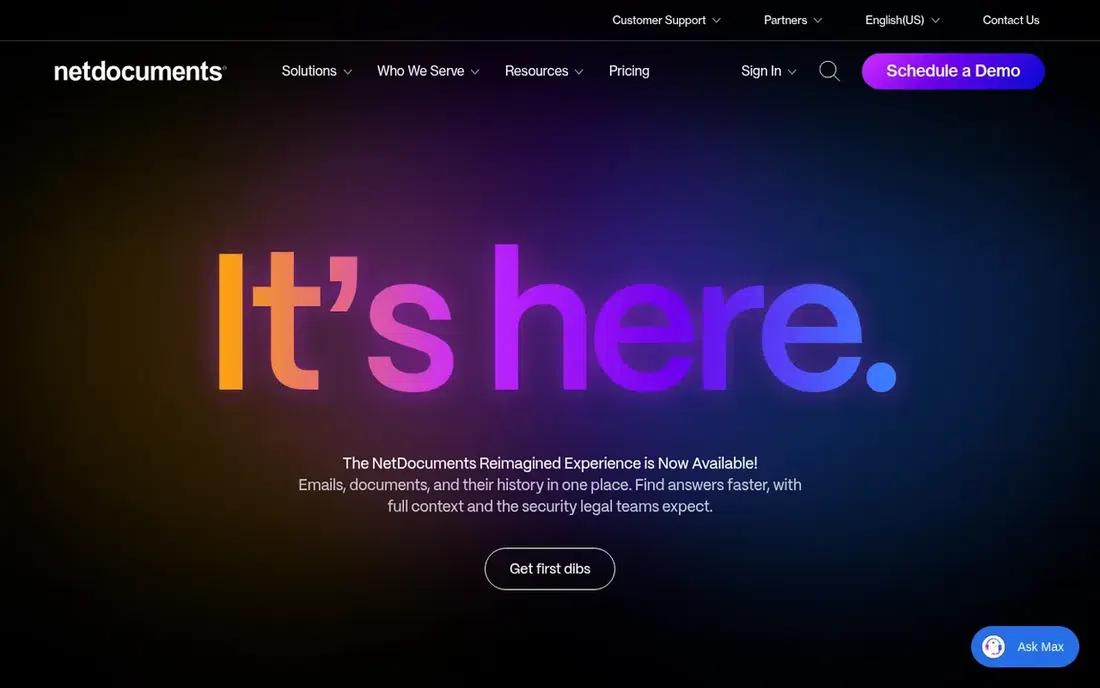
Where NetDocuments fits: legal document and email management. NetDocuments is a document and email management system aimed at legal businesses and departments. This makes it a natural fit for law practices that want to keep matter files organized and protected without adding separate tools for email filing or document storage.
Worth adding: if your priority is straightforward client file sharing instead of full document management, a lighter tool may be a better match. Businesses that prioritize legal-specific features over general-purpose file sharing will find it aligns closely with their daily work. This comparison lists no price for NetDocuments; ask the vendor. As for free access: Not stated.
Honest limits: may not suit other industries.
- Designed for legal businesses and departments
- Secure and compliant product
- Needs setup for full workflow automation
Box targets AI-powered content management and workflows. It fits businesses that want a general-purpose content system with solid security and collaboration features, particularly those already using Box for other business needs.
The main drawbacks: May need customization for legal workflows.
Box shows no starting price here, so confirm the cost on the vendor site. Free options: Not stated.
- AI-powered content management
- Guards sensitive data
- General-purpose, not legal-specific
In short, OneDrive for Business is for Microsoft 365 integrated file sharing. OneDrive for Business offers secure and convenient file and document sharing as part of Microsoft 365. More specifically, OneDrive for Business is a general-purpose cloud storage tool and lacks legal-specific document management features for example matter-centric organization.
Watch-outs: Restricted legal-specific features.
Consider OneDrive for Business when your practice already depends on Microsoft 365 and you need integrated, secure file sharing without specialized legal features. Businesses needing advanced legal workflows may find it insufficient on its own. Pricing for OneDrive for Business is not stated here, so ask the vendor for current figures. As for free access: Not stated.
- Convenient cloud storage
- Secure file and document sharing
- Best value within Microsoft ecosystem
How we built this list
Each tool was reviewed on what its vendor publishes: price, plan limits, core features and stated drawbacks. We did not run hands-on tests. Where a price is missing, the vendor does not list one publicly or ties it to a quote. Always confirm before budgeting. Tools are placed by general fit for secure file sharing for law practices, with price clarity and free access as tie-breakers. A different team can reasonably rank them differently.
Questions to settle before buying
- Ask NetDocuments, Box and OneDrive for Business for a written quote, since no starting price is shown.
- Use real work to test the free trial from ShareFile and Egnyte, rather than a demo project.
- Before choosing ShareFile, weigh its main limit: may lack deep legal-specific features.
- Involve the people who will use Box daily; a short pilot beats a long feature checklist.
- Total up the real monthly cost of ShareFile, including add-ons, extra users and usage-based fees.
FAQ
Do these tools publish their prices?
Not all of them. NetDocuments, Box and OneDrive for Business publish no starting price, so expect a quote request for those. The rest, ShareFile included, show a starting price, though seats and billing terms still change the final cost.
How are the tools for secure file sharing for law practices ordered?
The order follows typical fit for secure file sharing for law practices, with ShareFile first and OneDrive for Business last, then price clarity and free access. It is editorial judgement, not a score, so another team could rank the tools differently.
Is ShareFile the right pick for everyone comparing secure file sharing for law practices?
No single tool suits every team. ShareFile comes first because it fits secure client file sharing and workflows, while Egnyte suits governing sensitive content at scale and NetDocuments suits legal document and email management. Match the tool to your own size, budget and workflow before deciding.
Can I try these tools before paying?
Often, yes. ShareFile and Egnyte offer a free trial. Use your own data and a real task during the test, and check what the free tier or trial limits before you rely on it. Each of the 5 options in this secure file sharing for law practices guide has its own card above with the price, free plan and limits.
How do these tools deal with client collaboration?
Tools like ShareFile and Box emphasize secure external sharing, allowing you to collaborate with clients whereas protecting sensitive data. Legal-specific products also support secure client portals. Evaluate each tool's sharing controls and audit capabilities to ensure client confidentiality.
Sources
- https://www.sharefile.com
- https://www.egnyte.com
- https://www.netdocuments.com
- https://www.box.com
- https://www.microsoft.com/en-us/microsoft-365/onedrive/online-cloud-storage