The 5 Best Secure File Sharing for Law Firms in 2026, Ranked
5 best secure file sharing for law firms, compared on pricing, free plans and best-fit use. Each tool is judged on the same checks. Last reviewed November 2026.
- Editor's choice
 ShareFile
Secure client file sharing
Starts at$16.50 per user a monthVisit sharefile.comFull review - Great alternative
 Dropbox Business
Straightforward cloud storage and sharing
Starts atSee websiteVisit dropbox.comFull review - Also consider
 Egnyte
Governing sensitive content at scale
Starts at$22 per user a monthVisit egnyte.comFull review
Direct answer
ShareFile is the first pick on this list for secure client file sharing. Listed starting prices: ShareFile from $16.50 per user a month and Egnyte from $22 per user a month. Look at Dropbox Business for straightforward cloud storage and sharing, and at Egnyte for governing sensitive content at scale. The remaining 2 options are covered below with prices and limits.
TL;DR:
- Number one here is ShareFile, a fit for secure client file sharing.
- ShareFile has the lowest monthly starting price in this list: $16.50 per user per month.
- None of the 5 tools, from ShareFile to NetDocuments, has a free plan, so budget for a subscription or use a trial.
- One limit worth knowing about Egnyte: enterprise focus may overwhelm small businesses.
- NetDocuments suits legal document and email management.
Last checked November 2026. Prices and plan details were read from the vendors' own pages in November 2026; vendors change plans often, so confirm the current price on the vendor site before you buy.
Quick comparison
| Tool | Best for | Starts at | Free plan? | |
|---|---|---|---|---|
| ShareFile | Secure client file sharing | $16.50 per user a month | Free trial | Visit |
| Dropbox Business | Straightforward cloud storage and sharing | See website | Not stated | Visit |
| Egnyte | Governing sensitive content at scale | $22 per user a month | Free trial | Visit |
 OneDrive for Business | Microsoft-centric file sharing | See website | Not stated | Visit |
 NetDocuments | Legal document and email management | See website | Not stated | Visit |
Secure File Sharing for Law Firms, one by one
This LinkVetted guide covers 5 secure file sharing for law firms. Each profile lists a starting price, free plan details, strengths and drawbacks, so you can drop poor fits quickly.
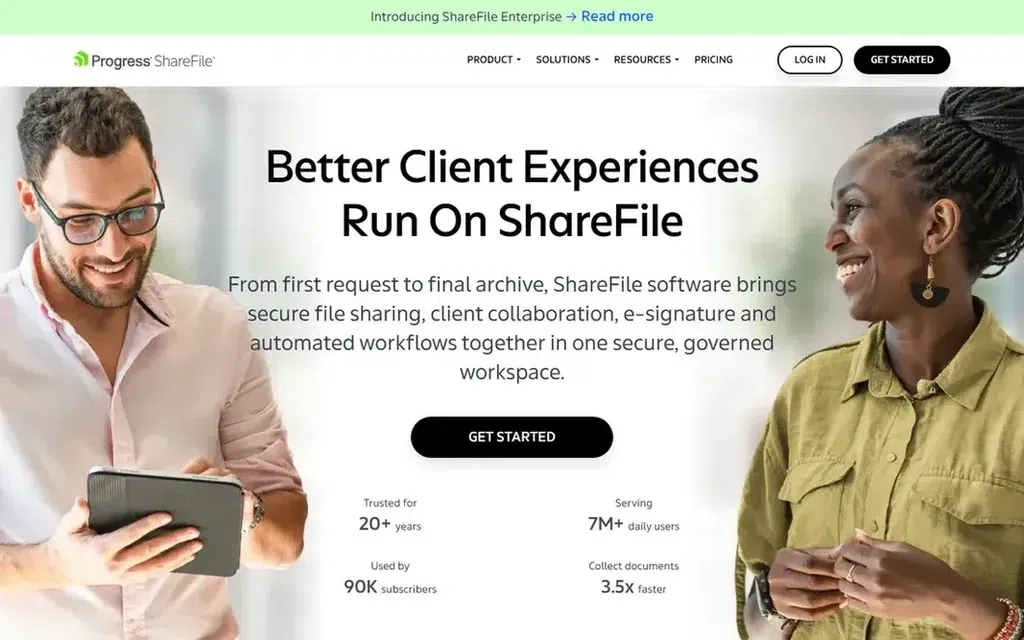
Pick ShareFile if this describes you: secure client file sharing. It fits law businesses that require to exchange files with clients and external parties while maintaining control over sensitive documents.
On cost, ShareFile starts like this: $16.50 per user per month. Free access: Free trial.
Limits to weigh: Needs configuration for legal workflows.
- Secure document workflow and file sharing
- Confident sharing without sacrificing security
- May lack deep legal-specific features
Choose Dropbox Business for straightforward cloud storage and sharing. Dropbox Business gives you cloud storage and sharing along with eSignature, document tracking, and backup. It is a familiar choice for law businesses that require straightforward file sharing and collaboration without a steep ramp-up time.
Points against: May need add-ons for advanced security.
It may lack the legal-specific document management and compliance features found in dedicated legal products. Pick Dropbox Business for simplicity and wide user familiarity. Beyond that, businesses with strict regulatory requirements should verify that its security controls meet their needs. Check the vendor site for Dropbox Business pricing; none is listed in this comparison. On free options: Not stated.
- ESignature and document tracking
- Cloud storage and sharing
- Less legal-specific functionality
Think of Egnyte for governing sensitive content at scale. Law businesses with substantial data governance needs may benefit from its enterprise-oriented capabilities.
Points against: AI context features may need setup.
Its enterprise focus might be more than small or mid-size businesses need. Egnyte starts at: $22 per user per month. As for free access: Free trial.
- Govern sensitive content on one secure product
- AI context layer and content cloud
- Enterprise focus may overwhelm small businesses
Pick OneDrive for Business if this describes you: Microsoft-centric file sharing. OneDrive for Business supplies secure file and document sharing within the Microsoft ecosystem. Its functionality is closely tied to Microsoft services, so businesses outside that ecosystem may not get the full benefit.
It also lacks legal-specific document management features. Choose OneDrive for Business if you want tight integration with Microsoft tools. No starting price is listed for OneDrive for Business here; confirm pricing on the vendor site. Free access: Not stated.
Where it falls short: Less tailored to legal workflows.
- Familiar interface for Microsoft users
- Integrated with Microsoft ecosystem
- Best experience needs Microsoft 365
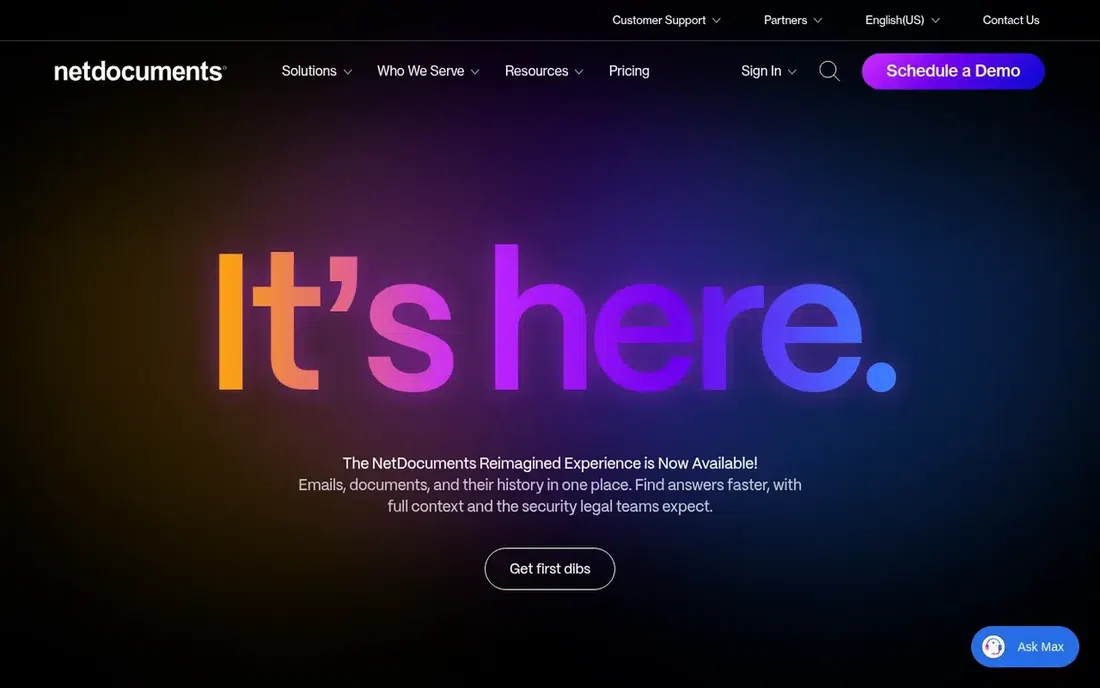
For legal document and email management, NetDocuments is a natural candidate. NetDocuments is a document and email management product built for legal businesses and departments. It emphasizes secure, compliant access from anywhere and aims to automate document and email handling.
Where it falls short: May be more than small businesses need.
In daily use, since it is tailored to legal environments, businesses outside that sector may find it less adaptable for broader business use. In practice, smaller practices with straightforward sharing needs might prefer a lighter tool. This comparison lists no price for NetDocuments; ask the vendor. On free options: Not stated.
Upsides: Aimed at legal businesses and departments.
- Anywhere-accessible system
- Secure, compliant
- Concentrated on legal instead of general business
Selection criteria
We compared the tools on published pricing, free plan or trial availability, feature coverage for secure file sharing for law firms, and the limits each vendor documents. Where a vendor does not publish a price, the entry says quote. Where a price depends on seats or billing term, the entry says so. The order reflects how well each tool fits the most common buying scenario for secure file sharing for law firms, then price clarity, then free plan access. It is a starting point, not a verdict.
Questions to settle before buying
- Confirm the entry price on the vendor page. For Dropbox Business, OneDrive for Business and NetDocuments that means a quote rather than a fixed price.
- Take the trial from ShareFile and Egnyte and push a live task through it before you pay.
- Read the limits listed for ShareFile first: may lack deep legal-specific features.
- Add up seats, add-ons and usage charges for Egnyte before comparing it with cheaper entries.
- List the apps you already depend on and check that OneDrive for Business supports each one on the plan you would buy.
FAQ
How are the tools for secure file sharing for law firms ordered?
The order follows typical fit for secure file sharing for law firms, with ShareFile first and NetDocuments last, then price clarity and free access. It is editorial judgement, not a score, so another team could rank the tools differently.
What should law businesses look for in secure file sharing tools?
Law businesses should prioritize security features like encryption, access controls, and compliance certifications. They should also consider whether the tool supports legal-specific workflows like document and email management.
What is the cheapest option for secure file sharing for law firms in this list?
On published monthly entry prices, ShareFile is the lowest here at $16.50 per user per month. Entry price is only part of the cost, because seats, add-ons and billing terms can change the total. For the full picture, the cards above cover all 5 entries of this secure file sharing for law firms list, including price, free plan and limits.
Is ShareFile the right pick for everyone comparing secure file sharing for law firms?
No single tool suits every team. ShareFile comes first because it fits secure client file sharing, while Dropbox Business suits simple cloud storage and sharing and Egnyte suits governing sensitive content at scale. Match the tool to your own size, budget and workflow before deciding.
Does any tool for secure file sharing for law firms here have a free plan?
A permanent free plan is not offered by ShareFile, NetDocuments or the other tools here. ShareFile, Egnyte offer a trial. Plan a short evaluation period instead.
How does NetDocuments differ from general file sharing tools?
General file sharing tools like Dropbox Business or OneDrive for Business focus on wide storage and sharing. NetDocuments emphasizes compliance and secure access tailored to legal needs.
Sources
- https://www.sharefile.com
- https://www.dropbox.com/business
- https://www.egnyte.com
- https://www.microsoft.com/en-us/microsoft-365/onedrive/online-cloud-storage
- https://www.netdocuments.com