Choosing File Sharing Software for Legal Teams in 2026: 5 Options Compared
5 best file sharing software for legal teams, with entry costs, free tiers and the buyer each one serves. Each profile ends with a plain caveat. Prices checked.

- Editor's choice
 ShareFile
Secure client file exchange
Starts at$16.50 per user per monthVisit sharefile.comFull review - Great alternative
 Box
Content management with workflow automation
Starts atSee websiteVisit box.comFull review - Also consider
 NetDocuments
Legal document and email management
Starts atSee websiteVisit netdocuments.comFull review
Direct answer
ShareFile is the first pick on this list for secure client file exchange. Listed starting prices: ShareFile from $16.50 per user per month. Box is the stronger choice for content management with workflow automation, while NetDocuments suits legal document and email management. The remaining 2 options are covered below with prices and limits.
TL;DR:
- ShareFile is the opening pick, best for secure client file exchange.
- What to know about Box first: general product needs setup for legal use.
- Neither ShareFile nor Microsoft OneDrive, nor any of the other 3 tools, has a permanent free plan; trials and quotes are the norm.
- Microsoft OneDrive is the one to check for file sharing within Microsoft environments.
Last checked November 2026. Prices and plan details were read from the vendors' own pages in November 2026; vendors change plans often, so confirm the current price on the vendor site before you buy.
Quick comparison
| Tool | Best for | Starts at | Free plan? | |
|---|---|---|---|---|
| ShareFile | Secure client file exchange | $16.50 per user per month | Free trial | Visit |
| Box | Content management with workflow automation | See website | Not stated | Visit |
| NetDocuments | Legal document and email management | See website | Not stated | Visit |
| iManage | Knowledge work across legal services | See website | Not stated | Visit |
 Microsoft OneDrive | File sharing within Microsoft environments | See website | Not stated | Visit |
The best file sharing software for legal teams
Short on time? The summary and table above give the quick view of 5 file sharing software for legal teams, and the profiles that follow give the detail behind each entry.
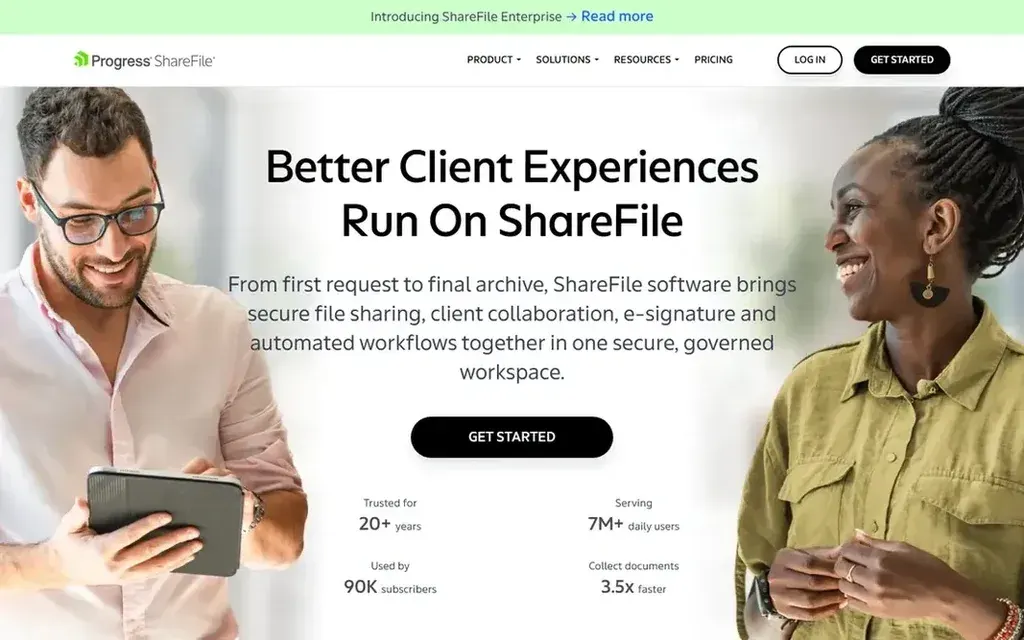
ShareFile makes the most sense for secure client file exchange. ShareFile presents itself as secure document workflow and file sharing software, with a homepage message about sharing and collaborating confidently without sacrificing security. It can serve as a practical middle ground between entry-level storage and a full legal document management system.
Watch-outs: Workflow features may need configuration.
Choose ShareFile when secure, workflow-oriented sharing is the primary requirement. In daily use, teams whose priority is deep email and document management should look at legal-focused choices. In daily use, ShareFile is not presented as a legal-specific document management system, so businesses needing matter-centric organization may want to pair it with other tools. The starting price for ShareFile: $16.50 per user per month. Trial and free access: Free trial.
- Straightforward sharing focus
- Secure document workflow and file sharing
- Less emphasis on legal-specific document management
Think of Box for content management with workflow automation. Box is a general content system instead of a legal-specific system, so matter structures and legal retention practices have to be designed by your team.
Limits to weigh: Wide feature set can be complicated.
Consider Box when cross-team workflow automation and external collaboration matter most. This comparison lists no price for Box; ask the vendor. Free options: Not stated.
- Workflow automation and collaboration
- Protection for sensitive data on one system
- General system needs setup for legal use
NetDocuments targets legal document and email management. It suits legal teams that want file sharing tied closely to matter and email workflows instead of a generic storage service.
For everyday use, choose NetDocuments when legal compliance and email-linked document control are central to how your team shares files. No starting price is listed for NetDocuments here; confirm pricing on the vendor site. Free plan details: Not stated.
Where it falls short: Feature depth can need onboarding effort.
- Compliant system
- Anywhere-accessible document and email management
- Legal-specific focus may not suit general companies
iManage
Best for: Knowledge work across legal services

iManage works best for knowledge work across legal services. Pick iManage when knowledge management and secure collaboration are priorities alongside file sharing.
The main drawbacks: Wide system scope may need planning.
In daily use, for legal teams, that means file sharing sits inside a wider system for organizing and reusing firm knowledge, which fits practices that treat documents as long-term assets. This comparison lists no price for iManage; ask the vendor. Free access: Not stated.
- Runs and activates firm knowledge
- Links people and AI securely
- Positioned for professional services instead of general use
Microsoft OneDrive targets file sharing within Microsoft environments. For legal teams already working in Microsoft environments, it can serve as a familiar place to store and share files.
It integrates naturally with everyday document work. More specifically, businesses needing matter-centric file structures may prefer a legal-focused product. Pricing for Microsoft OneDrive is not stated here, so ask the vendor for current figures. As for free access: Not stated.
Where it falls short: Homepage emphasizes personal storage.
- Secure file and document sharing
- Suits organizations already using Microsoft tools
- Legal-specific controls come from wider configuration
Our selection method
A buyer's checklist
- Get a written quote from Box, NetDocuments, iManage and Microsoft OneDrive; the list shows no starting price for them.
- Take the trial from ShareFile and push a live task through it before you pay.
- Before choosing ShareFile, weigh its main limit: less emphasis on legal-specific document management.
- See whether iManage offers onboarding or training, and whether it is included in the price.
- Check how data leaves NetDocuments: formats, limits and whether exports are available on every plan.
FAQ
Does any tool for file sharing software for legal teams here have a free plan?
A permanent free plan is not offered by ShareFile, Microsoft OneDrive or the other tools here. ShareFile offer a trial. Plan a short evaluation period instead.
What is the cheapest option for file sharing software for legal teams in this list?
On published monthly entry prices, ShareFile is the lowest here at $16.50 per user per month. Entry price is only part of the cost, because seats, add-ons and billing terms can change the total. Each of the 5 options in this file sharing software for legal teams guide has its own card above with the price, free plan and limits.
What makes file sharing software right for legal teams?
Legal teams generally need controlled access, clear organization by matter or client, and secure external sharing. General storage tools can work if your team brings the right controls.
Do these tools publish their prices?
Not all of them. Box, NetDocuments, iManage and Microsoft OneDrive publish no starting price, so expect a quote request for those. The rest, ShareFile included, show a starting price, though seats and billing terms still change the final cost.
Can I try these tools before paying?
Often, yes. ShareFile offers a free trial. Use your own data and a real task during the test, and check what the free tier or trial limits before you rely on it.
Sources
- https://www.sharefile.com
- https://www.box.com
- https://www.netdocuments.com
- https://imanage.com
- https://www.microsoft.com/en-us/microsoft-365/onedrive/online-cloud-storage